 ENEnglish
 LTLietuviškai
 DEDeutsch
 FRFrançais
 RUРусский
 ESEspañol
 PLPolski
 ITItaliano
 UKУкраїнська
 CSČeština
 PTPortuguês
 JA日本語
JA日本語 LVLatviešu valoda
 ETEesti
 HUMagyar
 IDBahasa Indonesia
 TRTürkçe
 HIहिन्दी
 ELΕλληνικά
 ARالعربية
 THไทย
THไทย VITiếng Việt
 RORomână
 MSBahasa Melayu
 BNবাংলা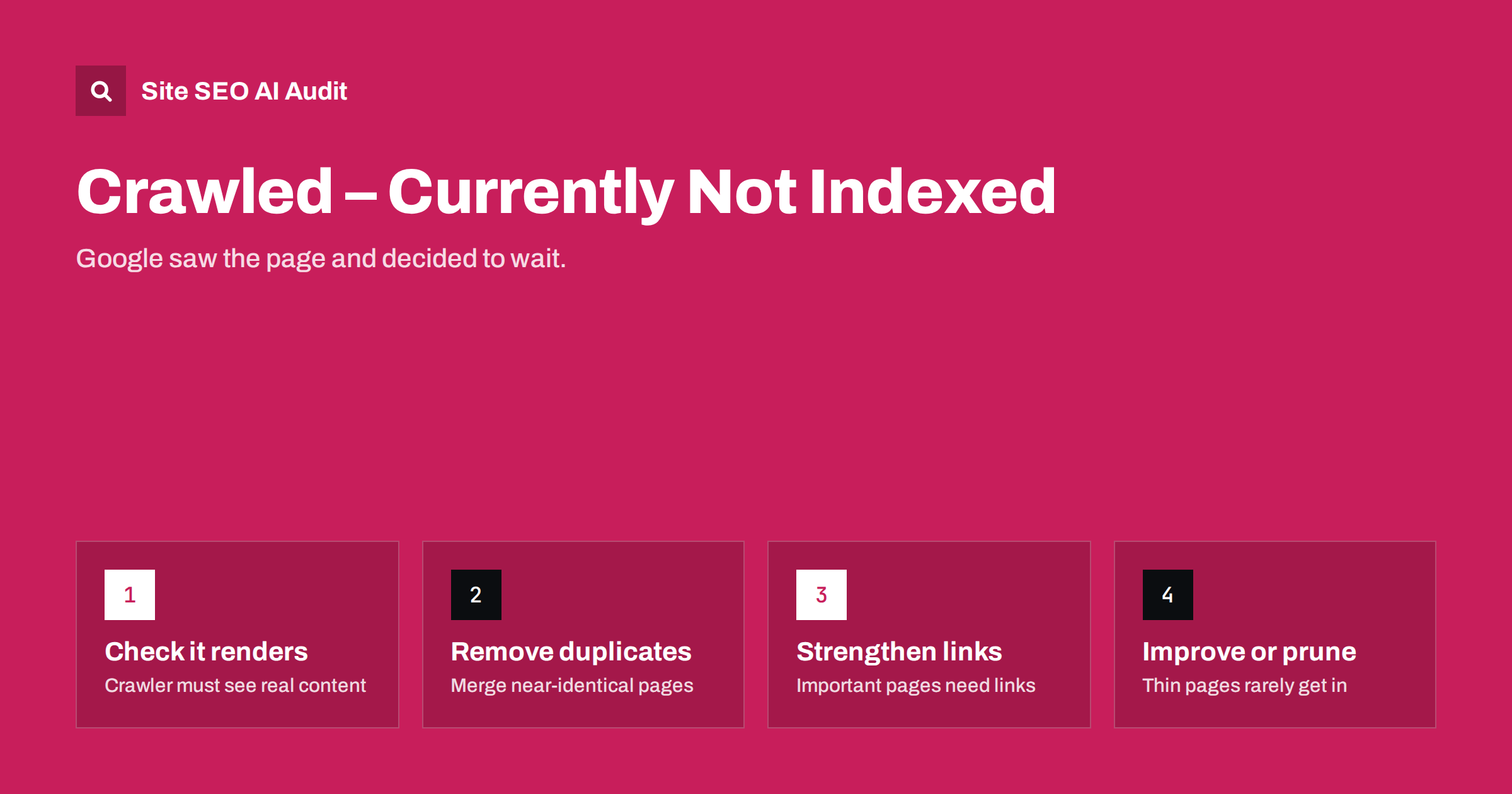
Short answer: “Crawled – currently not indexed” in Search Console means Google fetched the page but decided not to add it to the index, at least for now. It is not an error you can switch off; it is usually a judgement that the page adds too little compared with other pages, or that it looks like a duplicate. Fix it by checking the page renders fully, consolidating duplicates, improving thin content, linking important pages better, and removing pages that do not deserve to be indexed.
What the status actually means
Search Console’s page indexing report groups every known URL by status. This one sits among the reasons pages are not indexed. It tells you three things:
- Google knows the URL.
- Google crawled it successfully, so robots.txt, server errors and redirects are not the cause.
- Google chose not to index it. The decision may be revisited on later crawls.
Google’s own page indexing report documentation describes it simply: the page was crawled but not indexed, it may or may not be indexed in the future, and there is no need to resubmit it. That last point matters. Requesting indexing again without changing anything rarely helps for long.
It is different from “Discovered – currently not indexed”, where Google knows the URL but has not crawled it yet. That status points more toward crawl capacity and prioritisation; this one points toward the page itself.
Is it a problem at all?
Before fixing anything, look at which URLs are in the list. On most sites, a share of them should not be indexed anyway:
- paginated archive pages (page 2, 3, 4 of a category or blog);
- tag pages with one or two posts;
- URLs with parameters, feeds or print versions;
- old, thin or outdated pages nobody visits.
If the list contains mainly such URLs, the status is working as intended, and your job is to reduce how many of them you expose, not to force them in. It becomes a real problem when important pages appear there: key product pages, service pages, fresh articles or category pages you want to rank.
Cause 1: the page is thin or not useful enough
The most common reason is quality relative to what already exists. Pages that often get stuck:
- product pages with only a manufacturer description copied across many shops;
- location or service pages that differ only in a city name;
- short articles that repeat what dozens of other pages already say;
- category pages with a heading and a few products but no content of their own;
- auto-generated pages built from templates with little real data.
The fix is to make the page genuinely more useful: original descriptions, specific details, answers to real questions, images, comparisons, pricing context and clear structure. If you cannot make a page substantially better, it may be better to merge it into a stronger page or remove it.
Cause 2: duplicates and near-duplicates
When several pages are very similar, Google often indexes one and leaves the others out. Sometimes they are reported under duplicate statuses, but near-duplicates frequently land in “Crawled – currently not indexed”. Look for:
- product variants with separate URLs and identical text;
- the same article under several categories or dates;
- HTTP/HTTPS, www/non-www or trailing slash versions that do not redirect;
- parameter URLs from sorting, filtering or tracking;
- several blog posts written on almost the same topic.
Consolidate with 301 redirects where the duplicate does not need to exist, canonical tags where it must stay accessible, and by merging overlapping content into one strong page.
Cause 3: the page does not render as you think
Sometimes Google sees a much emptier page than your visitors do. If the main content, product details or reviews load through JavaScript, an API call or a consent step, the rendered version may contain little more than the header and footer. To check:
- Open URL Inspection for the URL and run a live test.
- View the rendered HTML and screenshot. Is the main content there?
- Check the “page resources” section for blocked or failed scripts and API requests.
- Compare with the raw HTML from
curl. If the important text only exists after JavaScript runs, consider server-side rendering for it.
If rendering is the cause, the page is effectively empty to the indexer, and no amount of content improvement will help until it renders properly.
Cause 4: weak internal signals
Pages that are poorly linked, buried deep in pagination or only present in the sitemap are treated as less important. A page with no internal links sends a quiet message that even you do not consider it important. Fixes:
- link important pages from relevant category pages, hub pages and related articles;
- reduce click depth, so key pages are within a few clicks of the home page;
- use descriptive anchor text;
- make sure links are standard HTML links crawlers can follow.
Cause 5: site-wide quality and index bloat
If a site exposes huge numbers of low-value URLs, search engines may become more selective about indexing any of its new pages. Shops with endless filter URLs, blogs with thousands of tag archives and sites with auto-generated pages often see a growing “Crawled – currently not indexed” count. Reducing index bloat, by noindexing or removing low-value page types and blocking crawl traps, often helps the pages that matter.
A step-by-step way to work through the list
- Export the URLs from the report and group them by pattern: product, category, article, tag, parameter, pagination.
- Mark each group as “should be indexed” or “should not”. For the second group, reduce exposure: remove internal links, keep them out of the sitemap, noindex or block patterns where appropriate.
- For “should be indexed” groups, inspect a sample of URLs with URL Inspection, checking rendering and the Google-selected canonical.
- Compare with similar pages that are indexed. What do they have that these lack: more content, more links, unique data?
- Improve, merge or remove. Improve pages with potential, merge overlapping ones, remove or noindex those with no future.
- Request indexing only after meaningful changes, for a handful of important URLs, then watch the trend over several weeks.
| What you find | Most likely cause | Action |
|---|---|---|
| Rendered page is nearly empty | JavaScript or API rendering | Output main content in HTML |
| Many pages with near-identical text | Duplicates | Merge, redirect or canonicalise |
| Short, generic content | Thin page | Rewrite with unique value or remove |
| Page only reachable via sitemap | Weak internal links | Link from relevant pages |
| Mostly tags, pagination, parameters | Expected behaviour | Reduce exposure, not force indexing |
What not to do
- Do not repeatedly request indexing for unchanged pages. It does not change Google’s assessment.
- Do not use indexing API tricks meant for other content types. They are not a shortcut for normal pages.
- Do not add more thin pages to compensate. That usually makes the pattern worse.
- Do not panic about normal numbers. A large site will always have some URLs in this status.
- Do not delete pages in bulk based only on this report. Some of them may receive visits from other sources, or have backlinks worth keeping. Check traffic and links first.
To track progress, save the export with a date and repeat it every few weeks. Watch the number of important URLs in the list, not the total. The total can rise simply because Google discovered more of your low-value URLs, while the pages that matter move into the index. Pair the report with a fresh crawl of your site, so you know whether new problems appeared in the meantime.
How Site SEO AI Audit helps with indexing problems
The audit looks at the same page-level factors that usually decide indexing. It reports thin and duplicate content and duplicate titles in the on-page area, weakly linked, orphan and deep pages in the links and crawl areas, canonical problems, and content that needs JavaScript to appear. Each issue lists the affected URLs and is weighted by how much of the site it touches, so you can see whether you face a template problem or a few weak pages. You can run a free audit and compare its findings with your Search Console list.
Related reading
- Thin content: how to find and fix low-value pages
- Canonical tags explained: how to set them and fix errors
- Orphan pages: how to find them and what to do with each
- Internal linking strategy: a step-by-step guide
The bottom line
“Crawled – currently not indexed” means Google saw the page and chose not to include it yet. Decide first whether the URL should be indexed at all. For pages that should, confirm they render fully, remove duplicate competition, strengthen internal links and make the content clearly worth indexing. Then give it time rather than resubmitting.
GYIK
How long does it take for a crawled page to get indexed?
There is no fixed time. Some pages are indexed on a later crawl after days, others never are. Meaningful improvements to content, rendering or internal links usually matter more than waiting.
Should I request indexing for these pages?
Only after you have changed something meaningful, and only for important pages. Requesting indexing for unchanged pages rarely has a lasting effect, and Google says resubmitting is not necessary.
Is “Crawled – currently not indexed” a penalty?
No. It is a normal indexing decision, not a manual action. It usually reflects page quality, duplication or weak signals, and it can change on later crawls.
What is the difference from “Discovered – currently not indexed”?
“Discovered” means Google knows the URL but has not crawled it yet. “Crawled” means it fetched the page and decided not to index it. The first points toward crawl priority, the second toward the page itself.
Can technical issues cause this status?
Yes. Content that only appears after JavaScript runs, blocked resources, or duplicates created by URL variations can all lead to it. Check rendering and canonicals before assuming it is only a content quality issue.


