ENEnglish
 LTLietuviškai
 DEDeutsch
 FRFrançais
 RUРусский
 ESEspañol
 PLPolski
 ITItaliano
 UKУкраїнська
 CSČeština
 PTPortuguês
 JA日本語
JA日本語 LVLatviešu valoda
 ETEesti
 HUMagyar
 IDBahasa Indonesia
 TRTürkçe
 HIहिन्दी
 ELΕλληνικά
 ARالعربية
 THไทย
THไทย VITiếng Việt
 RORomână
 MSBahasa Melayu
 BNবাংলা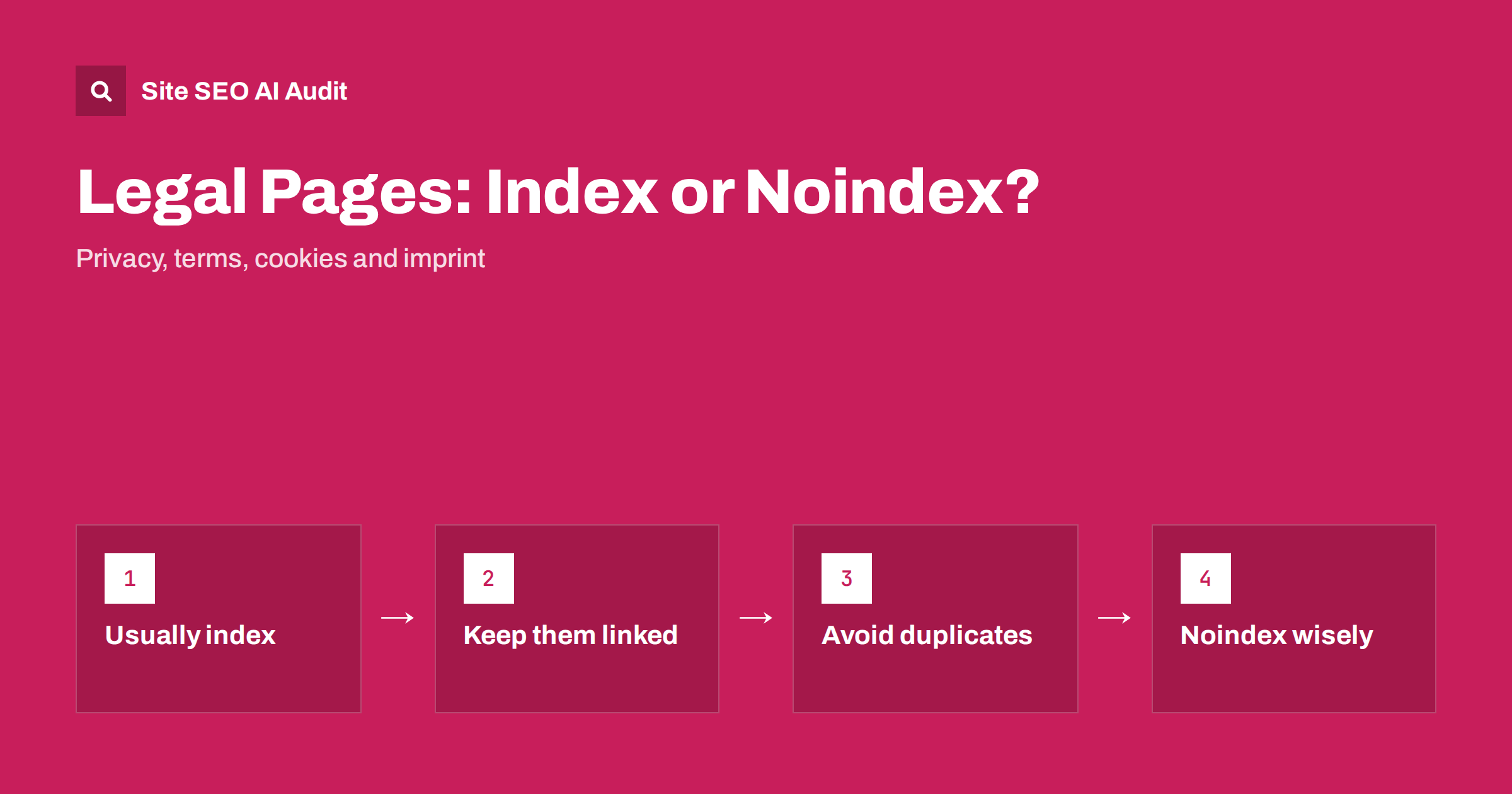
Short answer: In most cases, leave your main legal pages indexable: privacy policy, terms of service, cookie policy, returns policy and company information or imprint. They rarely bring much traffic, but people do search for them, they support trust, and they cost almost nothing in crawling. Link them from the footer with plain HTML links and give each a clear title. Use noindex only for duplicate copies, auto-generated policy variants, old versions and legal documents shown inside checkout or app flows. Never block legal pages in robots.txt.
Legal pages are among the most common subjects of “should we noindex this?” debates. Some SEO advice treats them as thin pages that waste crawl budget; other advice treats them as trust signals that search engines expect to see. Both views contain some truth. The right decision depends on what the page is, how many versions of it exist and who is looking for it.
What legal pages do for a website
Legal pages exist first for legal and practical reasons: to inform visitors, meet regulatory requirements and set the rules for a service. Their search value is secondary but real:
- People search for them. “Company name returns policy”, “company name privacy policy” and “company name terms” are common searches, especially before a purchase or a sign-up.
- They support trust. Clear information about who runs a site, how data is handled and how to complain is part of what makes a business look legitimate to users. Google’s guidance on helpful, reliable content emphasises being transparent about who is behind a site.
- They answer practical questions. Shipping, returns, cancellation and refund policies are often what customers need most, and AI answers quote them when asked about a business.
Our guide to about page SEO covers the related trust page that most sites also need.
The case for indexing them
For a typical business site with a handful of legal pages, indexing is the sensible default:
- Crawl cost is negligible. Five or ten pages that rarely change do not affect crawl budget on a normal site. Crawl budget matters for very large sites, as our crawl budget guide explains.
- They do not harm the rest of the site. A long privacy policy is not “thin content” in a harmful sense. It serves a clear purpose and users understand it.
- Navigational searches need a destination. If someone searches for your refund policy and the page is noindexed, they land on a third-party site or a forum instead.
- Policy pages are useful sources for AI answers about your business, such as “does this shop accept returns after 30 days”. A noindexed page cannot be cited in search features that rely on the index.
When noindex makes sense
Noindex is the right tool when the legal content exists in several copies or has no standalone value:
- Duplicates and variants: the same terms published under several URLs, policy pages generated per product or per partner, or printable versions.
- Old versions: archived versions of terms kept for reference. Keep one current page indexable and noindex or clearly mark the archive.
- Embedded flows: terms shown in a checkout step, a sign-up modal or a mobile app web view under a separate URL.
- Generated boilerplate: template policies that apply to many subdomains or white-label sites with identical text.
- Personal or account-specific documents: signed agreements, invoices and contracts, which should not be public at all, let alone indexed.
For true duplicates, a canonical tag to the main version is often better than noindex, because it consolidates signals. Our guide to noindex vs robots.txt disallow explains the options and why combining them fails.
Why robots.txt is the wrong tool
Blocking legal pages in robots.txt is a common mistake, often made to “save crawl budget”. It causes several problems:
- search engines cannot crawl the page, but they can still index the URL from links, showing a result with no description;
- a noindex tag on a blocked page is never seen, so it cannot take effect;
- you lose control of how the page appears in results.
If a page should not be in search, allow crawling and use noindex. If it should be in search, allow crawling and leave it indexable. Our robots.txt guide covers what blocking is actually for.
How legal pages should be linked
Legal pages are normally linked from the footer of every page, which is exactly right for users and crawlers. A few details matter:
- Use plain HTML links with clear anchor text: “Privacy policy”, “Terms of service”, “Returns”. Links built only with JavaScript, or hidden inside a cookie banner, may not be crawled reliably.
- Do not nofollow them. Nofollow on internal links to your own legal pages does not save anything useful, and it can make them look less important than they are.
- Link from relevant places. Link the returns policy from product pages and the cart, the privacy policy from forms that collect data.
- Keep URLs stable and readable, such as
/privacy-policy/rather than a URL with an ID that changes when the document is updated.
Titles, structure and readability
Legal pages are often published as one long block of text with a generic title like “Legal”. A little structure makes them more useful to people and to search:
- Give each page a unique, descriptive title, such as “Returns and Refund Policy – Shop Name”.
- Write a short meta description that says what the policy covers, or let it be generated from a clear first paragraph.
- Use headings for each section, so users and search features can jump to “How to return an item” or “Data we collect”.
- Add a summary in plain language at the top, where your legal advisers agree it is appropriate.
- Show the date of the last update.
The binding wording remains the full text, but a clear structure helps everyone find the relevant part. A table of contents with jump links works well on long policies.
Multilingual and multi-country legal pages
International sites often have legal pages that differ by country, because consumer law, privacy law and company details vary. Treat them like any other localised content:
- if the policy differs by country, each version is a separate page with its own URL and hreflang annotations;
- if the text is the same but translated, use hreflang between the language versions;
- do not show the wrong country’s policy by default; a visitor from one country reading another country’s return rights is a real problem, not only an SEO one;
- keep translations in sync with the original, as described in keeping translations in sync.
Common mistakes
| Mistake | Why it is a problem | Fix |
|---|---|---|
| Noindex on all legal pages by default | Searches for your policies land elsewhere | Index the main, current version of each policy |
| Legal pages blocked in robots.txt | URLs indexed without content; noindex ignored | Allow crawling, decide with noindex or canonical |
| Same title on every legal page | Duplicate titles, unclear results | Unique title per policy |
| Policy only inside a PDF or pop-up | Hard to read, link and find | Publish an HTML page, offer the PDF as an extra |
| Copied policy text from another site | Legally risky and duplicate content | Write or adapt policies for your own business |
| Dozens of auto-generated policy URLs | Index bloat with identical pages | One page per policy; canonical or noindex variants |
Check the indexing settings of every page
Legal pages are a small part of a bigger question: are the right pages indexable and the wrong ones not? Site SEO AI Audit crawls your site like a search engine and checks robots.txt, noindex, canonicals, duplicate titles and thin content on every page, so a noindex tag on an important page or a blocked policy URL is easy to spot. The first audit of up to 200 pages is free, and larger sites get a preliminary report of the first 200 pages.
Related reading
- Index bloat: clean up unwanted indexed URLs
- Boilerplate text and how repeated blocks affect pages
- Which meta tags matter for SEO
The bottom line
Keep the main, current version of each legal page indexable, linked from the footer and relevant pages with plain HTML links, with a unique title and a readable structure. Use canonical tags or noindex for copies, variants, archives and embedded flows. Never block legal pages in robots.txt, and keep private documents out of public URLs entirely.
GYIK
Should a privacy policy be noindexed?
Usually not. A single privacy policy costs almost nothing to crawl, people search for it, and it supports trust. Noindex only makes sense for duplicate copies, auto-generated variants or versions embedded in other flows.
Do legal pages count as thin content?
Not in a harmful sense. Legal pages have a clear purpose that users understand, and search engines do not penalise a site for having them. Thin content problems come from large numbers of low-value pages, not from a few policies.
Should footer links to legal pages be nofollow?
No. Nofollow on internal links to your own legal pages has no useful effect and can make them harder to discover. Use normal HTML links with clear anchor text.
Can I block terms and conditions in robots.txt?
It is not recommended. Blocked pages can still be indexed from links without a description, and a noindex tag on a blocked page is never seen. Allow crawling and use noindex if a page must stay out of search.
What about cookie policy and imprint pages?
Treat them like other legal pages: keep the main version indexable, link it from the footer and give it a clear title. In countries that require an imprint or company details page, it is also a useful trust page for users.