 ENEnglish
 LTLietuviškai
 DEDeutsch
 FRFrançais
 RUРусский
 ESEspañol
 PLPolski
 ITItaliano
 UKУкраїнська
 CSČeština
 PTPortuguês
 JA日本語
 LVLatviešu valoda
 ETEesti
 HUMagyar
 IDBahasa Indonesia
 TRTürkçe
 HIहिन्दी
 ELΕλληνικά
 ARالعربية
 THไทย
 VITiếng Việt
 RORomână
 MSBahasa Melayu
 BNবাংলা
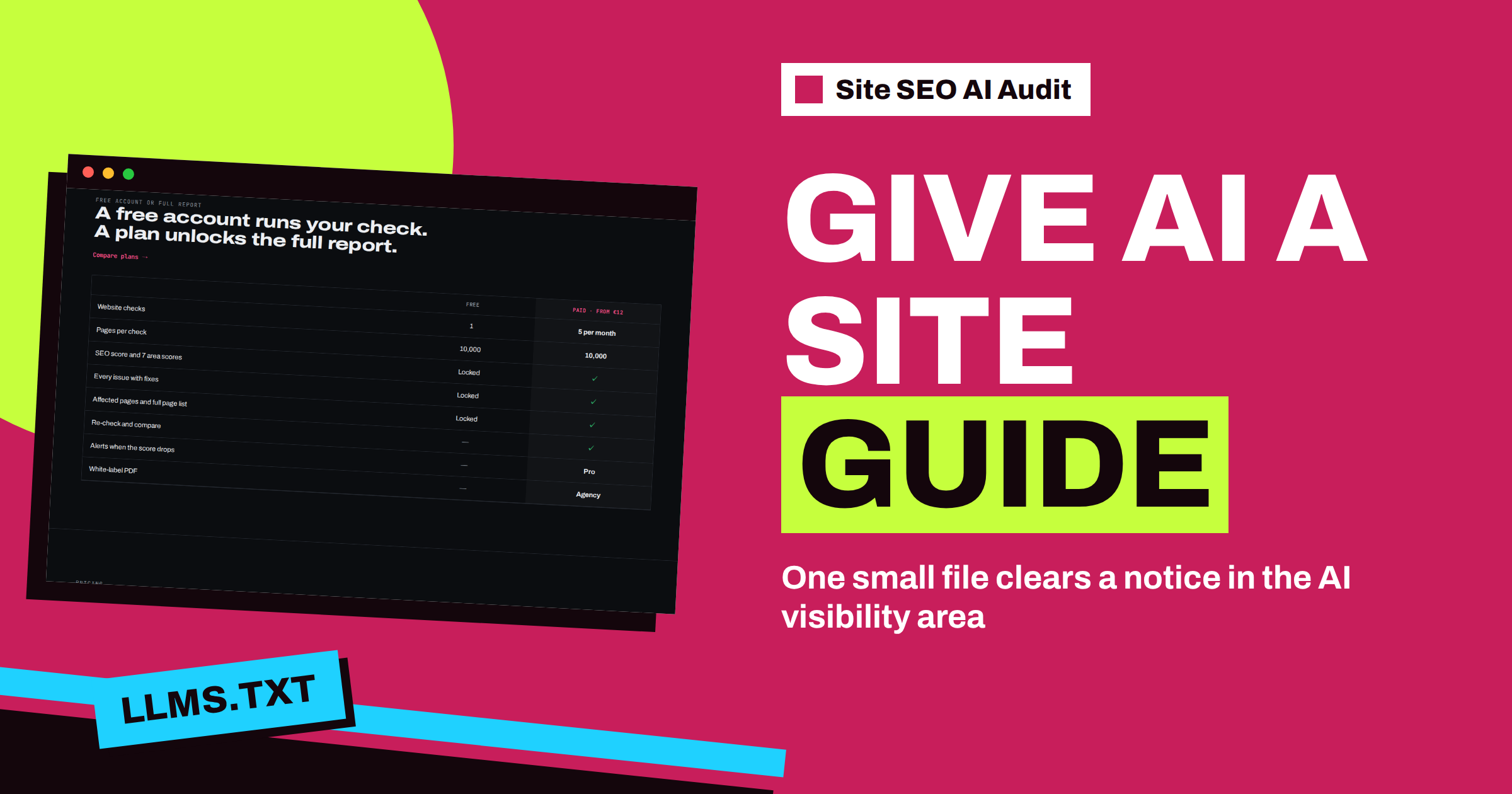
Short answer: “No llms.txt” is a notice in the AI visibility area of Site SEO AI Audit. It appears when your website has no llms.txt file at its root. It is the lightest finding in the report, worth one point in the scoring formula, and it concerns the whole website, so a single file clears it. Create a short text file at the root of your domain that says what you do and lists your most useful pages with one line each, check that it opens as plain text, and run a new check.
The llms.txt file is a young idea: a short, plain guide to your website written for AI assistants, in the same way that robots.txt is a set of rules written for crawlers and the sitemap is a list written for search engines. Nobody can promise that it will bring citations, and the audit does not pretend otherwise. It treats the file as a cheap, sensible habit and gives it the lowest severity. This article explains what the check does, how much it matters in your score and how to write a file that is actually useful.
What the check looks for
At the start of a check, the crawler reads three files at the root of your domain: robots.txt, the XML sitemap and llms.txt. It records whether llms.txt exists and can be read. If it does not, the finding “No llms.txt” is added to the report as a site-level notice. The explanation in the report is short: llms.txt is a short guide to your site for AI assistants, and the fix is to add /llms.txt with your key pages and what you do.
Because the finding is about the website, not about individual pages, the report does not show a list of affected pages. It shows one card. In the scoring formula, a site-level issue counts as affecting all pages, and a notice counts one point, against four for a warning and ten for a critical issue. The AI visibility area carries eight percent of the total score and contains five checks: AI assistants blocked in robots.txt, no llms.txt, content that needs JavaScript, long pages without subheadings and articles without a publish date. The article on AI visibility checks in Site SEO AI Audit describes all five.
How many points is it worth?
Very few. The area score is calculated from the penalties of its five checks, and one notice is the smallest possible penalty. In the “fix by impact” list, which sorts every finding by the number of points it would add, this notice usually sits near the bottom. That is the right place for it. If your report also shows critical issues, such as broken canonicals or pages with errors, fix those first. Add llms.txt on a quiet afternoon, when the important work is done.
It still earns its place, because it is fast. A good file takes fifteen minutes, and it is one of the few findings that you can close completely in one step. The article about fixing SEO issues by impact shows how to mix such quick wins with the bigger repairs.
What a useful llms.txt contains
The file is plain text, usually written in Markdown. It does not have to be long. A reader, human or machine, should be able to learn three things from it: who you are, what you offer and where the best pages are.
- A title. The name of the website or the business, on the first line.
- A one-paragraph summary. Two or three sentences in plain words: what the site is, who it serves and where it operates.
- Key facts. Things people ask assistants about you: products, services, prices if they are public, contact options, opening hours.
- A list of key pages. Each with a link and a short note about what the page contains.
Write it the way you would explain your site to a new colleague on the phone. Avoid marketing slogans and keyword lists. Facts that are current and easy to quote are what an assistant can use. If your site has a help centre, a price list or a clear “about” page, those belong in the list. A short example looks like this.
# Example Studio

> Example Studio designs and builds websites for small businesses in Vilnius.

## Key pages
- [Services](https://example.com/services/): what we build and how a project runs
- [Pricing](https://example.com/pricing/): packages and what each includes
- [Contact](https://example.com/contact/): address, phone and e-mail
Where to put the file
The file must be available at the root of the domain, at the address of your site followed by /llms.txt. A file in a subfolder is not found by the check. The server should return it with status 200 and as plain text, not as a web page with a theme around it. Open the address in a browser: if you see your header and menu around the text, the file is being served by a page template and should be fixed.
On WordPress there are two simple routes: upload a file named llms.txt to the site root with your hosting file manager or FTP, or use a plugin that generates one. The step by step instructions are in the guide on adding an llms.txt file to a WordPress site. For the background of the idea, and whether you need one, read llms.txt explained.
Step by step: from report to repair
- Open the issue card. Read the description in the AI visibility area.
- List your ten best pages. The ones you would want an assistant to mention: main services, pricing, key guides, contact.
- Write the file. Title, summary, key facts and the list with one line per page.
- Upload it to the root. Make sure the address is yoursite.com/llms.txt.
- Open it in a browser. Check that it shows plain text and that the links work.
- Run a new check. Starter, Pro and Agency include re-checks. The notice should be gone from the AI visibility area.
Keeping the file honest
A guide that is out of date is worse than none. When you rename a page, remove a product or change a price, update the file in the same change. Do not list pages that are blocked in robots.txt or marked noindex, because that sends mixed signals. And do not copy your whole sitemap into it: the point is a short, human-chosen selection. If you want the assistants to read your site at all, check the other AI finding that matters more than this one. “AI assistants are blocked in robots.txt” is a warning, and it can switch off the benefit of a perfect guide. The article on allowing or blocking AI crawlers in robots.txt explains the rules.
Be realistic about the benefit
There is no official promise from any search engine or assistant that an llms.txt file improves visibility. Treat it as a low-cost helper, in the same class as a clear about page. The real work for AI visibility is the content itself: clear structure, accurate facts, visible dates and pages that can be read without scripts. The audit checks those as well, and they matter more than the file. Run a check, fix the larger findings, and use the plans on the pricing page to repeat the check as often as you need: Starter has five checks a month, Pro twenty and Agency one hundred.
Common mistakes with the file
A few errors appear again and again, and each one makes the file less useful or invisible to the check.
- The wrong name or place. The file must be called llms.txt, in lower case, at the root. Names such as LLMs.txt, llm.txt or a file in a folder will not be found.
- An error page served as the file. Some sites answer every unknown address with their home page or a friendly error page and status 200. Always open the address yourself and read what comes back.
- A file that is too long. A list of every page on the site is a sitemap, not a guide. Choose the pages that explain your business best.
- Private information. The file is public. Leave out internal links, staging addresses and anything that is not meant for visitors.
- Forgetting multilingual sites. If you serve several languages, write the summary in your main language and list the key page of each language version, so that an assistant can send people to the right one.
If you run a small business, remember that the same facts you put in the file should appear on your normal pages. An assistant that finds a claim only in llms.txt, and nowhere on the site, has no reason to trust it. Treat the file as a short index of facts that the site already proves.
Related reading
- llms.txt Explained: What It Is and Whether You Need One
- How to Add an llms.txt File to a WordPress Site
- AI Visibility Checks in Site SEO AI Audit Explained
The bottom line
“No llms.txt” is the lightest finding in the report and one of the quickest to close. Write a short, honest guide with a summary and your best pages, put it at the root of your domain, check that it opens as plain text and run a new check.
GYIK
Is llms.txt required for SEO?
No. It is optional, and no search engine promises a ranking benefit. The audit lists the missing file as a notice, the lowest severity.
Where exactly must the file be?
At the root of your domain, for example at the address of your site followed by /llms.txt. A copy in a subfolder is not found by the check.
Does the notice list affected pages?
No. It concerns the whole website, so the report shows a single card without a page list.
Can the file hurt my site?
It is a plain text file with public information, so it cannot harm your pages. Do not put anything in it that you would not want to be public.
How do I confirm that the notice is gone?
Open the file in a browser, then run a new check. Re-checks are included in Starter, Pro and Agency.


