ENEnglish
 LTLietuviškai
 DEDeutsch
 FRFrançais
 RUРусский
 ESEspañol
 PLPolski
 ITItaliano
 UKУкраїнська
 CSČeština
 PTPortuguês
 JA日本語
JA日本語 LVLatviešu valoda
 ETEesti
 HUMagyar
 IDBahasa Indonesia
 TRTürkçe
 HIहिन्दी
 ELΕλληνικά
 ARالعربية
 THไทย
THไทย VITiếng Việt
 RORomână
 MSBahasa Melayu
 BNবাংলা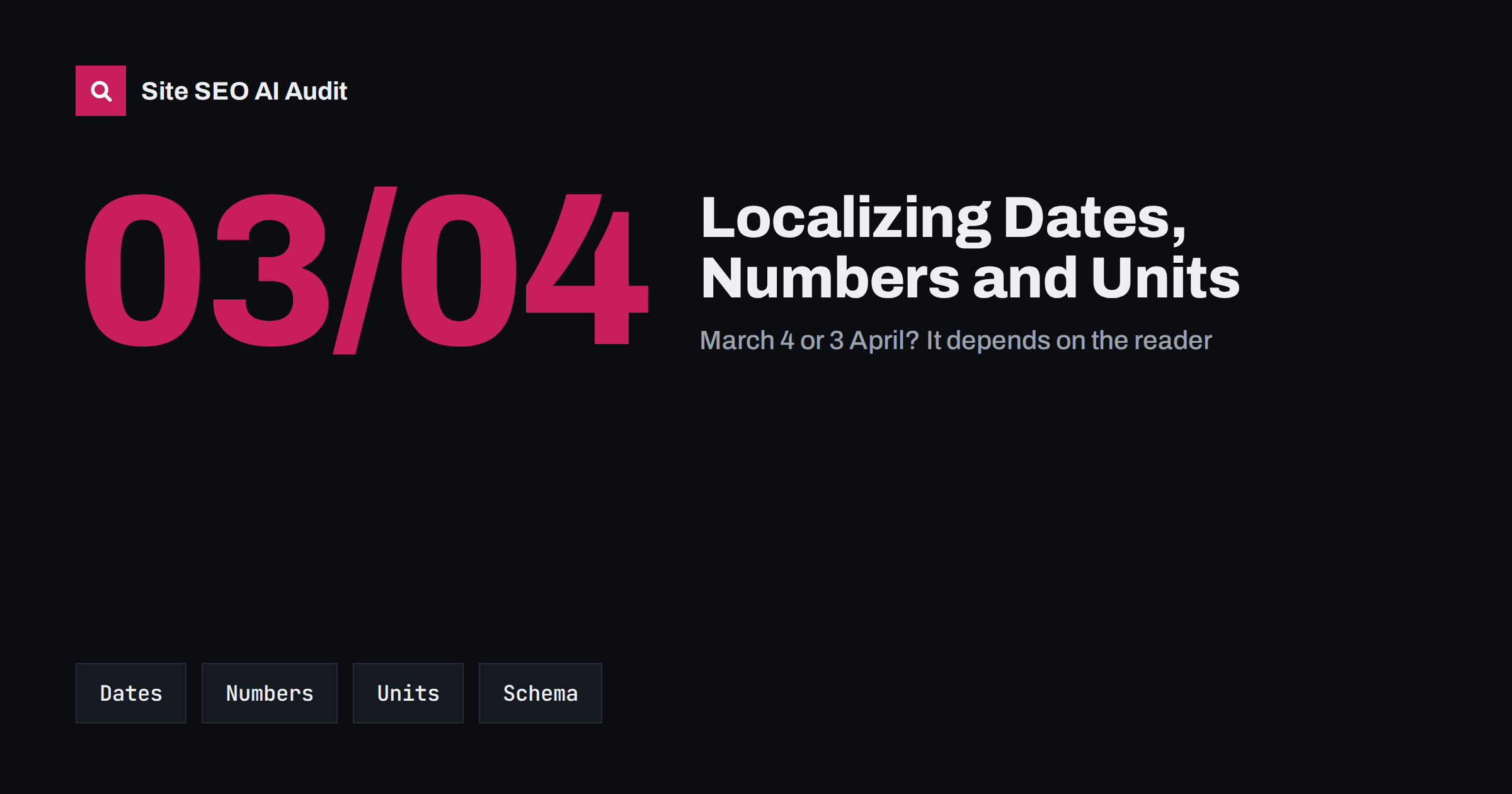
Short answer: Localizing formats means showing dates, numbers, units, times, phone numbers and addresses the way each market writes them, while keeping machine-readable data in standard formats. Show “4 March 2026” or “4.3.2026” to European readers and “March 4, 2026” to US readers, use the local decimal and thousands separators, and give units the market expects. In structured data, always use ISO 8601 dates and plain dot decimals. Formats do not rank pages by themselves, but wrong ones confuse readers and make a translated site feel foreign.
Translation gets most of the attention in international SEO, yet many localized sites still show a US date on a German page or a price written as “1,500.00” to French readers. These details look small, but they are exactly what makes visitors trust, or doubt, that a page was made for them. They can also cause real misunderstandings, from wrong delivery dates to wrong quantities.
Why formats matter for international SEO
Search engines decide relevance mostly from language, content and signals such as hreflang. Formats play a supporting role:
- Trust and conversions. A page that uses familiar formats feels local. Mismatched formats are a common sign of a machine-translated or careless site.
- Clarity. A date such as 03/04/2026 is ambiguous. Readers in the US read it as March 4; most of Europe reads it as 3 April.
- Consistency with the market. Local formats are part of the wider localization work that separates a translated site from a localized one, as explained in translation vs localization.
- Snippets and dates. Search engines show dates in results and use them to judge freshness. Clear, unambiguous dates on the page and in structured data reduce the chance of the wrong date being shown.
Dates
Date formats differ in three ways: the order of day, month and year, the separators, and whether month names are used.
| Market | Typical numeric format | Written example |
|---|---|---|
| United States | MM/DD/YYYY | March 4, 2026 |
| United Kingdom, Ireland | DD/MM/YYYY | 4 March 2026 |
| Germany, Austria, Switzerland | DD.MM.YYYY | 4. März 2026 |
| France, Spain, Italy | DD/MM/YYYY | 4 mars 2026 |
| Lithuania, Sweden and others | YYYY-MM-DD | 2026 m. kovo 4 d. (Lithuanian) |
| Japan, China | YYYY/MM/DD | 2026年3月4日 |
The safest choice for content pages is to write the month as a word in the page language. It cannot be misread, and it is easy to translate. For tables, forms and listings where space is short, use the market’s numeric format consistently. If you serve several English-speaking markets from one page, avoid numeric dates entirely.
Publication and update dates deserve extra care, because readers and AI answers use them to judge whether information is current. Our guide to content dates and freshness covers where to show them.
Numbers, decimals and thousands
The same number is written differently across markets:
- English (US, UK): 1,234.56
- German, Italian, Spanish (Spain): 1.234,56
- French, Lithuanian, Polish and others: 1 234,56, with a space, ideally a non-breaking one, as the thousands separator
- Swiss German: often 1’234.56
A reader in Germany who sees “1.500” understands one thousand five hundred; a reader in the US may see one and a half. On product pages, technical specifications and price lists, this is not a style issue but a correctness issue.
Percentages and currencies have their own rules too: “25 %” with a space in French and German, the currency symbol before or after the amount, and different spacing. Prices are a topic of their own, covered in local currency and prices.
Units of measurement
Most of the world uses metric units, while the US mostly uses imperial units, and the UK mixes both, for example miles on road signs and metric units in many other contexts. Practical rules:
- Use the units your target market searches in. People in the US search for sizes in inches and feet; people in Germany in centimetres and metres. Keyword research per market shows this quickly.
- For international English pages, show both: “30 cm (11.8 in)”. Put the main market’s unit first.
- Convert values sensibly. A product that is exactly 30 cm should not become “11.811 in”; round to what is useful.
- Do not forget clothing and shoe sizes, temperatures, fuel consumption and paper sizes such as A4 and US Letter.
Times, phone numbers and addresses
- Time: the 12-hour clock with AM and PM is common in the US and some other countries; much of Europe uses the 24-hour clock. For events and opening hours, always state the time zone, especially on pages read across borders.
- Phone numbers: show numbers in international format with the country code, for example +370 for Lithuania, on pages for foreign visitors. Local formats with a leading zero do not work when dialled from abroad. Making the number a clickable
tel:link with the full international number helps on mobile. - Addresses: the order of street, house number, postcode and city differs by country. Write your own address the way your country writes it, and adapt address forms to the visitor’s country so that checkout does not reject valid local postcodes.
Local contact details are also strong trust signals for country sites, as described in local trust signals for country sites.
Structured data: always the standard format
Visible text should follow local conventions, but machine-readable data should not. In schema.org markup:
- use ISO 8601 for dates and times, for example
2026-03-04T09:00:00+02:00, including the time zone offset; - write prices as plain numbers with a dot decimal and no thousands separator, for example
1234.56, and give the currency as an ISO 4217 code such as EUR inpriceCurrency; - use standard unit codes where a property expects them, and keep the visible text and the markup consistent in meaning.
Translated sites often break here: a translation plugin or a translator localizes the JSON-LD as well, turning “1234.56” into “1.234,56”, which makes the value invalid. Our guide to multilingual structured data explains what to translate and what to leave alone. Site SEO AI Audit checks schema.org markup on every page and flags invalid JSON-LD, and its Languages area checks hreflang return links, x-default and lang attributes, so you can see broken language versions and broken markup in one report. The first audit is free.
How to implement local formats on a website
- Define formats per locale. Write a short style sheet for each market: date format, number format, units, time format and how to write phone numbers. Give it to translators together with the content.
- Let code do the formatting. Store dates and numbers in a neutral format and format them on output for each locale. In JavaScript, the built-in Intl API formats dates, numbers and currencies by locale; most CMSs and server languages have equivalents. WordPress, for example, formats dates according to the site language and date settings.
- Set the locale correctly. The page language in the
langattribute should match the content, which also helps browsers and tools apply the right formats. See the HTML lang attribute. - Check hard-coded text. Dates and numbers inside images, PDFs, tables pasted as HTML and theme templates are often missed by translation workflows.
- Review with a native speaker. A five-minute review of key pages catches format errors that automated checks will not.
Common format mistakes on translated sites
- Translated words, original formats. The text is in German, but dates still read 03/04/2026 and prices 1,299.00, because the template was never localized.
- Mixed formats on one page. The article date uses one format, the comments another and the event box a third, often because each comes from a different plugin.
- Units converted in text but not in tables. The description says 30 cm while the specification table, copied from the source language, still says inches.
- Times without a time zone. A webinar “at 10:00” on a page read in five countries leaves most visitors guessing.
- Local phone formats only. A number with a leading zero and no country code cannot be dialled as written from abroad.
A quick way to find these is to open one key page per language and read only the numbers: every date, price, size and time. If any of them would look odd to a local reader, the template, not the translation, usually needs fixing.
Related reading
The bottom line
Formats are the quiet part of localization. Show dates, numbers, units, times and phone numbers the way each market expects, prefer unambiguous written dates, and keep structured data in ISO and plain numeric formats regardless of language. Let your CMS or code handle formatting per locale, and you avoid both reader confusion and broken markup.
GYIK
Do date and number formats affect Google rankings?
Not directly. They affect how clear and trustworthy a page feels to local readers, and wrong formats in structured data can make markup invalid. Both matter more for results than for rankings themselves.
What date format is safest for an international website?
Writing the month as a word, such as 4 March 2026, is the safest for visible text because it cannot be misread. In structured data and code, use ISO 8601, such as 2026-03-04.
Should I translate numbers in JSON-LD structured data?
No. Keep prices and quantities as plain numbers with a dot decimal and no thousands separator, and dates in ISO 8601. Only text values such as names and descriptions should be translated.
Should English pages use metric or imperial units?
It depends on the market. For US audiences, imperial units come first; for most other markets, metric. For pages aimed at several English-speaking countries, show both, with the main market’s unit first.
How should phone numbers appear on international pages?
Use the international format with the country code, such as +370 followed by the number, and make it a clickable tel: link. This works for visitors calling from any country.