 ENEnglish
 LTLietuviškai
 DEDeutsch
 FRFrançais
 RUРусский
 ESEspañol
 PLPolski
 ITItaliano
 UKУкраїнська
 CSČeština
 PTPortuguês
 JA日本語
JA日本語 LVLatviešu valoda
 ETEesti
 HUMagyar
 IDBahasa Indonesia
 TRTürkçe
 HIहिन्दी
 ELΕλληνικά
 ARالعربية
 THไทย
THไทย VITiếng Việt
 RORomână
 MSBahasa Melayu
 BNবাংলা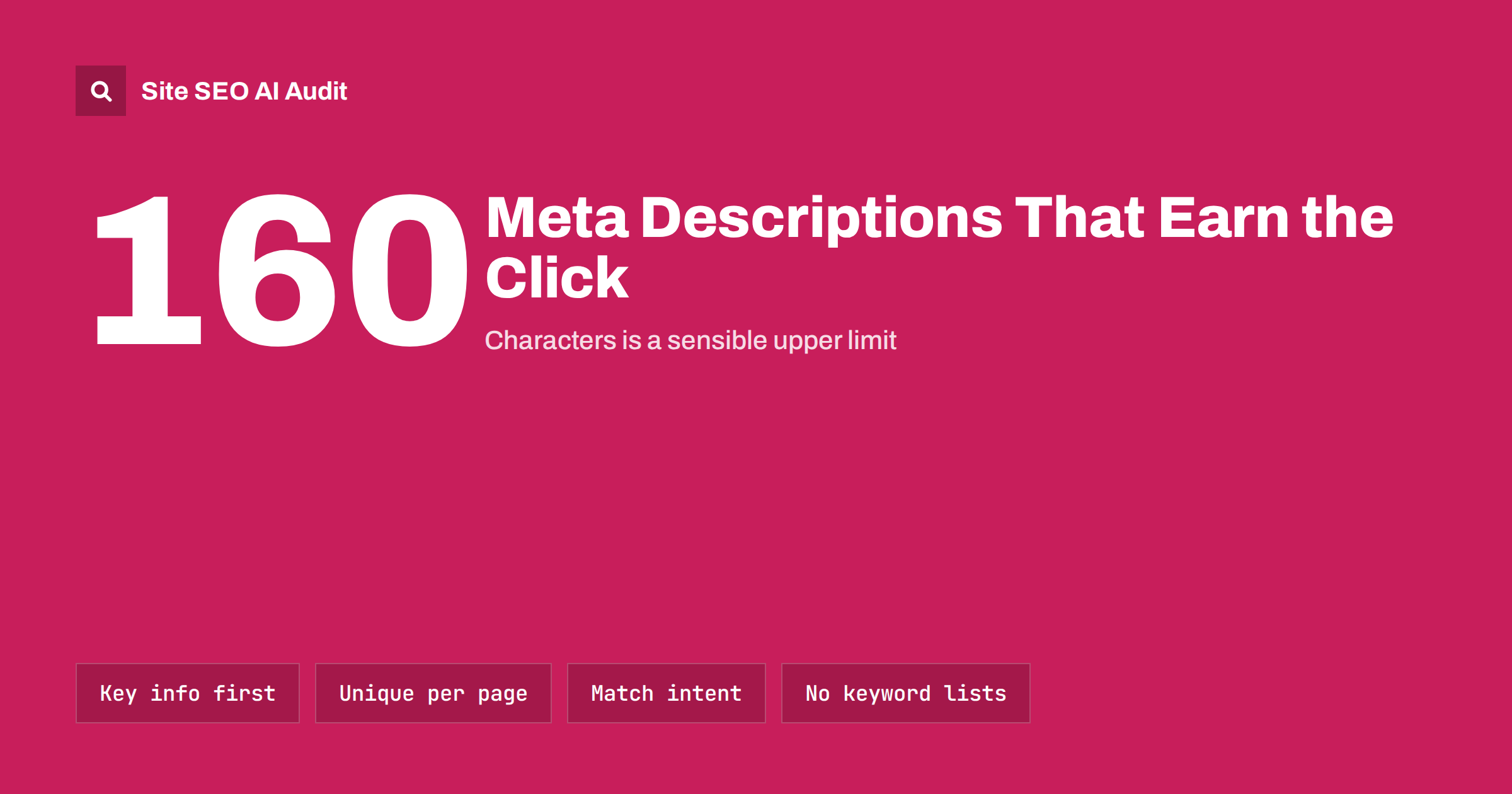
Short answer: A meta description is a one- or two-sentence summary of a page that search engines may show under the title in results. It does not directly affect rankings, but a specific, accurate description can raise the number of people who click. Aim for roughly 120 to 160 characters, lead with what the page delivers, match the searcher’s intent, and write a unique description for every important page.
What a meta description is
The meta description is a tag in the <head> of a page: <meta name="description" content="...">. Visitors never see it on the page. Its main use is the search result snippet, the short grey text below the blue title. Social networks and messaging apps may also use it when a link is shared, if the page has no dedicated Open Graph description.
It is worth being precise about what it does and does not do:
- It is not a direct ranking factor. Google has said this plainly for many years.
- It can influence click-through, because it is part of the result people read before choosing.
- It is a suggestion. Search engines show it when they think it fits the query, and otherwise generate a snippet from the page text.
So the meta description is a copywriting job, not a technical trick. Its purpose is to help the right person recognize that this page answers their question.
How long should a meta description be?
Like titles, snippets are truncated by display width rather than a fixed number of characters, and the width differs between desktop and mobile. Descriptions of about 120 to 160 characters usually show in full or nearly in full. Very short descriptions look thin and waste space; very long ones are cut off mid-sentence.
The practical rule: put the essential information in the first 110 characters or so. If the rest is cut, the snippet still makes sense.
A simple formula for writing one
Most good meta descriptions answer three questions in two short sentences:
- What will I find here? The topic or product, stated specifically.
- Why is this page worth opening? The outcome, the angle or the detail that sets it apart: steps, prices, a comparison, a free tool, delivery times.
- Is it for me? A hint about audience or scope where it helps: “for small shops”, “in Manchester”, “for WordPress”.
Examples for different page types:
- Guide: “Learn how to write title tags that get clicked: ideal length, wording patterns for each page type and how to fix duplicates across a site.”
- Service page: “Same-day boiler repairs across Bristol by Gas Safe engineers. Fixed call-out fee, evening slots and a 12-month guarantee on parts.”
- Product page: “Waterproof trail shoes with a wide toe box and grippy outsole. Sizes 36 to 47, free returns within 30 days.”
- Category page: “Compare 40 road, trail and racing shoes for women by cushioning, weight and drop, with fit notes from our store staff.”
Each one is concrete. None of them relies on words like “best”, “amazing” or “click here”, which add no information.
Why search engines ignore your description
It is common to find that the snippet shown in results is not the description you wrote. Search engines generate their own snippet when:
- The description is missing.
- It is the same as the description on many other pages.
- It does not match the specific query, for example a general description on a long page that answers many questions.
- It is stuffed with keywords or reads like a list.
- It describes something the page does not actually contain.
Rewrites are not always bad. For long guides that rank for many different questions, a snippet pulled from the relevant paragraph may serve searchers better than any single description. But on commercial pages, where you want control over the message, a precise and unique description is shown more often. Google describes how snippets are chosen in its snippet documentation.
Common meta description mistakes
| Mistake | Why it hurts | Better approach |
|---|---|---|
| Same description on every page | Snippets look identical and are usually replaced | Unique text for key pages, sensible templates for the rest |
| Missing description | You leave the snippet entirely to chance | Write one for every page that matters |
| Keyword lists | Reads as spam and is often ignored | One natural sentence using the main phrase once |
| Repeating the title | Wastes space; adds nothing new | Add the detail the title could not fit |
| Vague marketing copy | “Quality solutions for your needs” says nothing | Concrete facts: what, for whom, what makes it useful |
| Promises the page does not keep | Visitors leave quickly and trust drops | Describe exactly what is on the page |
Templates for large sites
Writing a description by hand for 5,000 product pages is rarely realistic. A good template beats both a missing description and a site-wide copy. Build templates from the data each page already has:
- Products: “{Product name} in {colour/size range}. {Key attribute}. {Delivery or returns fact}.”
- Categories: “Browse {number} {category} from {brands or price range}. {Filtering or advice feature}.”
- Locations: “{Service} in {city}: {specific local fact such as opening hours or area covered}. {Booking detail}.”
- Articles: use the excerpt or first paragraph if it is written as a summary.
Then hand-write descriptions for the pages that matter most: the home page, main categories and services, best-selling products and articles with the most impressions. Check template output on a sample of pages before rolling it out, because empty fields produce broken sentences such as “Browse 0 in .”
Finding pages that need work
Prioritize descriptions by opportunity, not alphabetically:
- Fix site-wide duplicates first. One template change can repair hundreds of pages.
- Add missing descriptions on important pages. Start with pages that already get search impressions.
- Rewrite descriptions on pages with low click-through. In Google Search Console, sort pages by impressions and look for those with a click-through rate well below similar pages.
- Trim or expand outliers. Very long or very short descriptions are quick fixes.
Site SEO AI Audit checks descriptions on every page it crawls, flags missing and duplicate ones, and weights each issue by how many pages it affects, so a broken template shows up above a single forgotten page. On WordPress sites the report shows where to set the description in your SEO plugin. You can run the first audit of your site free.
Where to set the description in common platforms
Most content management systems do not ask for a meta description by default, which is why so many sites have none. Where to add it depends on the platform:
- WordPress: core WordPress has no description field. SEO plugins add one below the editor, together with a snippet preview. Most plugins also let you set a default template per post type, which is the place to fix site-wide duplicates.
- Shopify and similar store builders: each product, collection and page has a search engine listing section where you can edit the title and description. If left empty, the platform usually falls back to the first part of the product text.
- Custom sites: the description is output by the page template, often from a database field. Check that the field exists for every page type, including tag pages, search pages and paginated archives.
Whatever the platform, check the rendered HTML of a few pages after a change. It is surprisingly common to find two description tags on one page, one from the theme and one from a plugin, which leaves search engines to guess which one you meant. View the source, search for name="description" and make sure it appears exactly once.
It also helps to agree on a simple rule inside your team: no page goes live without a title and description written for it. Adding the fields to a publishing checklist costs a minute per page and saves a large clean-up later.
Meta descriptions and AI answers
AI answer engines and search features that summarize results generally read the page content rather than the meta description. That does not make descriptions useless, since the classic results list is still where most clicks happen, but it does mean the description should never be the only place a page states what it offers. Say it clearly in the opening paragraph too. A page that answers the question directly near the top gives every system, human or automated, the same clear summary.
Related reading
- How to Write Title Tags: Length, Wording and Examples
- What Is On-Page SEO? The Elements That Actually Matter
The bottom line
Meta descriptions do not rank pages, but they help pages get chosen. Write a specific, honest summary of about 120 to 160 characters for every important page, put the key information first, and avoid site-wide duplicates. Use templates for large catalogs, hand-write the pages that matter most, and revisit descriptions on pages that get seen but not clicked.
GYIK
Do meta descriptions affect rankings?
No, not directly. Google has stated that the meta description is not used as a ranking signal. It matters because it can influence how many people click your result.
What happens if a page has no meta description?
Search engines generate a snippet from the page text instead. Sometimes that works well, but often it picks navigation text or a sentence out of context. Writing your own gives you a better chance of a clear snippet.
Should every page have a unique meta description?
Every important page should. On very large sites, a well-built template that inserts page-specific details is a reasonable approach for the long tail. Identical descriptions across many pages should always be fixed.
Should I include keywords in the meta description?
Using the main phrase once, naturally, is helpful because search engines often highlight matching words in the snippet. Repeating it or listing variations does not help and makes the snippet look like spam.
Why is my meta description not shown in search results?
Search engines replace descriptions that are missing, duplicated, unrelated to the specific query or stuffed with keywords. For some queries they simply find a passage on the page that fits better. A unique, accurate description is shown more often but never guaranteed.


