 ENEnglish
 LTLietuviškai
 DEDeutsch
 FRFrançais
 RUРусский
 ESEspañol
 PLPolski
 ITItaliano
 UKУкраїнська
 CSČeština
 PTPortuguês
 JA日本語
JA日本語 LVLatviešu valoda
 ETEesti
 HUMagyar
 IDBahasa Indonesia
 TRTürkçe
 HIहिन्दी
 ELΕλληνικά
 ARالعربية
 THไทย
THไทย VITiếng Việt
 RORomână
 MSBahasa Melayu
 BNবাংলা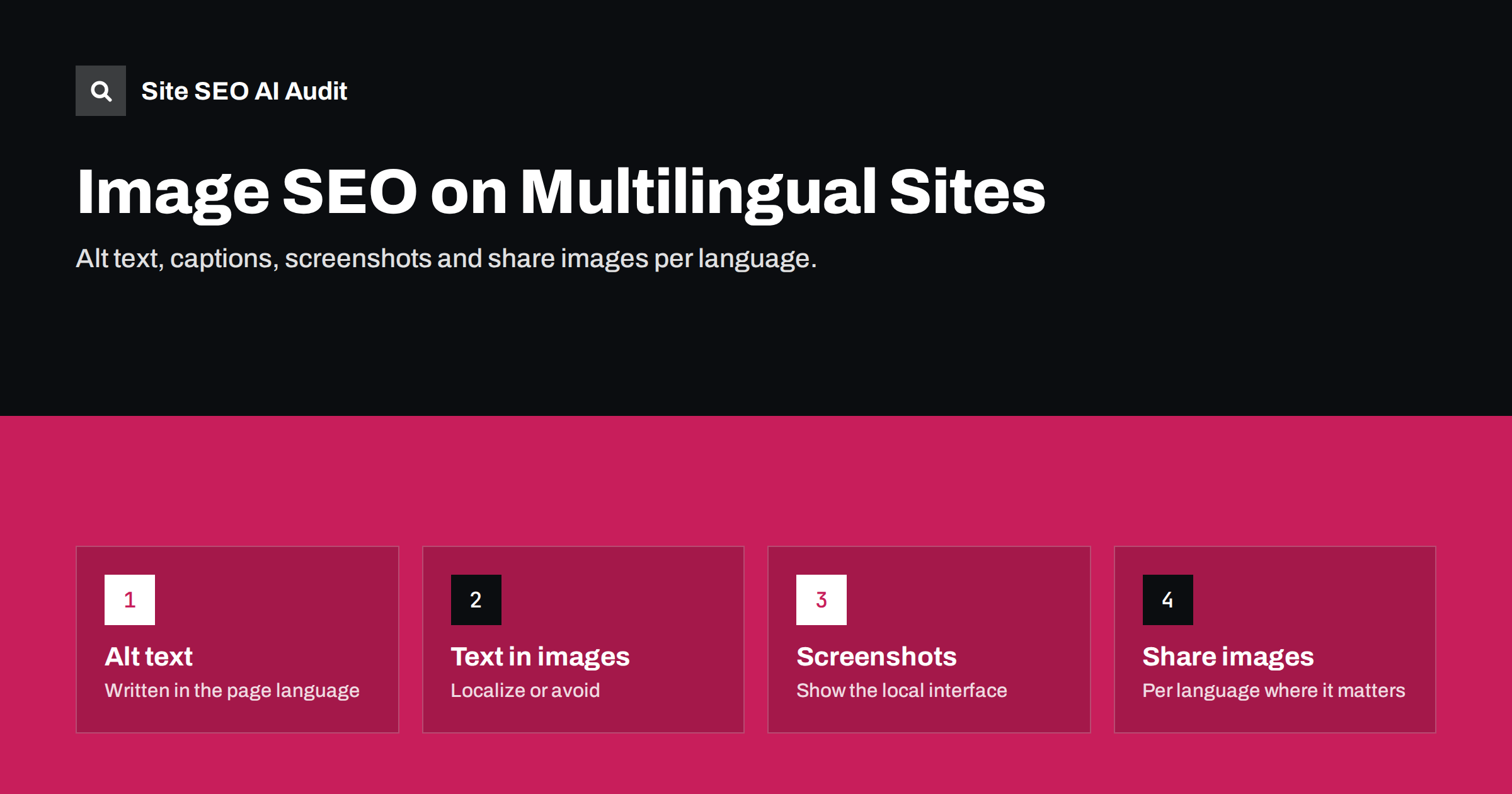
Short answer: On multilingual sites, images need the same localization as text. Write alt text and captions in the page’s language, avoid text baked into images or create a version per language, show localized screenshots of your interface, and use share images that match the language of the page. File names matter less, but translated, descriptive names are a small plus. The most common gap is alt text left in the original language because it lives in the media library rather than in the page content.
Why images are often forgotten in translation
Translation workflows usually focus on the body text of pages. Images sit outside that flow: they live in a media library, their alt text is stored with the file, and they are often reused across language versions without anyone looking at them again. The result is a translated page whose images still describe themselves in the original language, show the original interface and carry the original marketing text.
That matters for three reasons. Alt text is read aloud by screen readers, so a German reader using assistive technology hears English descriptions on a German page. Search engines use alt text and surrounding text to understand images, so English alt text on German pages weakens image search visibility in German. And text inside images, such as banners and infographics, is simply unreadable for visitors who do not know the original language.
Alt text in the page’s language
Alt text should describe the image for someone who cannot see it, in the language of the page:
- Write, or translate and review, alt text for every meaningful image on translated pages.
- Use local terms naturally where they describe the image, without stuffing keywords.
- Leave alt text empty for purely decorative images, in every language.
- Check that alt text is stored per language. Some multilingual set-ups share one media item across languages, which means one alt text for all; others create translated copies of media items.
Google’s image SEO best practices recommend descriptive alt text and placing images near relevant text. On translated pages, both the alt text and the surrounding text should be in the same language.
When translators work on alt text, give them context. Alt text translated in isolation, as a list of strings without the images, often ends up literal or wrong, because the translator cannot see what the image shows. A simple spreadsheet with a thumbnail, the page URL and the original alt text next to the translation field produces far better results.
Text inside images
Banners, infographics, charts and product graphics often contain text. On multilingual sites, that text is a problem:
- It is not translated by translation workflows that only handle HTML text.
- It is not searchable in the same way as HTML text.
- It is not accessible unless repeated in alt text or nearby content.
The best approach is to avoid text in images where possible and use HTML text layered over images instead. Where text in images is unavoidable, such as a detailed infographic, create a version per language and describe the key information in the page text.
Keep the source files of text-heavy graphics, such as design files with editable text layers, so that translated versions can be produced quickly. A folder structure per language, with the same file names and a language suffix, makes it easy to see which graphics still need translating when a new language is added.
Localized screenshots and product images
Software companies and online services often show screenshots of their interface. On translated pages, a screenshot of the English interface undermines the message that the product is available in the reader’s language. If your product is localized, show the localized interface on the localized page.
For shops, product photos are usually the same across markets, which is fine. Exceptions include packaging with local labels, plugs and sockets that differ by country, sizes and measurement markings, and lifestyle images that feel foreign in some markets. Where a product physically differs by market, the images should show the version sold there.
Cultural fit matters too. Images of people, places, food, seasons and everyday situations carry signals about who the page is for. A winter scene on a page for customers in the southern hemisphere in July, or holiday imagery tied to one country’s traditions, can make a page feel out of place. You do not need new photos for every market, but for key landing pages it is worth asking a local colleague whether the images feel natural.
File names and URLs of images
Image file names are a minor signal. A descriptive name such as blue-running-shoes.jpg is better than IMG_1234.jpg, and a translated name can help slightly in image search for that language. But renaming files for every language adds work and storage, and many sites reasonably share one file across languages.
A practical approach:
- Use descriptive names in the original language for shared images.
- Use translated names for language-specific images, such as localized infographics and screenshots, since those are separate files anyway.
- Put the effort into alt text, captions and surrounding text first, where the benefit is larger.
Captions, titles and structured data
Everything text-based around an image should be localized:
- Captions visible under images, which readers often read before the body text.
- Figure titles and credits, where used.
- Image fields in structured data, such as product images or article images, which should reference appropriate images for the page.
- Image sitemaps, if you use them, which should list images on the correct language URLs.
Social share images per language
When a page is shared on social networks or messaging apps, the share image (set with Open Graph and similar tags) and the share title are often more visible than the page itself. On multilingual sites:
- Translate the Open Graph title and description for each language.
- If share images contain text, create a version per language for important pages.
- Set the Open Graph locale to match the page language.
- Test sharing a translated page to see which image and text appear.
A German article shared with an English share image and English title looks like an English article, which reduces clicks from German readers.
Share previews are often cached by social platforms. After fixing share images or titles on translated pages, use the platforms’ own preview or debugging tools where available to refresh the cached version, otherwise old previews can persist for some time.
Media library workflows in WordPress and other CMS
Where alt text lives decides how easy it is to localize. In WordPress, alt text is stored with the media item in the library, and the block editor copies it into the image block when the image is inserted. Multilingual plugins handle this in different ways: some create a separate media item per language with its own alt text, some share one item and let you translate its fields, and some leave media untouched unless you enable media translation in their settings.
Before translating many pages, find out which model your set-up uses:
- Insert an image on a page, then create the translation of that page.
- Look at the image block in the translated page and check its alt text.
- Change the alt text in the translated version and check whether the original changes too.
If both versions change together, the media item is shared, and you need the plugin’s media translation feature or a separate item per language. If alt text was copied into the block when the image was inserted, remember that later changes in the media library will not update existing pages automatically.
Other CMS platforms have similar variations. The point is to know the model before a translation project starts, not after hundreds of pages have been published with original-language alt text.
Checking images across languages
Image problems on multilingual sites follow patterns that a crawl can reveal: missing alt text in translated templates, identical alt text across languages and share images missing on translated pages. Site SEO AI Audit checks image alt texts as part of its on-page area, Open Graph and share images in its structured data area and hreflang and lang attributes in its Languages area, on every crawled page. Issues are weighted by the share of pages they affect, so a whole language with missing alt text stands out. The first audit is free.
Related reading
- Image alt text: how to write it for SEO and accessibility
- Translation vs localization for SEO: what actually changes
- Structured data on multilingual sites: what to translate
The bottom line
Images are part of the page, so they need localizing like the rest of it. Write alt text and captions in the page’s language, avoid text in images or make a version per language, show localized screenshots, translate share titles and adapt share images for important pages. File names are a small bonus; alt text and surrounding text are where the real benefit lies.
GYIK
Does alt text need to be translated?
Yes. Alt text should be in the language of the page, because screen readers read it aloud and search engines use it to understand images in that language.
Should I rename image files for each language?
It is optional and a minor signal. Translate file names for language-specific images, and focus effort on alt text and captions for shared images.
Is text in images bad for multilingual SEO?
It is harder to translate, search and make accessible. Use HTML text where possible, and create language versions of images that must contain text.
Can I use the same product photos in every language?
Usually yes, as long as the product is the same. Use different images where packaging, labels or the product itself differ by market.
Do share images matter for SEO?
They do not affect rankings directly, but they affect how pages look when shared, which influences clicks and visibility on social platforms.


