 ENEnglish
 LTLietuviškai
 DEDeutsch
 FRFrançais
 RUРусский
 ESEspañol
 PLPolski
 ITItaliano
 UKУкраїнська
 CSČeština
 PTPortuguês
 JA日本語
JA日本語 LVLatviešu valoda
 ETEesti
 HUMagyar
 IDBahasa Indonesia
 TRTürkçe
 HIहिन्दी
 ELΕλληνικά
 ARالعربية
 THไทย
THไทย VITiếng Việt
 RORomână
 MSBahasa Melayu
 BNবাংলা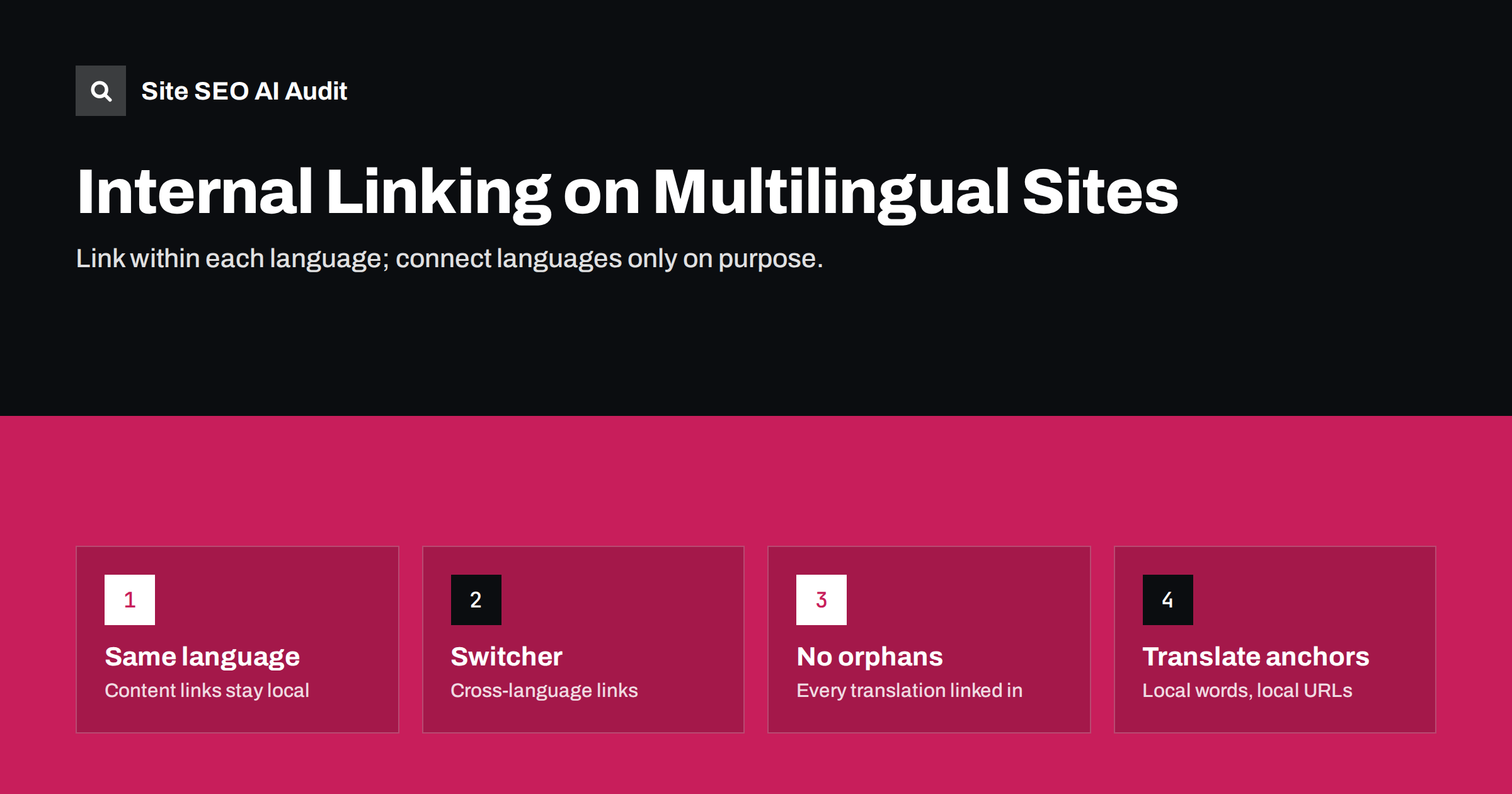
Short answer: On a multilingual site, internal links inside content, navigation and related-post blocks should point to pages in the same language as the page they are on. Cross-language links belong mainly in the language switcher and hreflang. Translated pages need their own internal links from other pages in their language, or they end up as weakly linked orphans. When translating content, update every link to the translated URL and translate the anchor text.
Why internal linking gets harder with languages
On a single-language site, internal linking is mostly about structure: which pages link to which, how deep important pages sit and what anchor text describes them. Add languages, and each of those questions exists once per language. Your German pages need their own structure of German links, your French pages their own French structure, and the language versions need to be connected to each other in a controlled way.
In practice, internal linking on multilingual sites often breaks during translation. Translators receive the page text, translate it, and the links inside it keep pointing to the original-language URLs. The German article then sends readers and link value to English pages, and the German pages it should support receive nothing.
The result is a translated section that looks complete in the navigation but is structurally weak: few internal links point to its pages, and many of its own links leave the language.
Rule 1: keep content links in the same language
A link in the body of a German article should lead to a German page. A reader who chose German expects to stay in German; sending them to an English page mid-article is a poor experience. For search engines, links within a language version show which pages are important in that version.
- When translating a page, replace every internal link with the URL of the equivalent page in the target language.
- If no equivalent exists, choose the closest relevant page in the target language, or remove the link rather than sending readers to another language without warning.
- If you must link to a page in another language, say so in the text, for example “(in English)”, so readers are not surprised.
Many multilingual CMS set-ups can replace links automatically when a translation exists. Check that this feature is enabled and that it handles links added after the original translation.
Rule 2: let the switcher and hreflang connect languages
Connections between language versions of the same page are handled best by two mechanisms that exist for that purpose:
- The language switcher links each page to its equivalents in other languages. It should use plain HTML links pointing to equivalent pages, not only to language home pages.
- hreflang tells search engines which pages are alternates and which audience each one is for.
Together, these give crawlers a path between versions and make relationships explicit. There is no need to add extra cross-language links in content to “help” search engines find translations.
Rule 3: give every translated page its own internal links
A translated page that is linked only from the language switcher of its original page is almost an orphan in its own language. It has one incoming link from another language and none from pages in its own language. Search engines are likely to treat it as unimportant.
To avoid this, make sure every language version has:
- Its own navigation: menus that link to the main sections in that language.
- Translated category and tag archives that list the translated posts.
- Related-post blocks that show posts in the same language.
- Contextual links from other translated articles, especially from the strongest pages in that language.
- Breadcrumbs that lead to translated parent pages.
If only some content is translated, plan the linking structure for that subset deliberately. A small, well-linked German section is better than a large, disconnected one.
Rule 4: translate anchor text
Anchor text tells readers and search engines what the target page is about. On translated pages, anchor text should be in the page’s language and use the local terms from keyword research, not a literal translation of the original anchor.
Watch for anchors that were never translated because they were stored separately, for example buttons, call-to-action blocks, reusable content blocks and menu labels. These often remain in the original language, which creates mixed-language pages and weak signals.
Menus, footers and global links
Global elements appear on every page, so they have an outsized effect on internal linking. On multilingual sites, check that:
- Each language has its own main menu linking to pages in that language.
- Footer links, such as contact, privacy, terms and shipping, point to the translated versions.
- The logo links to the home page of the current language, not always to the default language.
- Search, login and account links keep the visitor’s language.
A single untranslated footer link repeated on thousands of translated pages sends a large number of links to the wrong language. It is an easy fix with a big effect on consistency.
When only part of the site is translated
Most multilingual sites translate a subset of their content: the main commercial pages, a selection of articles and the essential help pages. That is a sensible choice, but it creates specific linking challenges, because the translated section has fewer pages to link between.
A few practices keep a partial translation well connected:
- Build hubs. Create a translated overview page for each main topic that links to every translated article on that topic. Hubs give small sections a clear structure and give each article at least one strong internal link.
- Translate in clusters. Instead of translating isolated articles, translate groups of related pages at once, so they can link to each other naturally.
- Adapt the navigation. Show only menu items that exist in the language, rather than linking to untranslated sections of the default language.
- Review old translations when adding new ones. When a new German article is published, add links to it from existing German articles on related topics. Without this step, the newest translations remain the least linked.
- Keep the sitemap in sync. A sitemap helps discovery, but it does not replace links. Use it as a safety net, not as the only way translated pages are found.
The goal is that a reader who arrives on any translated page can continue to related content in the same language, and that search engines can reach every translated page through links from its own language within a few clicks.
Common problems found in audits
| Problem | Effect | Fix |
|---|---|---|
| Content links point to original-language URLs | Readers leave the language; translated pages get few links | Replace with translated URLs during translation |
| Translated pages linked only from the switcher | Weakly linked, rarely crawled pages | Add navigation, archives and contextual links in the same language |
| Links to translated URLs that redirect | Extra hops; wasted crawl | Link directly to the final URL |
| Links to missing translations | 404 errors in one language | Link to an existing page or remove the link |
| Logo and footer point to default language | Many cross-language links on every page | Make global links language-aware |
| Related posts mix languages | Confusing experience; mixed signals | Filter related content by language |
How to audit multilingual internal links
Start by crawling the whole site and segmenting the results by language folder or domain. Then look at three things per language: pages with very few incoming internal links, internal links that point to other language folders from content areas, and broken or redirected internal links. Compare the most important pages in each language: if the German version of your main service page has far fewer internal links than the English one, the German structure needs work.
Site SEO AI Audit crawls a site like a search engine and reports broken internal links, links to redirects and weakly linked pages in its Links area, along with orphan pages and click depth in its crawl checks and hreflang problems in its Languages area. Each issue is weighted by how many pages it affects, so structural problems in one language stand out. You can run a free audit of your site.
Related reading
- Internal linking strategy: a step-by-step guide for SEO
- Language switcher best practices for SEO and usability
- Orphan pages: how to find them and what to do with each
The bottom line
Treat each language version as its own site for internal linking: content links, menus, footers, archives and related posts stay in that language, with translated anchors and direct links to final URLs. Use the language switcher and hreflang to connect equivalent pages across languages. Then make sure every translated page has enough links from its own language to be found, crawled and valued.
GYIK
Should I link from my English pages to my German pages?
Use the language switcher and hreflang for that. Content links on English pages should point to English pages, unless there is a specific reason to send English readers to a German page, in which case label the link.
Do cross-language links pass value between versions?
Links between language versions are normal and are followed by search engines, but they do not replace a proper internal structure within each language. Translated pages still need links from their own language.
What should I do when a linked page is not translated?
Link to the closest relevant page in the same language, or remove the link. If you do link to another language, mention it in the text.
Do translated category pages matter?
Yes. They list translated content and create internal links within the language, which helps discovery and shows search engines how the section is organised.
Can a plugin fix internal links during translation?
Many multilingual plugins can replace links with translated URLs automatically when translations exist. Check that the feature is enabled and review links added after translation.


