ENEnglish
 LTLietuviškai
 DEDeutsch
 FRFrançais
 RUРусский
 ESEspañol
 PLPolski
 ITItaliano
 UKУкраїнська
 CSČeština
 PTPortuguês
 JA日本語
JA日本語 LVLatviešu valoda
 ETEesti
 HUMagyar
 IDBahasa Indonesia
 TRTürkçe
 HIहिन्दी
 ELΕλληνικά
 ARالعربية
 THไทย
THไทย VITiếng Việt
 RORomână
 MSBahasa Melayu
 BNবাংলা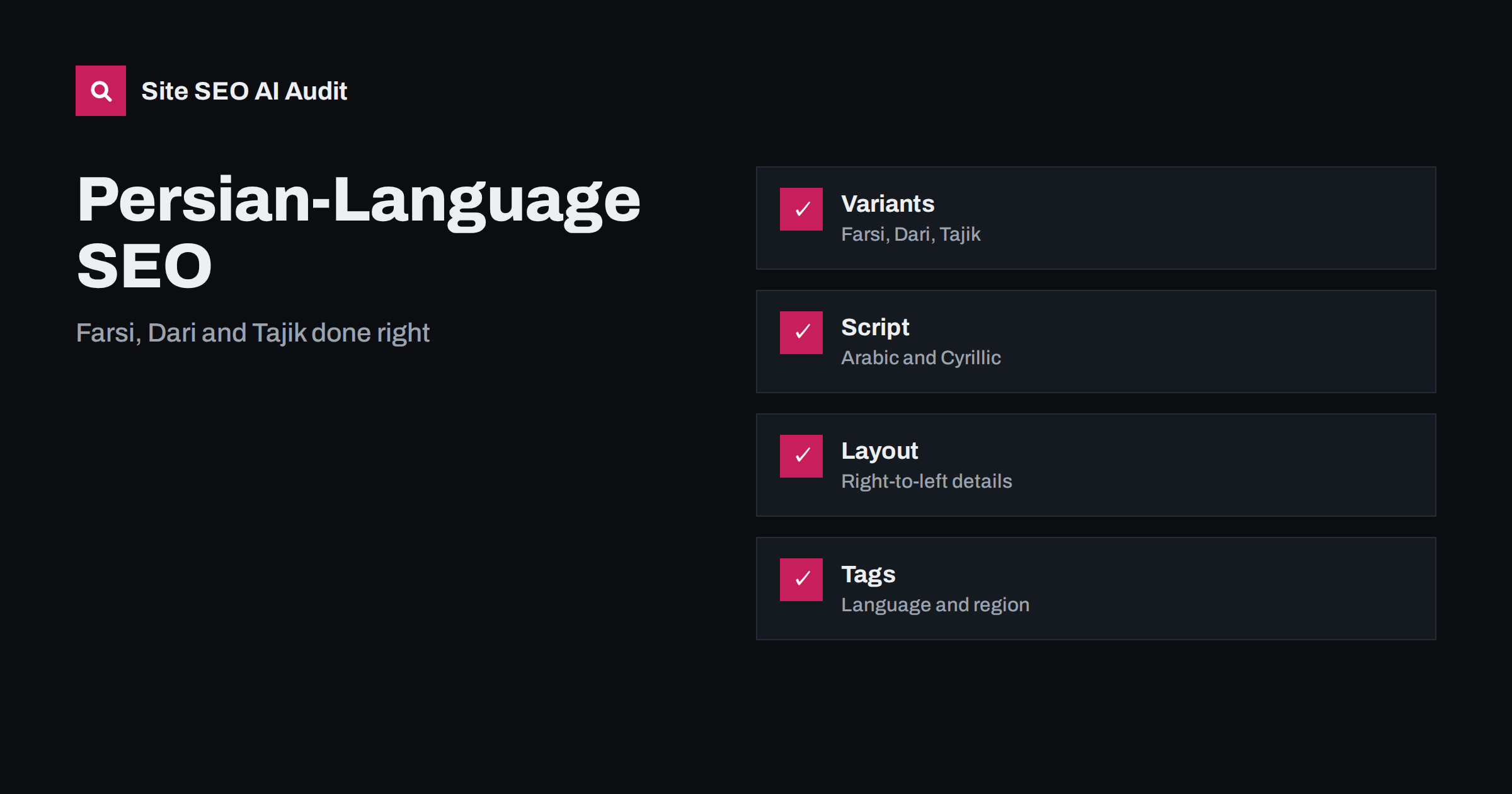
Short answer: Persian is one language family written and searched in several forms: Farsi in Iran, Dari in Afghanistan and Tajik in Tajikistan, where Cyrillic script is used. To reach these audiences, decide which variants you serve, publish genuine text for each in the right script, set the page language and right-to-left direction in the markup, mark language and region versions with hreflang, use correct Persian characters and spacing, and research keywords with the words people actually type, including spelling variations and transliterations. Machine output without review is rarely good enough.
Persian has many millions of speakers and a long written tradition, yet websites often treat it as a single block or skip it altogether. The audience is spread over several countries and the diaspora, with different vocabulary, different habits and, in one case, a different alphabet. A page that reads naturally in Tehran may sound formal or unfamiliar in Kabul, and a page in Arabic script cannot be read by most Tajik users. Search engines handle the language well, but they need clear signals and good text. This guide explains the main variants, the technical details of the script and the steps for building a Persian version that can be found and trusted. Before you begin, review the Arabic and right-to-left SEO guide, since several technical points are shared.
Understand the variants and where they are used
Farsi, also called Western Persian, is the official language of Iran and is widely understood by diaspora communities around the world. Dari is the form of Persian used in Afghanistan, where it is one of the main languages, with its own vocabulary and pronunciation but largely the same writing. Tajik is the form used in Tajikistan, and it is written in Cyrillic script, so text in Arabic letters is not directly readable to most of its users. Because these forms are related but not identical, a single translation does not serve all three equally well. Start by deciding which audiences matter for your business, and treat each as its own market when your resources allow it.
Script, characters and spacing
Persian uses the Arabic script with a few additional letters, and the details matter. Use the Persian forms of letters that look similar in Arabic, particularly the letters for k and y, because mixing the Arabic forms into text makes it look careless and can split search results into separate spellings. Persian also uses a zero-width non-joiner, often called a half space, inside compound words and after certain prefixes; leaving it out changes how words look and can alter meaning. Numbers can be written with Persian digits or Western digits, and people search with both, so decide what your pages show and test both in search. Always save and serve files in UTF-8, as explained in the character encoding guide.
Right-to-left layout and markup
Persian reads from right to left, so the page must be designed accordingly. Set the direction attribute on the page so that text, lists, tables and navigation flow correctly, and mirror layout elements such as menus, breadcrumbs and arrows. Keep numbers, brand names and Latin words readable inside right-to-left lines, and test mixed content such as email addresses and prices. Use the language attribute with the right code on the page element so that browsers, screen readers and search engines know what they are reading. Form fields, buttons and error messages need the same care. More on the layout points is in the right-to-left languages guide.
Language codes and hreflang for Persian variants
For hreflang and the language attribute, the code for Persian is fa. Add a region where it clarifies the audience, for example Iran or Afghanistan, and keep the combination consistent across pages. Content in Tajik uses the code tg. If you publish more than one version, every page must reference all its alternatives and itself, with return links, and each version should be available at its own address. Do not use hreflang to point visitors of one country to the content of another against their language, and avoid automatic redirects based on location, which can block crawlers and users. The rules are described in the hreflang language codes guide.
Keyword research in Persian
Do not translate English keywords word by word. Research what people actually type: formal and informal terms, spelling variants, words with and without the half space, Persian and Western digits, and Latin-letter transliteration used on phones and in social media. Check the suggestions in the search box, the related searches at the bottom of results and the vocabulary used by local competitors and forums. The terms may also differ between Iran, Afghanistan and the diaspora, so test queries from different locations where possible. Group the terms by intent, and write each page for one clear intent. The same approach is described in multilingual keyword research, and the use of Latin-letter spelling is covered in the transliteration guide.
Write, review and localise the content
Quality is decided by the text. Use native speakers who know the target market to write or at least review every page, including titles, descriptions, buttons and error messages. Choose a tone suited to the audience, since levels of formality differ, and avoid idioms that do not travel. Adapt examples, units, dates, currencies and holidays; many Persian speakers use the Solar Hijri calendar for dates alongside the Gregorian one, so show dates in a form your audience understands. Machine translation can help with a first draft, but it needs review for terminology and tone, as discussed in the machine translation guide. Keep the structure and links of the original and adapt only what the market requires.
Handle Tajik and Cyrillic carefully
If you serve Tajikistan, publish text in Tajik Cyrillic as a separate version. Do not transliterate Arabic-script Persian automatically into Cyrillic, because vocabulary and spelling follow different conventions and the result reads poorly. Use fonts that support the necessary characters, check that forms and search accept the letters and set the language attribute to Tajik. Many users in the region also read Russian, so decide whether a Russian version should be offered, and make the choice visible and consistent. Where audiences overlap, a clear language switcher helps people choose, as explained in the language switcher guide.
Technical setup, fonts and speed
Arabic-script fonts are often large, and a heavy font file slows pages. Choose a font family designed for Persian, subset it to the characters you use and load it efficiently. Test the page on common mobile devices and on slower connections, since mobile use is high in many Persian-speaking regions. Give each language version a unique address in a folder, subdomain or country domain, and keep the structure consistent. Create separate XML sitemaps or sitemap sections for each version, and verify them in Search Console. Make sure the site can be reached from the audience’s location and that blocking rules or hosting limits do not stop crawlers.
Measure, avoid mistakes and grow
Track impressions, clicks, queries and engagement for each language and region separately. Compare which queries bring visitors, check whether the right version appears for each country and review the pages that rank but receive few clicks, since titles and descriptions may need better wording. Ask local users and customers for feedback on tone and vocabulary. Expand slowly: start with the most important pages, check results and add more. A small, carefully written Persian section usually outperforms a large machine-translated one.
A few errors appear again and again. Sites publish one version and label it with the wrong region, so users in another country see content that does not fit them. Pages in right-to-left script keep a left-to-right layout, which breaks punctuation, numbers and menus. Titles and descriptions are left in English or translated by a tool without review. Fonts are missing, so letters appear as empty boxes on some phones. The Arabic forms of two letters are mixed with the Persian ones, which splits search results. Avoid these problems with a short checklist for every new page: correct language and direction attributes, reviewed text, tested fonts, a unique address, and hreflang links in both directions.
Site SEO AI Audit checks hreflang return links, broken language versions, x-default and language attributes on your pages, along with titles, links, speed and structured data. It does not judge the quality of the Persian text itself, so native review stays essential. The first audit of up to 200 pages is free; larger sites can see the pricing page.
Related reading
- Local Formats: Dates and Numbers
- Multilingual vs Multiregional Sites
- Translate Title Tags and Descriptions
- Eastern Europe SEO Guide
The bottom line
Persian is several audiences, not one. Choose your variants, write real text in the right script, set language and direction correctly, use hreflang with return links, research local keywords and have native speakers review every page.
GYIK
What hreflang code should I use for Persian?
Use fa for Persian, optionally with a region code, and tg for Tajik. Keep codes consistent and give every version return links to the others.
Is one Persian version enough for Iran and Afghanistan?
It can work to begin with, but vocabulary and habits differ. Native review for each market helps, and separate versions are best for important content.
Do I need the half space in Persian text?
Yes. The zero-width non-joiner is part of correct Persian writing, and users search both with and without it, so keep it in text and consider it in keyword research.
Can I auto-convert Persian to Tajik Cyrillic?
Avoid it. Spelling and vocabulary follow different conventions, so automatic conversion reads poorly. Have Tajik text written or reviewed by native speakers.
Which digits should I show?
Both are in use. Choose what suits your audience, keep it consistent and test searches with both forms in the keyword research stage.