 ENEnglish
 LTLietuviškai
 DEDeutsch
 FRFrançais
 RUРусский
 ESEspañol
 PLPolski
 ITItaliano
 UKУкраїнська
 CSČeština
 PTPortuguês
 JA日本語
JA日本語 LVLatviešu valoda
 ETEesti
 HUMagyar
 IDBahasa Indonesia
 TRTürkçe
 HIहिन्दी
 ELΕλληνικά
 ARالعربية
 THไทย
THไทย VITiếng Việt
 RORomână
 MSBahasa Melayu
 BNবাংলা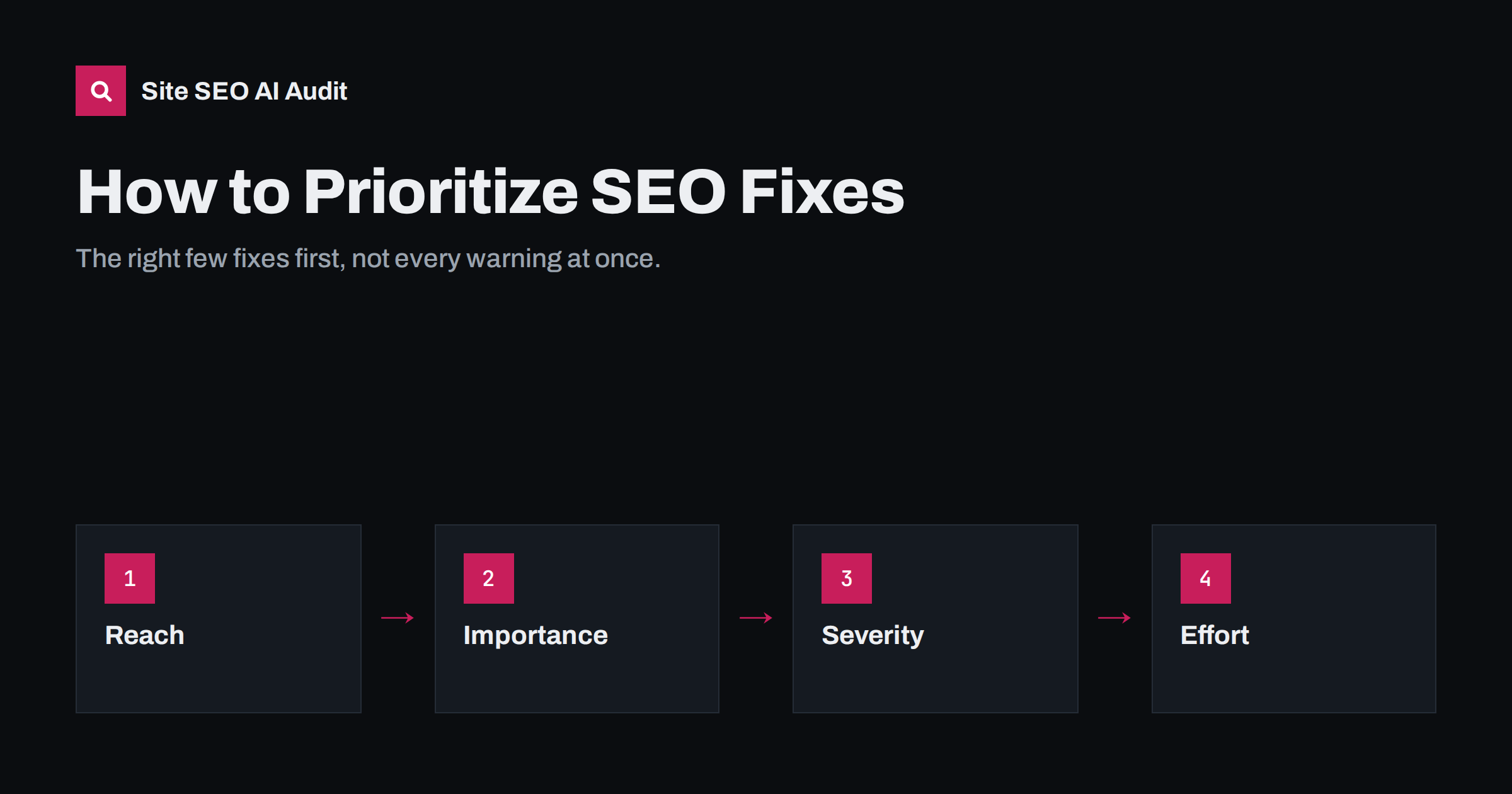
Short answer: Prioritize SEO fixes by combining four things: how many pages an issue affects, how important those pages are, how severe the issue is, and how much effort the fix takes. Fix critical blockers first, then template-level problems that repair many pages at once, then quality issues on your most valuable pages, and leave cosmetic items for last. A long list of warnings is normal; the skill is choosing the few fixes that matter most.
Why audits feel overwhelming
Run any SEO audit on a real website and you will get a long list: hundreds of missing alt texts, dozens of duplicate descriptions, redirects, thin pages, slow pages, heading warnings. It is tempting either to try to fix everything, which takes months, or to give up because the list looks endless.
Audits also mix very different kinds of findings in one list. A setting that hides your most important pages from search sits next to a slightly long meta description on a 2015 blog post, and both look like “issues”. Without a way to weigh them, teams often start with whatever is easiest to understand rather than whatever matters most.
Neither is necessary. Most audit findings are not equally important. A few issues typically account for most of the potential improvement, and many warnings are minor or affect pages that do not matter. The goal is not a clean report; it is a better site for visitors and search engines, achieved in a sensible order.
The four questions for every issue
| Question | Higher priority when | Lower priority when |
|---|---|---|
| Reach: how many pages? | A template affects hundreds of pages | One or two old pages |
| Importance: which pages? | Pages that bring revenue, leads or most traffic | Archives, old news, utility pages |
| Severity: how bad? | Stops indexing or understanding of the page | Cosmetic or best-practice polish |
| Effort: how hard? | A setting or template change | A rewrite, redesign or developer project |
An issue that scores high on reach, importance and severity and low on effort goes to the top. An issue that affects one unimportant page, is cosmetic and requires a developer goes to the bottom, or off the list entirely.
Severity levels in practice
It helps to sort issues into a few severity levels:
- Critical: problems that stop pages from being crawled, indexed or understood. Important pages set to noindex, blocked in robots.txt, returning errors, pointing their canonical to the wrong URL, or missing titles entirely.
- Warnings: problems that weaken pages. Duplicate titles and descriptions, missing H1s, thin or duplicate content, broken internal links, links through redirects, slow loading, weakly linked important pages.
- Notices: improvements worth making when time allows. Slightly long titles, a missing alt text on a decorative image, a minor heading-level skip.
Site SEO AI Audit uses exactly this kind of weighting: each issue has a severity (critical, warning or notice) multiplied by the share of your indexable pages it affects, softened so that one forgotten page barely counts. That is why a template problem on 30% of your pages rises to the top while a single odd page does not.
A practical order of work
- Critical blockers on important pages. Anything that removes key pages from search or sends signals to the wrong URL. These can make every other fix irrelevant.
- Template-level issues. Duplicate titles, missing H1s, missing descriptions or broken canonicals produced by one template. One fix repairs many pages.
- Content and intent problems on key pages. The pages that matter most to the business: do they match what searchers want, answer clearly and stay current?
- Internal linking. Broken links, links through redirects, and important pages with too few links from related content.
- Performance. Slow templates and heavy pages, starting with the most visited.
- Remaining warnings, grouped by type so they can be handled efficiently.
- Notices, as part of normal maintenance.
Using data to rank opportunities
Beyond audit findings, your own search data shows where improvements are most likely to pay off:
- Pages ranking in positions 5 to 20 for valuable queries: small improvements may move them into view.
- Pages with many impressions and a low click-through rate: a better title and description may bring more visits with no ranking change.
- Pages that lost traffic compared with the same period last year: something changed, and finding it is often quick.
- Pages that convert well but receive little search traffic: worth strengthening with content and internal links.
Be careful with pages that already rank first or second. They rarely need urgent work, and large changes to them carry more risk than reward. Keep an eye on them, but put your effort where the gap is bigger.
Combine these with audit findings. A duplicate-title issue on a page that sits in position eight for your main service is worth far more than the same issue on a page nobody searches for.
A worked example
Imagine an audit of an online store with 1,200 indexable pages returns these findings, among many others:
- All 40 category pages are set to noindex by a theme option switched on during development.
- 900 product pages share the title “Shop | Storename”.
- 600 product images have no alt text.
- The best-selling category page ranks ninth for its main query and has a two-line description.
- 120 internal links point to URLs that redirect.
- 35 old blog posts have meta descriptions longer than recommended.
Applying the four questions gives a clear order. The noindex on categories comes first: critical severity, the store’s most important commercial pages, and a single setting to change. The duplicate product titles come second: huge reach, clear harm, one template fix. Third is the best-selling category page: only one page, but high importance and close to the top results, so improving its content and title could make a visible difference. The alt text and redirecting links follow as bulk tasks. The long descriptions on old posts are notices; they can wait for routine maintenance.
Two changes, one setting and one template, fix problems on more than 900 pages. That is typical: the top of a well-prioritized list is usually short and cheap, and it delivers most of the benefit.
Batching fixes efficiently
Once priorities are clear, group the work by who does it and where:
- Settings and templates (developer or site administrator): title patterns, H1 output, canonical tags, noindex rules for archives.
- Content edits (writers or editors): rewriting key pages, merging overlapping posts, improving thin pages.
- Bulk edits (anyone with access): alt text, meta descriptions, internal link updates.
- Performance (developer): image compression, caching, scripts.
Batching avoids context switching and makes each round of work easier to verify. It also makes progress visible: a batch of template fixes finished this week, a batch of content rewrites planned for next month. Sharing that plan with everyone involved, including managers or clients, sets realistic expectations about what will change and when.
Verify, then re-prioritize
After each batch, check the live site and run the audit again. Three things usually happen: the fixed issues disappear, some fixes reveal new issues that were hidden (for example, once a noindex is removed, duplicate titles on those pages become visible), and the order of the remaining list changes. Re-prioritize from the new results rather than working through an outdated list.
This loop, fix, re-check, re-prioritize, is how a site’s score and search performance improve steadily. The paid plans of Site SEO AI Audit include re-audits after each fix, and the fix list always shows how many points each remaining fix adds, so the next step is clear. The first audit is free; see the pricing page for plans.
What not to prioritize
- Chasing a perfect score. The last few points often cost the most effort for the least benefit.
- Cosmetic warnings on unimportant pages while key pages still have real problems.
- Tool-specific metrics that do not reflect what search engines or visitors experience.
- Large redesigns to fix problems a template change could solve.
- Changes that risk more than they gain, such as changing working URLs just to add a keyword.
Related reading
- How to Do an On-Page SEO Audit: A 7-Step Process
- Technical SEO Audit Checklist: 40 Checks in the Right Order
- On-Page SEO vs Technical SEO: What Is the Difference?
The bottom line
Not every audit finding deserves equal attention. Rank each issue by reach, importance, severity and effort; fix critical blockers first, then template problems, then the content of your key pages, then links and speed. Use search data to find pages close to success, batch the work sensibly, verify each round on the live site, and re-prioritize from fresh results. Progress comes from doing the right few things first, not from clearing every warning.
GYIK
What should I fix first after an SEO audit?
Critical issues that stop important pages from being indexed or understood, such as accidental noindex, blocked pages or missing titles. Then template problems that affect many pages at once.
Should I fix every issue in the report?
No. Many findings are minor or affect unimportant pages. Focus on issues with high reach, importance and severity, and treat notices as routine maintenance.
How do I know which pages are important?
Pages that bring revenue, leads or most of your search traffic, plus pages that rank close to the top for valuable queries. Search Console and analytics show both.
How often should I re-run an audit?
After each batch of fixes to verify them and re-prioritize, and every few months as routine. Also after redesigns, migrations or major plugin updates.
Why did new issues appear after I fixed some?
Fixes can reveal problems that were hidden, for example pages that become indexable and then show duplicate titles. Re-prioritize from the new results rather than the old list.


