 ENEnglish
 LTLietuviškai
 DEDeutsch
 FRFrançais
 RUРусский
 ESEspañol
 PLPolski
 ITItaliano
 UKУкраїнська
 CSČeština
 PTPortuguês
 JA日本語
JA日本語 LVLatviešu valoda
 ETEesti
 HUMagyar
 IDBahasa Indonesia
 TRTürkçe
 HIहिन्दी
 ELΕλληνικά
 ARالعربية
 THไทย
THไทย VITiếng Việt
 RORomână
 MSBahasa Melayu
 BNবাংলা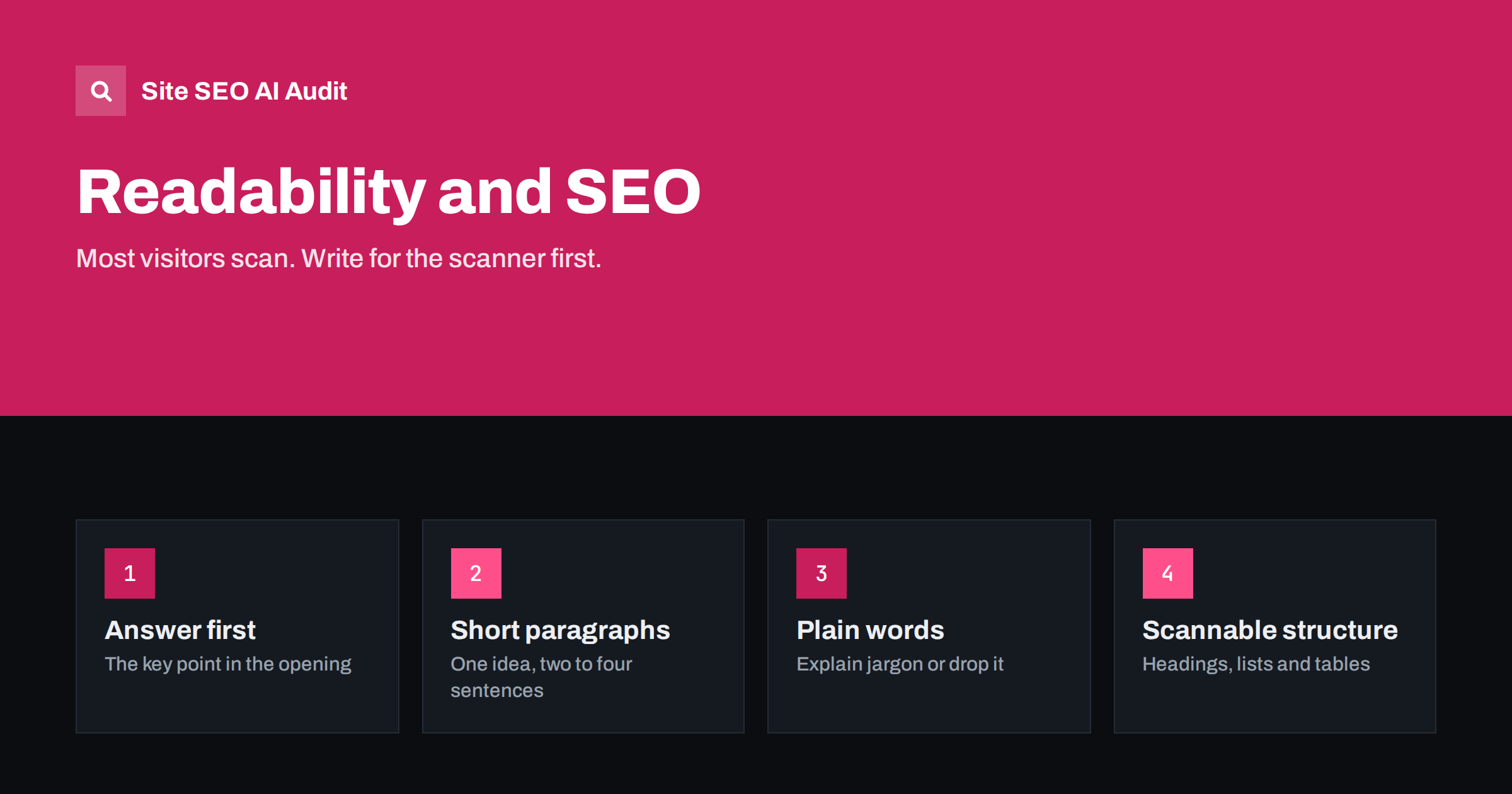
Short answer: Readability is not a direct ranking factor, but it shapes whether visitors find the answer, trust the page and stay, and search engines try to reward pages that satisfy people. Write readable pages by answering first, using short paragraphs and plain words, adding descriptive subheadings, putting steps and options in lists, using tables for comparisons, and cutting filler. Readability scores are a rough guide; clarity for your actual audience is the real goal.
Why readability matters for search
Search engines do not count syllables or award points for short sentences. Readability matters for a more practical reason: the purpose of a page is to be understood. A page that hides its answer in dense paragraphs, jargon and long introductions fails many of its visitors, even if all the right information is technically there.
When visitors cannot find what they came for quickly, they go back to the results and choose another page. Search engines have many ways of learning which results satisfy people, and a page that consistently disappoints readers is unlikely to hold strong positions over time. Readable pages also earn more links and shares, because people are more willing to recommend something that is easy to use.
There is a further benefit. Clear, well-structured pages are easier for search engines and AI answer engines to interpret and quote, because each section has a clear topic and a direct answer.
How people actually read web pages
Most visitors do not read online pages word by word. They scan. Their eyes move down the headings, pause at the first lines of paragraphs, notice bold text and lists, and settle only when they find the part that matches their question. Usability research has shown this pattern for many years, and it is even more pronounced on phones.
That has clear consequences for writing:
- The most important information must be visible to a scanner: in headings, first sentences and lists.
- Each section should be findable from its heading alone.
- Paragraphs should start with their main point, not build up to it.
- Long blocks of unbroken text are skipped.
Answer first, then explain
The single most effective readability habit is putting the answer at the top. Journalists call it the inverted pyramid: the most important information first, supporting detail after, background last.
Compare two openings for a page about meta description length:
- Buried: “Meta descriptions have been part of HTML for decades, and over the years there has been much debate in the SEO community about many aspects of them, including their ideal length, which is the subject of this article.”
- Answer first: “Aim for about 120 to 160 characters. Search engines cut longer descriptions by display width, so put the key information in the first 110 characters or so.”
The second version gives the reader what they came for in two sentences. Readers who want the background will keep reading; those who do not can leave satisfied rather than frustrated.
Sentences, paragraphs and words
Keep paragraphs short
On screen, and especially on a phone, a paragraph of eight long sentences looks like a wall. Two to four sentences per paragraph is a good default for web content. One idea per paragraph makes each easier to scan and easier to quote.
Vary sentence length, but favour short
Very long sentences with several clauses make readers hold too much in their heads. Break them up. That does not mean every sentence must be short; a mix reads naturally. But if a sentence needs rereading, split it.
Use plain words
Write “use” rather than “utilize”, “help” rather than “facilitate”, “start” rather than “commence”. Explain technical terms the first time you use them, or link to an explanation. If your audience is professional, you can use their vocabulary, but avoid jargon for its own sake.
Prefer active voice
“Search engines rewrite long titles” is clearer than “Long titles are rewritten by search engines”. Active sentences show who does what and are usually shorter.
Cut filler
Phrases such as “it is important to note that”, “in today’s digital landscape”, “at the end of the day” and “as we all know” add words without meaning. Removing them makes every page shorter and sharper.
Structure that helps scanning
| Element | Use it for | Avoid |
|---|---|---|
| Descriptive H2/H3 headings | Every main section and subsection | Vague labels like “Overview” or “More info” |
| Numbered lists | Steps that must happen in order | Lists of one or two items |
| Bulleted lists | Options, features, examples, criteria | Turning every paragraph into bullets |
| Tables | Comparisons across several attributes | Tables for simple lists or layout |
| Bold text | A few key phrases per section | Bolding whole paragraphs |
| Images and diagrams | Showing what words describe poorly | Decorative stock images between every paragraph |
| Summaries and FAQs | Recapping key points, answering side questions | Repeating the whole article |
What about readability scores?
Many SEO plugins and writing tools show a readability score, often based on formulas such as Flesch Reading Ease, which estimate difficulty from sentence length and word length. They are useful as a nudge: a very low score often means long sentences and complex words that could be simplified.
But treat scores with care:
- They measure the surface of the text, not whether it is clear, accurate or useful.
- Technical topics need technical terms, which lower scores without harming readers who know them.
- Chopping every sentence to hit a target can make text choppy and patronizing.
- No search engine uses these formulas as a ranking target.
The better test is a real reader. Ask someone from your audience to find a specific answer on the page and watch where they struggle.
Writing for readers whose first language is different
Many websites that publish in English are read by people for whom English is a second or third language. The same is true of widely used languages everywhere. Clear writing helps these readers most, and it costs native speakers nothing.
A few habits make a noticeable difference:
- Avoid idioms and wordplay. “Hit it out of the park” or “low-hanging fruit” can confuse readers and translation tools. Say what you mean: “succeed”, “the easiest improvements”.
- Use one term consistently. If you call something a “fix list” in one section, do not call it an “action plan” in the next and a “task queue” in the third. Readers may think these are different things.
- Keep sentence structure simple. Subject, verb, object. Put conditions before the action: “If the title is longer than 60 characters, shorten it.”
- Spell out abbreviations the first time: “Core Web Vitals (CWV)”, “click-through rate (CTR)”.
- Write numbers as digits and include units: “3 seconds”, “160 characters”.
These habits also help readers who use browser translation, screen readers or reading aids, and they make text easier to translate if you later publish the page in other languages.
Readability on mobile
Most sites now get a large share of their visitors on phones, where readability problems are magnified. Check your pages on a real phone:
- Is the body text large enough to read without zooming?
- Is the answer visible without scrolling past large banners, cookie notices and pop-ups?
- Do tables scroll horizontally or break the layout?
- Are links and buttons far enough apart to tap accurately?
- Do paragraphs that looked short on desktop become long columns on mobile?
Editing an existing page for readability
You do not have to rewrite everything from scratch. A focused edit often transforms a page:
- Move the core answer to the first paragraph.
- Rewrite vague headings to describe their sections.
- Split long paragraphs and sentences.
- Turn embedded lists (“first…, then…, finally…”) into real lists.
- Replace a dense comparison paragraph with a table.
- Delete filler and repetition.
- Read it on a phone and fix anything that feels like work.
Structural issues such as missing H1s and thin pages can be found across a whole site with a crawl. Site SEO AI Audit checks those on every page, and its AI visibility area looks at whether content is structured in a way that AI answers can quote. See the plans, or run a free first audit.
Related reading
- Heading Structure for SEO: How to Use H2 to H6 Properly
- Featured Snippets: How to Structure Content to Win Them
- How to Write Content That AI Answers Actually Quote
The bottom line
Readable pages get their message across to people who scan, which is most people. Put the answer first, keep paragraphs short and words plain, use descriptive headings, lists and tables where they help, and cut filler. Use readability scores as a hint, not a target, and test on a phone and with real readers. Clear pages serve visitors better, and that is what search engines are trying to reward.
GYIK
Is readability a Google ranking factor?
Not directly; search engines do not use a readability formula to rank pages. But readability affects whether visitors find and trust the answer, which matters for how well a page performs over time.
What readability score should I aim for?
There is no required score. For general audiences, text that most adults can read easily works best, but technical audiences can handle more complex language. Use scores to spot overly long sentences, not as a target.
How long should paragraphs be on the web?
Two to four sentences is a good default, with one idea per paragraph. On phones, even these can look long, so check pages on a small screen.
Do long articles hurt readability?
Not if they are well structured. A long guide with clear headings, direct answers and lists can be easier to use than a short page with one dense block of text. Length should come from covering the topic, not padding.
Should every heading be a question?
No. Question headings work well for sections that answer specific questions people ask. Mix them with descriptive headings so the page reads naturally.


