ENEnglish
 LTLietuviškai
 DEDeutsch
 FRFrançais
 RUРусский
 ESEspañol
 PLPolski
 ITItaliano
 UKУкраїнська
 CSČeština
 PTPortuguês
 JA日本語
JA日本語 LVLatviešu valoda
 ETEesti
 HUMagyar
 IDBahasa Indonesia
 TRTürkçe
 HIहिन्दी
 ELΕλληνικά
 ARالعربية
 THไทย
THไทย VITiếng Việt
 RORomână
 MSBahasa Melayu
 BNবাংলা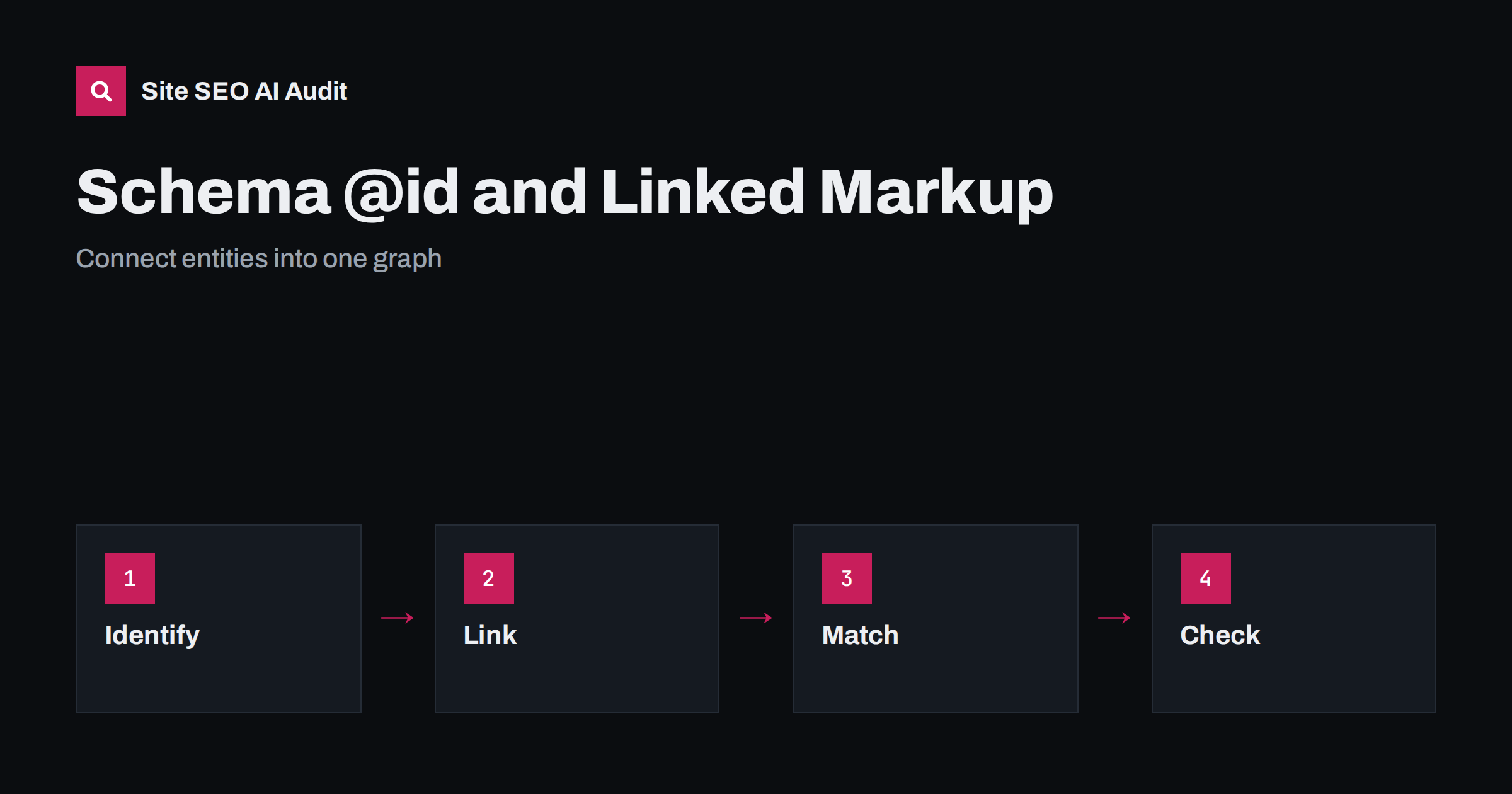
Short answer: The @id property gives each item in your structured data a stable identifier, usually a page address with a fragment such as /#organization. With it, you can define an organization, a website, a page and an author once and refer to them from other items, so that search engines and AI systems read one connected graph and not separate fragments. Use one identifier per entity, keep it identical on every page, make sure all markup matches the visible text and validate the result.
Many sites add structured data in pieces. A plugin adds an organization block, a theme adds an article block, and a widget adds a review block. Each piece may be valid on its own, yet nothing says that they describe the same company, the same author or the same page. Machines then have to guess. The @id property fixes this by naming each entity so that one block can point to another. This guide explains how to apply the idea in JSON-LD, with clear patterns and common mistakes. If you are new to the format, read JSON-LD versus Microdata first.
What @id does
In structured data, a node describes a thing: a business, a person, a page, a product. The @id property is a label that identifies that node. It looks like an address, but it does not have to lead to a real page; it only needs to be unique and stable. When another node needs to mention the same thing, it can use the identifier as a reference instead of repeating all the details. A reader of the markup, human or machine, can then see that the publisher of an article and the organization on the home page are one entity. The result is a graph of connected nodes, not a pile of unrelated blocks.
Choose a clean pattern for identifiers
A common pattern uses the canonical address of the page where the entity is described, plus a fragment: the home page address with a fragment for the organization, the home page with another fragment for the website, and each article address with a fragment for the article. The fragment makes the identifier unique within the page without creating a new page. Use the final canonical address, with the preferred host name and HTTPS, because identifiers that differ by a slash or a host name count as different entities. Write down the pattern and apply it everywhere, so that every template produces the same values.
Define each entity once, reference it everywhere
The organization is the best example. Describe it fully on one page, normally the home page or an about page: name, logo, address, contact details and links to official profiles. On other pages, do not copy the full block; add a short reference that contains only the @id of the organization, for instance as the publisher of an article. The same applies to the website node, to the author and to the main page node. This keeps the markup short, avoids contradictions between copies and makes updates easy, because you change the details in one place. Some tools output the full block on every page; that is acceptable if the details and identifiers are identical in every copy.
Link the main entity of the page
Each page can state what it is about. A page node can name the website it belongs to, its main entity and the date it was last changed. An article node can point to its author, its publisher and the page that holds it. A product node can point to the seller and to its offers. By following these links, a machine can answer questions such as who wrote this, who publishes it and what the page is mainly about. These are the connections that support entity understanding, as explained in entity SEO for AI search. Choose the main entity honestly; a page about one product should not claim to be about the whole company.
Connect people and organizations
For authors, create a person node with a name, a link to the author page and, where appropriate, links to official profiles. Reference this node from every article by the same author. If the author works for the organization, you can say so, but only if it is true and visible. For companies with several locations, give each location its own identifier and link them to the main organization. Avoid creating a new identifier for the same person on every post, which splits one author into hundreds of nodes. The visible author pages are described in author pages and bylines.
Use sameAs with care
The sameAs property lists addresses of other pages that identify the same entity, such as official social profiles or a registry entry. It helps systems recognise that these pages and your site refer to one thing. Only list profiles you control or that clearly represent the entity, and keep them current. Do not add addresses of pages that merely mention you, directories you have not verified or profiles of people with a similar name. A wrong link can attach your entity to the wrong identity. The vocabulary itself is documented at schema.org.
Keep the markup in line with the page
Linked markup does not replace visible content. Every value in the graph should match what a visitor can see: the name, the author, the dates and the offer. If the markup says one thing and the page another, you create errors and reduce trust. Do not mark up content that is not on the page and do not add types only because they might produce a rich result. Mark up what exists and let the types follow the content. The risks of overuse are covered in does structured data help in AI search.
Test the graph, not just the blocks
Validation tools check the syntax of each block, but you should also check the connections. Look at the final markup in the rendered page and confirm that every reference points to an identifier that is defined somewhere on the same page or is stable and defined elsewhere. Check that identifiers are identical across pages, that there are no duplicate nodes with different identifiers for the same company and that the JSON is valid after the plugin or template has produced it. After a change, test several page types: a post, a page, a category page and the home page. The common error types are in how to fix structured data errors.
On WordPress, check which plugin produces the graph. Many SEO plugins already output a connected graph with identifiers for the organization, website, page and author. Adding a second source, such as a theme block or a separate schema plugin, may create duplicates. Choose one main source, switch off the others and add extra nodes through that source where possible. After each plugin update, retest a few pages, since changes in the defaults can alter the identifiers.
A short example in words helps. Picture a small company with a home page, an about page and a blog. On the home page the markup defines the organization with an identifier made from the home address and a fragment for the organization, and a website node with its own fragment that names the organization as its publisher. On a blog post, the page node says it belongs to the website, the article node names a person node as its author and the organization as its publisher, and both are given only as references to identifiers. The person node is defined on the author page and referenced from each article. A machine that reads any of these pages can follow the links and reach the same company and the same author every time.
Plan for change as well. Companies rename themselves, move addresses, change logos and add locations. With a connected graph, a name change is a single edit in the organization node, and every page that references it follows. Without identifiers, you must find and edit every copy, and one forgotten copy leaves a contradiction. Keep a short document that lists your identifiers, the pages where each entity is defined and the plugin or template that outputs it. When a developer or a new plugin is introduced, that document tells them which pattern to keep.
Site SEO AI Audit crawls your pages and checks Schema.org markup on each page, including invalid JSON-LD, so you can find pages where the markup does not parse or is missing. It does not design your graph or check every property against the visible text; that review is up to you. The first audit of up to 200 pages is free; larger sites can see the pricing page.
Related reading
- Organization Schema for AI Systems
- Article Schema for Blog Posts
- LocalBusiness Schema Guide
- Structured Data on Multilingual Sites
The bottom line
Give each entity one stable @id, define it once, reference it from other nodes, keep identifiers identical across pages, match the visible text and test the connected graph in the rendered page.
GYIK
Does the @id have to be a real, working address?
No. It must be unique and stable. Using the canonical page address with a fragment is common because it is easy to keep consistent.
Will @id improve my rankings directly?
It is not a ranking switch. It helps systems understand which entities your pages describe and how they relate, which supports accurate results.
Should I repeat the organization block on every page?
You can define it once and reference it by identifier elsewhere. If a tool repeats the full block, keep every copy identical.
Can two plugins both output structured data?
They can, but often create duplicate nodes with different identifiers. Prefer one main source and switch the others off.
What is the most common mistake with @id?
Changing the identifier from page to page or creating a new one for the same entity, which splits it into several unconnected nodes.