 ENEnglish
 LTLietuviškai
 DEDeutsch
 FRFrançais
 RUРусский
 ESEspañol
 PLPolski
 ITItaliano
 UKУкраїнська
 CSČeština
 PTPortuguês
 JA日本語
 LVLatviešu valoda
 ETEesti
 HUMagyar
 IDBahasa Indonesia
 TRTürkçe
 HIहिन्दी
 ELΕλληνικά
 ARالعربية
 THไทย
 VITiếng Việt
 RORomână
 MSBahasa Melayu
 BNবাংলা
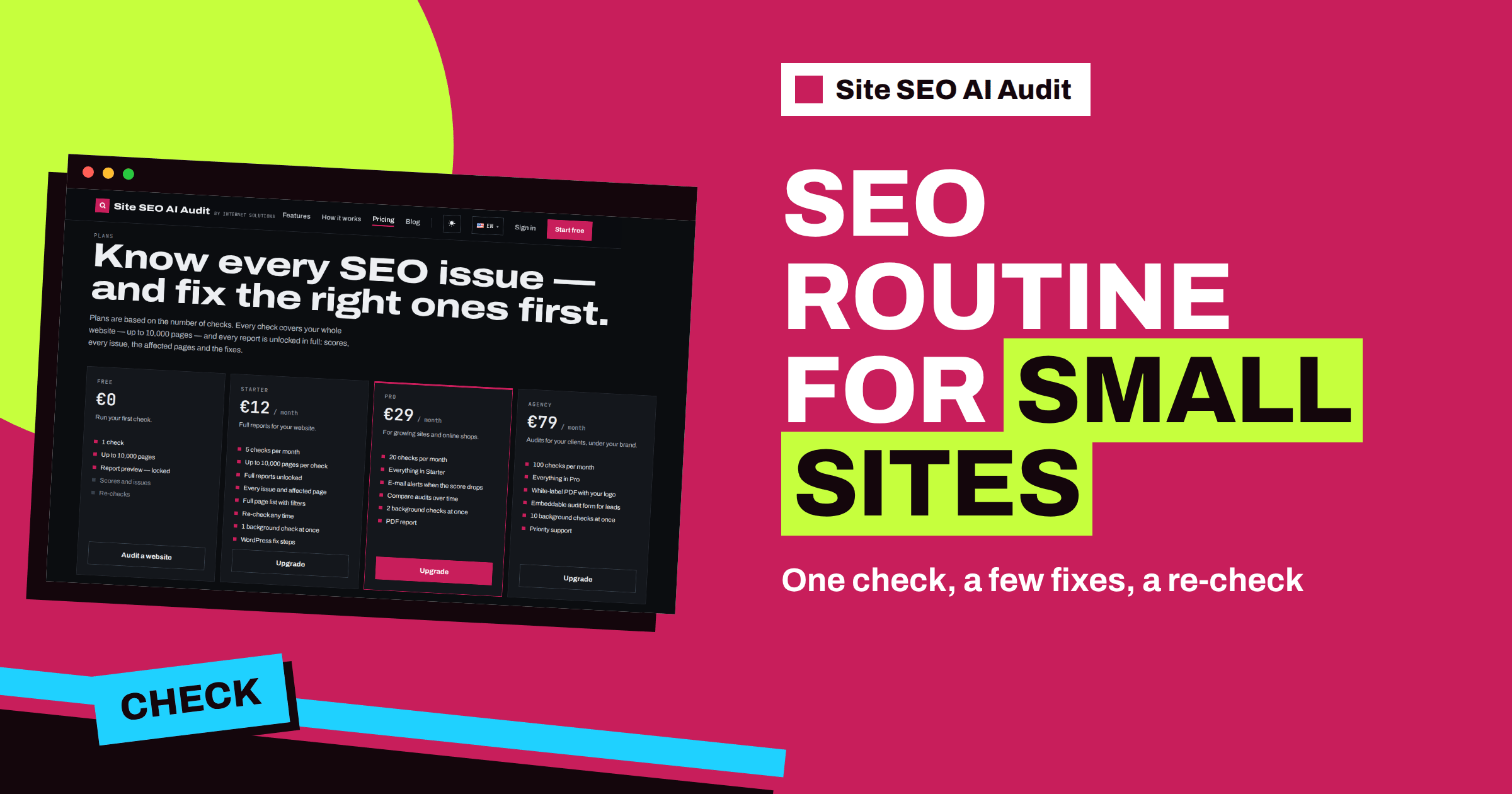
Short answer: A small business does not need a big SEO programme; it needs a routine that fits into a busy week. Run one Site SEO AI Audit check as a baseline, fix the top five items on the “Top fixes by impact” list, run a re-check to confirm the result, then repeat a lighter version once a month and after any change to the website. Starter gives 5 checks per month for €12, which is enough for this rhythm on one site.
Owners of small businesses wear many hats. The website is one of them, and it is rarely the one that gets the most attention. Months pass, a plugin updates, the menu changes, a page is deleted and nobody looks at the result. Then a customer says they could not find the opening hours, or enquiries drop for no obvious reason. A routine prevents this. It does not need to be long. It needs to be regular, clear and tied to the numbers a tool can give you. This article builds such a routine around the product’s own features.
Why small sites need a routine, not a project
Large companies can assign an SEO team. A small business usually has one person who updates the site between customers. For that person, a heavy checklist of forty items is a reason to postpone the whole thing. A routine with three steps is more likely to survive: look, fix a few things, check again.
Small sites also have an advantage. With 20 to 200 pages, one template change touches the entire site, and a repaired title pattern or a fixed menu link shows results quickly. The audit crawls the whole site, checks about fifty things on every page across seven areas and ranks the fixes by how many points each one adds. That ranking is exactly what a busy owner needs: a short list of what to do first.
Step 1: the baseline check
Create a free account on the home page, enter the address of your site and let the check run. The check starts right after sign-up and usually takes a few minutes for a small site. The free account runs one check and shows the report locked, so choose a plan to read it. For a small business, Starter at €12 a month is the natural start: it unlocks full reports, every issue and affected page, the page list with filters, WordPress fix steps and re-checks.
When the report opens, read only three things at first. The total score, the seven area scores and the “Top fixes by impact” list. Do not open every issue card. Write down the score and the area that is lowest. That is your baseline, and you will compare it later.
Step 2: fix the top five
Take the first five items on the Top fixes list. For a small business site, they are usually from a short list of familiar problems:
- Pages without a unique title or with a title that is too long or too short
- Missing meta descriptions on the main pages
- Broken links to pages that were moved or deleted
- A missing sitemap, or one that lists pages that no longer exist
- Images without alt text, or pages with almost no text
- AI assistants blocked in robots.txt by a plugin
Open the issue card for each one. It explains why the problem matters, how to fix it and which pages are affected. If you use WordPress, it also gives the exact steps in wp-admin and your SEO plugin, so you do not have to search for where the setting lives. Work through the five in order, and stop when they are done. Resist the urge to polish the sixth through the thirtieth; the next round will find them.
If you want a general reference while you work, the on-page SEO checklist and the WordPress on-page guide explain the settings behind many of the issues.
Step 3: re-check
Once the five fixes are live and any cache is cleared, run a re-check. Starter includes re-checks at any time. Compare the new score with the baseline. It should rise by about the points the report promised for the fixes. If something did not change, open its issue card again and see which pages remain; often a second template or a forgotten page is the reason.
This is a good moment to note what you did, with the date. A line in a notebook is enough: “Fixed titles on service pages, added descriptions to five pages, removed three broken links. Score from 61 to 74.” The note keeps the effort visible and helps if something changes later.
The monthly rhythm
After the first round, the routine becomes lighter. The product does not run checks on its own, so you choose the day. Pick a regular one, for example the first Monday of the month, and follow this short list:
| Step | What to do | Time |
|---|---|---|
| 1 | Start the monthly check | 2 minutes |
| 2 | Read the score, the area scores and any new critical issue | 5 minutes |
| 3 | Fix the top two or three items | 30 to 60 minutes |
| 4 | Note the change and the date | 3 minutes |
Most months, the report will be quiet, and the routine will take ten minutes. In a month when you edited the site, it takes longer, and that is exactly when the check is useful. If you want to know how often to repeat full reviews, the guide to audit frequency offers advice by type of site.
A sample first month
To make it concrete, picture a dental clinic with a 40-page WordPress site. In week one the owner creates an account, runs the baseline check and chooses Starter. The score is 58, and the lowest area is On-page. In week two the receptionist fixes the top five items: unique titles for the treatment pages, descriptions for the main pages, two broken links in the menu, a missing sitemap and an AI crawler block added by a security plugin. In week three the re-check shows 74. In week four the owner writes a note, sets a reminder for the first Monday of next month and uses one more check to confirm that the opening hours page was updated correctly. Total time: a few hours, spread over a month.
Checks after changes
Some events deserve an extra check regardless of the calendar. A redesign, a new theme, a move to another host, a change of the address format, a new plugin that touches SEO, a bulk import of pages, a new language version or a rebrand can all create problems that look fine in the browser. Run a check within a day or two of the change. With five checks per month on Starter, you have room for the monthly review, one extra and a couple of re-checks.
What small businesses should care about most
Every site has its own mix, but small business sites tend to gain most from the same few areas:
- Titles, descriptions and headings on the pages that describe what you sell and where. These shape how you appear in search results.
- Working links. A customer who meets an error page rarely returns.
- Crawl and index basics: a sitemap, a clean robots.txt and no accidental noindex on important pages.
- Speed on mobile. Most visitors arrive on phones, and the Speed and Core Web Vitals area checks response time, compression and page weight.
- AI visibility. More customers ask assistants for local recommendations. The AI visibility area checks whether crawlers may read your pages and whether the text is readable without scripts. The guide to AI search for local businesses explains what else to prepare.
Keep your public profiles in step with the website, too. The article on aligning your business profile and website shows which details must match.
When to upgrade, and when not to
Most small sites do well on Starter for a long time. Consider Pro, at €29 a month with 20 checks, if you want e-mail alerts when the score drops, comparison of audits over time and a PDF report to share with a partner or a web developer. Consider it also if you look after several small sites, for example your own and those of a few friends or clients. Agency, at €79 a month, is built for people who sell audits and want reports under their own logo. If you only want to know where you stand once, Starter for one month is also a fine choice, since you can cancel any time. The pricing page has the full comparison.
Related reading
- On-Page SEO Checklist: What to Check on Every Page
- WordPress On-Page SEO: Settings and Habits That Matter
- AI Search for Local Businesses: What to Fix First
The bottom line
Run a baseline check, fix the top five, re-check, then keep a light monthly rhythm and an extra check after changes. A small routine kept up for a year beats a big project that never starts.
GYIK
How many checks does a small business need?
Usually one a month, plus a few re-checks while fixing. Starter’s 5 checks per month cover this for one site.
Do I need to understand SEO to use the report?
No. Every issue card explains in plain words why the problem matters and how to fix it, and WordPress sites get steps in wp-admin.
How long does a check take?
A small site takes a few minutes. Large sites can take up to about twenty minutes.
Can I use the free account for this routine?
The free account runs one check and shows the report locked. A plan is needed to read the report and to re-check.
Does the product check my site every month by itself?
No. A check starts when you start it, so pick a regular day in your calendar.


