 ENEnglish
 LTLietuviškai
 DEDeutsch
 FRFrançais
 RUРусский
 ESEspañol
 PLPolski
 ITItaliano
 UKУкраїнська
 CSČeština
 PTPortuguês
 JA日本語
JA日本語 LVLatviešu valoda
 ETEesti
 HUMagyar
 IDBahasa Indonesia
 TRTürkçe
 HIहिन्दी
 ELΕλληνικά
 ARالعربية
 THไทย
THไทย VITiếng Việt
 RORomână
 MSBahasa Melayu
 BNবাংলা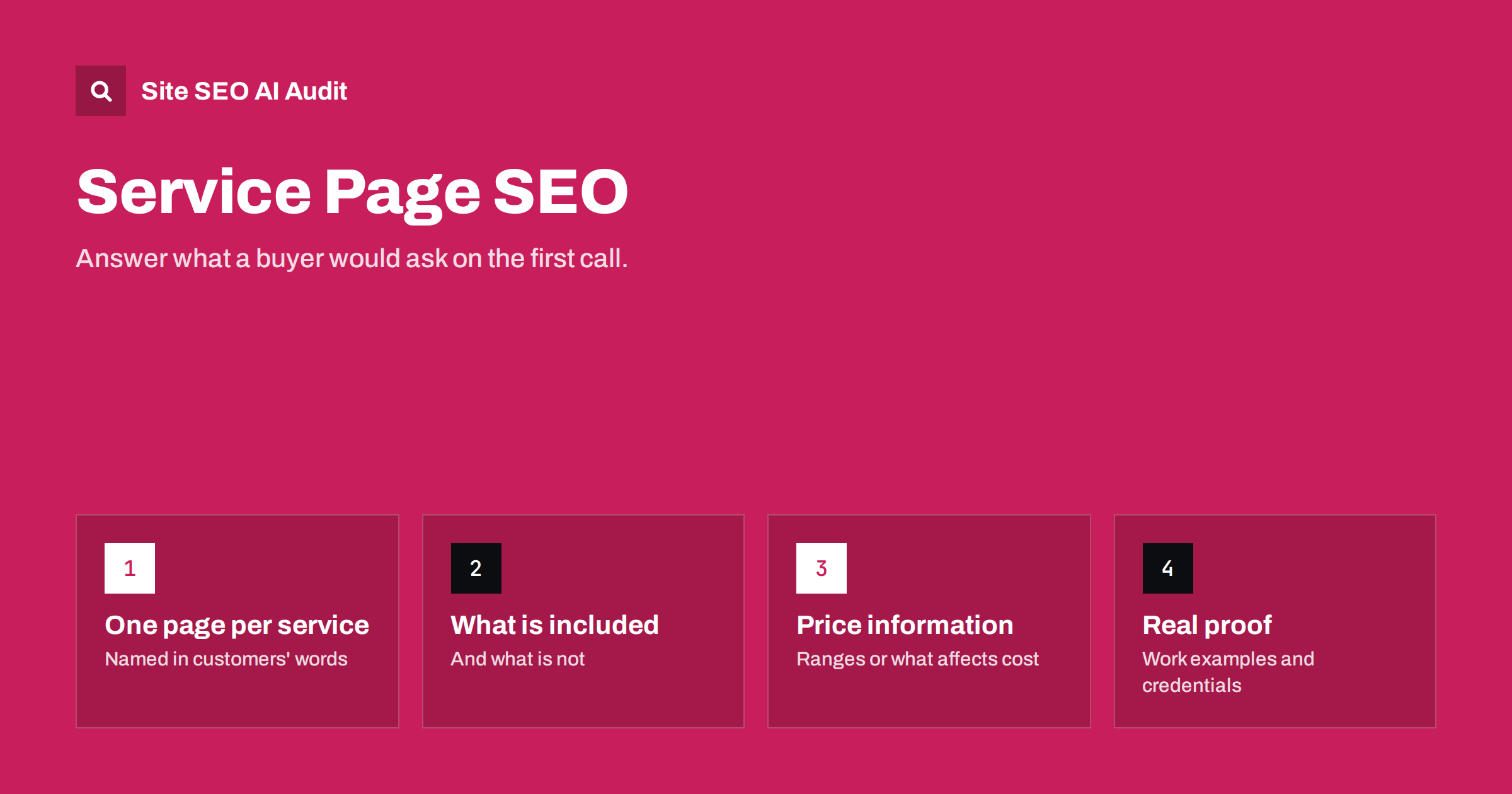
Short answer: A service page ranks and converts when it is dedicated to one service, names it clearly in the title and H1, explains exactly what is included, who it is for, how the process works and what it costs or where to find prices, and shows proof such as real examples and credentials. Give each main service its own page rather than listing everything on one “Services” page, and link to each from related content.
Why one page per service
Many small business websites have a single “Services” page listing everything they do in a few bullet points. It is quick to build, but it gives search engines and customers very little to work with. Someone searching “bathroom renovation” or “payroll outsourcing for small business” wants a page about that specific service, not a list of twelve services with one line each.
A dedicated page for each main service:
- Lets you target the words people use for that service in the title, H1 and content.
- Gives you space to answer the questions buyers actually have before they get in touch.
- Makes it possible for search engines to match the page to specific searches.
- Gives you a clear destination for internal links from blog posts and case examples.
Keep the overview page too. It works well as a hub that briefly introduces each service and links to its dedicated page.
Deciding which services deserve a page
Not every task you perform needs its own page. A useful test is whether people search for the service by name and whether you have enough to say about it to fill a genuinely helpful page. A plumbing company might have separate pages for boiler repair, boiler installation, emergency plumbing and bathroom fitting, while smaller jobs such as tap replacement are covered within a broader page.
Look at your enquiries: which services do customers ask for, in what words, and which bring the most valuable work? Those are your priority pages.
Title, H1 and URL
Name the service plainly, in the words your customers use, and add what makes your offer distinct or where you provide it:
- “Boiler Repair in Leeds: Same-Day Visits | Brandname”
- “Payroll Outsourcing for Small Businesses | Brandname”
- “WordPress Website Maintenance Plans | Brandname”
The H1 can be shorter, such as “Boiler Repair in Leeds”. The URL should be short and descriptive: /services/boiler-repair/ or /boiler-repair-leeds/. Avoid internal jargon. If your team calls it “thermal system remediation” but customers say “boiler repair”, use “boiler repair”.
What a strong service page contains
The best service pages answer the questions a potential customer would ask on a first phone call. A structure that works for most services:
- A direct opening. What the service is, who it is for and the main benefit, in two or three sentences.
- What is included. A clear list of what you do, and just as importantly what you do not do.
- Who it is for. Types of customers, situations and problems it solves. This helps the right people recognize themselves and the wrong ones move on.
- How it works. The steps from first contact to finished job, with typical timings.
- Pricing information. Actual prices, typical ranges, what affects the price, or a link to a pricing page. Pages that say nothing about cost leave buyers guessing.
- Proof. Examples of real work, photos, credentials, certifications, guarantees and genuine reviews.
- Service area for local businesses: which towns or regions you cover.
- Frequently asked questions. Taken from real enquiries.
- A clear next step. How to book, call or request a quote, visible without scrolling back to the top.
Writing for buyers, not just for search engines
Service pages often slide into vague marketing language: “tailored solutions”, “customer-focused approach”, “industry-leading quality”. None of it helps a buyer decide, and none of it distinguishes you from competitors who use the same phrases.
Replace vague claims with specifics:
- Instead of “fast service”, say “most repairs are completed on the first visit, usually within 24 hours of your call” if that is true.
- Instead of “experienced team”, say how long you have worked in the field and what qualifications your staff hold.
- Instead of “competitive prices”, show a price list or typical ranges.
- Instead of “high quality”, describe the materials, standards or guarantees you use.
Specific pages are more convincing for people and more clearly relevant for search engines, because they naturally include the terms and details associated with the service.
Local service pages
If you serve customers in specific places, location matters to searchers. People search “electrician near me” or “accountant in Kaunas” and expect results nearby. For local businesses:
- Mention your location and service area clearly on each service page.
- Show your address and contact details consistently across the site.
- Create separate location pages only when you genuinely serve those places and can say something specific about each: local team, local projects, travel times, local regulations or conditions.
- Avoid dozens of near-identical city pages with only the town name changed. They are thin, duplicated and can look like doorway pages.
Supporting service pages with content and links
| Supporting content | How it helps the service page |
|---|---|
| How-to and problem articles | Attract people researching the problem; link to the service as the solution |
| Project examples | Provide proof; link back to the service used |
| Pricing guides | Answer cost questions in depth; link to the service and contact |
| FAQ pages | Catch specific questions; link to the relevant service |
| Home page | Links to main services directly, not only via a menu |
Use descriptive anchor text in those links, such as “our boiler repair service”, rather than “click here”. Internal links from relevant content tell search engines which page is your main page for the service and help readers take the next step.
An example outline you can adapt
Here is how the structure above might look for an accounting firm’s payroll service. Adapt the headings to your own service and customers.
- H1: Payroll Services for Small Businesses
- Opening: “We run payroll for businesses with 1 to 50 employees: payslips, tax filings and year-end reports, so you never miss a deadline.”
- H2: What is included: payslips, tax and social insurance filings, new starters and leavers, year-end reports; not included: bookkeeping, which is a separate service.
- H2: Who this is for: owners doing payroll themselves, businesses hiring their first employees, companies switching from another provider.
- H2: How it works: a short call, data handover, first payroll run, monthly routine.
- H2: Pricing: price per employee per month, or what affects the price, with a link to the pricing page.
- H2: Why businesses choose us: qualifications, years in practice, real client examples with permission.
- H2: Frequently asked questions: switching mid-year, deadlines, what happens if a filing is late.
- Contact block: phone, form and response time.
Every heading answers a real question, and each section can be checked for accuracy. That is what separates a useful service page from a brochure.
Common service page mistakes
- All services on one page, each described in a sentence.
- Duplicate text across service pages, with only the service name swapped.
- No information about price, not even what influences it.
- Stock photos only, with no examples of real work.
- Missing or generic titles, such as “Services | Brandname” on every service page.
- Thin location pages created for every town in the region.
- Buried contact options, only in the footer or on a separate page.
A crawl quickly shows the structural problems: duplicate titles across service pages, thin pages, missing H1s, images without alt text and service pages that receive few internal links. Site SEO AI Audit checks all of these on every page and ranks fixes by how many points each adds. The first audit is free; you can run it from the home page.
Related reading
- Search Intent: How to Match Your Page to What Searchers Want
- Internal Linking Strategy: A Step-by-Step Guide for SEO
- Duplicate Title Tags and Meta Descriptions: How to Fix Them
The bottom line
Give each main service its own page, named in your customers’ words. Answer what a buyer would ask on a first call: what is included, who it is for, how it works, what it costs, and why they should trust you. Replace vague claims with specifics, handle locations honestly, support each service page with related content and internal links, and make the next step easy to take.
GYIK
Should each service have its own page?
Each main service that people search for by name should. A dedicated page lets you answer buyers’ questions properly and gives search engines a clear match for that search. Minor tasks can be covered within broader service pages.
Should I show prices on service pages?
Where possible, yes, even as typical ranges or a list of what affects the price. Buyers want to know roughly what to expect, and pages that say nothing about cost leave them uncertain. If prices vary too much, explain why and how to get a quote.
How long should a service page be?
Long enough to answer the questions a buyer has before getting in touch. For a simple service that may be a few hundred words; for complex or expensive services, much more. Specifics matter more than length.
Should I create a page for every town I serve?
Only for places you genuinely serve and can describe with specific, useful details. Dozens of near-identical city pages are thin content and can be treated as doorway pages. A clear service area on each service page is often enough.
What is the difference between a service page and a landing page?
A service page is a permanent part of the site that explains a service and is built to be found in search. A landing page is often created for a specific campaign or advert. The same principles of clarity and specifics apply to both.


