 ENEnglish
 LTLietuviškai
 DEDeutsch
 FRFrançais
 RUРусский
 ESEspañol
 PLPolski
 ITItaliano
 UKУкраїнська
 CSČeština
 PTPortuguês
 JA日本語
JA日本語 LVLatviešu valoda
 ETEesti
 HUMagyar
 IDBahasa Indonesia
 TRTürkçe
 HIहिन्दी
 ELΕλληνικά
 ARالعربية
 THไทย
THไทย VITiếng Việt
 RORomână
 MSBahasa Melayu
 BNবাংলা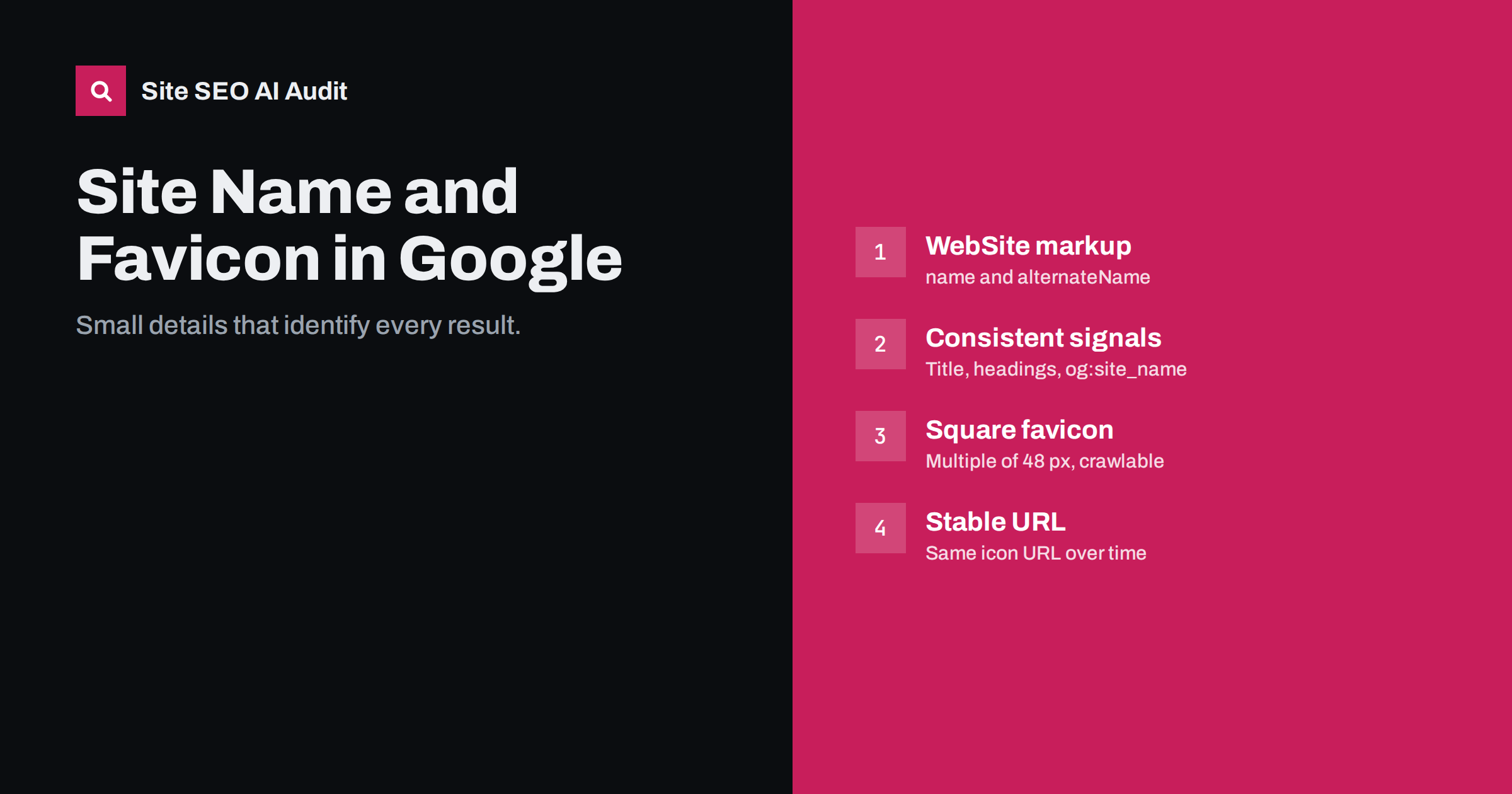
Short answer: Google shows a site name and a small favicon beside search results, chosen automatically from signals on your home page. To influence the site name, add WebSite structured data with name (and optionally alternateName) on the home page and keep the name consistent in the title, headings and og:site_name. For the favicon, link a square icon, at least 48 × 48 pixels or a multiple of 48, from the home page with rel="icon", and keep it crawlable and at a stable URL.
Why these small details matter
In mobile search results in particular, each result starts with the site’s favicon and name before the title. They are the first things a searcher sees and help them recognise a brand they know or trust. A missing favicon shows a generic globe icon; a wrong site name, such as the domain in lowercase or an old brand, looks careless. Neither affects rankings, but both can affect whether people click.
They are also among the easiest things to get right. Both are controlled from the home page and a few settings, and once set correctly they apply to every result from your site. For small businesses whose brand is not yet widely known, a clear name and a distinctive icon make results look more trustworthy next to larger competitors.
Google explains how it picks both in its documentation on site names in search results and a companion page on favicons.
How Google chooses the site name
Google generates the site name automatically from several sources on the home page, including:
- WebSite structured data, especially the
nameandalternateNameproperties; - the home page
<title>element; - headings and other prominent text on the home page;
og:site_namein Open Graph tags;- how other sites refer to your site.
Site names are assigned at domain level and for some subdomains, not for subfolders. The name must be a reasonable representation of the site; Google may use the domain name instead if the signals are inconsistent or the preferred name is not recognisably connected to the site.
Adding WebSite structured data
Place this JSON-LD on the home page only:
<script type="application/ld+json">
{
  "@context": "https://schema.org",
  "@type": "WebSite",
  "name": "Example Studio",
  "alternateName": ["Example", "examplestudio.com"],
  "url": "https://www.example.com/"
}
</script>name: the name you want shown, usually the brand name as people know it.alternateName: other recognisable names, such as a shorter form or the domain, which Google can use if the preferred name is not chosen.url: the canonical home page URL, including the correct protocol and host.
Many SEO plugins output WebSite markup automatically from the site title setting. Check that the site title in the CMS is your real brand name, not a slogan or a placeholder such as “Just another WordPress site”.
Making the site name signals consistent
Structured data alone may not be enough if other signals disagree. Align them:
- Use the same name in the home page title, for example “Example Studio – Web design in Vilnius”, with the brand clearly present.
- Use the name prominently on the home page, such as in the logo’s alternative text and the main heading or intro.
- Set
og:site_nameto the same name on all pages. - Use the same name in Organization structured data.
- Avoid generic names that cannot be linked to your site, such as “Best Online Shop”.
How Google chooses the favicon
Google looks for a favicon declared on the home page and crawls it with a dedicated crawler. Requirements and good practice:
| Requirement | Detail |
|---|---|
| Declared on the home page | <link rel="icon" href="/favicon.png"> in the head |
| Square shape | Aspect ratio 1:1 |
| Size | At least 48 × 48 px; a multiple of 48 (96, 144, 192) is recommended; SVG also works |
| Crawlable | Neither the icon nor the home page blocked in robots.txt |
| Stable URL | Do not change the icon URL often |
| Appropriate | Represents the brand; no inappropriate imagery |
A tiny 16 × 16 favicon.ico may look fine in a browser tab but is too small for search results. Provide a larger version as well; browsers pick the size they need.
Favicon setup examples
<link rel="icon" href="/favicon.ico" sizes="32x32">
<link rel="icon" href="/icon.svg" type="image/svg+xml">
<link rel="apple-touch-icon" href="/apple-touch-icon.png">
Design the icon for very small sizes. Detailed logos with text become unreadable at 16 or 32 pixels. A simplified mark, a single letter or a distinctive shape with strong contrast works better, and it should remain recognisable on both light and dark backgrounds, since search results and browsers may show it on either. Test it next to a few competitors’ icons to make sure it stands out rather than blending in.
On WordPress, set the Site Icon in the Customizer or site editor; WordPress generates the sizes and link tags automatically. Make sure the theme or another plugin does not output a conflicting, smaller icon.
When the wrong name or icon appears
- The domain is shown instead of the name: add or fix WebSite markup, align the home page title and
og:site_name, and include the domain as analternateNameif acceptable. - An old brand name persists: update all signals on the home page, then wait for recrawling; changes take time to appear.
- A generic globe instead of the favicon: check that the icon is declared on the home page, is at least 48 × 48, returns 200 and is not blocked by robots.txt, a firewall or hotlink protection.
- An old favicon remains: favicons are recrawled less often than pages. Keep the new icon at a stable URL and request indexing of the home page to speed things up.
- Different names for subdomains: each eligible subdomain needs its own consistent signals on its own home page.
After changes, use URL Inspection on the home page and request indexing. Updates can take days to weeks to appear.
Rebrands, mergers and multiple brands
Site names and favicons need extra attention when a business changes its name or runs several brands:
- Rebrand on the same domain: update the CMS site title, WebSite and Organization markup, home page title, logo alternative text,
og:site_nameand favicon at the same time. Mixed signals during a transition are the main reason old names linger. - Rebrand with a new domain: handle it as a migration with redirects, and set up the new name and icon on the new domain from day one.
- Several brands on subdomains: each eligible subdomain can have its own site name if its home page carries its own consistent signals. Subfolders share the name of the domain.
- Names shared with other businesses: if your brand name is common, using a slightly more distinctive form, or including the domain as an alternate name, helps Google connect the name with your site.
Expect changes to appear gradually. Google needs to recrawl the home page, and it may take several weeks before the new name and icon show consistently across results.
A quick checklist
- CMS site title is the real brand name.
- WebSite JSON-LD with
name, optionalalternateNameand canonicalurlon the home page. - Home page title, headings and
og:site_nameuse the same name. - Square favicon of 48 × 48 px or a multiple, declared with
rel="icon"on the home page. - Icon returns 200, is not blocked and keeps a stable URL.
- Only one source outputs WebSite markup and favicon tags.
- Home page inspected with URL Inspection and indexing requested after any change to these signals.
How Site SEO AI Audit helps
The structured data area of the audit reads Schema.org markup on every page, reports invalid JSON-LD and missing markup, and checks Open Graph tags including share images. That covers the WebSite and Organization markup and the og:site_name signals Google uses for site names. The crawl area also shows robots.txt rules that could block the home page or icon files. You can run a free audit.
Related reading
- JSON-LD vs Microdata vs RDFa: which structured data format?
- Open Graph tags: how to control link previews everywhere
- Structured data errors: how to find and fix invalid schema
- How to write title tags: length, wording and examples
The bottom line
The site name and favicon are small but visible parts of every search result. Give Google consistent signals: WebSite structured data with your real brand name, a home page title and Open Graph tags that agree, and a square, crawlable favicon of at least 48 pixels at a stable URL. Then allow time for Google to pick up the changes.
GYIK
How do I change the site name Google shows?
Add WebSite structured data with your preferred name on the home page, and make the home page title, headings and og:site_name consistent with it. Then request indexing of the home page and wait for recrawling.
Why does Google show my domain instead of my brand name?
Usually because the signals are missing or inconsistent, or Google could not confirm the preferred name. Add WebSite markup, align other signals, and list the domain as an alternateName if you are happy to show it as a fallback.
What size should my favicon be for Google?
Square, at least 48 × 48 pixels, ideally a multiple of 48 such as 96 or 192. SVG favicons are also supported.
Why is my favicon not showing in search results?
Common causes are an icon that is too small, not declared on the home page, blocked by robots.txt or a firewall, or recently changed. Fix the cause and request indexing of the home page.
Do site name and favicon affect rankings?
No. They affect how results look and how easily people recognise your site, which can influence clicks, but not where the page ranks.


