 ENEnglish
 LTLietuviškai
 DEDeutsch
 FRFrançais
 RUРусский
 ESEspañol
 PLPolski
 ITItaliano
 UKУкраїнська
 CSČeština
 PTPortuguês
 JA日本語
JA日本語 LVLatviešu valoda
 ETEesti
 HUMagyar
 IDBahasa Indonesia
 TRTürkçe
 HIहिन्दी
 ELΕλληνικά
 ARالعربية
 THไทย
THไทย VITiếng Việt
 RORomână
 MSBahasa Melayu
 BNবাংলা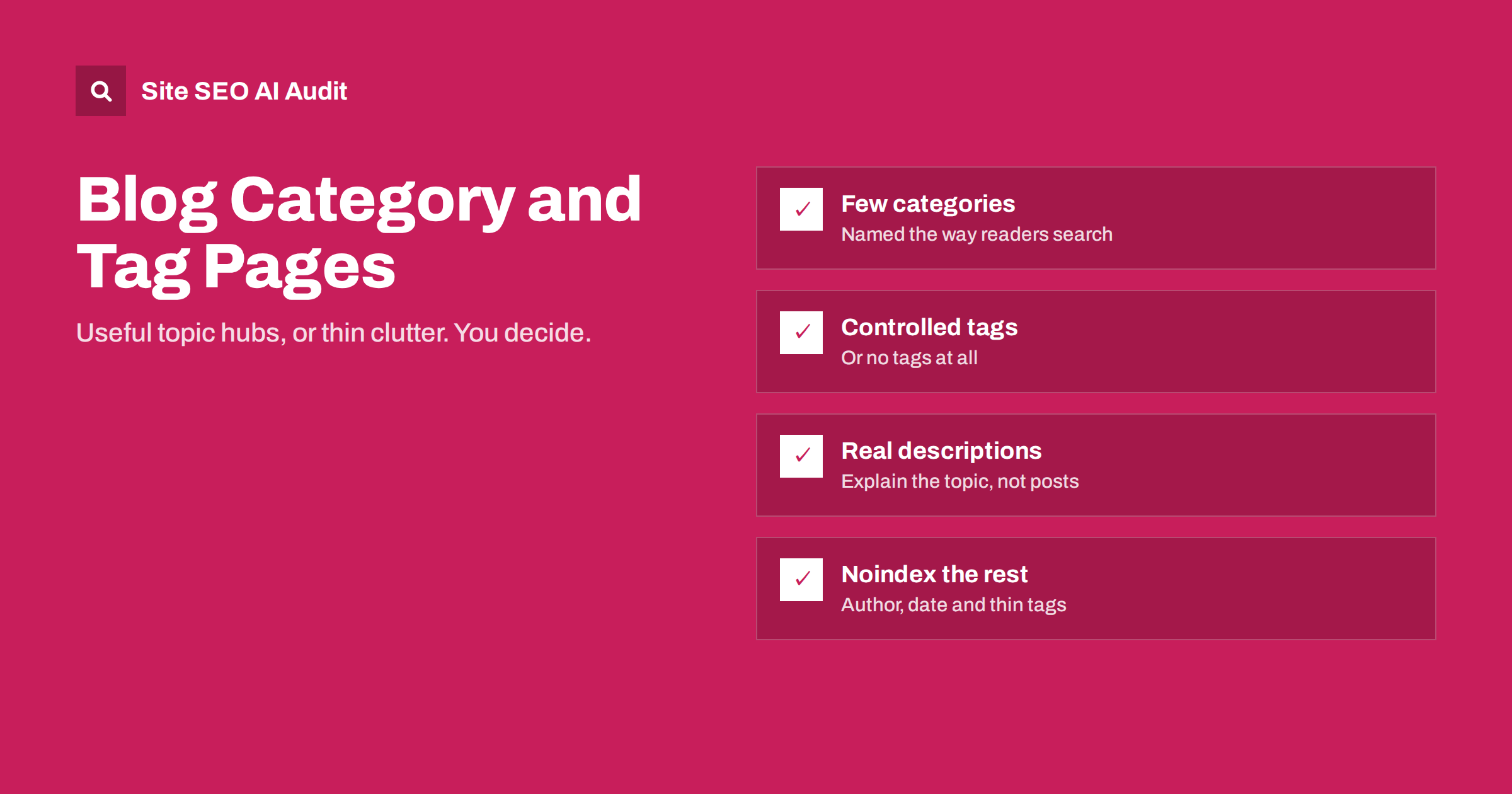
Short answer: Blog category and tag pages can be useful landing pages when each one covers a real topic, lists enough posts to be worth visiting, and has a short description that explains the topic. When they are created for every passing keyword, hold one or two posts and have no text of their own, they become thin, near-duplicate pages. Keep a small set of meaningful categories, a limited set of maintained tags, give the useful ones a description, and keep the rest out of the index.
What category and tag pages are
Most blogging platforms let you organize posts in two ways. Categories are broad, usually hierarchical groups, such as “On-page SEO” or “Technical SEO”. Every post typically belongs to one. Címkék are narrower, non-hierarchical labels, such as “title tags” or “hreflang”, and a post can have several.
For each category and tag, the platform automatically creates an archive page that lists the posts assigned to it. These pages are linked from posts, menus and sidebars, so search engines find and often index them. Whether that is good or bad depends entirely on what the pages contain.
When archive pages help
A well-maintained category or tag page can do real work:
- It serves broad searches. Someone searching “on-page SEO guides” may be better served by a page listing all your on-page articles than by any single article.
- It helps visitors explore. Readers who enjoyed one post can find others on the same subject.
- It strengthens internal linking. Every post in the archive receives a link from a page about its topic.
- It shows depth. A topic page with twenty useful articles tells readers and search engines that the site covers the subject seriously.
Archive pages can also carry search demand that no single post captures. People often search for a topic in general, “email marketing guides” or “SEO for beginners”, without a specific question in mind. A well-described category page listing the best articles on that subject is often the most helpful result for such searches, and it is a page most blogs already have, just not in a useful state.
For these benefits, the page needs to be more than an automatically generated list. It needs a clear topic, enough posts and some text of its own.
When archive pages hurt
On many blogs, archives are the largest source of low-value pages. Typical problems:
- Too many tags. A new tag for every post produces hundreds of tag pages, most holding a single post.
- Overlapping taxonomies. A category “SEO tips” and a tag “SEO tips” list almost the same posts.
- Near-synonym tags. “Title tag”, “title tags”, “page titles” and “SEO titles” each have their own page with the same content.
- No description. The page is just a heading and a list of excerpts that also appear on other archives.
- Duplicate titles. Templates give every archive the same title pattern with nothing specific, or the same title on every paginated page.
These pages are thin and duplicative. They rarely rank, they spread internal links thinly, and on large sites they consume crawling that would be better spent on posts.
A clean structure for categories
Categories work best as a small set of main sections of your blog:
- Keep the number small. Most blogs need between four and ten categories. Each should represent a subject you publish on regularly.
- Put each post in one main category. Assigning posts to several categories creates overlapping archives.
- Name categories the way readers search. “On-page SEO” rather than “Tips and Tricks”.
- Avoid “Uncategorized”. WordPress assigns posts to it by default; rename it or move posts to real categories.
- Write a description for each category: what it covers, who it is for, and where to start.
A sensible approach to tags
Tags are where most problems start, so decide on a policy:
- Option 1: no tags. Many blogs are perfectly organized with categories alone. If tags add nothing for readers, stop using them.
- Option 2: a small controlled list. Maintain a list of tags for recurring subtopics, such as “title tags”, “structured data” and “internal linking”. Only use tags from the list; add a new one only when several posts will use it.
- Option 3: tags for navigation only. Use tags freely for readers, but keep tag pages out of the index with a noindex setting.
Whatever you choose, merge near-synonym tags into one and redirect the removed tag pages to the one you keep.
Making archive pages worth indexing
| Element | What to do |
|---|---|
| Title tag | Topic name plus context, e.g. “Title Tags: Guides and Examples | Brandname” |
| H1 | The category or tag name, not “Archives” |
| Description | A short paragraph of five to seven sentences explaining the topic, shown above the list |
| Post list | Enough posts to be useful; best or most important posts first if your platform allows |
| Pagination | Page number in the title of page 2 onwards; the description only on page 1 |
| Linkek | Link from the description to the main guide on the topic |
The description is the most important addition. It turns a list into a page with its own purpose, gives search engines text that explains the topic, and helps readers decide where to start. Write it about the topic, not about the posts, so it stays accurate as new posts are added.
Author and date archives
Two more archive types deserve a decision:
- Author archives are useful on multi-author sites when each author page includes a real biography, expertise and links to their work. On single-author blogs they duplicate the main blog list and are better set to noindex or disabled.
- Date archives (by year, month or day) rarely help anyone in search. Readers almost never browse a blog by month, and the pages simply repeat posts listed elsewhere. Most SEO plugins can disable or noindex them.
Example: cleaning up an overgrown blog
Consider an illustrative marketing blog with 180 posts, 9 categories and 420 tags. An inventory shows that 350 of the tags hold only one post, that there are six variants of “email marketing” as separate tags, and that two categories, “Tips” and “Marketing tips”, contain almost the same posts. Search Console shows that only a handful of tag pages ever receive impressions.
A sensible clean-up plan would be:
- Merge “Tips” into “Marketing tips” and rename it to something readers search for, such as “Email and content marketing”, redirecting the old category URL.
- Choose about twenty tags for recurring subtopics, merge the email marketing variants into one, and write a five-to-seven sentence description for each tag that remains.
- Remove the single-post tags from posts; redirect the few that had impressions to the closest remaining tag or category.
- Set date and author archives to noindex, since the blog has one author.
- Add a rule to the editorial checklist: tags only from the approved list.
After the clean-up, the blog has fewer than thirty archive pages, each with a clear topic, enough posts and a description. Readers find related posts more easily, and search engines see a compact, well-organized site instead of hundreds of near-empty lists.
Auditing archives on an existing blog
If your blog has grown for years, start with an inventory:
- List all categories and tags with their post counts.
- Mark tags with only one or two posts, and groups of near-synonyms.
- Check which archive pages receive impressions or clicks in Search Console.
- Decide per archive: keep and improve, merge and redirect, or noindex.
- Write descriptions for every archive you keep indexable.
- Update your editorial rules so the clutter does not return.
A crawl shows the scale of the problem quickly: how many archive pages exist, which ones are thin, and which share titles or content with others. Site SEO AI Audit reports thin and duplicate content and duplicate titles on every crawled page, weighted by how many pages each issue affects, and gives WordPress sites the exact settings to change. You can run a free first audit.
Related reading
- Thin Content: How to Find and Fix Low-Value Pages
- WordPress On-Page SEO: Settings and Habits That Matter
- WordPress Crawl Waste: Feeds, Attachments and Junk URLs
- Pagination SEO: How to Handle Page 2, 3 and Beyond
The bottom line
Category and tag pages are either useful topic hubs or thin clutter, depending on how you manage them. Keep a small set of categories named the way readers search, use tags sparingly from a controlled list or not at all, merge near-synonyms, and give every indexable archive a real title, H1 and topic description. Noindex or remove the archives that serve no one, and set rules so they do not grow back.
GYIK
Should tag pages be indexed?
Only if they are maintained: a meaningful topic, enough posts and a description. Tag pages holding one or two posts with no text are better set to noindex or removed.
How many categories should a blog have?
Usually between four and ten, each representing a subject you publish on regularly. Too many categories spread posts thinly and create overlapping archives.
Can a post be in several categories?
It can, but it usually creates overlapping archive pages. Assign each post to one main category and use tags or internal links for secondary topics.
What should a category description say?
Explain the topic itself: what it covers, why it matters and who it is for, in a short paragraph. Link to the main guide on the topic. Avoid describing specific posts, which change over time.
What happens to deleted tag pages?
If a removed tag page had traffic or links, redirect it to the most relevant remaining tag or category. Otherwise it can simply return a 404.


