 ENEnglish
 LTLietuviškai
 DEDeutsch
 FRFrançais
 RUРусский
 ESEspañol
 PLPolski
 ITItaliano
 UKУкраїнська
 CSČeština
 PTPortuguês
 JA日本語
JA日本語 LVLatviešu valoda
 ETEesti
 HUMagyar
 IDBahasa Indonesia
 TRTürkçe
 HIहिन्दी
 ELΕλληνικά
 ARالعربية
 THไทย
THไทย VITiếng Việt
 RORomână
 MSBahasa Melayu
 BNবাংলা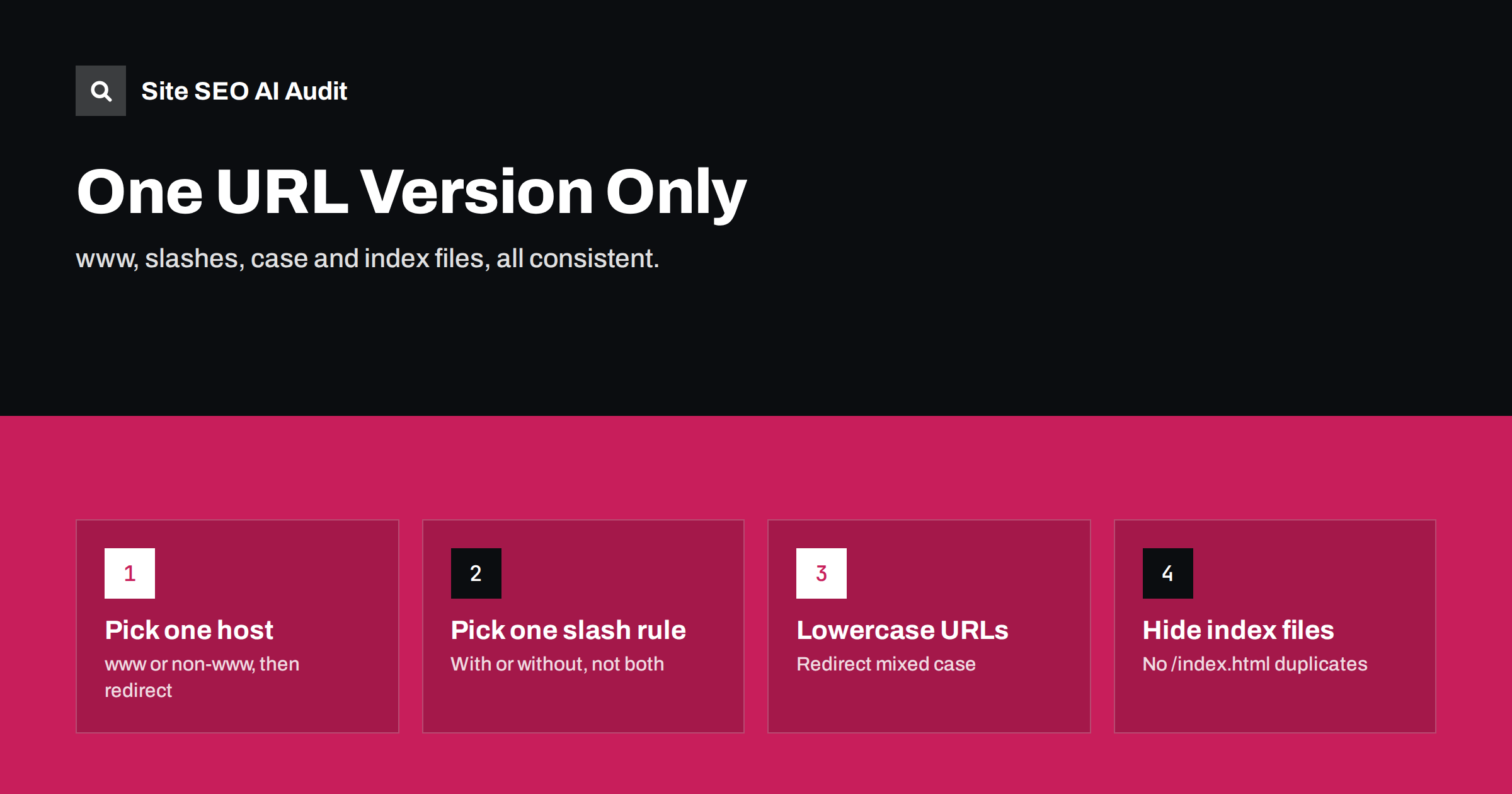
Short answer: the same page is often reachable at several technically different URLs: with and without www, with and without a trailing slash, in different letter cases, or with index.html at the end. Each variant is a separate URL to search engines. Choose one version of each rule, redirect every other variant to it with a single 301, and make sure canonicals, internal links and sitemaps all use the chosen form.
Why URL variants matter
To a person, example.com/services and www.example.com/services/ are obviously the same page. To a search engine, they are two URLs that happen to return the same content. If both work and both get linked, search engines have to discover the duplication, pick one version and consolidate the signals. They usually manage, but:
- they may pick a different version than you prefer, which then appears in results;
- links, internal and external, are split between versions until consolidation happens;
- crawlers spend requests on duplicates;
- analytics splits the same page into several rows, making reports harder to read.
Consistency removes all of this with a handful of server rules. It is one of the few technical SEO tasks that is done once and then keeps working, as long as nobody adds a new server, CDN or plugin that changes the behaviour. That is why it belongs on every launch and migration checklist, and why it is worth re-testing after any infrastructure change.
The variants to control
| Variant | Example | Rule |
|---|---|---|
| Protocol | http:// vs https:// |
Always HTTPS; redirect HTTP |
| Host | www.example.com vs example.com |
Pick one; redirect the other |
| Trailing slash | /services vs /services/ |
Pick one; redirect the other |
| Letter case | /Services/ vs /services/ |
Lowercase; redirect or 404 uppercase |
| Index files | /index.html, /index.php |
Redirect to the folder URL |
| Duplicate slashes | //services/ |
Redirect to single slash |
| Default parameters | ?page=1 |
Redirect to the clean URL |
Choosing each rule
For most of these variants there is no SEO advantage to one option over the other. The decision should follow your platform’s defaults, your existing links and practical infrastructure concerns, and then never change without a good reason. The sections below cover the three choices people ask about most often, and what to consider for each before you commit.
www or non-www?
For SEO, it does not matter which you choose. What matters is choosing one and enforcing it. Some practical considerations:
- Existing links and history: keep whichever version the site has used and been linked with, to avoid an unnecessary migration.
- Cookies: cookies set on a bare domain apply to all subdomains, which some teams prefer to avoid for performance or security reasons; a www host keeps them scoped.
- DNS flexibility: some hosting and CDN setups are simpler with a www host, because a bare domain cannot always use a CNAME record.
- Branding: shorter addresses look cleaner in print and ads, but visitors reach the site either way thanks to redirects.
Whatever you choose, test all four combinations of protocol and host. Each should reach the final URL in one hop: http://example.com, http://www.example.com, https://example.com and https://www.example.com.
Trailing slash or not?
Again, either works. Google has explained on its blog that both are fine as long as you are consistent. The convention depends mostly on the platform:
- WordPress uses trailing slashes by default in its permalink structures and redirects the non-slash version automatically.
- Many frameworks and static site generators can be configured either way.
- File-like URLs such as
/sitemap.xmlor/image.jpgshould not have a trailing slash. - The root URL
https://www.example.com/andhttps://www.example.comare treated as the same; no redirect is needed there.
The common problem is not the choice but inconsistency: some templates link with slashes, others without, and both versions return 200. Pick the rule your platform prefers, redirect the other form, and fix the links.
Letter case and index files
URL paths are case-sensitive. On Linux servers, /About/ and /about/ may both work if the application lowercases internally, or one may return 404. Mixed-case links usually come from manually typed URLs or old systems. Use lowercase for all new URLs, redirect common uppercase variants that have links, and make sure internal links match exactly.
Older sites and some servers also serve the same page at /folder/ and /folder/index.html or /index.php. Redirect the file versions to the folder URL and do not link to them.
How to enforce it
Enforcement happens in four places, and all four must agree:
- Server or CDN redirects: one rule set that sends any non-canonical protocol, host, slash or index-file variant to the canonical URL in a single 301. Combine rules so a request needing several corrections still gets only one hop.
- Canonical tags: every page’s canonical uses the exact canonical form, including protocol, host and slash.
- Internal links: menus, content, breadcrumbs and pagination all use the canonical form.
- Sitemaps, hreflang and structured data: list only canonical-form URLs.
On WordPress, the site address in Settings, General decides the host and protocol, and the permalink structure decides the trailing slash; WordPress redirects variants accordingly. Server-level rules can do the host and protocol redirect faster, before WordPress loads, but must match those settings exactly to avoid redirect loops.
Example redirect rules
The exact rules depend on your server and host, but the idea is always the same: check whether the request is already canonical, and if not, redirect once to the fully canonical URL. On nginx, a separate server block can catch every non-canonical host and protocol in one step:
server {
  listen 80;
  listen 443 ssl;
  server_name example.com;
  return 301 https://www.example.com$request_uri;
}
A second block listening on port 80 for the www host sends HTTP requests to HTTPS in the same way. On Apache, the equivalent uses RewriteCond checks for HTTPS and the host name, followed by a single RewriteRule with the R=301 flag. Trailing slash rules are usually best left to the application, which knows whether a path is a page or a file.
After adding rules, test every combination again. The most common mistake is rule order: a protocol rule that runs before the host rule and redirects to the wrong host first, creating a chain of two hops.
Changing your chosen version later
Sometimes a site needs to switch, for example from non-www to www when moving to a new CDN, or from no trailing slash to slashes when changing platforms. Treat it as a small migration:
- crawl the site first and save the URL list;
- switch the CMS setting and server rules together, so they never disagree;
- make sure old variants redirect with one 301 to the new form;
- update canonicals, internal links, sitemaps and hreflang at the same time;
- submit the new sitemap and watch Search Console for a few weeks.
If the Search Console property is URL-prefix based, add the new version as a property too, or use a Domain property, which covers all hosts and protocols of the domain.
How to check your site
- Request the home page in all four protocol and host combinations with
curl -sILand confirm one 301 to the final URL. - Request a deep page with and without the trailing slash, and in uppercase.
- Request
/index.htmland/index.phpon the root. - Crawl the site and look for internal links to non-canonical variants and for pages whose canonical differs from their URL only by host, slash or case.
- In Search Console, check which version appears in performance reports and in “Duplicate, Google chose different canonical than user”.
Common mistakes
- Both slash variants return 200 with self-referencing canonicals, creating two “canonical” pages.
- Redirect chains: HTTP to HTTPS, then non-www to www, then slash added, three hops.
- Canonicals using a different host than the redirects, a contradiction search engines must resolve.
- Server rules and CMS settings disagreeing, causing loops.
- Case-insensitive servers serving every capitalisation as 200 without redirects.
How Site SEO AI Audit helps
SEOAuditBot follows internal links exactly as written, so links to non-canonical variants show up as links to redirects or as duplicate pages. The audit reports redirect chains, canonicals that point to redirected URLs and duplicate titles caused by variant URLs, each with the pages involved. The report treats www and non-www as the same website, which matches how the variants should be consolidated. You can run a free audit.
Related reading
- Canonical tags explained: how to set them and fix errors
- Redirect chains and loops: how to find and fix them
- HTTP to HTTPS migration: an SEO checklist that works
- URL parameters and duplicate content: a practical fix guide
The bottom line
Search engines see every URL variant as a separate page. Choose HTTPS, one host, one trailing slash rule and lowercase paths, redirect everything else in one hop, and make canonicals, links and sitemaps use exactly the same form. It is a small, one-time setup that prevents a whole class of duplicate problems.
GYIK
Is www or non-www better for SEO?
Neither is better. Choose one, redirect the other with a 301, and use the chosen version consistently in canonicals, internal links and sitemaps.
Does a trailing slash matter for SEO?
Only for consistency. URLs with and without a trailing slash are different URLs. Pick one form, redirect the other, and link consistently.
Are URLs case-sensitive?
The path part of a URL is case-sensitive, so /Page/ and /page/ are different URLs. Use lowercase and redirect uppercase variants that receive links.
Do I need a redirect for the home page with and without slash?
No. For the root of a domain, the URL with and without the final slash is the same. Redirects are needed for deeper paths.
Can I rely on canonical tags instead of redirects?
Canonicals help, but for pure technical variants like host, protocol and slash, redirects are cleaner and stronger. Use canonicals for variants that must stay accessible, such as parameter URLs.


