 ENEnglish
 LTLietuviškai
 DEDeutsch
 FRFrançais
 RUРусский
 ESEspañol
 PLPolski
 ITItaliano
 UKУкраїнська
 CSČeština
 PTPortuguês
 JA日本語
JA日本語 LVLatviešu valoda
 ETEesti
 HUMagyar
 IDBahasa Indonesia
 TRTürkçe
 HIहिन्दी
 ELΕλληνικά
 ARالعربية
 THไทย
THไทย VITiếng Việt
 RORomână
 MSBahasa Melayu
 BNবাংলা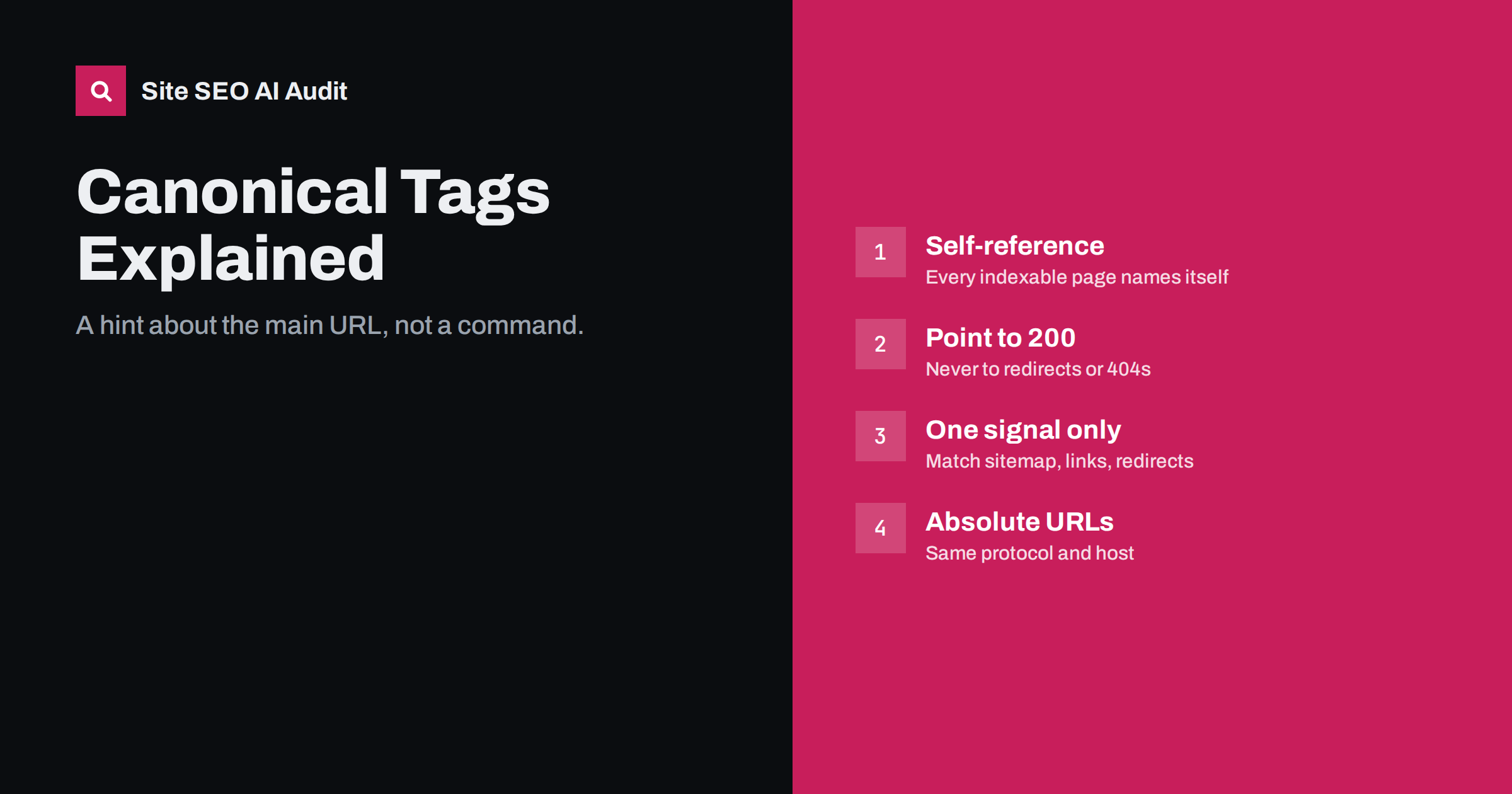
Short answer: a canonical tag (<link rel="canonical">) tells search engines which URL is the main version when the same content is reachable at several addresses. It is a strong hint, not a command, so it only works when your other signals agree with it. Every indexable page should point to itself with an absolute URL that returns 200, and duplicates should point to the one page you want ranked.
What a canonical tag is for
Most websites publish the same content at more than one URL without meaning to. A product can be reached through two categories, a page can exist with and without a trailing slash, and every tracking parameter creates a new address. Search engines group these duplicates together and choose one URL, the canonical, to show in results. Links and other signals pointing to the duplicates are mostly consolidated onto that one URL.
The canonical tag is how you tell them your preference. It sits in the <head> of the page:
<link rel="canonical" href="https://www.example.com/blue-widget/">It can also be sent as an HTTP header, which is useful for PDFs and other non-HTML files. Google documents both methods, along with the other signals it uses, in its guide to consolidating duplicate URLs.
Why search engines sometimes ignore your canonical
Because the canonical is a hint, the search engine weighs it against everything else it knows about the URLs. When the signals disagree, it may pick a different page. The most common reasons are:
- Internal links point elsewhere. If your menu links to
/Blue-Widgetwhile the canonical says/blue-widget/, you are sending two opposite messages. - The sitemap lists a different URL than the canonical.
- The pages are not really duplicates. If two pages have clearly different content, a canonical from one to the other is often ignored.
- The canonical target is weak or broken, for example it redirects, returns an error or is set to noindex.
- Redirects contradict it, such as the canonical pointing to HTTP while HTTP redirects to HTTPS.
In Search Console, the URL Inspection tool shows both the user-declared canonical and the Google-selected canonical. When they differ, the page indexing report lists the URL under statuses like “Duplicate, Google chose different canonical than user”. That status is the signal to go and look for conflicting hints.
The rules for a healthy canonical setup
A reliable setup follows a handful of simple rules:
- Every indexable page has a self-referencing canonical. It protects the page when someone links to it with parameters, and it removes ambiguity.
- Use absolute URLs. Include protocol and host, such as
https://www.example.com/page/. Relative canonicals work in theory but break easily when content is copied or served on a different host. - The target returns 200. Not a redirect, not a 404, not a 5xx.
- The target is indexable. It must not carry noindex and must not be blocked in robots.txt.
- Only one canonical per page. Two conflicting tags, often one from the theme and one from a plugin, can cause search engines to ignore both.
- It appears in the
<head>of the initial HTML. A canonical injected later by JavaScript or placed in the body may not be respected. - Sitemap, internal links and redirects all use the canonical URL. Consistency is what turns a hint into a decision.
The canonical errors audits find most often
These problems appear on sites of every size. Each one quietly wastes ranking signals or keeps the wrong URL in results.
| Error | Why it hurts | Fix |
|---|---|---|
| Canonical points to a redirected URL | Sends signals to an address that no longer exists as a page | Point to the final destination URL |
| Canonical points to a 404 or 5xx page | The hint is useless and the page may drop out | Point to a live page or remove the tag |
| Canonical points to a noindex page | Contradictory signals, both may be dropped | Choose one: index the target or change the canonical |
| Every page canonical to the home page | Tells search engines the whole site is one page | Use self-referencing canonicals |
| Paginated pages canonical to page 1 | Products or posts on deeper pages lose a discovery path | Let each page in a series canonicalise to itself |
| HTTP or non-www canonical on an HTTPS www site | Canonical target redirects, signals conflict | Match protocol and host of the live site |
| Missing canonical on parameter URLs | Duplicates compete with the clean URL | Add a self-canonical on the clean page template |
The first row is the classic case. It usually happens after a URL change: the old URL now redirects, but templates, plugins or hard-coded values still output the old address as canonical. Because nothing looks broken to a visitor, it can go unnoticed for months.
Canonical, 301 redirect or noindex: which one to use
These three tools overlap, so choosing between them is a frequent question. A simple way to decide:
- Use a 301 redirect when the duplicate URL does not need to exist for visitors. Old URLs, HTTP versions, non-www hosts and retired pages should redirect. A redirect is the strongest signal.
- Use a canonical when the duplicate must stay accessible for visitors but should not rank: sort orders, tracking parameters, print versions, the same product in two category paths, or syndicated copies of your articles.
- Use noindex when the page should be accessible but is not a duplicate of any specific page and should simply not appear in search, such as thin internal search results or thank-you pages.
Do not combine noindex and a canonical to another URL on the same page. One says “drop this page”, the other says “this page is the same as that one”. Search engines have to guess which you meant.
Cross-domain canonicals and syndicated content
A canonical can point to another domain. This is useful if your articles are republished on a partner site: the partner can add a canonical pointing to your original so it keeps the credit. It also works when you run the same product catalogue on two domains and want one to rank.
Two cautions apply. First, the other site must actually implement the tag; you cannot control it from your side. Second, search engines are more cautious with cross-domain canonicals and may still show the copy if it looks more relevant for a query. If you run two domains with the same content, a redirect is often the cleaner long-term answer.
How to check canonicals across a whole site
Checking one page in the browser source is easy. Checking every page is where problems are actually found. A practical process:
- Crawl the whole site and extract the canonical URL of every page.
- Compare each canonical with the page URL. Group pages into self-referencing, pointing elsewhere and missing.
- Fetch every canonical target and record its status code, its own canonical and its robots directives. Targets that redirect, fail or are noindexed are errors.
- Cross-check with the sitemap. Sitemap URLs should be self-canonical. A URL in the sitemap that canonicalises elsewhere is a conflicting signal.
- Look for duplicates in the source code. Pages with more than one canonical tag usually point to a theme and a plugin both writing one.
- Review Search Console for URLs where Google chose a different canonical than you declared, and spot-check a few with URL Inspection.
On WordPress, the SEO plugin usually outputs canonicals. If your theme also prints one, remove the theme version rather than disabling the plugin’s. Most SEO plugins also let you override the canonical for a single post in its advanced settings, which is where hard-coded mistakes often hide.
How Site SEO AI Audit reports canonical problems
Canonicals are part of the crawl and index area of the audit. SEOAuditBot crawls your pages and your sitemap, records the canonical on each page and checks where it points, so issues like a canonical pointing to a redirected page appear with the list of affected pages. Because each issue is weighted by the share of pages it affects, a template-wide canonical error ranks near the top of your fix list, while a single forgotten page barely moves the score. On WordPress sites the report also gives the steps to fix it in your SEO plugin. See what each plan includes.
Related reading
- Robots.txt for SEO: what to block and what to leave open
- What is on-page SEO? The elements that actually matter
The bottom line
Give every indexable page a self-referencing, absolute canonical. Point duplicates to one live, indexable page, and make sure your sitemap, internal links and redirects all use that same URL. When search engines choose a different canonical than yours, the fix is almost always to remove the signal that contradicts it.
FAQ
Is a canonical tag a directive or a hint?
It is a hint. Search engines usually follow it when the pages really are duplicates and other signals agree. If internal links, the sitemap or redirects point elsewhere, they may choose a different canonical.
Should every page have a self-referencing canonical?
Yes, every page you want indexed should have one. It protects the page when it is reached with tracking parameters or other variations and removes any doubt about the preferred URL.
Can I use a relative URL in the canonical tag?
It is technically allowed, but absolute URLs are safer. Relative canonicals can resolve to the wrong host or protocol when pages are served from a staging domain, a CDN or copied by scrapers.
Why does Google choose a different canonical than mine?
Usually because other signals contradict yours, such as internal links, sitemap entries or redirects pointing to another URL. It also happens when the pages are not true duplicates or when your canonical target is redirected, broken or noindexed.
Should paginated pages canonicalise to page one?
Generally no. Page two and later list different items, so they are not duplicates of page one. Let each paginated page reference itself so crawlers can reach the items listed there.


