 ENEnglish
 LTLietuviškai
 DEDeutsch
 FRFrançais
 RUРусский
 ESEspañol
 PLPolski
 ITItaliano
 UKУкраїнська
 CSČeština
 PTPortuguês
 JA日本語
JA日本語 LVLatviešu valoda
 ETEesti
 HUMagyar
 IDBahasa Indonesia
 TRTürkçe
 HIहिन्दी
 ELΕλληνικά
 ARالعربية
 THไทย
THไทย VITiếng Việt
 RORomână
 MSBahasa Melayu
 BNবাংলা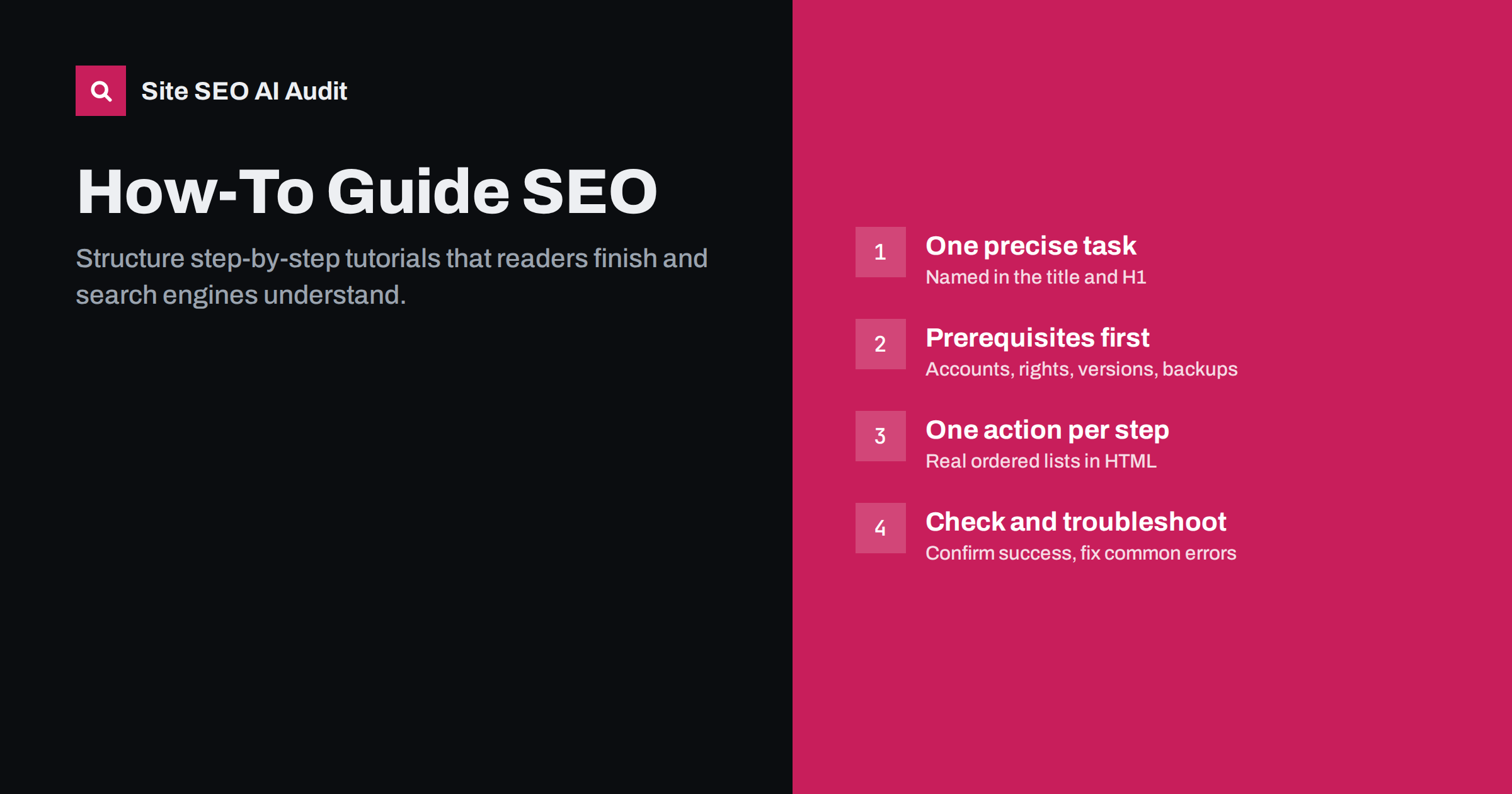
Short answer: A how-to page ranks and helps readers when it solves one task completely in a predictable order: a title that names the task, a one-paragraph summary of the result, prerequisites, numbered steps with one action each, a visual for every step that needs one, and a troubleshooting section. Use real headings and ordered lists in HTML so search engines and AI answers can extract the steps. Special HowTo rich results are no longer shown in Google, so structure on the page matters more than markup.
Why how-to pages are a special case
Searches that start with “how to” have a very clear intent: the person wants to complete a task and will judge the page by one question, “did it work?”. That makes tutorials different from opinion pieces or product pages. A reader scans for the steps, follows them in order, and leaves quickly if the page wanders.
Search engines see the same thing. A tutorial that answers the task directly, in clear steps, is easy to understand, easy to quote in a featured snippet and easy to summarise in an AI answer. A tutorial buried under a long story is not. If you are unsure whether a query really wants a step-by-step guide, check the results first, as described in our guide to matching pages to search intent. Some “how to” queries want a video, a tool or a quick definition instead.
Pick one task and name it precisely
The most common weakness of tutorial pages is scope. “How to set up email” is too broad; “How to set up SPF for a domain on Cloudflare” is a task someone can complete. A precise task gives you:
- A title that matches the words people type, including the tool, platform or version when it matters.
- A clear finish line, so readers know when they are done.
- Room to cover edge cases without the page turning into a manual.
If a broad topic contains several tasks, write one page per task and link them from an overview page. That also prevents two tutorials from competing for the same query.
Good title patterns are simple: “How to [task] in [tool]”, “How to [task] without [common obstacle]”, or “[Task]: step-by-step guide for [audience]”. Keep the title under about 60 characters so it is not cut off, and put the task words first.
The anatomy of a strong tutorial page
Most good tutorials follow the same skeleton. Readers recognise it, and it makes each part easy to find:
- H1 that names the task. One H1, close to the title tag.
- Short answer or summary. Two to four sentences that say what the result will be and how long it takes. This is the part answer engines often quote, so write it to stand alone, as explained in our guide to answer-first introductions.
- Before you start. Prerequisites: accounts, permissions, versions, tools, backups. Missing prerequisites are the main reason people fail halfway through.
- The steps. An ordered list, or one H2 or H3 per step for longer procedures.
- Check that it worked. How to confirm success: a message, a test, a value to look for.
- Troubleshooting. The errors people actually hit and how to fix each one.
- Next steps. Links to the logical follow-up tasks.
This order is not a formula for its own sake. It follows the order in which a reader needs the information.
How to write the steps themselves
Steps are the core of the page, and small writing choices decide whether they work.
- One action per step. “Open Settings and choose Security, then enable two-factor login and save” is four steps. Split it.
- Start with a verb. “Click”, “Open”, “Copy”, “Run”. The reader should know what to do from the first word.
- Use the exact interface labels. Write menu names and button texts exactly as they appear, in bold or code formatting, so readers can match them on screen.
- Put the result after the action. “Click Save. A green confirmation message appears.” Readers need to know what should happen.
- Put commands and code in code blocks. This prevents typographic quotes and dashes from breaking copied commands.
- Warn before, not after. If a step deletes data or cannot be undone, the warning must come before the step.
- Keep numbering real. Use an HTML ordered list (
<ol>) rather than typed numbers in paragraphs. Real lists are easier for search engines to parse and for screen readers to announce.
For long procedures, group steps into phases with H2 headings (for example “Prepare”, “Configure”, “Test”) and number steps inside each phase. A clean heading structure lets readers resume where they stopped.
Images, screenshots and video
Visuals are often what makes a tutorial usable, but they need care:
- Add a screenshot where the reader must find something. A step that says “click the gear icon in the top right” is faster with a cropped screenshot that highlights it. Steps like “type your name” do not need one.
- Crop and annotate. A full-screen screenshot with a tiny target helps nobody. Crop to the relevant area and add an arrow or box.
- Write useful alt text. Describe what the image shows for this step, for example “Security tab with the two-factor toggle switched on”. Our alt text guide has more examples.
- Never put essential text only in an image. Commands, values and labels must also be in the page text, or search engines and AI systems will not see them and readers cannot copy them.
- Video is a complement. An embedded video helps for physical or visual tasks, but the written steps should still be complete on the page.
- Keep images light. Compress screenshots and give them width and height attributes so the layout does not jump while they load.
Markup: what still matters
For years, tutorial pages could earn special HowTo rich results in Google. Google stopped showing them in 2023, and FAQ rich results are now limited to a small set of authoritative government and health sites. Adding HowTo schema will not bring back a special search appearance.
What still matters is the HTML itself:
- Semantic headings and ordered lists, so the structure is machine-readable.
- Article or BlogPosting structured data with a real publication and modification date, which most CMS themes or SEO plugins add automatically.
- Code blocks marked up as code, and tables used for real tabular data such as settings and values.
Featured snippets for “how to” queries are still often built from ordered lists and step headings on the page. Our guide to featured snippets explains how to format content so it can be extracted cleanly.
Keep tutorials accurate over time
Software interfaces change constantly. A tutorial with outdated menu names fails the reader, and people who fail tend to leave quickly and not come back. Treat tutorials as maintained documents:
- State the version or date the steps were tested with, for example “Tested with WordPress 6.x in October”.
- Review high-traffic tutorials on a schedule, and whenever the tool announces a major release.
- Update the modified date only when the content really changes.
- Watch for signals such as comments or support tickets that say “this menu no longer exists”.
A structured process for updating old pages is described in our guide to refreshing old content.
Common mistakes on how-to pages
- Long introductions. Several paragraphs of background before step one pushes the answer below the fold.
- Missing prerequisites. The reader discovers at step seven that they needed admin rights.
- Several actions per step. Readers lose their place and skip actions.
- Screenshots without text. Values that exist only in images cannot be found, copied or read aloud.
- No success check. Readers do not know if it worked, so they search again.
- One page for many tasks. Broad “ultimate guides” often rank worse for each specific task than focused pages would.
- Thin copies. Many near-identical tutorials that differ only by a word (“for Windows”, “for Mac”) without real differences in the steps can look like thin or duplicate content.
How an SEO audit helps with tutorial pages
Tutorial libraries grow fast, and their problems are usually structural: missing or duplicate titles, several H1s from a documentation theme, images without alt text, thin pages and broken links to outdated resources. Site SEO AI Audit crawls every page and lists these issues with the affected URLs, weighted by how many pages they touch, and on WordPress sites it adds the exact fix steps. It also checks whether your content can be read without JavaScript, which matters for documentation built on script-heavy frameworks. See the plans for re-audits after each round of fixes.
Related reading
- How to optimize a blog post for SEO, step by step
- Readability and SEO: how to write pages people finish
- Thin content: how to find and fix low-value pages
The bottom line
A tutorial succeeds when the reader completes the task. Choose one precise task, name it in the title, summarise the result, list prerequisites, write one action per numbered step, add visuals only where they help, and include a success check and troubleshooting. Use real HTML lists and headings, keep the steps up to date, and do not rely on HowTo markup for visibility.
FAQ
Does Google still show HowTo rich results?
No. Google stopped showing HowTo rich results in 2023. HowTo markup does no harm, but it no longer creates a special search appearance, so the page structure itself matters more.
Should each step be a heading or a list item?
For short procedures, an ordered list is clearest. For long procedures where each step needs several paragraphs or images, use one heading per step and keep numbering in the heading text.
How long should a how-to guide be?
As long as the task requires and no longer. A simple task may need 300 words; a complex setup may need several thousand. Completeness and clarity matter more than word count.
Should I write separate tutorials for each platform or version?
Only when the steps really differ. If the procedure is the same, use one page with short notes for the differences. If menus and steps differ substantially, separate pages serve readers better.
Do screenshots help SEO?
Indirectly. They help readers complete the task, which is the point of the page. Give them descriptive alt text and file names, and keep all essential text in the page as well.


