ENEnglish
 LTLietuviškai
 DEDeutsch
 FRFrançais
 RUРусский
 ESEspañol
 PLPolski
 ITItaliano
 UKУкраїнська
 CSČeština
 PTPortuguês
 JA日本語
JA日本語 LVLatviešu valoda
 ETEesti
 HUMagyar
 IDBahasa Indonesia
 TRTürkçe
 HIहिन्दी
 ELΕλληνικά
 ARالعربية
 THไทย
THไทย VITiếng Việt
 RORomână
 MSBahasa Melayu
 BNবাংলা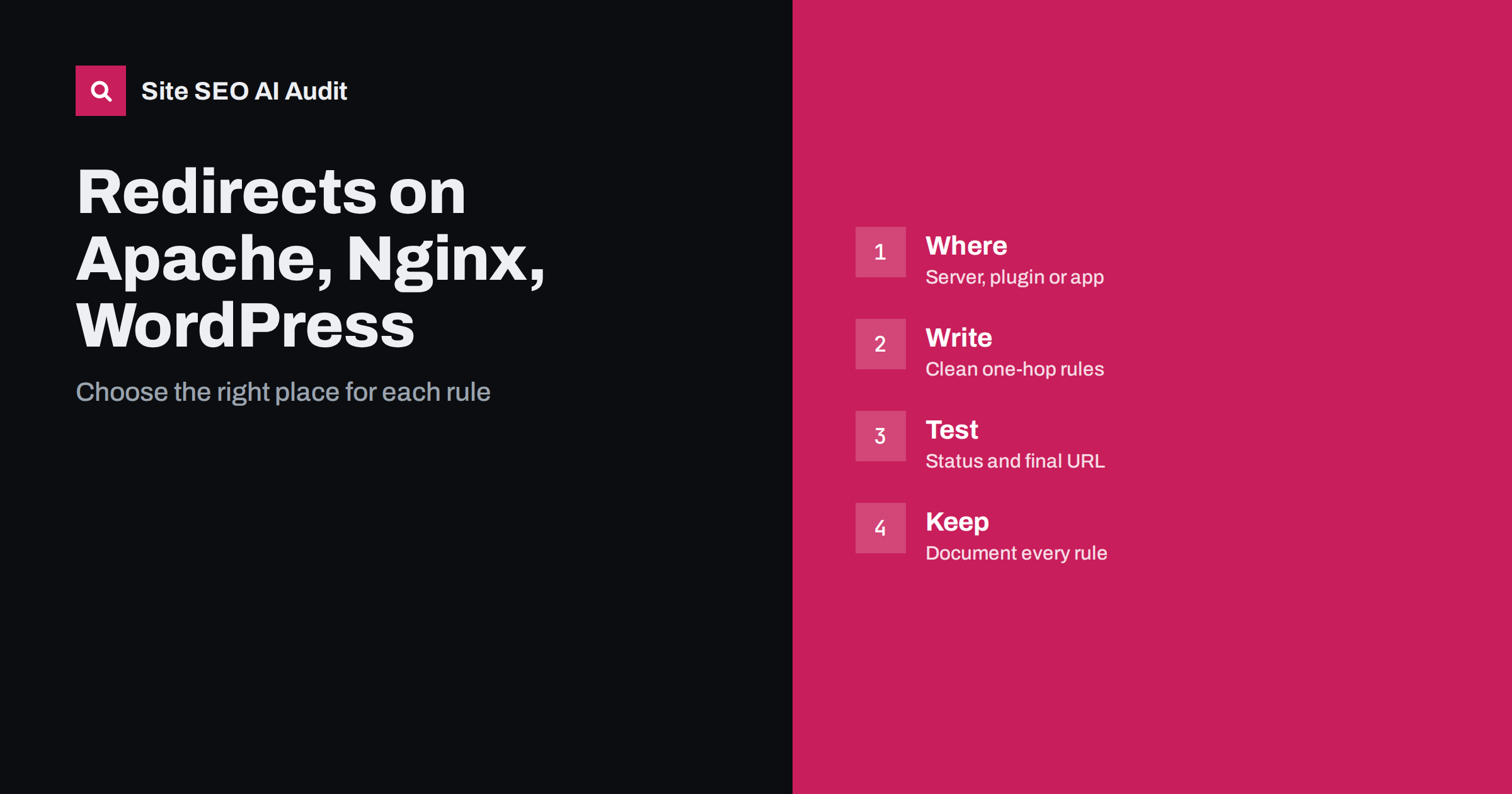
Short answer: Set a redirect at the lowest level that fits your case. On Apache, use rules in the server or the htaccess file; on Nginx, use return or rewrite rules in the server block; on WordPress, use a redirect plugin or your SEO plugin for a few addresses and server rules for patterns. Always send visitors in one hop to the final live address with a permanent code, avoid chains and loops, and test every rule with a header check before and after release.
A redirect is a simple idea that goes wrong in many different ways. The old address must point to the right new one, with the right status code, in a single step, and nothing else on the site should still link to the old address. Where you place the rule matters too: a rule in the wrong layer can be overridden, applied twice or lost during an update. This guide explains the main places to set redirects, what the rules look like in principle and how to test them. For the choice between permanent and temporary codes, read 301 versus 302 redirects.
Choose the layer before writing the rule
Redirects can live in several layers: the web server, a content delivery network or firewall, the application or content management system, and the page itself through a refresh tag or script. Server and network rules run first, so they are fast and do not depend on the application loading. Application rules are easier for editors to manage but add work for every request. Page-level redirects are the weakest and should be avoided. As a rule, use server rules for patterns and site-wide changes such as moving to HTTPS, and use a plugin or application list for individual pages that editors change often. Keep each rule in one layer only.
Apache: htaccess and server configuration
On Apache, a single permanent redirect can be written with the Redirect directive: the code or the word permanent, the old path and the new full address. Patterns use the rewrite engine, where a condition tests the host or the request and a rule rewrites to the new address with a redirect flag and the last-rule flag. Rules in the htaccess file are easy to deploy but are read on every request, so for busy sites place them in the main server configuration when you can. Remember that order matters: the first matching rule wins, so put specific rules before general ones. After each change, reload or test the configuration for syntax errors.
Nginx: return is better than rewrite
Nginx has no htaccess file; rules go into the server block. For a simple move, use a return directive with the code and the new address, which is clear and efficient. Use rewrite only when you need to capture parts of the old path and place them in the new one. A common pattern is a small server block that listens for the old host name or for the plain HTTP version and returns a permanent redirect to the preferred address. Test the syntax and reload the service before checking the result. If a rule seems to be ignored, check which location block actually handles the request.
WordPress: plugins, SEO tools and manual rules
WordPress can redirect through a dedicated plugin, through the redirect manager of an SEO plugin or through server rules. Plugins are convenient for individual addresses and for catching pages that return errors, and many create a redirect automatically when you change a slug. They also make it easy to build a long list that nobody reviews. For a site-wide pattern, such as changing the permalink structure or moving a folder, a server rule is cleaner and faster. Whichever you choose, keep an export of the list and do not run two redirect tools at the same time, because they may fight each other.
Write rules that avoid chains and loops
A good rule points the old address straight to the final address. When several changes pile up over the years, an old address may redirect to a second one that redirects to a third. Each extra hop slows visitors and wastes crawl effort. Before adding a rule, check where the target address leads, and update older rules to point to the newest destination. A loop happens when two rules send each other back and forth; browsers stop with an error and crawlers give up. Keep the rules in a table with the old address, the new address and the date, and review it whenever you add one. The cleanup method is in redirect chains and loops.
Handle the usual site-wide redirects first
Four site-wide rules cover most needs. Send the plain HTTP version to HTTPS. Send one host name to the other, so that the site uses either the version with www or the version without. Add or remove the trailing slash consistently. Lowercase the path if your server treats capital letters as different addresses. Combine them so that a visitor arriving on the least preferred form reaches the final address in a single step, not four. The reasoning for these choices is in the guide to one URL version.
Map old pages to the closest new pages
When you redesign or migrate, redirect each old page to the new page that serves the same purpose. Do not send everything to the home page, because search engines may treat that as a soft error and visitors lose what they came for. If a page has no equivalent, let it return a not found or gone status and offer a helpful error page. Keep the map in a spreadsheet, test a sample before launch and crawl the old address list afterwards. The full migration process is in the site migration checklist.
Test every redirect
Testing is quick and prevents most trouble. Request the old address with a tool that shows response headers and check three things: the status code, the location header and the final status after following it. Test with and without a trailing slash, with a query string and in both the www and non-www forms. Check from outside your network, because a cache or content delivery network can behave differently. Then follow the redirect in a browser in a private window, since browsers cache permanent redirects and may hide mistakes. Keep the test list so that you can run it again after every deployment.
Update links, sitemaps and canonicals
A redirect is a safety net, not the final fix. Change internal links, menus, sitemaps and canonical tags to the new address so that visitors and crawlers do not go through the redirect at all. Ask owners of important external links to update them where you can. Leave the redirect in place for at least a year, and longer for addresses that still earn traffic or links. Removing old redirects too early can bring back errors from old links and bookmarks.
Also think about performance and risk. Every redirect adds a round trip, so avoid them for assets such as images and scripts, and do not redirect on every request through a slow application when a server rule would do. Keep redirects out of the plugin list when they belong in the server, and record who owns each rule. If a rule uses a query string or cookie condition, test it carefully, because small differences in the request can change the result. When you retire a rule, log the date and the reason.
Treat redirect rules like code, with staging, deployments and rollbacks in mind. Keep them in version control if your server configuration is managed that way, and review changes before they go live. Test on a staging copy that is not indexed, and make sure the rules there do not leak into production with the wrong host name. Prepare a rollback: a saved copy of the previous configuration and a clear step for restoring it, so that a faulty rule can be removed within minutes. After each deployment, run your saved test list and check the logs for a sudden rise in errors or redirect responses. These habits are cheap, and they turn redirects from a source of fear into a routine task.
Be careful with automated rules from hosting panels and plugins that promise to fix everything. A one-click option that forces HTTPS or removes the trailing slash is useful, but check what it really does, because it may stack on top of a rule you already have. If the same change is made in two places, you can end up with a loop or an extra hop. When in doubt, read the rule list from the top, test the result and remove the duplicates.
Site SEO AI Audit crawls your site and reports redirect chains, redirected internal links, broken links, status codes, canonicals and sitemap problems, so you can see which redirects need cleaning up after a change. It does not edit your server rules or plugins. The first audit of up to 200 pages is free; larger sites can see the pricing page.
Related reading
- HTTP Status Codes for SEO
- HTTP to HTTPS Migration Checklist
- URL Case Sensitivity and SEO
- Website Redesign Without Losing SEO
The bottom line
Set each redirect in the layer that fits, send visitors to the final address in one hop with a permanent code, avoid chains and loops, test with headers and update your own links so the redirect becomes a safety net only.
FAQ
Which redirect code should I use for a permanent move?
Use a permanent redirect code, normally 301, or 308 if the request method must be preserved. Use a temporary code only for short-term moves.
Is a redirect plugin better than server rules?
Plugins suit individual pages that editors manage. Server rules suit patterns and site-wide changes. Do not run two tools that both redirect.
How long should I keep a redirect?
At least a year, and longer for addresses that still receive traffic or links. Removing them early can bring back errors.
Why does my redirect work for me but not for others?
Browsers cache permanent redirects, and a content delivery network may serve different rules. Test with a header tool from outside your network.
Should every old page redirect to the home page?
No. Redirect each page to its closest equivalent. If none exists, return a not found or gone status with a helpful error page.