 ENEnglish
 LTLietuviškai
 DEDeutsch
 FRFrançais
 RUРусский
 ESEspañol
 PLPolski
 ITItaliano
 UKУкраїнська
 CSČeština
 PTPortuguês
 JA日本語
JA日本語 LVLatviešu valoda
 ETEesti
 HUMagyar
 IDBahasa Indonesia
 TRTürkçe
 HIहिन्दी
 ELΕλληνικά
 ARالعربية
 THไทย
THไทย VITiếng Việt
 RORomână
 MSBahasa Melayu
 BNবাংলা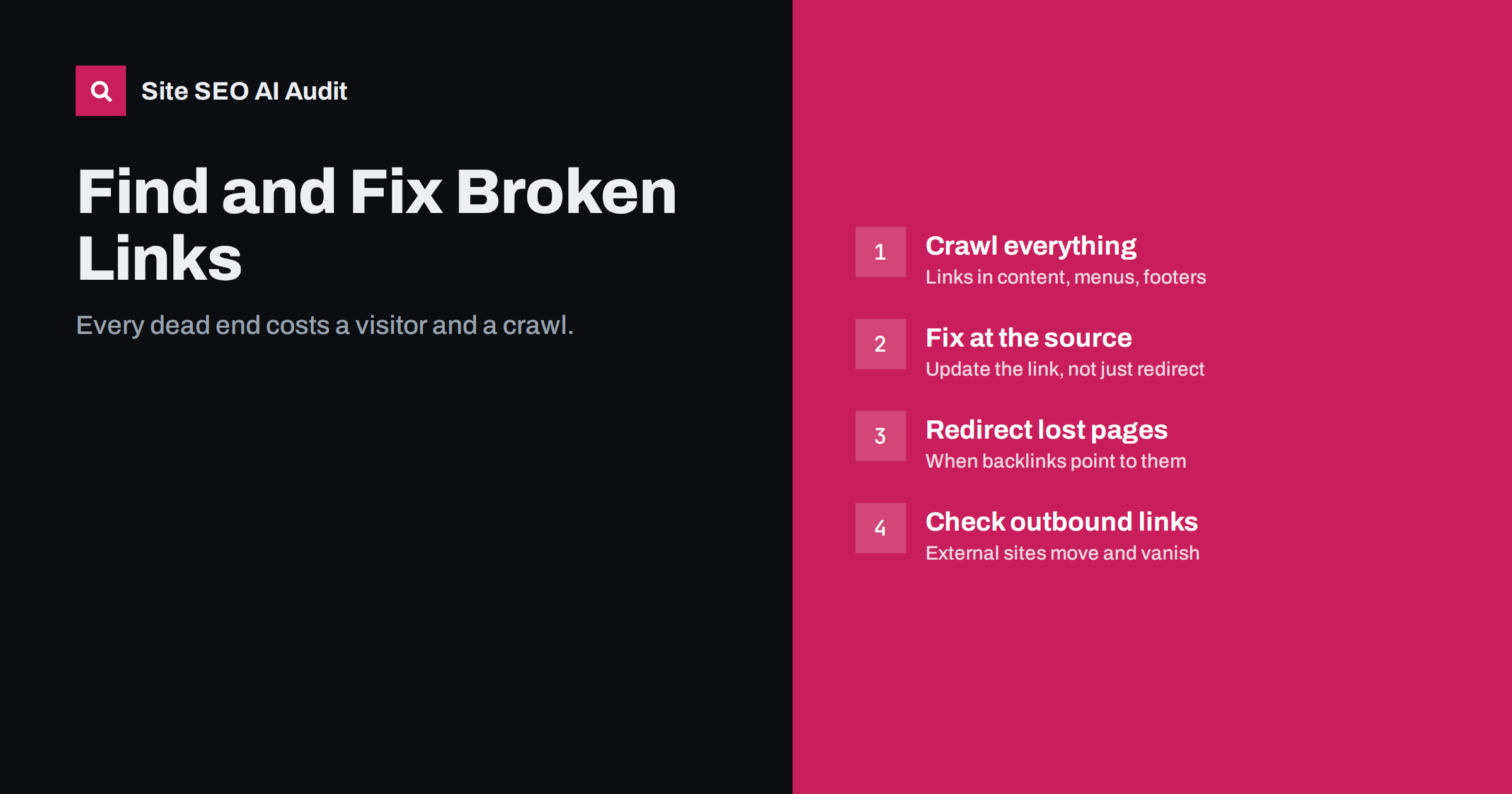
Short answer: a broken link is a link that leads to a page returning an error, usually 404, 410 or a server error. Broken internal links waste visitors’ clicks and crawlers’ time; broken outbound links make content look neglected. Find them with a full crawl that checks every link’s status, then fix each at the source: update the link to the correct URL, remove it, or, when an old URL still has value, add a 301 redirect to the best replacement.
Why broken links matter
A single broken link is a small thing. Hundreds of them, repeated across templates and old articles, add up to a real problem:
- Visitors hit dead ends. Someone who clicks a link and lands on an error page often leaves. On shops this can mean a lost sale.
- Crawlers waste requests. Every broken link is a request that returns nothing useful. On larger sites this competes with crawling real pages.
- Internal signals are lost. A link meant to support an important page goes nowhere, so that page receives less internal authority than you intended.
- Content looks outdated. Articles full of dead outbound links signal that nobody maintains them, to readers and to anyone assessing quality.
Broken links do not trigger a penalty, and search engines expect some links on the web to break. The cost is practical, not punitive, which is exactly why it is easy to ignore until it has grown.
Internal vs external broken links
| Internal broken links | External (outbound) broken links | |
|---|---|---|
| Where they point | Your own pages | Other websites |
| Main cause | Deleted or moved pages, typos, migrations | Other sites restructure, close or change URLs |
| Impact | Lost visitors, crawl waste, lost internal signals | Poor user experience, neglected look |
| Fix | Update link to correct URL, or redirect the target | Update to new URL, replace source or remove |
| Priority | High, especially in templates | Medium, higher in important content |
A third category is broken backlinks: links from other sites to URLs on your site that no longer exist. You cannot edit those links, but you can redirect the dead URLs, which recovers both the visitors and the value of the links.
Where broken links come from
- Deleted pages and products that are still linked from articles, categories or menus.
- Changed URLs without redirects, for example after renaming a category or restructuring the blog.
- Migrations where old URL patterns in content were not updated.
- Typos in manually written links, such as missing slashes, wrong capitalisation or extra characters.
- Relative links that break when content is moved to a different folder.
- Links to staging or development domains left in content after launch.
- Resource links: images, PDFs and downloads that were removed from the server.
- Link rot on other sites: studies, tools, news and documentation that moved or disappeared.
How to find broken links
- Run a full site crawl. A crawler follows every internal link, checks its status code and records the pages that contain it. Make sure it also checks outbound links, images and other resources.
- Group by target URL. One missing page linked from 300 pages is one fix, not 300. Sort by the number of linking pages.
- Look for template links. A broken link in the header, footer or sidebar appears on every page. These are the highest priority.
- Check Search Console. The page indexing report lists “Not found (404)” URLs Google knows about; the referring page information in URL Inspection helps trace where they come from.
- Check your 404 logs. Server logs or analytics reports on 404 page views show which dead URLs real visitors actually reach, including from external links.
- Check backlink data for links pointing to URLs that return errors.
How to decide the fix
Each broken link needs one of four decisions:
- Update the link when the content exists at a different URL. This is the best fix for internal links, because it removes the error and avoids an extra redirect hop.
- Add a 301 redirect from the dead URL to the closest equivalent when the old URL has backlinks, bookmarks or visits from outside. Then still update your own internal links to the new URL.
- Remove the link when there is no replacement and the sentence works without it.
- Restore the page if it was deleted by mistake or still has real value.
Avoid redirecting every dead URL to the home page. Search engines often treat that as a soft 404, and visitors land somewhere unrelated to what they expected.
How to prioritise a long list
The first crawl of an older site can return hundreds or thousands of broken links. Working through them in the order they appear is slow and discouraging. A better order:
- Template links first. Anything in the header, main menu, footer or sidebar appears on every page, so one fix removes hundreds of errors.
- Links on your most visited pages. Use analytics or Search Console to list the pages with the most traffic, and fix their broken links next.
- Dead URLs with backlinks or visits. These are the ones where a redirect recovers real value from outside the site.
- Links to important pages that moved. If a key service or category page changed URL and old links still point to the old one, updating them restores internal support to that page.
- Broken images and downloads on important pages, which look broken to every visitor.
- The long tail of old articles and outbound links, which you can work through gradually, perhaps a batch every month.
Keep a simple record of what was fixed and how. If the same kind of break keeps returning, for example links to deleted products, it points to a process problem worth solving once, such as a rule that product removals always trigger a check for links and a redirect decision.
Fixing outbound links
External links break without warning, so they need occasional review:
- Search for the linked resource’s new location; organisations often move documents rather than delete them.
- If the resource is gone, link to an equally authoritative alternative, or to an archived copy if the reference is historical.
- If nothing suitable exists, remove the link and adjust the sentence.
- Prioritise articles that bring the most search traffic; readers there are most likely to click.
Also check external links that now redirect to unrelated pages, such as a domain that expired and was taken over. They do not return errors, but they can send your readers somewhere you would never link to.
Fixing broken links on WordPress
- Menus: check Appearance, Menus (or the site editor’s navigation) for custom links to removed pages.
- Widgets and footers often contain hard-coded links that survive redesigns.
- Post content: a database search-and-replace fixes a changed URL pattern across all posts at once; always back up first and use a tool that handles serialised data.
- Changed slugs: WordPress redirects changed post slugs automatically, but not changed category bases or page hierarchies, so add redirects for those.
- Link-checking plugins that scan continuously can slow the site; a periodic external crawl is usually lighter.
Preventing broken links
- Before deleting or moving a page, search for internal links to it and update them.
- Add a redirect whenever you change a URL that has existed for a while.
- Avoid linking to staging or temporary domains in content.
- Use absolute paths or CMS link pickers rather than hand-typed relative links.
- Crawl the site regularly, monthly for active sites, and after every migration or redesign.
How Site SEO AI Audit finds broken links
The links area of the audit reports broken internal and external links, links that point to redirects, weakly linked pages, nofollow internal links and empty anchors. For each broken target, you see the pages that link to it, so template links and widespread errors are easy to spot. Issues are weighted by how many pages they affect, and WordPress sites get the exact steps to fix them. You can start with a free audit.
Related reading
- HTTP status codes for SEO: the ones that actually matter
- Redirect chains and loops: how to find and fix them
- Internal linking strategy: a step-by-step guide
- Soft 404 errors: what they are and how to fix them
The bottom line
Broken links are small leaks that add up. Crawl the whole site, group broken links by target, fix template links first, update links at the source rather than relying on redirects, and redirect dead URLs that still have outside value. Then crawl regularly so new breaks are caught early.
FAQ
Do broken links hurt SEO?
They do not cause a penalty, but they waste crawling, lose internal link value and frustrate visitors. Broken links in navigation or on important pages are worth fixing promptly.
Should I redirect or update broken internal links?
Update the link to the correct URL whenever you can, because it removes the extra hop. Add a redirect as well if the old URL has backlinks or receives visits from outside your site.
How often should I check for broken links?
Monthly for active sites that publish or change content often, and always after a migration, redesign or large content clean-up. Smaller, static sites can check every few months.
What should I do with broken outbound links?
Find the resource’s new location and update the link, replace it with an equally good source, or remove it. Prioritise pages that bring the most traffic.
Can I redirect all 404 pages to the home page?
It is not recommended. Search engines often treat mass redirects to the home page as soft 404s, and visitors end up somewhere irrelevant. Redirect to close equivalents only and let other URLs return 404.


