 ENEnglish
 LTLietuviškai
 DEDeutsch
 FRFrançais
 RUРусский
 ESEspañol
 PLPolski
 ITItaliano
 UKУкраїнська
 CSČeština
 PTPortuguês
 JA日本語
JA日本語 LVLatviešu valoda
 ETEesti
 HUMagyar
 IDBahasa Indonesia
 TRTürkçe
 HIहिन्दी
 ELΕλληνικά
 ARالعربية
 THไทย
THไทย VITiếng Việt
 RORomână
 MSBahasa Melayu
 BNবাংলা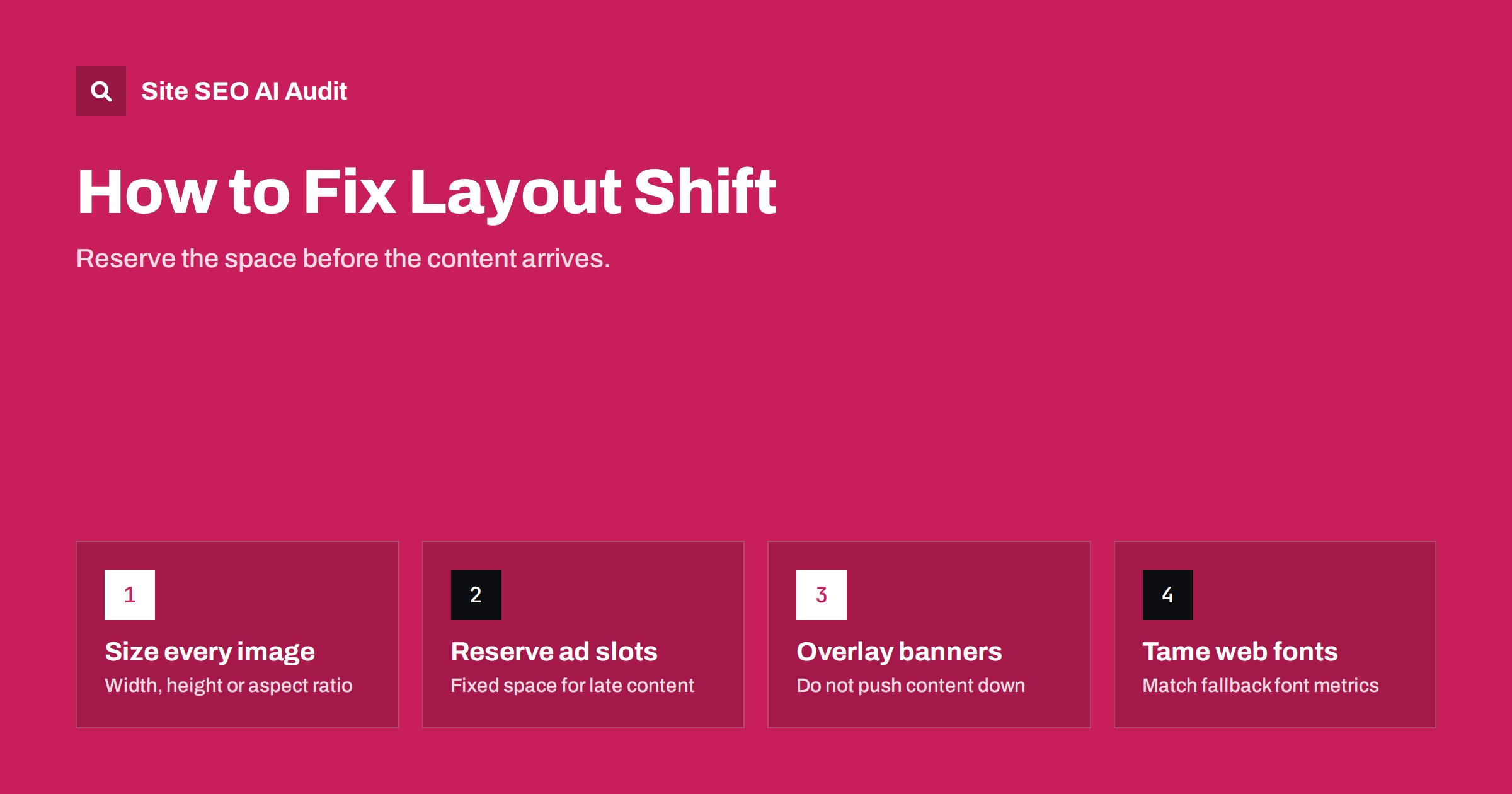
Short answer: Cumulative Layout Shift (CLS) measures how much visible content moves unexpectedly while a page is used. A good CLS is 0.1 or less for at least 75% of visits. Most layout shifts come from images without dimensions, ads and embeds without reserved space, banners inserted at the top of the page, and web fonts that change text size. The fix in almost every case is to reserve the space before the content arrives.
What CLS measures
A layout shift happens when a visible element changes its position between two frames without the user causing it. Every shift gets a score based on two things: how much of the viewport was affected (impact fraction) and how far the elements moved (distance fraction). The score for a shift is the two multiplied together.
CLS does not simply add up every shift during a visit. Shifts are grouped into “session windows”: bursts of shifts less than one second apart, lasting at most five seconds. The page’s CLS is the score of the worst window. This means a page that jumps once badly scores worse than a page with a few tiny shifts spread over a long visit.
Shifts that happen within half a second after a user interaction, like tapping to open an accordion, do not count, because the user expects them. The detailed definition is on web.dev’s CLS page.
Why layout shift matters
Layout shift is the most irritating kind of slowness. A visitor starts reading and the text jumps. They reach for a button and an ad pushes it down, so they tap the wrong thing. On shop pages this can mean adding the wrong product or clicking an ad instead of “Buy”. CLS is a Core Web Vital, so it is part of Google’s page experience signals, but the more immediate cost is lost trust and mis-clicks.
CLS is also one of the more achievable Core Web Vitals to fix. Loading speed depends on hosting, network and page weight, and responsiveness depends on JavaScript architecture. Layout shift, by contrast, usually comes from a handful of specific elements, and once you find them, the fixes are mostly small changes in HTML and CSS. It is common for a site to move from poor to good CLS after fixing one or two templates, for example the article template and the header.
The five common causes of layout shift
Almost every layout shift found in audits falls into one of five groups. Knowing which group you are dealing with points straight to the fix.
Cause 1: images and videos without dimensions
When the browser lays out a page, it needs to know how much space an image will take. If the HTML does not say, the browser reserves no space, then pushes everything below down when the image arrives.
The fix is simple: always include width and height attributes on <img> and <video> elements. Modern browsers use them to calculate the aspect ratio, even when CSS makes the image responsive with width: 100%; height: auto. Alternatively, set aspect-ratio in CSS on the container.
- WordPress adds width and height to images inserted through the block editor, but themes, page builders and custom templates sometimes strip them.
- Images inserted through custom fields, sliders or widgets are the most common offenders.
- Lazy-loaded images need dimensions too; lazy loading without reserved space is a classic source of CLS as the user scrolls.
Cause 2: ads, embeds and iframes
Ads are often the biggest CLS problem on content sites, because their size is unknown until the ad server responds. Embeds from video platforms, maps, social posts and review widgets behave similarly.
- Reserve space for each ad slot with a fixed
min-heightbased on the most common ad size for that slot. - Do not collapse empty slots after load if the space was already shown; collapsing causes a shift too. A placeholder is better.
- Avoid placing ads at the very top of the content, where a shift moves everything below it.
- Give embeds a fixed aspect ratio container, for example 16:9 for videos.
- Use a static preview for heavy embeds that loads the real embed on click.
Cause 3: banners and injected content
Cookie consent bars, promotional strips, “download our app” banners and newsletter prompts are often inserted at the top of the page after it has loaded, pushing the whole page down. Similar shifts come from:
- “related products” or “recommended articles” blocks inserted above existing content;
- personalisation or A/B testing scripts that change headings or images after the first render;
- live chat widgets that expand into the layout instead of floating over it.
Fixes: render banners as overlays with fixed or sticky positioning so they do not move other content, reserve their space in the initial HTML when they must be in the flow, and insert dynamic content below the viewport or in pre-sized containers.
Cause 4: web fonts
When a web font loads, text may be rendered first in a fallback font and then swapped. If the fallback font has different letter widths or line heights, paragraphs rewrap and everything below shifts. Ways to reduce it:
- Preload the main font files used above the fold.
- Use
font-display: optionalfor body text when a brief fallback is acceptable, which avoids a late swap entirely. - Match fallback metrics with the CSS
size-adjust,ascent-overrideand related descriptors, so the fallback takes the same space as the web font. - Limit font files to the weights and styles you actually use.
Cause 5: animations and late CSS
Animating properties such as top, left, width or height changes layout and can create shifts. Use transform for movement instead, which does not affect layout. Also watch for CSS that loads late, such as styles injected by JavaScript or stylesheets loaded asynchronously, which can restyle and move elements after the first render.
How to find what is shifting
- Check field data first. Search Console’s Core Web Vitals report groups URLs with CLS problems by template.
- Use PageSpeed Insights for a URL; the diagnostics list the elements that shifted most in the lab run.
- Use Chrome DevTools. The Performance panel marks layout shifts, and the rendering settings can highlight shifted regions as you load and scroll the page.
- Scroll and interact. Lab tests only cover the initial load. Many shifts happen later, when lazy-loaded images, ads or infinite scroll content appear.
- Test on a slow connection, where late-loading elements are more obvious.
Quick fixes by source
| Source of shift | Fix |
|---|---|
| Images without size | Add width and height attributes or CSS aspect-ratio |
| Ads | Reserve min-height per slot; avoid top-of-content ads |
| Embeds and iframes | Fixed aspect-ratio container or click-to-load preview |
| Cookie and promo banners | Overlay with fixed position, or reserve space from the start |
| Web fonts | Preload, font-display, fallback metric overrides |
| Injected recommendations | Pre-sized container or insert below the viewport |
| Animations | Use transform instead of layout properties |
CLS on WordPress sites
WordPress sites typically get CLS from a few specific places: sliders at the top of the home page, page builder sections that load their styles late, cookie consent plugins that insert a bar at the top, ad plugins without reserved slots, and themes that output images without dimensions. Check each of these on the templates that fail in Search Console. Switching a cookie plugin to an overlay style or adding dimensions in a theme template often fixes CLS for the whole site at once.
Be careful with performance plugins as well. Some of them delay CSS or inline only part of it, which can make the page render once with incomplete styles and then jump when the full stylesheet arrives. If CLS got worse after enabling such an option, test the page with it switched off.
How Site SEO AI Audit reports CLS
The speed and Core Web Vitals area of the audit includes CLS from Google PageSpeed data, next to LCP, server response time and page weight measured on every crawled page. Issues are weighted by how many pages they affect, so a template-wide shift ranks higher than a single page. On WordPress sites the report points to the theme or plugin settings to check. You can see what each plan includes.
Related reading
- Core Web Vitals explained: LCP, INP and CLS in plain words
- How to fix a slow Largest Contentful Paint (LCP)
- What is technical SEO? A plain guide for site owners
The bottom line
Layout shift happens when content arrives without space reserved for it. Give every image and embed dimensions, reserve room for ads, show banners as overlays, control font swaps and animate with transforms. Test by scrolling and interacting, not only on the first load, and confirm improvements in field data over the following weeks.
FAQ
What is a good CLS score?
0.1 or less for at least 75% of page visits is good. Between 0.1 and 0.25 needs improvement, and above 0.25 is poor.
Why is my lab CLS good but field CLS poor?
Lab tests only measure the initial load without scrolling or interacting. Real visitors scroll, trigger lazy-loaded images and ads, and see banners, all of which can cause shifts the lab test never sees.
Do images need width and height attributes if they are responsive?
Yes. Browsers use the width and height attributes to calculate the aspect ratio and reserve space, even when CSS scales the image. Without them, the space is unknown until the image loads.
Do cookie banners cause layout shift?
They do when they are inserted into the page flow and push content down. Displaying the banner as an overlay with fixed positioning, or reserving its space from the start, avoids the shift.
Do shifts after a click count toward CLS?
Shifts within 500 milliseconds after a user interaction are excluded, because the user expects the page to change. Shifts that happen later, or without any interaction, do count.


