 ENEnglish
 LTLietuviškai
 DEDeutsch
 FRFrançais
 RUРусский
 ESEspañol
 PLPolski
 ITItaliano
 UKУкраїнська
 CSČeština
 PTPortuguês
 JA日本語
JA日本語 LVLatviešu valoda
 ETEesti
 HUMagyar
 IDBahasa Indonesia
 TRTürkçe
 HIहिन्दी
 ELΕλληνικά
 ARالعربية
 THไทย
THไทย VITiếng Việt
 RORomână
 MSBahasa Melayu
 BNবাংলা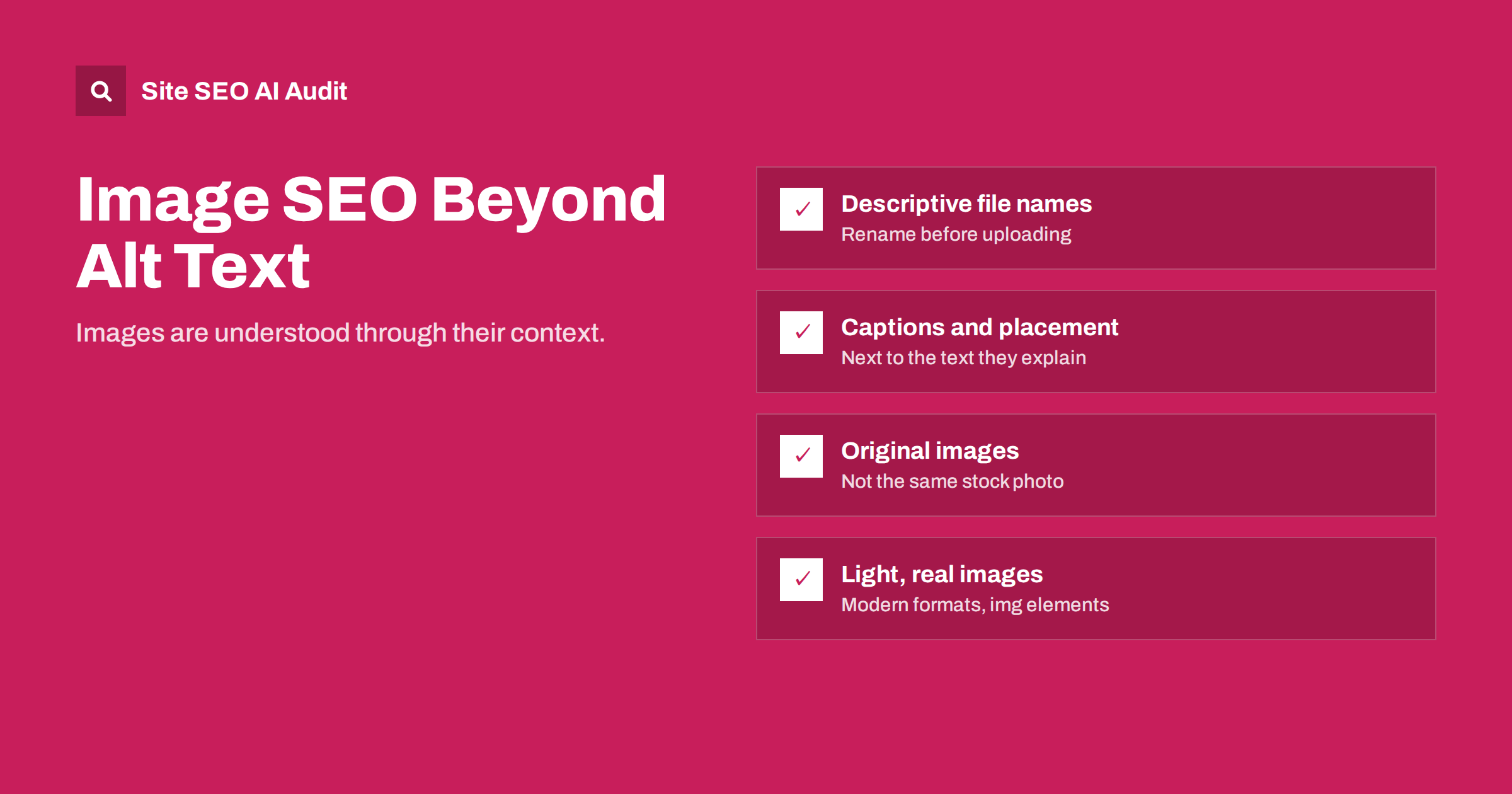
Short answer: Beyond alt text, images are found in search through their file names, captions, the text around them, the page they sit on, and their format and size. Use descriptive file names, place images next to the text they illustrate, add captions where people would read them, choose original images over stock photos, serve modern formats at sensible sizes, and make sure images are real image elements that search engines can find. The page’s topic and quality matter as much as the image itself.
How search engines understand images
Search engines are increasingly good at recognizing what is in a picture, but they still rely heavily on context to decide what an image is about and which searches it should appear for. They look at:
- The alt text, the main text description of the image.
- The file name and URL of the image.
- The caption, if there is one.
- The surrounding text, especially headings and paragraphs next to the image.
- The page itself: its title, topic and quality.
- 構造化データ that references the image, for example on product and recipe pages.
That is why the same photo can rank for different searches on different sites, and why an excellent image on a thin or unrelated page rarely appears in image results. The image and the page are judged together.
Alt text is covered in depth in our alt text guide. This article is about everything else that helps images be understood and found.
File names
Camera and phone file names such as IMG_4032.jpg or DSC00871.jpeg tell search engines nothing. A descriptive file name is a small but free signal, and it makes your media library far easier to manage.
- Describe the image in a few words:
grey-waterproof-trail-running-shoe.jpg. - Use lowercase letters and hyphens between words.
- Avoid stuffing keywords or adding irrelevant terms.
shoe-shoes-running-shoes-best-cheap.jpghelps nobody. - Keep names reasonably short; three to six words is usually enough.
- Rename files before uploading. Most content management systems keep the original file name in the image URL, and renaming later usually means re-uploading.
Captions and surrounding text
Captions are among the most read text on a page, because the eye is drawn to images and then to the text directly beneath them. A good caption adds information: what the image shows, where or when it was taken, or why it matters. Use captions where they help readers, such as for charts, before-and-after photos, product details and examples, not on every decorative picture.
Captions are also a good place for credit and context that do not belong in alt text: the photographer, the date of a before-and-after comparison, or the source of the data in a chart. Readers value that detail, and it makes the image more trustworthy.
Placement matters too. An image of a boiler pressure gauge placed in the section explaining boiler pressure is understood in that context. The same image in a gallery at the bottom of the page, disconnected from any text, carries much less meaning. Put images next to the paragraphs they illustrate, and refer to them in the text where natural.
Original images vs stock photos
Stock photos appear on thousands of sites. They rarely help a page stand out, and in image search the same stock photo competes with every other page that uses it. Original images, such as photos of your products, your work, your team or screenshots of real processes, are unique to your site and show real experience.
| Image type | Value for readers | Value in image search |
|---|---|---|
| Generic stock photo | Decorative at best | Low: many identical copies exist |
| Original product photos | High: shows the real item | High for product searches |
| Real screenshots | High: shows exact steps | Moderate to high for how-to searches |
| Custom charts and diagrams | High: explains data or processes | High, and often linked to by others |
| Photos of real work or places | High: builds trust | Good for local and portfolio searches |
Formats, sizes and dimensions
Image files are often the heaviest part of a page. Large images slow pages down, which hurts every visitor and can affect performance in search. The basics:
- Choose a modern format. WebP and AVIF usually produce much smaller files than JPEG or PNG at similar quality. Most modern browsers support them.
- Resize before serving. Do not upload a 5,000-pixel photo to display it at 800 pixels. Use responsive images so phones get smaller versions.
- Compress. Most photos can be compressed significantly without visible loss.
- Set width and height so the browser reserves space and the layout does not jump.
- Lazy-load images below the first screen, but not the main image at the top, which should load as early as possible.
Check what your platform already does. Many content management systems and image plugins create resized versions automatically and can convert to modern formats on the fly. In that case, your main job is to avoid uploading enormous originals and to confirm in the page source that the smaller versions are actually being served.
Large, high-quality images can still be useful, for example for products or for features that show big images. Serve them efficiently rather than avoiding them.
Make images discoverable
Search engines need to find images before they can rank them:
- Use real image elements. Images added with
<img>(or<picture>) are the most reliably indexed. Images set as CSS backgrounds are generally not treated as content images. - Avoid hiding important images behind scripts that only load after interaction.
- Keep image URLs stable. Changing image URLs, for example after a migration or CDN change, can reset their search visibility.
- Do not block image folders in robots.txt if you want images to appear in search.
- Consider an image sitemap or image entries in your sitemap for important images that might otherwise be hard to discover.
Images on product, recipe and article pages
- Products: several original photos from different angles and in use, each with specific alt text and a descriptive file name; the main image referenced in Product structured data.
- Recipes and how-tos: photos of the finished result and key steps, placed next to the matching instructions.
- Articles: a relevant lead image, which is also often used when the page is shared, plus diagrams or screenshots where they explain something better than words.
- Local businesses: photos of the premises, team and real work, which help visitors recognize and trust you. A photo of the shop front also helps people find the entrance when they arrive.
- Portfolios: each project with its own images, descriptive file names and a short text about the work, rather than one large gallery with no words.
A checklist before uploading any image
- Does the image add something? If it only decorates, consider leaving it out or marking it as decorative with an empty alt attribute.
- Is it original, or at least specific to the page, rather than a generic stock photo?
- Is the file named descriptively, in lowercase with hyphens?
- Is it resized to roughly the largest size it will be displayed at, and compressed?
- Is it in a modern format, or will your platform convert it automatically?
- Does it have alt text describing what it shows and why it is there?
- Is it placed next to the text it illustrates, with a caption if readers would benefit?
- If it is the main image at the top of the page, is it excluded from lazy loading so it appears quickly?
It takes a minute per image and prevents almost every common image problem. For teams, adding these points to the publishing checklist is far cheaper than fixing thousands of images later.
Auditing images across your site
Image problems usually repeat across templates and uploads: missing alt text, generic file names, oversized files and images that load before they are needed. A crawl finds them at scale. Site SEO AI Audit checks image alt texts on every page as part of its on-page area, and its speed checks cover page weight and load performance, with each issue weighted by how many pages it affects. You can run a free first audit to see where images hold your pages back.
Related reading
- Image Alt Text: How to Write It for SEO and Accessibility
- Lazy Loading and SEO: What to Lazy-Load and What Not To
- Page Weight and Compression: How to Make Pages Lighter
The bottom line
Images are understood through context: alt text, file names, captions, nearby text and the page itself. Rename files descriptively before uploading, place images beside the text they illustrate, caption the ones readers will look at, prefer original images to stock, serve modern formats at sensible sizes, and use real image elements that search engines can find. Good images make pages more useful, and useful images are the ones that appear in search.
FAQ
Do image file names matter for SEO?
They are a small signal, but a free one. Descriptive file names help search engines understand images and make your media library easier to manage. Rename files before uploading.
Are captions necessary on every image?
No. Use captions where readers benefit, such as charts, examples and product details. Decorative images do not need them.
Do stock photos hurt SEO?
They do not cause penalties, but they add little. The same photo appears on many sites, so it rarely stands out in image search or builds trust. Original images are more valuable.
Which image format is best for SEO?
Modern formats such as WebP or AVIF usually give the smallest files at good quality, which helps speed. The format itself is not a ranking factor; the effect comes through faster pages.
Are CSS background images indexed?
Generally not as content images. If an image matters for search, add it with an img or picture element and give it alt text.


