ENEnglish
 LTLietuviškai
 DEDeutsch
 FRFrançais
 RUРусский
 ESEspañol
 PLPolski
 ITItaliano
 UKУкраїнська
 CSČeština
 PTPortuguês
 JA日本語
JA日本語 LVLatviešu valoda
 ETEesti
 HUMagyar
 IDBahasa Indonesia
 TRTürkçe
 HIहिन्दी
 ELΕλληνικά
 ARالعربية
 THไทย
THไทย VITiếng Việt
 RORomână
 MSBahasa Melayu
 BNবাংলা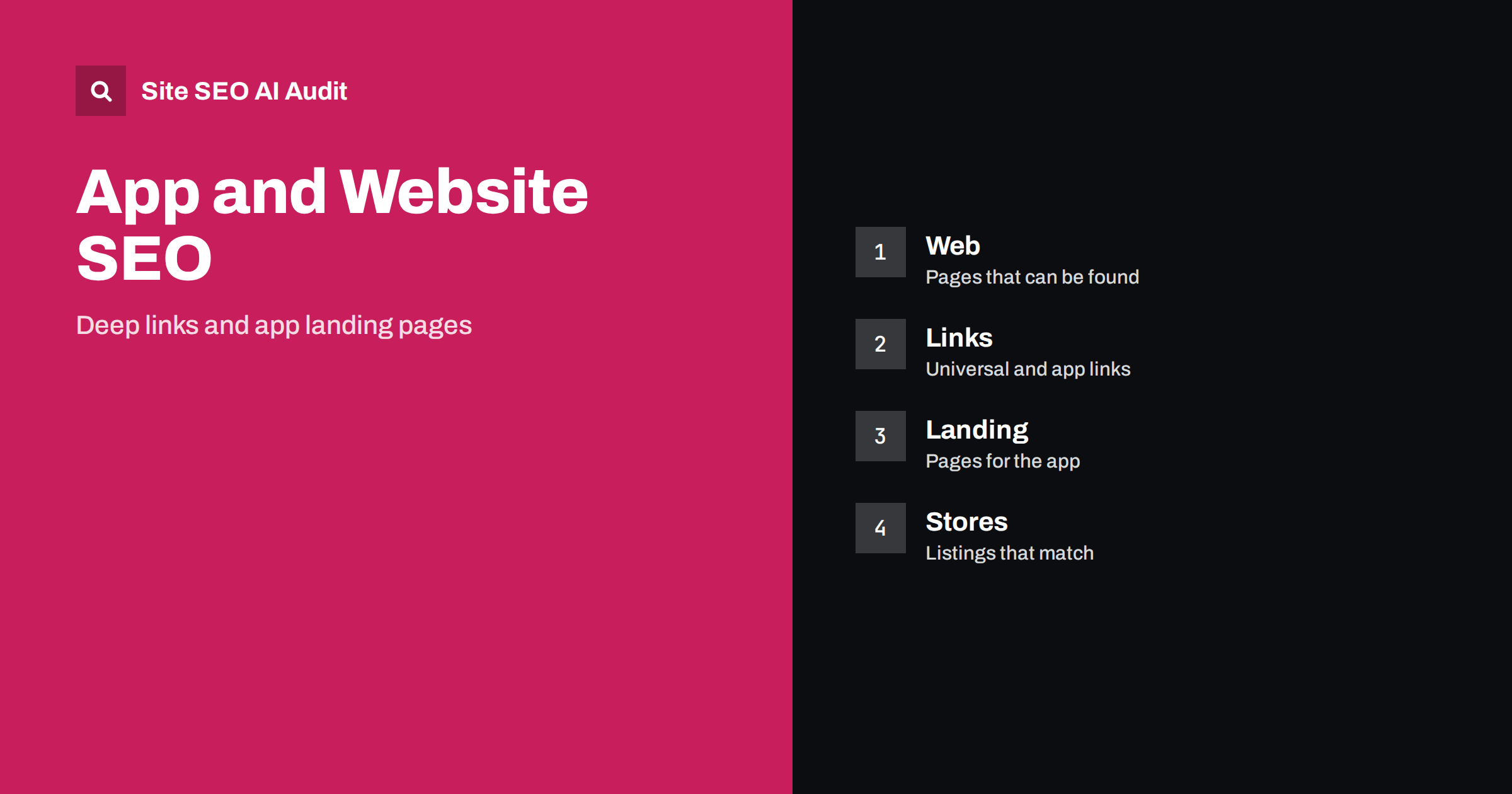
Short answer: Search engines mainly find and rank web pages, so an app needs a website to be discovered. Create a landing page for the app, give each important screen or piece of content a matching web address, connect the two with universal links on iOS and app links on Android, keep store listings consistent with the site, and make sure that people without the app still get a useful web page. Then measure web and app traffic together.
Many teams build an app and treat the website as an afterthought, or the other way round. In search, they work best as one system. Someone who types a question on a phone may land on your web page, see a banner offering the app, tap a link that opens the right screen and finally become a regular user. Another person may find the app in a store, then look for reviews and help articles on your site. If the pieces do not match, both lose visitors. This guide covers the practical steps for connecting a website and a mobile app so that search engines, stores and users can follow the path.
Why an app still needs web pages
An app’s screens are not pages that a crawler can open from a link in a search result. Without a web address, your content cannot appear in general search, cannot be shared in a link that works for everyone and cannot be quoted by AI assistants that read the web. The store listing is one page, and it cannot describe every feature or piece of content in depth. A website lets you publish guides, comparisons, help articles, pricing, privacy information and news, all of which bring visitors who might later install the app.
So begin by deciding which content in the app should also exist as a public page. A shop app might have product pages, a recipe app might have recipes, and a tool might have help articles and feature pages. Each of them should have an address that works in a browser, with the same information, even if the experience is simpler than in the app.
Build a landing page for the app
The app landing page is the hub. It should state in plain words what the app does, who it is for, which devices and languages it supports, what it costs and how privacy is handled. Include real screenshots, a short description of the main features, links to the store listings and a clear way to get help. Avoid the common trap of a page with a big picture and a download button but almost no text, because it gives search engines and assistants nothing to understand.
- Use a descriptive title that includes the app name and what it does.
- Write original text, not a copy of the store description.
- Add frequently asked questions about setup, accounts, pricing and data.
- Link to help pages, the privacy policy and terms.
- Keep the page fast on mobile and test it on real phones.
Do not promise features that are not yet available. If a version is still in testing, say so clearly. See landing page SEO for general principles.
Give app content matching web addresses
For each important item in the app, create a web address that shows the same item. If a screen is a product, article, listing or profile, its web page should have a stable address that follows a clear pattern, for example a folder for the type of content and a readable name. The same address can be used in the app, in emails, in social posts and in search results. Use the same canonical address everywhere, and avoid parameters that create duplicates; see SEO-friendly URL slugs and canonical tags.
The web version must be real content, not a blank page that only says “open in the app”. Visitors without the app, and crawlers, should be able to read the key information. If login is required for the full experience, publish a public summary and explain what is available after signing in. See gated content and AI search for guidance on handling restricted material.
Connect web and app with universal links and app links
Deep linking means that a link opens a specific place inside the app. The two main systems on phones are universal links on iOS and app links on Android. Both work by letting your domain declare which app is allowed to open its addresses. In outline:
- On the website, publish the verification file that each system expects, in the location the platform documents. This proves that you control both the site and the app.
- In the app, declare the domains and paths it can open and handle the incoming link by showing the right screen.
- When a user taps a matching link on a device with the app installed, the app opens at the right place. Without the app, the link opens in the browser and shows the web page.
This design is the reason why every deep link needs a working web page behind it. It also means that search results, which link to web addresses, can send people into the app on supported devices. Test with real devices, including the case where the app is not installed, and keep the verification files accessible without redirects or login. Check platform documentation for the current file names and rules, because they change over time.
Avoid custom address schemes as your only method. They do not work in browsers, cannot be indexed and fail when the app is missing.
Use app banners with care
Banners that offer to open or install the app can be useful, but they can also annoy visitors and harm the page experience. A full-screen overlay that hides the content, especially right after a search click, may be treated as an intrusive interstitial. Prefer a small banner that does not block reading, can be dismissed and does not return on every visit. Platform-provided banners are one option, and your own small bar is another. See popups and interstitials.
Offer the app at the right moment, such as after the visitor has read the content or when a feature clearly works better in the app. Never force installation to read a public article.
Keep store listings and the website aligned
App stores are search engines too. People search them for tasks and categories, and the listing’s name, subtitle, description, screenshots and reviews all matter. For web search, your store pages can also appear in results, but they are limited in what they can say. Keep the story consistent:
- Use the same app name, short description and key claims in the store and on the website.
- Link from the website to the store listings, and from the listings to the website, help centre and privacy policy.
- Reflect the same languages: if the app supports several, the site should offer pages in them too, with correct hreflang; see the hreflang guide.
- Update screenshots and release notes with the real changes, and make sure that web pages mention the current features.
- Respond to reviews, and use common complaints as ideas for help articles.
Treat store optimisation and web SEO as separate disciplines that share research. The words users type in both places help you decide on titles and headings.
Structured data and AI assistants
Structured data on your app landing page can describe the app, its category, operating system and price, as long as it matches what the page shows. Organisation data helps connect the site with your official profiles and listings; see organization schema and structured data for AI search. AI assistants that recommend apps rely on clear, current descriptions and reviews, so keep pricing, platform support and limits accurate. If your app is not available in some countries, say so explicitly rather than leaving visitors to find out after clicking.
Measure and audit both sides
Set up analytics that connects web visits with app installs and opens where privacy rules allow. Use campaign tags on links so that you can see which pages lead to installs. In Search Console, watch which queries bring people to the landing page and help articles. Compare them with store search terms. An audit of the website will show broken links, slow pages, missing titles or wrong language tags that affect both visitors and crawlers. Site SEO AI Audit checks seven areas of a website, and the first audit of up to 200 pages is free.
Common mistakes to avoid
- No public pages for app content. The content cannot be found or shared.
- Verification files behind a redirect or login. Deep links silently fall back to the browser.
- Full-screen install prompts. They frustrate visitors and can hurt rankings.
- Different names and promises in stores and on the site. This confuses users and weakens trust.
- Ignoring users without the app. Many visitors will never install it, and they still count.
Related reading
- Mobile-first indexing checklist
- SaaS feature pages and SEO
- Help centers and docs for AI answers
- Pricing page SEO
The bottom line
Treat the app and website as one product. Publish web pages for the content people want, build a clear landing page, connect addresses to screens with universal and app links, keep banners polite and store listings consistent, and measure the whole journey. Search engines reward pages that help people, and the app benefits from the visitors those pages bring.
FAQ
Can an app rank in search without a website?
Store listings can appear in results, but they offer little room for content. A website gives you far more ways to be found and understood.
What is the difference between universal links and app links?
Universal links are the iOS system and app links are the Android system. Both let a web address open the matching screen in an installed app.
Do I need a separate web page for every app screen?
Only for screens with content that people may search for or share. Account settings and private screens do not need public pages.
Are install banners bad for SEO?
Small, dismissible banners are usually fine. Large overlays that hide the content can harm the page experience and should be avoided.
Should store descriptions copy the website text?
Keep the message consistent, but write each for its place. Copying exactly creates duplicates and misses the chance to serve different searchers.