 ENEnglish
 LTLietuviškai
 DEDeutsch
 FRFrançais
 RUРусский
 ESEspañol
 PLPolski
 ITItaliano
 UKУкраїнська
 CSČeština
 PTPortuguês
 JA日本語
JA日本語 LVLatviešu valoda
 ETEesti
 HUMagyar
 IDBahasa Indonesia
 TRTürkçe
 HIहिन्दी
 ELΕλληνικά
 ARالعربية
 THไทย
THไทย VITiếng Việt
 RORomână
 MSBahasa Melayu
 BNবাংলা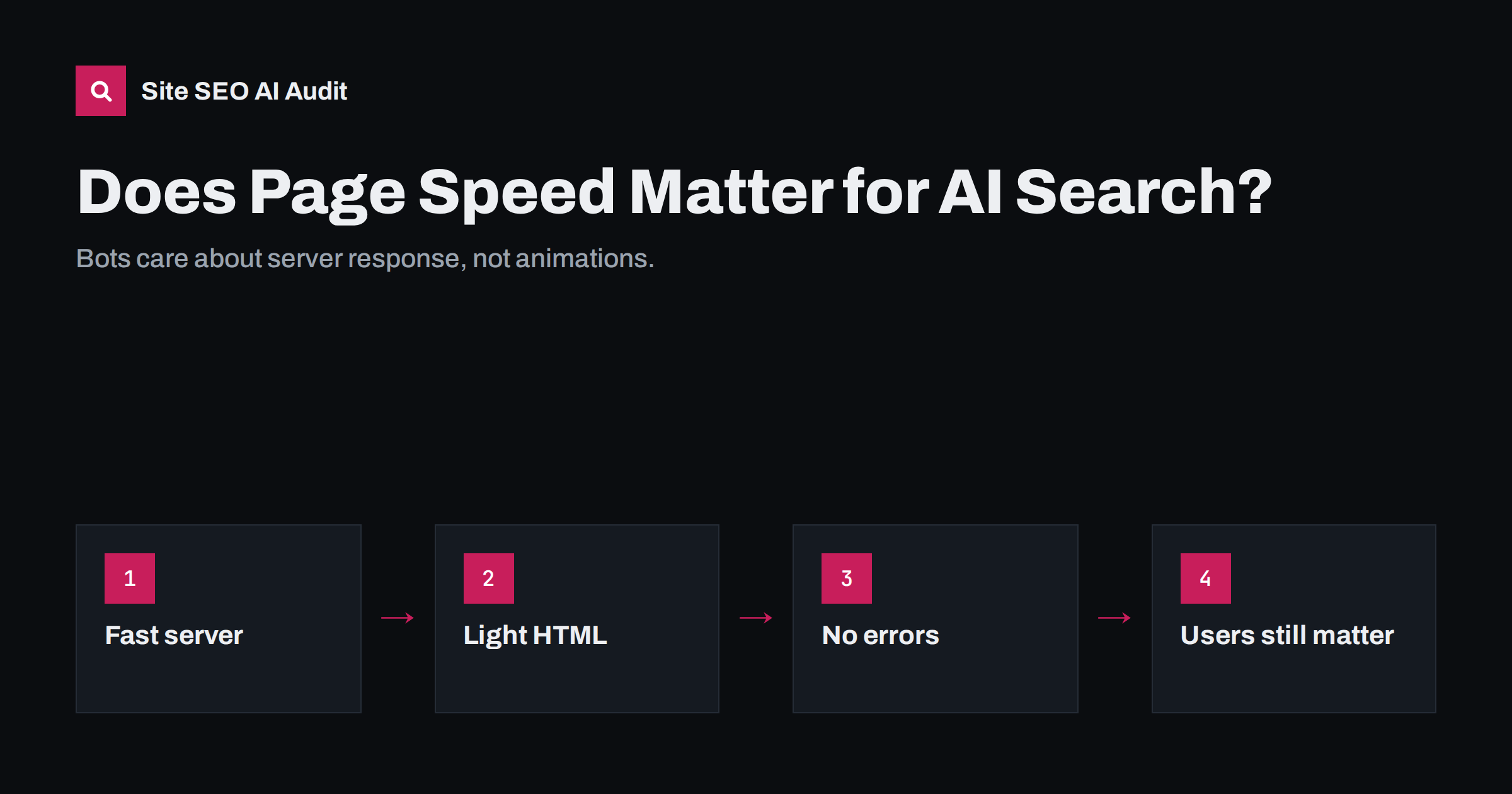
Short answer: Page speed matters for AI search, but mostly in a different way than for human visitors. Crawlers care about how quickly and reliably your server returns HTML: slow responses and server errors reduce how much of a site gets crawled, and live fetches made while a user waits may give up on slow pages. Visual metrics such as layout shift matter less to bots but still matter for the visitors AI answers send you. Focus first on server response time, error rates and lean HTML, then on user-facing Core Web Vitals.
Two kinds of speed
When people talk about page speed, they usually mean the experience in a browser: how quickly the main content appears, how responsive the page feels, whether elements jump around. Google measures these with Core Web Vitals: Largest Contentful Paint, Interaction to Next Paint and Cumulative Layout Shift. They are part of Google’s page experience signals, which reward good user experience but rarely outweigh relevance.
Crawlers experience a different kind of speed. Most do not render pages like a browser, and many AI crawlers do not run JavaScript at all. For them, speed means how long the server takes to start responding, how long it takes to deliver the HTML, and how often requests fail. A page that looks slow to users because of heavy scripts might be fast for a crawler that only downloads the HTML. A page with a slow database query is slow for everyone.
How server speed affects crawling
Search engines adjust how much they crawl based on how your server responds. Google describes this as crawl capacity: if the server responds quickly and without errors, Googlebot can crawl more; if responses slow down or errors increase, it crawls less to avoid overloading the site. Other well-behaved crawlers follow similar logic.
For small sites with a few hundred pages, this rarely limits anything. For larger sites, such as online shops with thousands of products or publishers with large archives, slow responses mean that fewer pages are fetched and updated pages are noticed later. That delay flows into the indexes that AI systems use: a price change or a new product may take longer to appear in answers.
Errors matter as much as speed. A burst of 500 or 503 responses during a traffic peak, a nightly backup or a plugin update can cause crawlers to back off for a while. If this happens regularly, important pages may be visited less often than they should be. Check your server logs and the crawl stats report in Search Console for patterns: errors at the same time every day usually point to a scheduled task competing for resources.
Live fetches and timeouts
Some AI requests happen in real time. When a user asks an assistant about a specific page, or when an answer needs current information, a user-triggered fetcher may request your page while the user waits for the reply. These systems cannot wait indefinitely. Operators do not publish exact timeouts, but it is reasonable to assume that a page taking many seconds to respond, or one that sits behind a slow challenge page, is more likely to be skipped in favour of another source.
This is one of the clearest reasons to care about server response time for AI visibility: the faster your server returns useful HTML, the more likely it is to be used when it matters.
Challenge pages and interstitials add delay too. A bot-protection page that makes every request wait while a script runs may be acceptable for humans, but a crawler usually cannot pass it at all, and a live fetch will simply fail. Exempt verified crawlers from such checks where your provider allows it.
What to measure
| Metric | What it tells you | Where to find it |
|---|---|---|
| Time to first byte (TTFB) | How quickly the server starts responding | Lab tools, server monitoring, crawl reports |
| Crawl stats: average response time | How fast Googlebot’s requests are answered | Search Console crawl stats report |
| 5xx error rate | How often the server fails | Server logs, crawl stats |
| HTML size | How much a crawler downloads per page | Crawler reports, browser developer tools |
| Core Web Vitals | User experience in real browsers | Search Console, PageSpeed Insights field data |
Check response times for different page types separately. Home pages are often cached and fast, while product, search or filtered category pages hit the database and can be much slower.
Server-side fixes that help bots most
- Page caching. Serve cached HTML for public pages so the server does not rebuild them for every request. On WordPress, a page cache plugin or server-level caching usually makes the biggest difference.
- A CDN. Serving cached pages from edge locations cuts response times for crawlers and users worldwide, as long as bot settings do not block the crawlers you want.
- Database and query optimisation. Slow queries, often from plugins or large unindexed tables, are a common cause of high TTFB on dynamic pages.
- Adequate hosting. Shared hosting under heavy load can produce intermittent slowness and errors that crawlers notice.
- Error monitoring. Track 5xx errors and timeouts, and fix their causes rather than retrying.
- Compression. Enable gzip or Brotli for HTML, which reduces transfer size significantly.
Test the effect of each change. Measure response times for a sample of URLs before and after enabling caching or optimising queries, and watch the crawl stats over the following weeks. Improvements for bots often show up as more pages crawled per day and fewer errors, rather than as an immediate change in traffic.
Keep HTML lean and content early
Crawlers that read raw HTML benefit from pages where the main content comes early and is not buried under huge inline scripts, style blocks or base64-encoded images. Very large HTML responses take longer to download, and some systems may process only part of a large document. Practical steps include moving large inline scripts to external files, avoiding enormous inline SVG or data URIs, and making sure the main content is in the HTML rather than loaded afterwards.
A quick check is to compare the HTML size of a typical page with the amount of visible text on it. If the page weighs several hundred kilobytes but contains only a few hundred words, most of the download is code rather than content.
Do not forget the humans
AI answers increasingly send visitors who already know what they want. When they click a citation, they expect the page to load quickly and show the relevant information immediately. A slow, jumpy page wastes that intent. Core Web Vitals matter here: fast loading of the main content, quick responses to taps and a stable layout. Mobile performance deserves particular attention, since many assistant users are on phones.
Speed is also a trust signal in the loose sense. A site that is fast and stable feels professional; one that stalls and shifts feels neglected, which undermines the credibility you built with your content.
Remember that visitors from AI answers often land deep in your site, on a specific guide or product page rather than the home page. Those inner templates are the ones to optimise first, because they receive the visitors with the clearest intent.
What speed will not do
Speed is a supporting factor, not a ranking shortcut. A fast page with thin or irrelevant content will not be cited because it is fast. Treat performance as removing friction: it helps crawlers cover your site, helps live fetches succeed and helps visitors stay. Relevance, clarity and trust still decide whether your content is chosen.
How Site SEO AI Audit helps
Speed and Core Web Vitals are one of the seven areas in a Site SEO AI Audit report. The audit checks Google PageSpeed data, LCP and CLS, server response on every page, compression and page weight, so slow templates stand out. The crawler itself is polite, making about three requests per second and following robots.txt, so the audit does not slow your site. You can run a free audit to see your slowest pages.
Related reading
- Server Response Time and TTFB: How to Speed Up Your Server
- Core Web Vitals Explained: LCP, INP and CLS in Plain Words
- How to Find and Verify AI Crawlers in Your Server Logs
- Is Your CDN or Firewall Blocking AI Crawlers? How to Check
The bottom line
For AI crawlers, speed means a server that answers quickly and reliably with lean HTML. Cache pages, fix slow queries, monitor errors and keep content early in the response. Then look after Core Web Vitals for the people who click through from AI answers. Speed will not make weak content win, but it stops strong content from being skipped.
FAQ
Do AI crawlers measure Core Web Vitals?
Core Web Vitals are measured in real browsers and used by Google as page experience signals. Most AI crawlers do not render pages, so server response time and reliability matter more to them.
Can a slow server reduce how much of my site is crawled?
Yes. Search engines reduce crawling when a server responds slowly or returns errors, to avoid overloading it. Large sites feel this most, as updates take longer to be noticed.
What is a good server response time?
Faster is better, and many performance guides suggest keeping time to first byte well under one second. Check different page types, because dynamic pages are often much slower than cached ones.
Will a CDN help with AI crawlers?
A CDN can speed up responses for crawlers as well as users. Check its bot settings, though, because some CDNs block or challenge AI crawlers by default.
Is page speed a ranking factor for AI answers?
There is no published speed factor for AI answers. Speed helps indirectly by improving crawl coverage, the reliability of live fetches and the experience of visitors who click through.


