ENEnglish
 LTLietuviškai
 DEDeutsch
 FRFrançais
 RUРусский
 ESEspañol
 PLPolski
 ITItaliano
 UKУкраїнська
 CSČeština
 PTPortuguês
 JA日本語
JA日本語 LVLatviešu valoda
 ETEesti
 HUMagyar
 IDBahasa Indonesia
 TRTürkçe
 HIहिन्दी
 ELΕλληνικά
 ARالعربية
 THไทย
THไทย VITiếng Việt
 RORomână
 MSBahasa Melayu
 BNবাংলা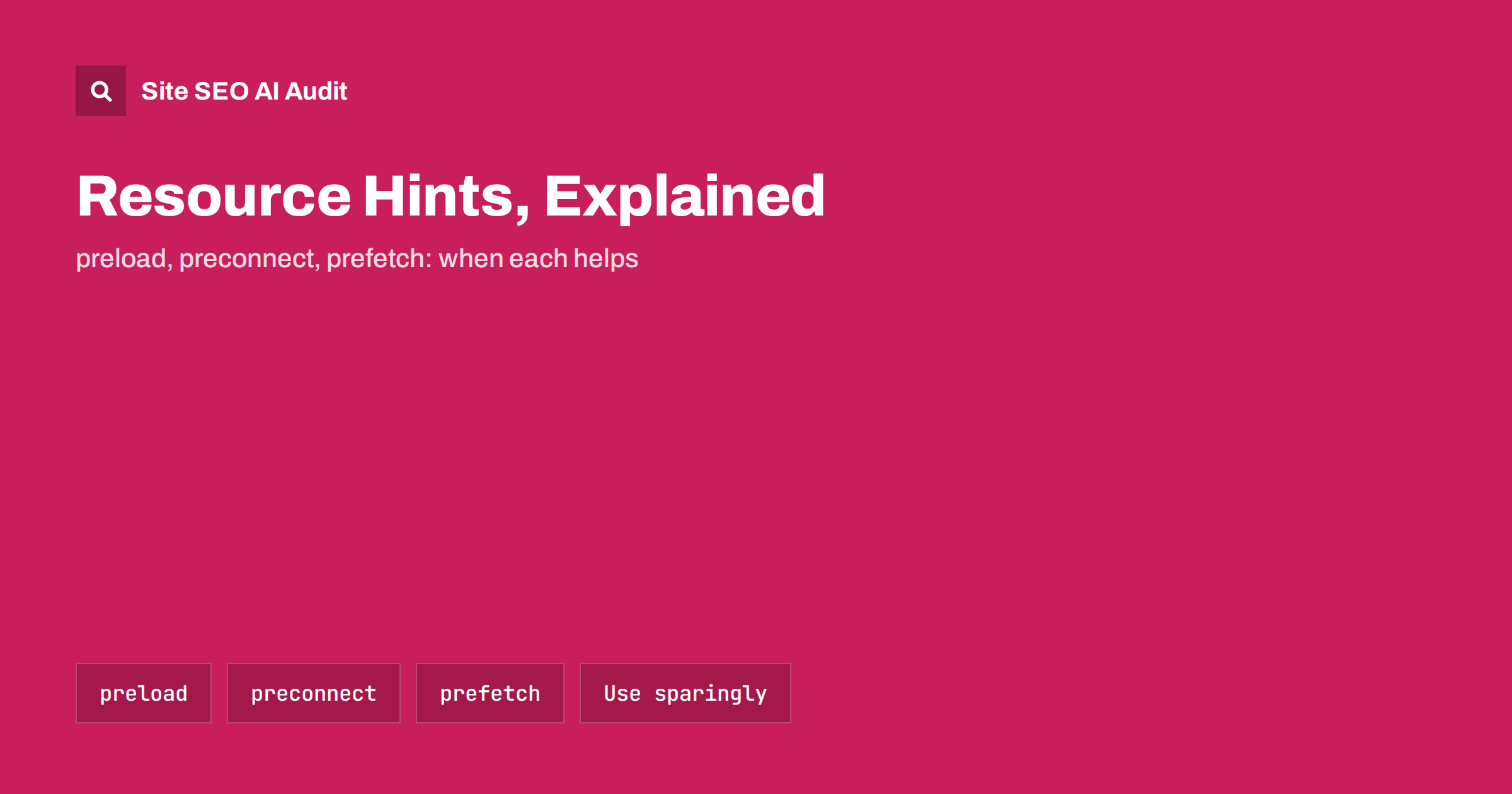
Short answer: Resource hints are <link> tags that tell the browser to start work early. preconnect opens a connection to another origin before it is needed, dns-prefetch only resolves its domain name, preload downloads a specific file the current page will need soon, and prefetch downloads something the next page will probably need. Used for one or two truly critical resources, such as the main image or a key web font, they can improve Largest Contentful Paint. Used for everything, they compete with each other and slow the page down.
Browsers are good at finding the resources a page needs, but they discover some of them late: a font referenced deep inside a stylesheet, a hero image set as a CSS background, a script loaded from a third-party domain. Resource hints let you tell the browser about those resources earlier. They are small changes with real effect, which is exactly why they are often overused.
Why the browser needs hints
A browser loads a page in stages. It downloads the HTML, starts parsing it, finds stylesheets and scripts, downloads them, applies the CSS, and only then discovers some resources referenced from inside the CSS or added by scripts. Each new origin, such as a font service or a CDN, also needs its own DNS lookup, connection and, for HTTPS, a TLS handshake before any file can be downloaded. On a slow mobile network, each of these steps can take hundreds of milliseconds.
Resource hints let the browser do some of that work in parallel with parsing, instead of waiting. The MDN reference for rel=preload and the related pages describe each hint in detail. This guide focuses on when to use which.
The four main hints at a glance
| Hint | What it does | Typical use | Main risk |
|---|---|---|---|
dns-prefetch |
Resolves a domain name in advance | Third-party origins used later on the page | Very low; small benefit |
preconnect |
DNS, connection and TLS in advance | One or two critical third-party origins | Wasted connections if overused |
preload |
Downloads a specific file now, at high priority | LCP image, critical font, late-discovered CSS | Delays other resources if overused |
prefetch |
Downloads a file for a future navigation, at low priority | Next step in a predictable flow | Wasted data if the guess is wrong |
preconnect: open the connection early
Use preconnect for origins that the page will certainly use early, but which the browser would otherwise discover late. Typical examples are a font service, an image CDN on a different domain or an API the page needs to render content:
<link rel="preconnect" href="https://fonts.example-cdn.com" crossorigin>
The crossorigin attribute matters for resources fetched in CORS mode, such as web fonts. Without it, the browser may open a connection that cannot be reused for the font, and then open a second one.
Keep the list short. Each preconnect uses network and processing resources, and connections that are not used within a few seconds are closed again. Two or three preconnects for genuinely critical origins are usually the useful maximum. For other third-party origins, dns-prefetch is a cheaper alternative, and you can list both for the same origin to cover older browsers.
The best fix is often to need fewer origins at all. Self-hosting fonts and serving images from your own domain or CDN removes the connection cost entirely; see our guide to web fonts and page speed.
preload: fetch a critical file now
preload tells the browser to download a specific file immediately, with a priority based on its type, because the current page will need it soon. It is most useful for resources the browser would discover late:
- The LCP image when it is set as a CSS background or inserted by JavaScript, so the browser cannot see it in the HTML.
- A critical web font used for above-the-fold text, which is otherwise found only after the CSS has been downloaded and parsed.
- A stylesheet or script loaded by another script, rather than directly from the HTML.
A preload needs the correct as attribute, and fonts also need crossorigin:
<link rel="preload" href="/fonts/brand.woff2" as="font" type="font/woff2" crossorigin>
For responsive images, preload can include imagesrcset and imagesizes attributes so the browser downloads the same file the image element would choose. Without them, a preload may fetch the wrong size and the browser then downloads the image twice.
If the LCP image is already a normal <img> in the HTML, a preload adds little. Adding fetchpriority="high" to the image element is usually the simpler and better choice; our guide to fixing LCP explains why.
prefetch: get ready for the next page
prefetch downloads a resource with low priority for a navigation that will probably happen next, and stores it in the cache. It makes sense where the next step is predictable: the second step of a checkout, the next article in a series, the results page after a search form.
It does not help the current page and it costs data, so only prefetch what is likely to be used. Some browsers now also support the Speculation Rules API, which can prefetch or even prerender entire pages based on rules you define. It is a powerful tool for predictable flows, but test it carefully, because prerendering runs the page’s scripts and analytics before the user actually visits it.
When hints make things worse
Every early download competes for the same network connection. A page that preloads ten files tells the browser that ten things are urgent, which means nothing is. Common problems:
- Preloading files the page does not use. Browsers show a console warning when a preloaded resource is not used within a few seconds. It is wasted bandwidth.
- Preloading every font weight. Preload only the one or two fonts used above the fold; others can load normally.
- Preloading images below the fold. They delay the resources that matter for the first screen.
- Wrong or missing
asattribute. The browser may download the file twice or with the wrong priority. - Hints left over from old designs. Preconnects to a font service the site stopped using years ago still cost time on every page view.
- Plugins adding hints automatically. Several optimisation plugins can each add their own hints, ending with duplicates and conflicts.
Hints do not replace fixing the underlying problem. If a large script blocks rendering, preloading it does not make it smaller. Our guides to render-blocking resources and third-party scripts cover those fixes.
Hints in HTTP headers and early hints
Resource hints can also be sent as HTTP Link headers instead of HTML tags, for example Link: </fonts/brand.woff2>; rel=preload; as=font; crossorigin. This lets the browser act before it even sees the HTML. Some servers and CDNs also support the 103 Early Hints status, which sends these headers while the server is still generating the page. That can help pages with slow server response times, although the better fix is still a faster server, as described in our guide to server response time.
How to decide and measure
- Find the LCP element of your main templates with PageSpeed Insights or the browser’s performance panel.
- Look at the network waterfall. Is the LCP image or the key font discovered late, after CSS or scripts? That is where a hint can help.
- Add one hint at a time and compare lab tests before and after, using the median of several runs.
- Check the console for warnings about unused preloads or mismatched attributes.
- Watch field data over the following weeks to confirm that real users benefit.
- Review the hints yearly and remove those for origins and files the site no longer uses.
A short, deliberate list of hints that you can explain one by one is the goal. If no one on the team knows why a hint exists, test the page without it.
See which templates are slow
Resource hints fix specific bottlenecks on specific templates, so the first step is knowing which pages are slow and why. Site SEO AI Audit includes a Speed and Core Web Vitals area that uses Google PageSpeed, LCP and CLS, and checks server response, compression and page weight on every crawled page, weighting each issue by how many pages it affects. The free audit covers up to 200 pages; paid plans re-audit after each change, so you can see whether a hint actually helped.
Related reading
The bottom line
Resource hints help the browser start important work earlier. Preconnect to one or two critical origins, preload only late-discovered resources that matter for the first screen, prefetch only predictable next steps and use dns-prefetch as a cheap extra. Measure each hint, remove the ones that do not help and fix the underlying causes of slowness first.
FAQ
What is the difference between preload and prefetch?
Preload downloads a resource the current page needs soon, at high priority. Prefetch downloads a resource that a future page will probably need, at low priority. Preload helps the current page; prefetch helps the next navigation.
Should I preload my LCP image?
Only if the browser discovers it late, for example when it is a CSS background or inserted by JavaScript. If it is a normal img element in the HTML, adding fetchpriority=”high” to the image is usually enough.
How many preconnect hints should a page have?
Usually no more than two or three, for origins that are critical to rendering the first screen. Each preconnect has a cost, and unused connections are closed again. Use dns-prefetch for less important origins.
Do resource hints affect SEO directly?
No. They are performance tools. They can improve loading metrics such as Largest Contentful Paint, which is part of Core Web Vitals and the page experience signals, but they have no direct effect on indexing or relevance.
Why does the browser warn about an unused preload?
The preloaded file was not used by the page within a few seconds, or the as, type or crossorigin attributes did not match how the page requested it. Fix the attributes or remove the preload.