 ENEnglish
 LTLietuviškai
 DEDeutsch
 FRFrançais
 RUРусский
 ESEspañol
 PLPolski
 ITItaliano
 UKУкраїнська
 CSČeština
 PTPortuguês
 JA日本語
JA日本語 LVLatviešu valoda
 ETEesti
 HUMagyar
 IDBahasa Indonesia
 TRTürkçe
 HIहिन्दी
 ELΕλληνικά
 ARالعربية
 THไทย
THไทย VITiếng Việt
 RORomână
 MSBahasa Melayu
 BNবাংলা
#Indexing
Indexing is the step where a search engine decides to store a page and make it eligible to appear in results. Articles tagged here explain noindex, canonical selection, duplicate handling and the Search Console indexing statuses. They show why a crawled page may still be left out of the index. Each guide lists the checks to run before asking for reindexing. You will also learn how to remove pages that should not be indexed. Clean indexing keeps the right pages visible and the rest out of the way.
 2026/10/01 · 8分で読めます
URL Fragments and Hash URLs: How Search Engines Treat #
Everything after # in a URL is usually ignored by search engines. What that means for jump links, hash routing in single-page apps, tracking…
 2026/10/01 · 9分で読めます
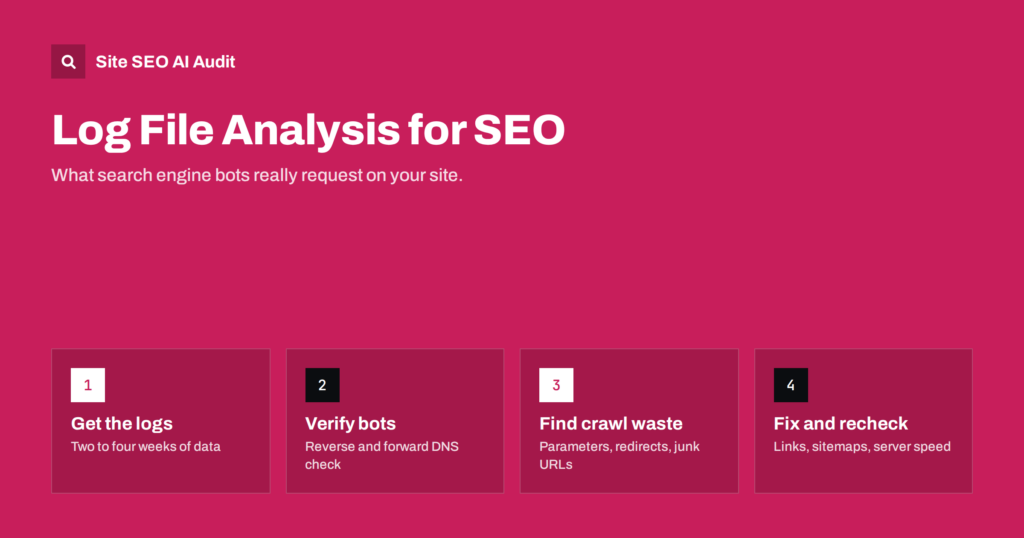
Log File Analysis for SEO: What Your Server Logs Reveal
Server logs show what search engine bots really request on your site. Learn how to read them, what to look for and which SEO…
 2026/09/30 · 9分で読めます
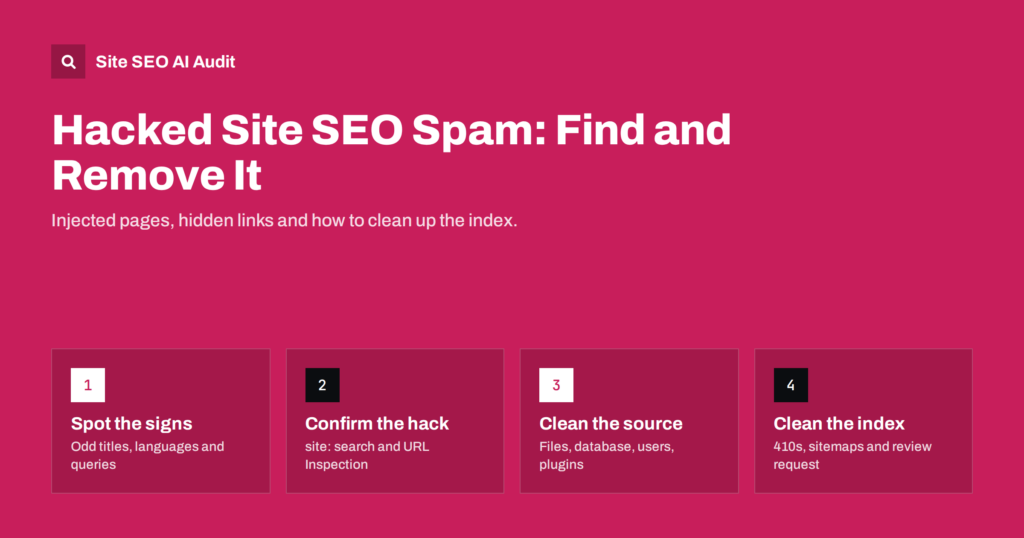
Hacked Site SEO Spam: How to Find and Remove Injected Pages
SEO spam hacks add hidden links and fake pages that search engines index. Learn the warning signs, how to confirm the hack and how…
 2026/09/29 · 8分で読めます
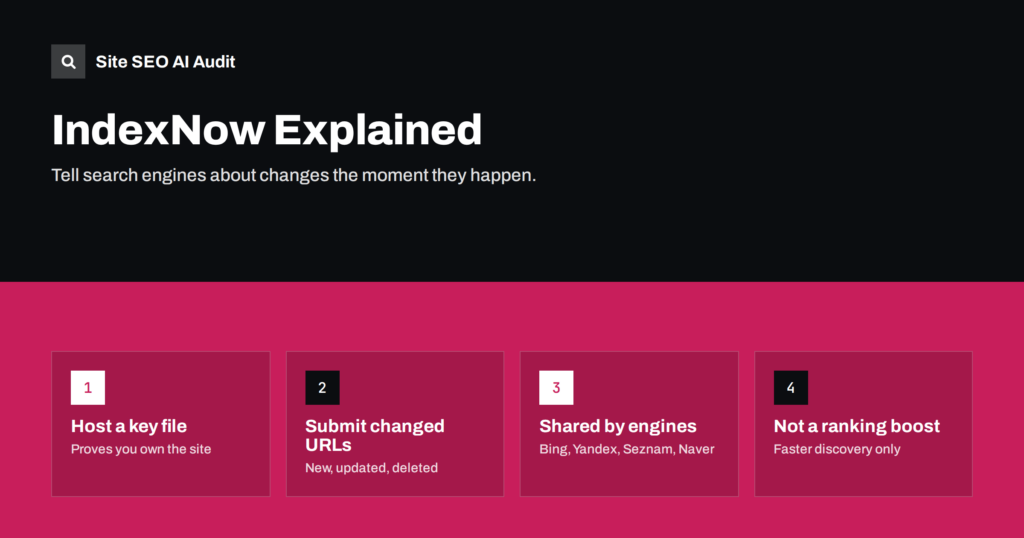
IndexNow Explained: Should Your Site Ping Search Engines?
What IndexNow is, which search engines use it, how to set it up with a key file or plugin, what it does not do,…
 2026/09/29 · 8分で読めます
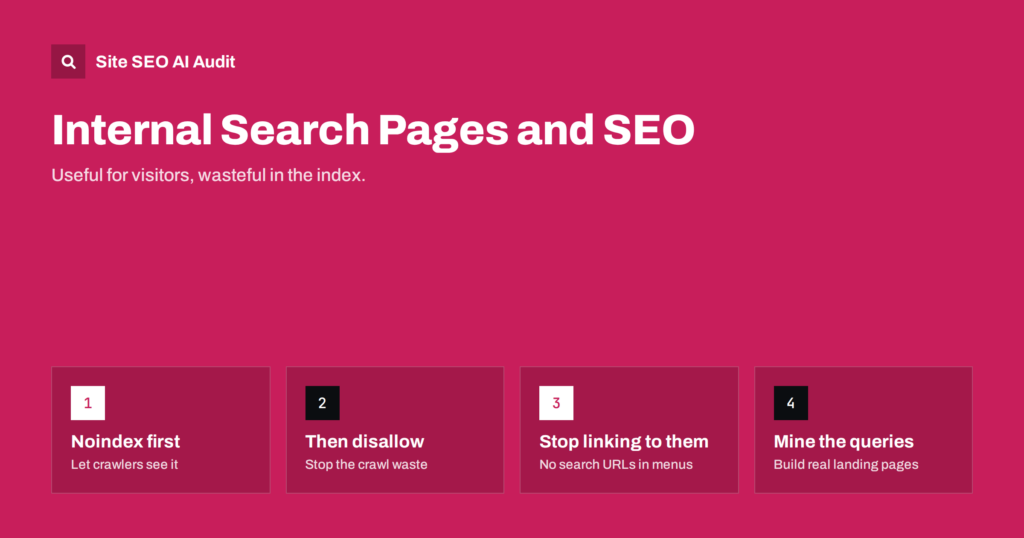
Internal Site Search Pages: Keep Them Out of the Index
Why internal site search result pages should usually stay out of Google, how to block them with noindex or robots.txt, and how to use…
 2026/09/29 · 8分で読めます
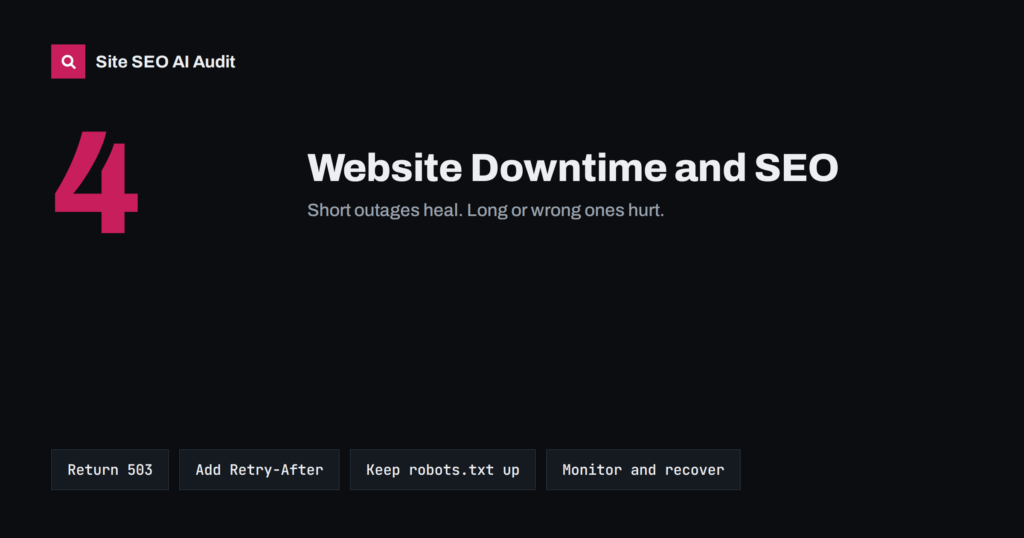
Website Downtime and SEO: What Outages Do to Rankings
What happens to rankings when a website goes down, how long is too long, how to handle planned maintenance with 503, and how to…
 2026/09/26 · 7分で読めます
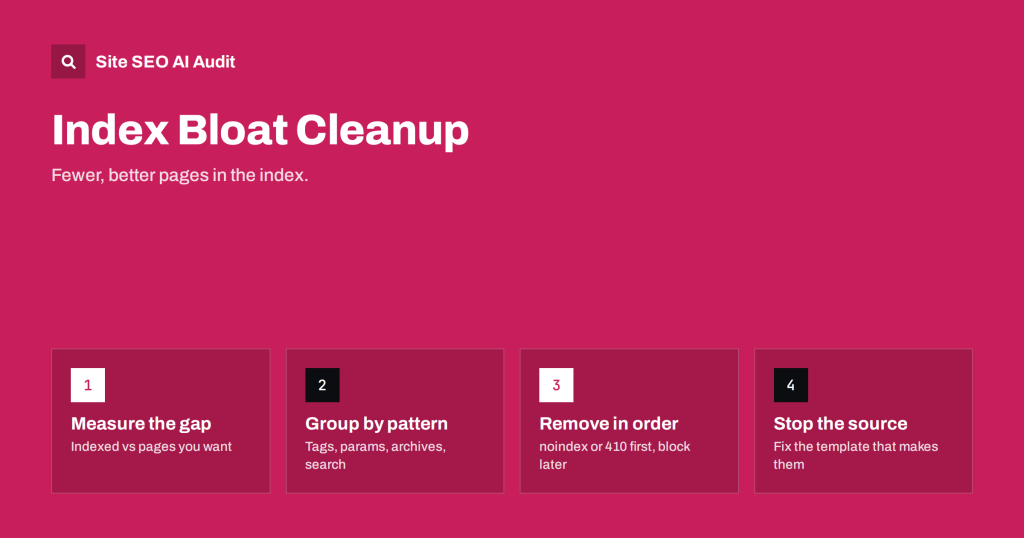
Index Bloat: How to Find and Clean Up Unwanted Indexed URLs
Index bloat means search engines hold many URLs you never meant to rank. How to measure it, which URL types cause it, and how…
 2026/09/20 · 7分で読めます
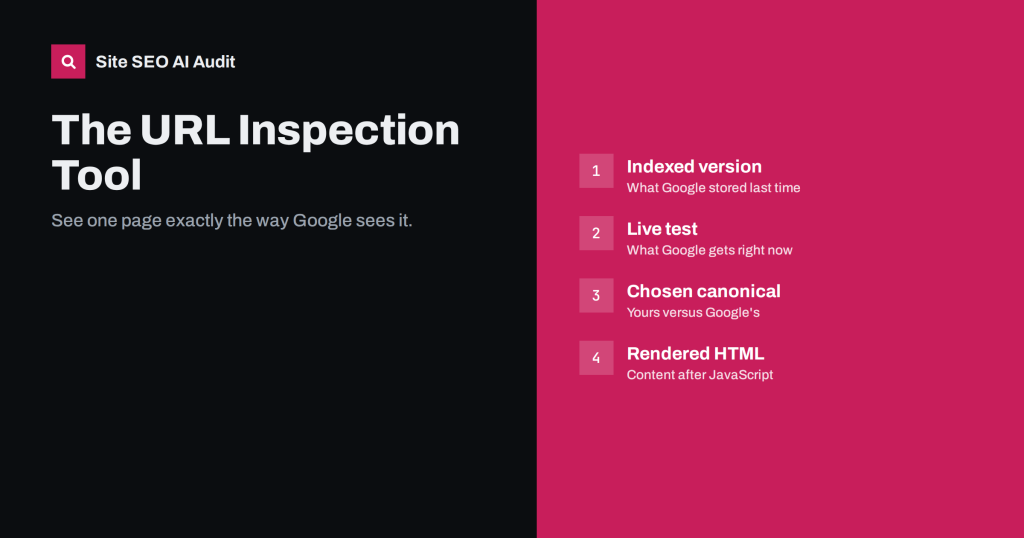
URL Inspection Tool: How to Debug a Page Like Google
How to use Search Console's URL Inspection tool to see indexing status, the chosen canonical, rendered HTML and blocked resources, and when to request…
 2026/09/15 · 7分で読めます
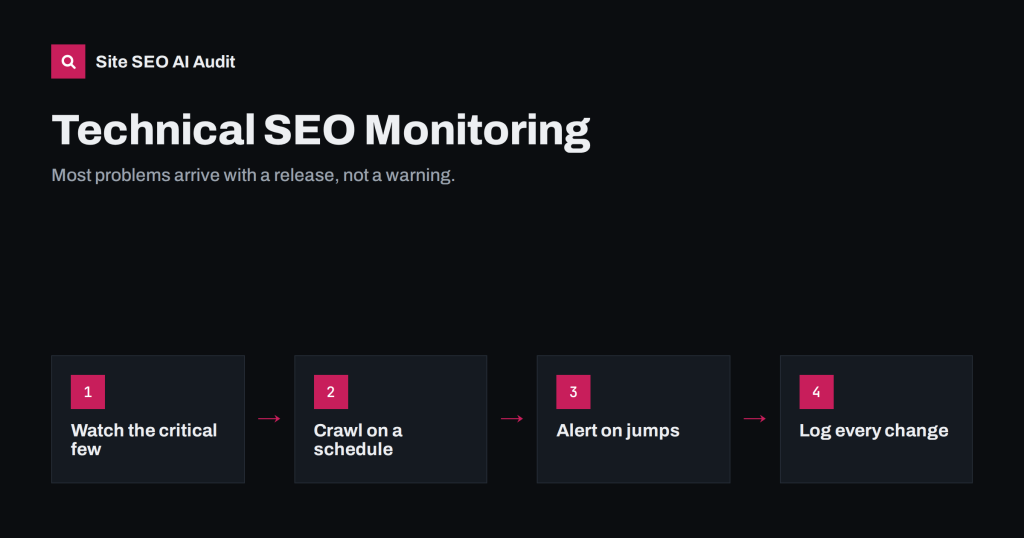
Technical SEO Monitoring: Catch Problems Before Traffic Drops
Technical SEO problems appear silently after updates and releases. What to monitor, how often, which alerts matter, and a routine that catches regressions.
 2026/09/14 · 7分で読めます
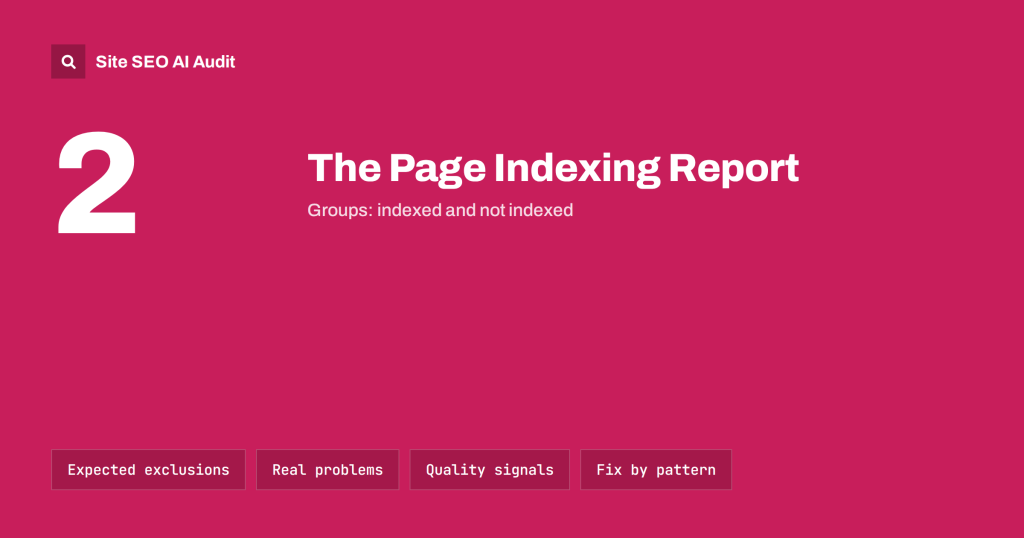
Search Console Page Indexing Report: Every Status Explained
What each reason in Search Console's page indexing report means, which statuses are normal, which need action, and how to work through the report…
 2026/09/13 · 8分で読めます
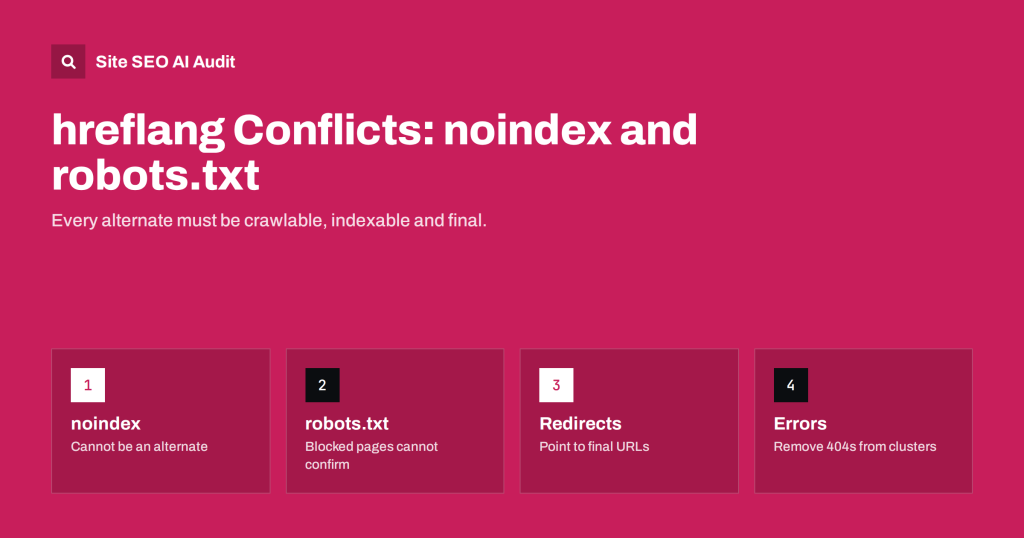
hreflang Conflicts with noindex, robots.txt and Redirects
hreflang only works between pages that can be crawled and indexed. How noindex, robots.txt, redirects and errors break clusters, and how to resolve each.
 2026/09/12 · 7分で読めます
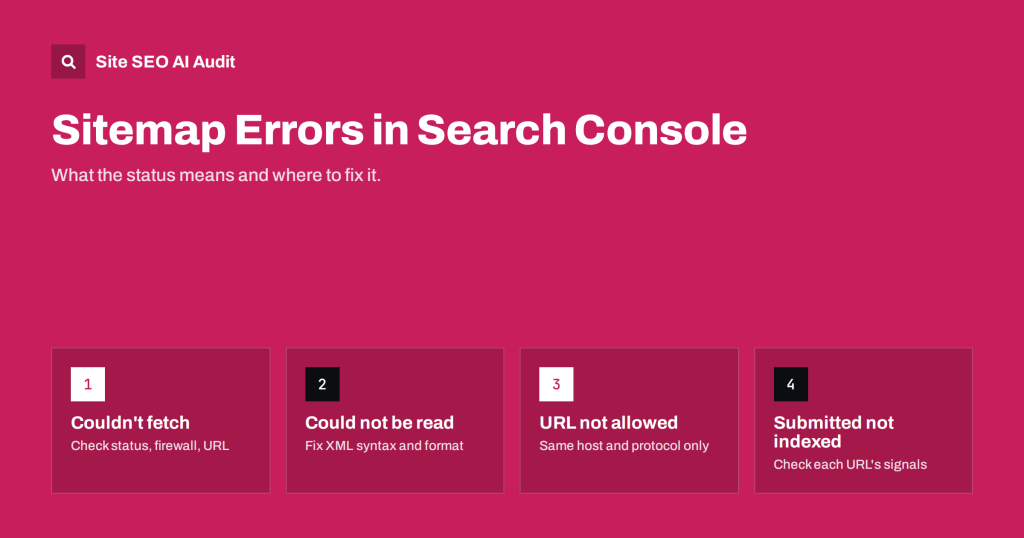
Sitemap Errors in Search Console: What They Mean and Fixes
"Couldn't fetch", "Sitemap could not be read", invalid URLs and more: what each Search Console sitemap error means and how to fix it on…