 ENEnglish
 LTLietuviškai
 DEDeutsch
 FRFrançais
 RUРусский
 ESEspañol
 PLPolski
 ITItaliano
 UKУкраїнська
 CSČeština
 PTPortuguês
 JA日本語
JA日本語 LVLatviešu valoda
 ETEesti
 HUMagyar
 IDBahasa Indonesia
 TRTürkçe
 HIहिन्दी
 ELΕλληνικά
 ARالعربية
 THไทย
THไทย VITiếng Việt
 RORomână
 MSBahasa Melayu
 BNবাংলা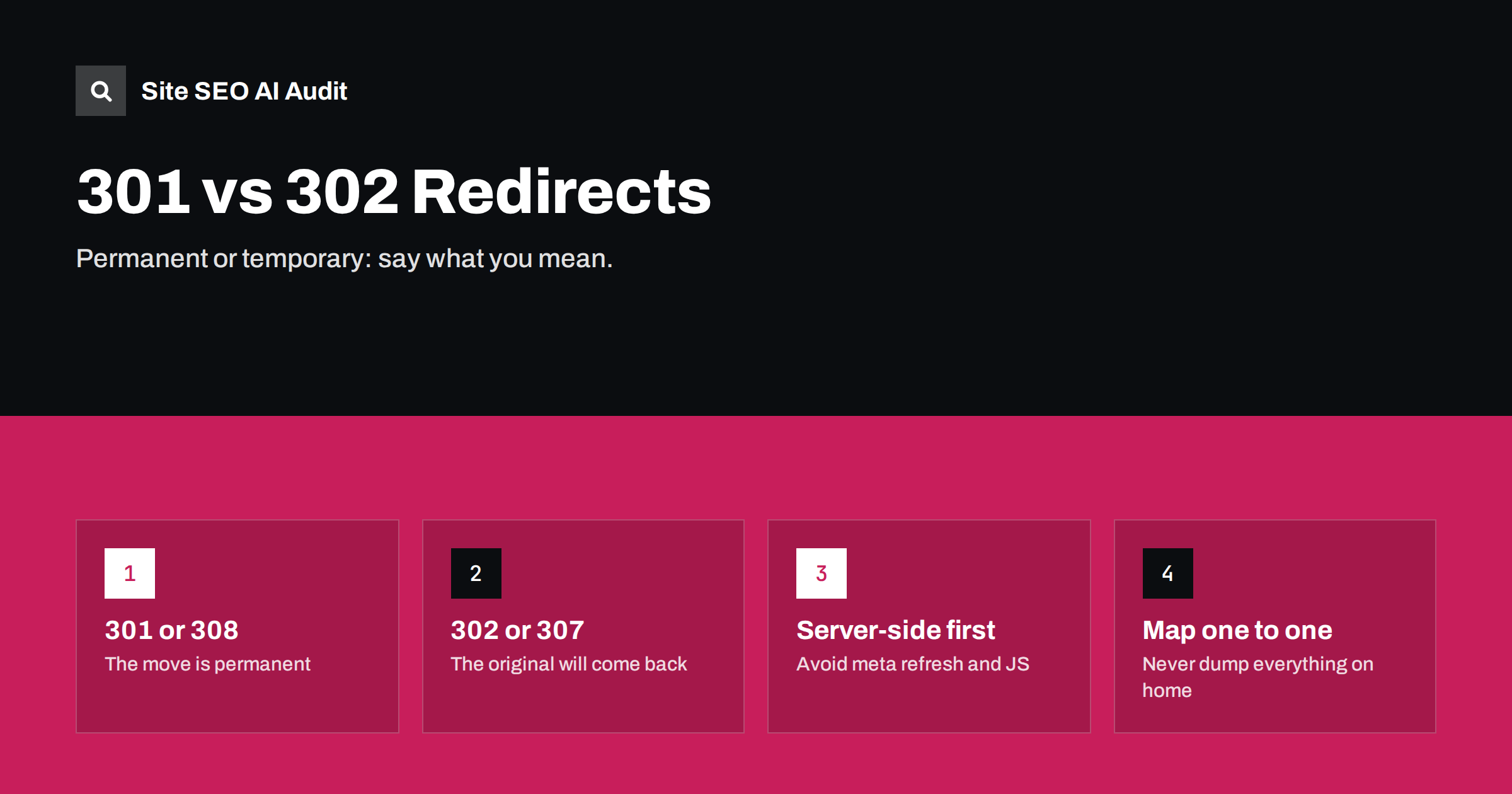
Short answer: use a 301 (or 308) redirect when a page has moved permanently and the old URL will not come back; use a 302 (or 307) when the move is temporary and you want the original URL to stay in search results. Search engines treat a long-standing 302 more and more like a 301 over time, but choosing the right code from the start gives a clear signal and avoids weeks of uncertainty.
What a redirect status code tells search engines
When a browser or crawler requests a URL that has a redirect, the server replies with a 3xx status code and a Location header pointing to the new address. The status code carries a message about intent:
- Permanent (301, 308): “This content now lives at the new URL. Update your records.” Search engines move the old URL’s signals to the new one and show the new URL in results.
- Temporary (302, 307): “This content is elsewhere for now, but the original URL is still the real address.” Search engines usually keep the original URL in results.
The difference between 301 and 308, and between 302 and 307, is technical: 307 and 308 guarantee that the request method, for example a form POST, is kept when following the redirect. For normal page moves, where browsers make GET requests, 301 and 308 behave the same for SEO, as do 302 and 307. The full definitions are in the HTTP specification and summarised well on MDN’s redirections page.
When to use a 301 redirect
Use a permanent redirect whenever the old URL is gone for good. Typical cases:
- Changing a URL slug, for example from
/our-services-2019/to/services/. - Moving to HTTPS and redirecting all HTTP URLs.
- Choosing www or non-www and redirecting the other host.
- Changing domains after a rebrand.
- Merging pages, such as two thin articles combined into one strong guide.
- Restructuring categories in a shop or blog.
- Retiring a product that has a close replacement.
In all of these, you want search engines to forget the old URL, show the new one and credit it with the links the old one earned.
When to use a 302 redirect
Temporary redirects are for situations where the original URL will be used again. Real-world examples are fewer than people think:
- A seasonal or limited campaign, where
/offers/temporarily sends visitors to/black-friday/and will return to normal next week. - A product temporarily out of stock where you send visitors to a similar product but plan to restore the page. Often it is better to keep the page live with an out-of-stock message instead.
- A/B tests that use separate URLs, where the test variant should not replace the original in results. Google recommends 302 rather than 301 for this.
- Maintenance on a single section, although for site-wide maintenance a 503 status is the better choice.
- Login and session flows, such as sending signed-out visitors to a login page.
If you are not sure the original URL will ever come back, it is probably a permanent move.
301 vs 302 at a glance
| Question | 301 / 308 | 302 / 307 |
|---|---|---|
| Meaning | Moved permanently | Moved temporarily |
| URL shown in search results | The new URL | Usually the original URL |
| Link signals | Consolidated to the new URL | Kept on the original, at least at first |
| Browser caching | Cached aggressively, sometimes for a long time | Not cached by default |
| Typical use | Slug changes, HTTPS, domain moves, merges | Campaigns, tests, temporary swaps |
| Method preserved | 308 yes, 301 not guaranteed | 307 yes, 302 not guaranteed |
The caching row is worth remembering. Browsers can remember a 301 for a long time, so if you set one by mistake, some visitors keep being redirected even after you remove it. When testing a redirect you are unsure about, starting with a 302 and switching to 301 once confirmed is a reasonable approach.
Does a 302 hurt SEO?
This is one of the most repeated myths. A 302 does not “lose link juice” in itself. The practical effect is about which URL search engines keep:
- With a 302, the original URL usually stays indexed and shown, because you said the move is temporary.
- If a 302 stays in place for a long time, search engines may decide it is effectively permanent and start treating it like a 301.
- The real problem is mismatch: a permanent move implemented as a 302 can leave the old URL in results for weeks, while a temporary campaign implemented as a 301 can make the original page disappear from results just when you need it back.
Many platforms, frameworks and plugins default to 302 because it is the safer choice for developers. That is why audits often find permanent moves implemented as 302s. Checking the status code of your important redirects is always worthwhile.
Other redirect methods and why server-side is best
Not every redirect uses an HTTP status code. Other methods exist, and they are weaker:
- Meta refresh (
<meta http-equiv="refresh" content="0; url=...">). An instant meta refresh is usually understood as a permanent redirect, but a delayed one may be treated as temporary. It is also worse for usability and accessibility. - JavaScript redirects (
window.location). Search engines that render JavaScript can follow them, but only after rendering, which is slower and less reliable. Other crawlers may not follow them at all. - Canonical tags. Not a redirect, but a hint that another URL is preferred. Visitors stay on the page.
Use server-side 3xx redirects whenever you can. Use JavaScript or meta refresh only when you have no access to the server or CDN configuration, for example on some hosted platforms.
Common redirect mistakes
These patterns show up regularly in audits and after migrations:
- Redirecting everything to the home page. When hundreds of old URLs point to the home page, search engines often treat them as soft 404s. Map each old URL to its closest equivalent, and let pages with no equivalent return 404 or 410.
- Using 302 for a permanent move, especially HTTP to HTTPS or domain changes.
- Chains from several generations of moves. Each old URL should reach its final destination in one hop.
- Redirecting to a page that is noindexed or blocked. The target should be a normal indexable page.
- Losing query strings needed for tracking or functionality, or the opposite, carrying irrelevant parameters into the new URL.
- Leaving internal links pointing at old URLs. The redirect works, but every visitor and crawler takes an extra hop.
- Removing redirects too early. Old URLs with external links should keep redirecting for as long as they receive visits.
How to set up redirects on common platforms
The right place for a redirect depends on your stack. As a rule, the closer to the edge, the faster it is:
- CDN or edge rules: fastest, good for host, protocol and bulk rules.
- Web server: Apache
.htaccessor virtual host config withRedirect 301orRewriteRule ... [R=301,L]; nginx withreturn 301 https://...;. - WordPress: WordPress itself redirects changed post slugs automatically. For other redirects, use a redirect plugin or the redirect manager built into your SEO plugin, and check that it sends 301 rather than 302 by default.
- Shops and hosted builders: most have a URL redirect section in the admin. Use it rather than JavaScript.
Whatever tool you use, test with curl -sI to see the exact status code and target. The browser alone hides this.
How Site SEO AI Audit checks redirects
SEOAuditBot follows every internal link and records the status code of each URL. The audit reports redirect chains, links that point to redirected URLs and canonicals that point to redirected pages, with the affected pages listed and each issue weighted by how many pages it touches. It is a quick way to confirm that a migration left clean one-hop redirects behind. You can run a free audit to see your redirects the way a crawler does.
Related reading
- Redirect chains and loops: how to find and fix them
- Canonical tags explained: how to set them and fix errors
- XML sitemap best practices: what to include and leave out
The bottom line
Use 301 or 308 when the old URL is gone for good and 302 or 307 when it will come back. Implement redirects on the server or CDN, map each old URL to its closest new equivalent, keep it to one hop, and verify the status code rather than trusting a plugin’s default.
DUK
Is a 301 redirect better for SEO than a 302?
Neither is better in general; they mean different things. A 301 tells search engines to replace the old URL with the new one, while a 302 tells them to keep the old URL. Use the one that matches your intent.
What is the difference between 302 and 307?
Both are temporary. A 307 guarantees the browser repeats the same request method, such as POST, at the new URL, while a 302 does not guarantee it. For ordinary page redirects, search engines treat them the same.
How long should I keep a 301 redirect?
Google recommends keeping redirects for at least a year, and longer is better for URLs with backlinks or regular visits. Removing a redirect turns every remaining link to the old URL into a dead end.
Can I redirect deleted pages to the home page?
Only when the home page is genuinely the best replacement, which is rare. Mass redirects to the home page are often treated as soft 404s. Redirect to a close equivalent, or return 404 or 410 when none exists.
Does WordPress use 301 or 302 redirects?
WordPress uses a 301 when it redirects a changed post slug to the new address. Redirect plugins and SEO plugins let you choose the code for each rule, so check the default setting and each important rule.


