ENEnglish
 LTLietuviškai
 DEDeutsch
 FRFrançais
 RUРусский
 ESEspañol
 PLPolski
 ITItaliano
 UKУкраїнська
 CSČeština
 PTPortuguês
 JA日本語
 LVLatviešu valoda
 ETEesti
 HUMagyar
 IDBahasa Indonesia
 TRTürkçe
 HIहिन्दी
 ELΕλληνικά
 ARالعربية
 THไทย
 VITiếng Việt
 RORomână
 MSBahasa Melayu
 BNবাংলা
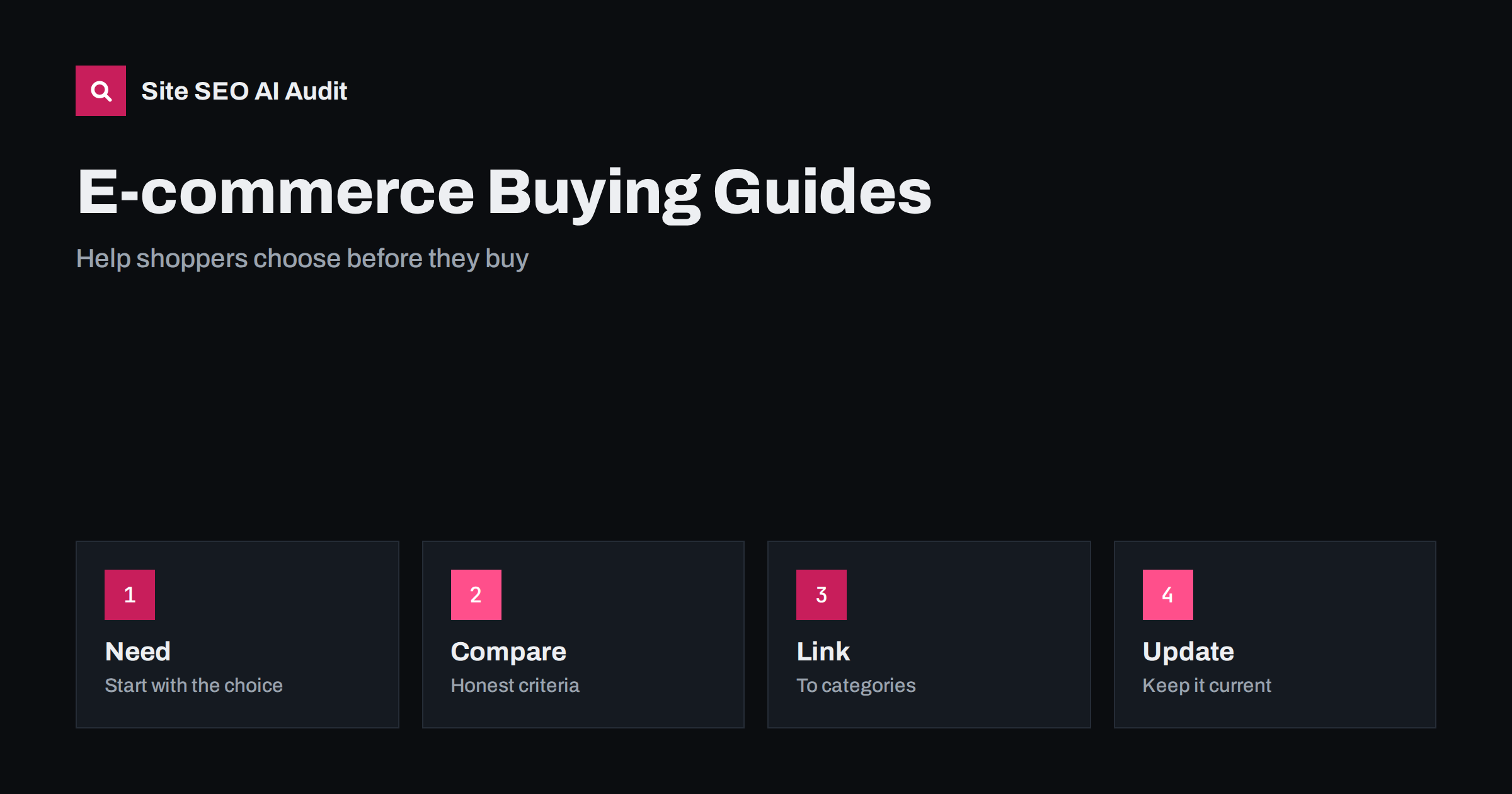
Short answer: A buying guide helps a shopper decide what to buy before they are ready to choose a product. It explains the types, the features that matter, how to match them to a need and what to avoid, and then links to the right category and product pages. Good guides rank for early research searches, are quoted by AI assistants and build trust. They work best when they are honest, specific and updated, with clear criteria instead of a disguised sales page.
Many online shops have thousands of product pages and almost no content that helps people choose. Yet most purchases of anything complex, expensive or unfamiliar begin with research: which type of mattress, which size of tent, what to look for in a laptop for study. People ask search engines and assistants these questions, and the shops that answer them are the ones that reach the customer first. A buying guide is the page that does it. This article explains how to plan, write and connect buying guides so that they serve both shoppers and search. For the product pages themselves, see the guide to product page SEO.
What a buying guide is
A buying guide is an educational page placed before the purchase decision. It is not a product page and not a category page. A category page lists products, and a product page describes one. A buying guide explains how to choose among them. It answers questions such as what types exist, how they differ, which features matter for which use, what the price differences mean and what mistakes buyers make. It ends with clear next steps: links to the right category or a small selection of products.
The search intent is informational with a commercial edge. Searchers are not ready to buy yet, but they are close, and the shop that helps them is remembered. The difference between intent types is explained in the guide to search intent.
Choose topics that match real decisions
Start with the categories that bring most revenue or have the most uncertainty. Look at the questions that customers ask in support, in reviews and on the phone, and at the terms in your site search, as described in the guide to turning site search and support questions into content. Check Search Console for queries that include words such as best, how to choose, what is the difference and which. Add the searches suggested by related queries.
Write guides for decisions, not for products. A guide on how to choose a backpack for hiking is better than a page that lists your ten backpacks. Pick the level of detail that fits the purchase: a short guide for a simple product and a longer one for something expensive or technical. Make sure that each guide has a different purpose, so that you do not create two pages competing for the same query, as discussed in the guide to keyword cannibalization.
Structure the guide around the decision
Start with a short summary that gives the main advice in a few sentences: the type that suits most people, and the one or two exceptions. This is the part that assistants and snippets are likely to quote. Then follow the logic of the decision. First, who it is for and what needs to be decided. Second, the types and how they differ. Third, the features that matter, with an explanation of each in plain words and a note on how much it is worth paying for. Fourth, size, fit, compatibility and other practical checks. Fifth, common mistakes. Finally, a clear recommendation by use case.
Use headings that are questions or clear labels, short paragraphs and, where it helps, a single comparison table. Add images and diagrams that show differences, with alternative text, as in the guide to image alt text. Keep the language free of jargon, or explain the terms that the shopper will see on product pages.
Be honest and specific
Trust is the value of a buying guide. If the guide is only an advert, readers notice and leave. Say when a cheaper product is enough, when a feature is not worth the price and when your shop does not have the best answer. Use measurable criteria and facts that you can support: sizes, materials, capacities, warranty terms, certifications. Explain trade-offs. If you recommend specific products, say why, and say who they are not for.
Show experience. Photos of real use, test results, notes from staff who handle the products and quotes from customers all make the guide more credible. These are the signals described in the guide to E-E-A-T and AI search. If the guide earns commission or promotes a product, disclose it, as covered in the guide to affiliate content.
Connect the guide to categories and products
A guide should lead somewhere. In each section, link to the category or filtered list that matches the advice, using descriptive anchor text such as waterproof hiking backpacks, not click here. Add a short block of selected products near the end, with a link to the full category. From the category page, link back to the guide with a short sentence such as Not sure what to choose? Read our guide. This creates a path from research to purchase and gives the category page supporting content.
Do not stuff the guide with dozens of product links. Choose a few clear next steps. The principles of linking are in the guide to internal linking strategy, and the way to build supporting content around a core page is in the guide to topic clusters. For the category pages that the guide supports, see the guide to category page SEO.
Markup and technical points
Treat the guide as an article page with a clear title, a meta description that states what the reader will learn, a visible date and an author. Add article markup and, if the guide includes a real FAQ, matching FAQ markup, following the guide to article schema. Do not add product markup with prices to a guide unless the guide itself is a product page. Keep the page fast, with images that are sized and compressed, and make sure that tables and comparison blocks work on a phone.
Avoid duplicating manufacturer text. Where you describe features, write in your own words and add what the specification does not say, such as how it feels to use. For the risk of reusing supplier text, see the guide to manufacturer product descriptions.
Keep guides current
Products change, prices move and new models appear. An outdated guide that recommends a discontinued product damages trust. Put a review date in your calendar for each guide, check the links and the product selections, and update the text when standards or technology change. Show the last update date honestly, and change it only when content really changes. See the guide to refreshing old posts. If a product is no longer sold, replace it with a similar item or explain what to choose instead, using the advice in the guide to out-of-stock product pages.
For seasonal categories, plan the update ahead of the peak, as in the guide to seasonal pages.
Measure what the guide does
Judge a guide by its purpose. Look at impressions and clicks for the research queries, the time spent and scrolling, the clicks to category and product pages, assisted conversions and the questions that support no longer receives. A guide that has many visits but no clicks to products may need clearer next steps. A guide that brings few visits may need a better title or a more precise topic. Review the results every quarter, and improve the best performers first, since they already attract an audience. Watch how assistants describe your products and your guide, as in the guide to measuring brand visibility in AI answers.
Here is a short example. A shop selling camping gear had hundreds of products and a few blog posts about trips. It wrote a guide on how to choose a tent by season, size and weight, with a small table and links to matching categories. The guide began to rank for research queries, customers wrote that it helped them, and the tent category received more visits from readers who already knew what they needed.
Site SEO AI Audit crawls your website and checks titles, descriptions, headings, thin and duplicate content, broken links, links to redirects, structured data and AI visibility settings, which helps you keep guides and the pages they link to in good shape. It does not write guides or judge product advice. The first audit of up to 200 pages is free, and larger sites can see the pricing page.
Related reading
The bottom line
Help shoppers choose honestly, then lead them to the right category or product.
DUK
How is a buying guide different from a category page?
A category page lists products. A buying guide explains how to choose between them and links to the right category.
How long should a buying guide be?
As long as the decision needs. A simple product needs a short guide, and an expensive or technical one needs more depth.
Should I recommend specific products?
Yes, if you explain why and for whom. Be honest about limits and disclose any commission.
How often should I update a guide?
Review it at least once a year, and more often when products, prices or standards change.
Can buying guides help in AI answers?
Yes. Clear criteria and direct recommendations are the kind of content assistants quote when shoppers ask what to choose.