 ENEnglish
 LTLietuviškai
 DEDeutsch
 FRFrançais
 RUРусский
 ESEspañol
 PLPolski
 ITItaliano
 UKУкраїнська
 CSČeština
 PTPortuguês
 JA日本語
JA日本語 LVLatviešu valoda
 ETEesti
 HUMagyar
 IDBahasa Indonesia
 TRTürkçe
 HIहिन्दी
 ELΕλληνικά
 ARالعربية
 THไทย
THไทย VITiếng Việt
 RORomână
 MSBahasa Melayu
 BNবাংলা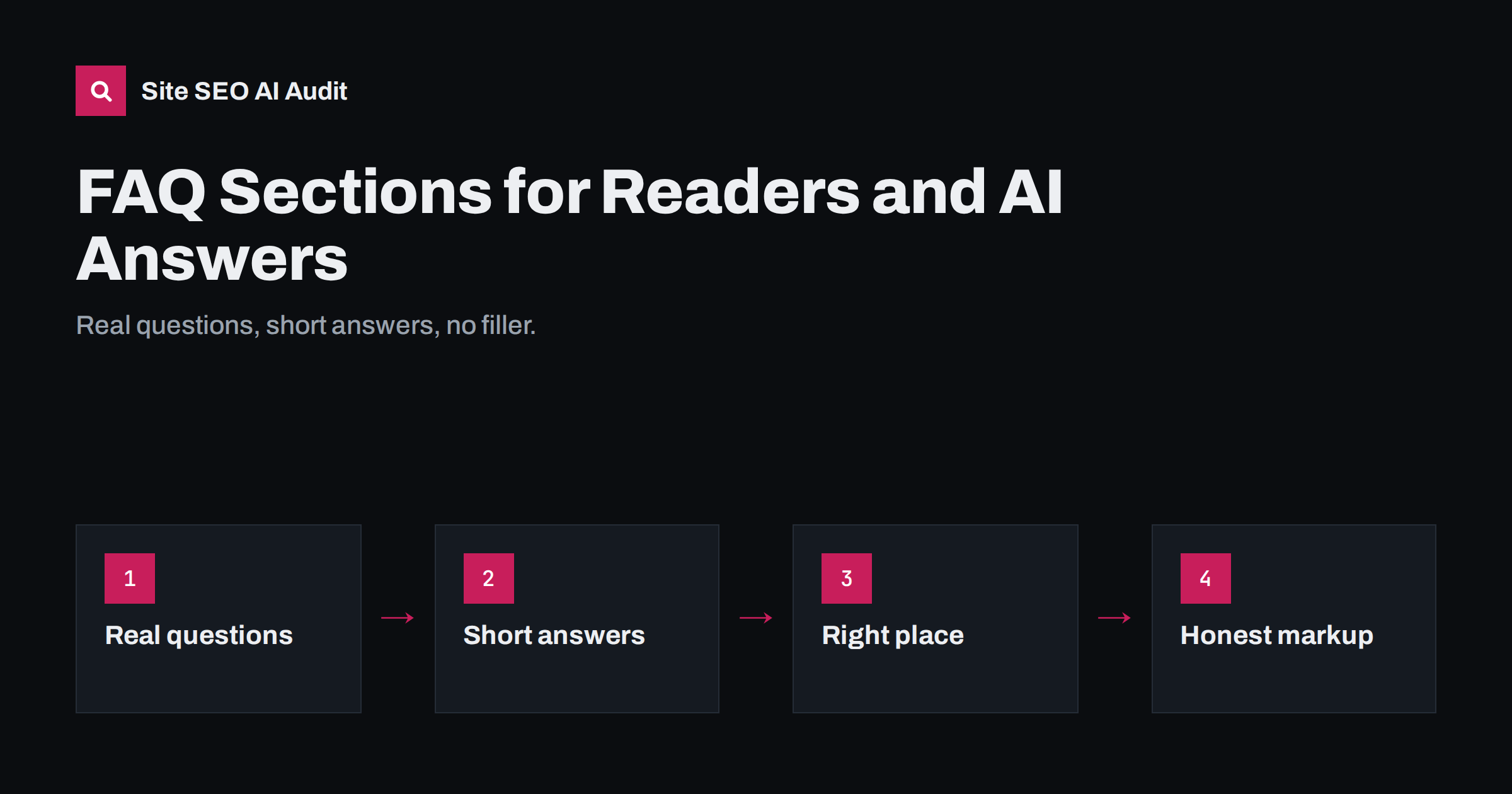
Short answer: A good FAQ section answers the real follow-up questions people have about a page’s topic, in short, self-contained answers of two to four sentences. That format suits AI answers because each question and answer is a ready-made passage that can be retrieved and quoted. Take questions from customers, support tickets and search data rather than inventing them, place the FAQ on the page it relates to, keep answers consistent with the rest of your site and, if you add FAQPage markup, make sure it matches the visible text exactly.
Why FAQs suit AI answers
AI assistants and AI search features answer questions. They retrieve passages that match the question and use them to write a response. A well-written FAQ entry is almost the ideal passage: a clear question that mirrors how people ask, followed immediately by a direct answer that makes sense on its own.
FAQs also help cover the follow-up questions that conversational search generates. When a user asks about a service and then asks “how long does it take?” or “is there a warranty?”, the system may run new searches for those subquestions. A page that answers them in a clearly marked section has more chances to be used.
For readers, the benefit is the same: they can scan the questions, find their concern and get an answer without reading the whole page.
There is also a practical benefit for your business. Every question answered clearly on the page is one fewer email or phone call for your team, and customers who find answers quickly are more likely to buy.
Where the questions should come from
The quality of an FAQ depends on the questions. Invented questions such as “Why is our company the best choice?” help nobody. Real questions come from:
- Customer emails and calls: the questions your team answers repeatedly.
- Support tickets and live chat logs, grouped by topic.
- Sales conversations: objections and concerns before purchase.
- Site search logs: what visitors look for on your site.
- Search Console queries that land on the page, especially question-shaped ones.
- “People also ask” boxes in search results for your topic.
- Reviews, which often reveal what customers wished they had known.
Keep the customer’s wording where possible. If people ask “Do you deliver on Saturdays?”, use that phrasing rather than “What are the delivery options available?”.
Five to eight questions per page is usually enough. Choose the ones that most often block a decision or cause confusion, and leave rare edge cases for a help centre.
Writing answers that stand alone
Each answer should work if it is read in isolation, because that is how it may be used in an AI answer or a search snippet.
- Answer in the first sentence. Start with yes, no, a number or a direct statement.
- Name the subject. Write “Example Bakery delivers on Saturdays within Kaunas” rather than “Yes, we do.”
- Add the key condition or detail in the second sentence: area, cost, exceptions.
- Keep it short, typically two to four sentences. Link to a detailed page if more is needed.
- Avoid marketing language. A plain answer is more credible and more quotable.
- Keep facts consistent with your pricing, policy and service pages.
Read each answer aloud as if it were quoted in an assistant’s reply to a stranger. If it sounds vague, incomplete or like an advertisement, rewrite it until it sounds like helpful advice from someone who knows the business well.
Good and weak examples
| Question | Weak answer | Strong answer |
|---|---|---|
| How long does a website migration take? | It depends on many factors, so contact us. | Most small WordPress migrations take one to three working days. Larger shops can take a week or more, mainly because of product data and testing. |
| Do you offer refunds? | Customer satisfaction is our priority. | Yes. You can return unused items within 30 days for a full refund; the return shipping cost is covered by the customer. |
| Is the software suitable for large teams? | Our flexible platform scales with you. | It is designed for teams of up to about 50 users. Larger organisations usually need the enterprise plan for single sign-on and advanced permissions. |
The strong answers include specific facts, conditions and limits. They are also honest about what does not fit, which builds trust.
Notice that none of the strong answers is long. Their strength comes from the specific facts they contain, not from their length. If you cannot give a specific answer because it genuinely varies, explain what it depends on and give a typical range.
Where to place FAQs
- On the relevant page. Questions about a service belong on that service page, questions about shipping on the shipping page or product pages.
- Near the end of the main content, after the core explanation, so the page still leads with its main answer.
- In a central help centre for general questions, with links from relevant pages.
- Not in hidden accordions loaded by script. Collapsible sections are fine if the text is in the HTML; content fetched only on click may be missed by crawlers.
Avoid copying the same FAQ block onto dozens of pages. Duplicated text adds little and makes pages look templated.
Use proper HTML for the questions, such as heading elements, rather than bold paragraphs. Headings make the structure clear to screen readers and crawlers, and they let retrieval systems see where each question begins and ends.
FAQPage structured data
FAQPage markup describes the questions and answers on a page in machine-readable form. Since 2023, Google shows FAQ rich results only for a limited set of well-known, authoritative government and health websites, so most sites will not see a visual change in results. The markup remains valid Schema.org and can help machines understand the page structure.
If you use it, follow the rules: mark up only questions and answers that are visible on the page, keep the text identical to what users see, and do not use it for advertising or for user-generated question threads, which have their own QAPage type. Validate the markup after changes.
Whether or not you add markup, the visible questions and answers are what matter most. Machines read the page text first; markup only confirms what is already there.
Common FAQ mistakes
- Invented questions that nobody asks, written to repeat keywords.
- Answers that say “it depends” or “contact us” without any useful information.
- Answers that contradict pricing or policy pages.
- Very long answers that bury the key fact.
- Outdated answers left unchanged after policies change.
- Markup that includes questions not visible on the page.
Fixing these mistakes is usually quick, and the improvement is visible to every reader immediately.
Keeping FAQs accurate over time
FAQs age quietly. Prices change, delivery areas expand, policies are updated and products are discontinued, but the FAQ written two years ago still states the old facts. Because FAQ answers are short and direct, they are exactly the passages most likely to be quoted, which makes outdated answers particularly harmful.
- Assign an owner for each FAQ section, usually the person responsible for the related service or policy.
- Link FAQs to their sources. Note which policy or price list each answer depends on, so a change to one triggers a review of the other.
- Review quarterly, and immediately after any change to prices, terms or services.
- Add new questions as they appear in support tickets and sales conversations, and remove questions nobody asks any more.
- Show an updated date on help pages so readers know the answers have been checked.
A short, accurate FAQ is far more valuable than a long one that is partly wrong.
How Site SEO AI Audit helps
Site SEO AI Audit checks structured data on every page and flags invalid JSON-LD, which catches broken FAQ markup. It also finds thin and duplicate content, including FAQ blocks copied across many pages, and its AI visibility area confirms that content does not depend on JavaScript and that AI crawlers can reach it. You can run a free audit to review your pages.
Related reading
- How to Write Content That AI Answers Actually Quote
- Does Structured Data Help in AI Search? An Honest Look
- Featured Snippets: How to Structure Content to Win Them
The bottom line
FAQ sections work when they answer real questions briefly and honestly. Collect questions from customers and search data, answer each in a few self-contained sentences with specific facts, place them on the relevant page in the HTML, keep them consistent with the rest of your site and mark them up only as they appear. The result helps readers, search snippets and AI answers at once.
DUK
Do FAQ sections help with AI search?
They can, because each question and answer forms a clear, self-contained passage that matches how people ask. The benefit depends on the questions being real and the answers being specific.
How long should an FAQ answer be?
Usually two to four sentences. Start with the direct answer, add the key condition or detail, and link to a fuller page if the topic needs more explanation.
Is FAQPage markup still worth adding?
Google now shows FAQ rich results mainly for authoritative government and health sites, so most sites will not see a visual change. The markup is still valid if it matches visible content, but it is a low priority.
Can I use the same FAQ on many pages?
It is better to tailor questions to each page. Identical blocks across many pages add little value and can make the site look templated.
Where do I find good FAQ questions?
Use customer emails, support tickets, sales conversations, site search logs, Search Console queries and reviews. Real wording from customers makes the best questions.


