 ENEnglish
 LTLietuviškai
 DEDeutsch
 FRFrançais
 RUРусский
 ESEspañol
 PLPolski
 ITItaliano
 UKУкраїнська
 CSČeština
 PTPortuguês
 JA日本語
JA日本語 LVLatviešu valoda
 ETEesti
 HUMagyar
 IDBahasa Indonesia
 TRTürkçe
 HIहिन्दी
 ELΕλληνικά
 ARالعربية
 THไทย
THไทย VITiếng Việt
 RORomână
 MSBahasa Melayu
 BNবাংলা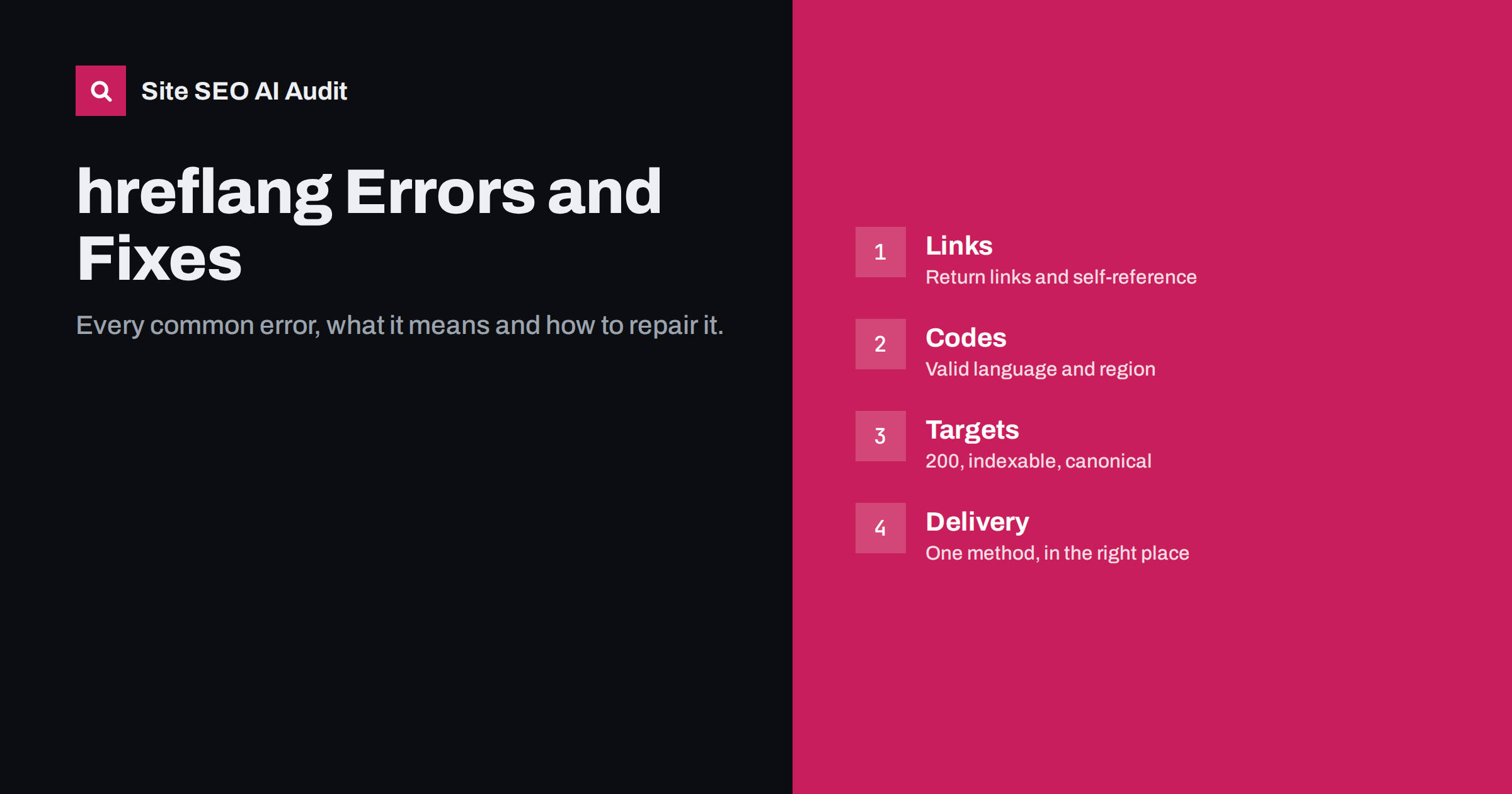
Short answer: hreflang errors fall into four groups. Link errors: missing return links, missing self-reference and inconsistent clusters. Code errors: invalid language or region codes and misused x-default. Target errors: alternates that redirect, return errors, are noindex, blocked or canonicalised elsewhere. Delivery errors: relative URLs, tags outside the head, JavaScript-only annotations and conflicting methods. Most are caused by one template, setting or data source, so fixing the root cause repairs thousands of pages at once.
How to use this list
This is a reference for the errors that crawlers and audits report most often. For each error you will find what it means, why it happens and how to fix it. Start with the errors that affect the most pages in your most important markets, and always look for the root cause: hreflang is almost always generated automatically, so individual errors usually share a source.
For the rules themselves, Google’s documentation on localized versions of a page is the reference that most tools follow.
Group 1: link errors
Missing return link. Page A lists page B, but page B does not list page A. Search engines may ignore one-way annotations. Causes: URL mismatches (trailing slash, http versus https, case), translations not linked in the CMS, clusters generated by different processes for different languages. Fix: generate hreflang from one source of truth and use exactly the canonical URL of each page.
Missing self-reference. A page lists its alternates but not itself. Fix: include the page’s own URL with its own code in the cluster, so every member lists the same set.
Inconsistent clusters. Different members of the same cluster list different sets of alternates, for example five languages on one page and three on another. Causes: translations added at different times, manual linking, caching. Fix: regenerate clusters from the translation relationships and clear caches.
Conflicting duplicate annotations. The same page carries two hreflang blocks, typically one from a theme and one from a plugin, with different values. Fix: let exactly one component output hreflang.
Group 2: code errors
Invalid language code. Values such as se for Swedish, dk for Danish, jp for Japanese or gr for Greek, which are country codes rather than language codes. Fix: use ISO 639-1 language codes: sv, da, ja, el.
Invalid region code. Values such as en-uk (the United Kingdom is gb), es-latam or en-eu (regions and continents have no code). Fix: use ISO 3166-1 alpha-2 country codes, or drop the region and use x-default or a plain language code.
Region without language. Values such as us or de-. Fix: hreflang always starts with a language: en-us, de.
Wrong separator or format. Underscores such as en_GB, often printed straight from a system locale. Fix: convert to hyphens when outputting.
Code does not match the content. A page tagged fr that is actually in English, often a fallback page. Fix: translate the page or remove it from the cluster.
Group 3: x-default errors
Different x-default on different members. One version points x-default to the home page, another to the English page. Fix: use the same x-default URL across the whole cluster.
x-default pointing to a redirect or noindex page. Often the root URL, which redirects visitors by language. Fix: point x-default to a page that returns 200 and is indexable, such as a selector page or the general version.
Several x-default entries. Two x-default links in one cluster contradict each other. Fix: keep one.
Invalid x-default values. Variants such as default or x-default-en. Fix: the value is exactly x-default.
Group 4: target errors
Alternate redirects (3xx). The hreflang URL redirects to another URL. Causes: old slugs, missing trailing slash, http URLs, geo-redirects. Fix: point hreflang directly to the final URL.
Alternate returns an error (4xx or 5xx). The translation was deleted, never existed, or the server fails. Fix: remove the entry from every cluster, or restore the page.
Alternate is noindex. A version cannot be shown in search. Fix: remove noindex if unintended, or remove the page from the cluster.
Alternate blocked by robots.txt. Search engines cannot crawl it or read its return links. Fix: correct robots.txt on every host involved.
Alternate canonicalises elsewhere. The target page’s canonical points to another URL, often another language. Fix: self-referencing canonicals per language, and hreflang only to canonical URLs.
Soft 404 targets. Pages that return 200 but show “not found” or empty content. Fix: return a real 404 or 410 and remove them from clusters.
Group 5: delivery errors
Relative URLs. hreflang href values such as /de/page/ instead of full URLs. Fix: use absolute URLs with protocol and host.
Tags outside the head. hreflang link elements placed in the body, or after an element that closes the head early, such as an injected div or an invalid tag. Fix: keep the head valid and place hreflang early in it.
JavaScript-only hreflang. Annotations added in the browser after the page loads, absent from the server HTML. Fix: render hreflang on the server or deliver it through sitemaps.
Conflicting methods. The head and the sitemap carry different clusters for the same page. Fix: use one method, or make both identical.
Sitemap structure errors. Missing xhtml namespace, alternates without their own url entries, or files over the size limit. Fix: follow the sitemap hreflang format and split files.
Tracing errors to their root cause
A crawl may report hundreds or thousands of hreflang errors, but they rarely have hundreds of causes. Before fixing anything, group the errors and ask where they come from. A few questions usually lead to the source quickly:
- Which page types are affected? If only category pages have missing return links, the category template or the category translation settings are the likely cause. If every page type is affected, look at a global setting or plugin.
- Which languages are affected? Errors limited to one language often point to that language’s configuration: a wrong locale, a missing setting or a different generator for its sitemap.
- When did the errors start? Comparing crawls over time, or checking release notes, often shows that errors appeared after a plugin update, a theme change or a URL change.
- What do the URLs have in common? Redirected targets that all lack a trailing slash, or all use http, point to a URL-building function that differs from the one used for canonicals.
- Is the data correct? On large sites, errors often come from the data that says which pages are equivalents, such as product mappings between stores, rather than from the code that outputs the tags.
Once the source is found, fix it there and recrawl. The error count should drop sharply across all affected pages at once. If it drops only partially, there is a second cause, and the same questions apply to the remaining errors.
Keep a short log of each root cause and fix. International sites tend to repeat the same failures after future updates, and a record of what broke before shortens the next investigation considerably.
Prioritising fixes
| Priority | Error types | Why |
|---|---|---|
| First | Noindex, robots.txt blocks, cross-language canonicals on key markets | Whole language versions may be missing from search |
| Second | Missing return links, redirected or broken targets | Annotations ignored; wrong versions shown |
| Third | Invalid codes, x-default inconsistencies | Specific annotations ignored |
| Fourth | Delivery details, duplicate blocks, partial inconsistencies | Risk of future breakage and confusion |
After each round of fixes, recrawl and compare error counts per language. Then check Search Console by country and folder over the following weeks to confirm that the intended versions appear in each market.
Finding every error on your site
Most hreflang errors are invisible in the browser and can only be found by crawling every page and following every hreflang link. Site SEO AI Audit does this as part of its Languages area, checking hreflang return links, broken language versions, x-default and lang attributes on every crawled page, while its crawl area covers the redirects, noindex tags, robots.txt rules and canonicals that cause target errors. Issues are weighted by how many pages they affect, and on WordPress sites each comes with fix steps. The first audit is free, and paid plans add re-audits after fixes.
Related reading
- hreflang return links: how to fix “no return tags” errors
- hreflang language and region codes: a practical reference
- How to test hreflang: manual checks, crawls and search data
- hreflang conflicts with noindex, robots.txt and redirects
The bottom line
hreflang errors come in four families: links, codes, targets and delivery, plus x-default mistakes. Fix the errors that hide whole versions first, then return links and broken targets, then codes and details. Trace every pattern to its source, whether a plugin setting, template or data feed, fix it once, recrawl and confirm the result in search data for each market.
DUK
What is the most common hreflang error?
Missing return links, usually caused by URL mismatches such as trailing slashes or redirected URLs, or by translations that are not linked to each other in the CMS.
Is en-uk a valid hreflang value?
No. The ISO country code for the United Kingdom is gb, so the correct value is en-gb.
Can hreflang point to a page that redirects?
It should not. Every hreflang URL should return status 200 directly and be the canonical URL of that page.
Do I need to fix every hreflang warning?
Prioritise by impact. Errors that hide versions or break clusters in key markets matter most; minor inconsistencies in secondary markets can follow.
Why do hreflang errors keep coming back?
Usually because the root cause, such as a template, plugin setting or content workflow, was not fixed, or because new releases change URLs. Regular crawls after changes catch regressions early.


