ENEnglish
 LTLietuviškai
 DEDeutsch
 FRFrançais
 RUРусский
 ESEspañol
 PLPolski
 ITItaliano
 UKУкраїнська
 CSČeština
 PTPortuguês
 JA日本語
JA日本語 LVLatviešu valoda
 ETEesti
 HUMagyar
 IDBahasa Indonesia
 TRTürkçe
 HIहिन्दी
 ELΕλληνικά
 ARالعربية
 THไทย
THไทย VITiếng Việt
 RORomână
 MSBahasa Melayu
 BNবাংলা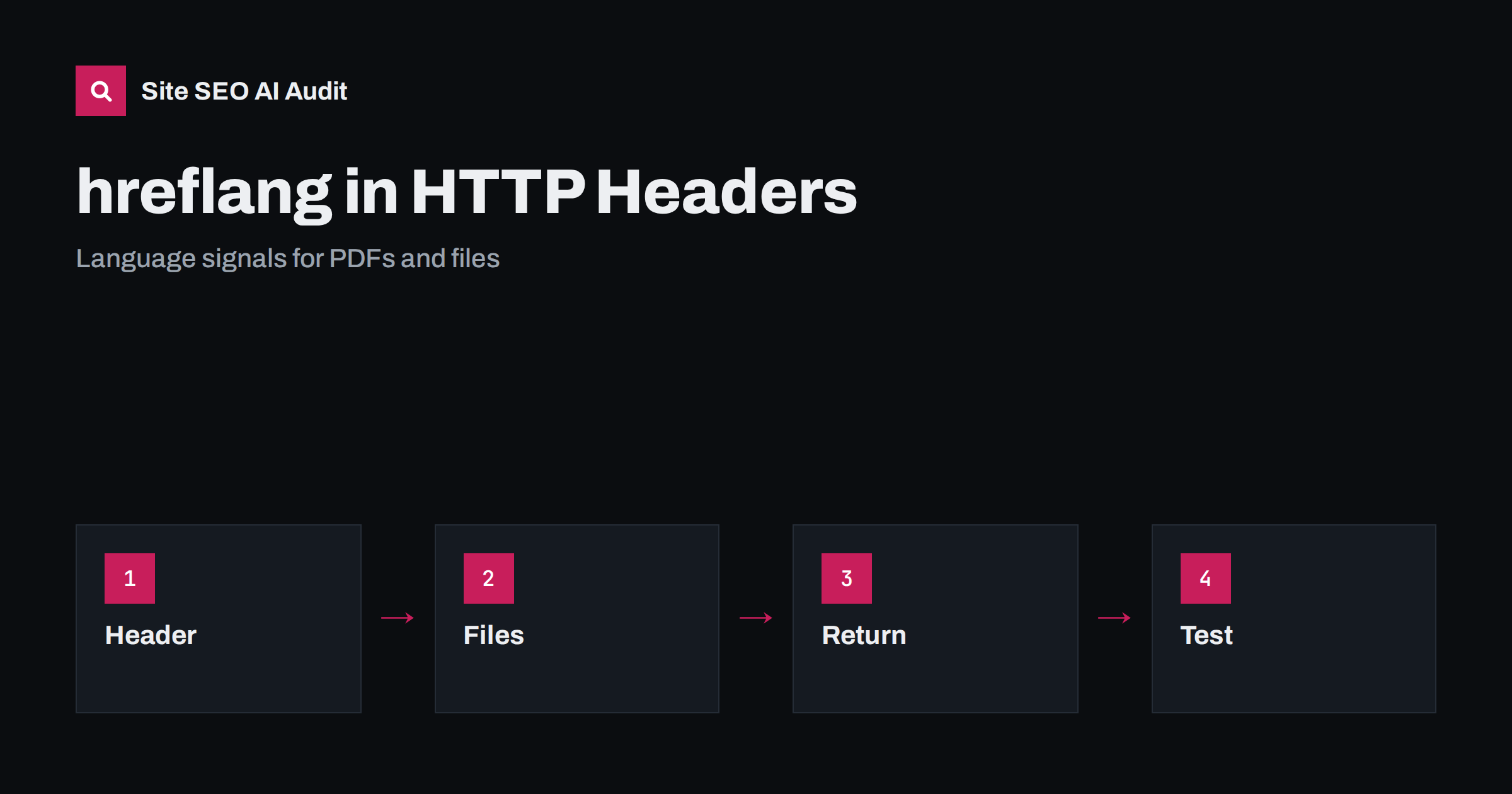
Short answer: A file that has no HTML head, such as a PDF, cannot carry hreflang tags inside the page, so you declare its language versions in the HTTP Link header sent by the server. Each version lists all alternates with rel=”alternate” and an hreflang value, every version must list the others including itself, and you should test the real response headers, not the file in a viewer.
Most hreflang guides explain tags in the page head or entries in a sitemap. There is a third method, which is little known and useful for documents: the Link header in the HTTP response. It lets you tell search engines which language or regional versions of a PDF, a brochure, a manual or another downloadable file exist. This guide explains the syntax, the rules and the checks. If hreflang is new to you, read the main hreflang guide first.
When this method makes sense
Use the header when the file cannot contain markup. PDFs are the main case, because many sites publish manuals, price lists, catalogues and reports in several languages. The same applies to other documents that search engines index and that have versions for different audiences. For normal web pages, the tag in the head or a sitemap entry is easier to manage. Choose one method per set of pages and keep it consistent, because mixing methods for the same pages makes errors harder to find.
The exact syntax
The header is called Link, and each alternate is written with the address in angle brackets, a rel attribute with the value alternate and an hreflang attribute with the language code. Several alternates are separated by commas in one header, or sent as several headers. A set for an English and a German file would list the English address with hreflang en, the German address with hreflang de, and optionally an x-default entry. Use absolute addresses with the full protocol and host name, and use valid codes as described in the guide to hreflang language codes.
Every version must list all versions
The most common mistake is missing return links. If the English file says the German file is its alternate, the German file must also say that the English file is its alternate. Each file should also list itself. When only one side declares the relationship, search engines may ignore the annotation. With header-based setups this is easy to forget, because the headers live in server configuration and not in the files. Keep one table of all versions and generate the headers from it, so that every file receives the same complete list.
Setting the header on a server
How you add the header depends on your server. Web servers allow headers to be added for specific files or folders through configuration. In Apache you can use a files match block with a header directive; in nginx you can add a header inside a location block that matches the file path; content delivery networks and application frameworks offer similar rules. Test carefully, because a rule that matches too many files will attach the wrong list of alternates to the wrong documents. If you cannot change server configuration, a sitemap with hreflang entries can describe the same relationships, as explained in the comparison of sitemap and HTML methods.
Naming and organising files
Predictable file names make the setup easier to maintain. Put each language in its own folder or add a language code to the file name, so that rules can be written once for the whole set. Give files meaningful names in the language of the document, and avoid versions that differ only by a number. Keep a single address for each file, and when you replace a document, keep the same address if the purpose is the same, or redirect the old address to the new one.
Do not forget the surrounding pages
A document is rarely found alone. It is usually linked from a page, and that page should say clearly which language the file is in and offer links to the other versions. Use a visible label such as the language name next to the link, and set the link text in the language of the file. This helps people who find a page through search but need another version. It also gives search engines text to understand the file, since a PDF with no readable text, for example a scanned image, may not be understood at all. Where possible, publish an accessible HTML version as well.
Language and content of the file itself
The header does not replace proper language information inside the document. Set the language in the PDF properties, use real text instead of scanned images, and make sure the content matches the language you declare. If a file is partly translated, or the German version still contains English sections, readers will notice, and a declaration that overstates the translation helps nobody. The same principle applies to pages, as discussed in the guide to untranslated pages.
Testing the headers
Request the file with a tool that prints response headers, and read the Link header for each language version. Check that the addresses are absolute, that the codes are valid, that each version lists all others including itself, and that the addresses return a successful status and not a redirect. Check that the header is present on the final response after any redirects, and that a content delivery network does not remove it. Repeat the test after server or network changes. Search Console may not give detailed reports for headers, so your own checks are the main protection.
Plan for maintenance. When you add a new language version, every other file in the set needs its header updated. When you remove a version, remove it from all lists and redirect or retire the address. A script that generates headers from a single list prevents most of these mistakes. If the number of documents is small, a manual list may be enough, but write down who is responsible for updating it.
Expect modest results. The header helps search engines choose the right file for the right audience, but it does not make a weak document rank. Quality, clear titles inside the file, descriptive link text from your own pages and a sensible site structure matter just as much. Use the header as one of several signals and measure whether the right versions appear for searches in each language.
Consider who actually reads these files. Many PDFs are downloaded by customers who already know the product, by partners who need technical specifications, or by journalists looking for facts. For such readers, finding the file in the right language saves time and prevents mistakes, such as following installation steps from an outdated version. Treat each language version as a product in its own right, with a clear title, a date, a version number and a short summary on the page that links to it. Search engines and AI systems use this surrounding text to understand what the file contains.
Think about file size and accessibility too. Large files load slowly on mobile connections and in regions with limited bandwidth, which are often the audiences you reach through language versions. Compress images inside the PDF, remove unused fonts and offer a smaller version where possible. Tag the document structure so that screen readers can follow the headings, and provide alternative text for images. These steps help every reader and make the text easier for machines to extract, which supports both search and AI answers.
Finally, decide whether a file should be indexed at all. Some documents, such as internal price lists, expired offers or draft versions, should not appear in search results. For such files you can send an X-Robots-Tag header with a noindex value, which works in the same place as the Link header and for the same kind of files. Do not combine a noindex header with a block in robots.txt, because a blocked file cannot be fetched and the header will never be read. Keep the language relationships only for files you want people to find.
A short example of a rollout shows how the pieces fit. A company publishes a product manual in English, German and French. First it lists the three addresses in a table and chooses English as the default for visitors whose language is not covered. Second, it adds the header rules on the server so that each file sends the full list. Third, it links the three files from one product page with clear language labels. Fourth, it requests each file and confirms the headers. Finally, it adds a monthly check to its maintenance list. The work is small, but without the table and the check, one forgotten update can break the whole set.
Site SEO AI Audit crawls your site and checks hreflang annotations in pages, return links, language attributes, status codes, broken links and canonical tags, so you can see the language relationships on your pages. It does not read headers of every document or judge translations. The first audit of up to 200 pages is free; larger sites can see the pricing page.
Related reading
The bottom line
Use the Link header to declare language versions of files that cannot hold tags, list every version on every file including itself, and test the real response headers after each change.
DUK
Can I use hreflang for PDFs?
Yes. Because a PDF has no head, use the HTTP Link header or a sitemap to declare its language versions.
Do I need return links with headers?
Yes. Each version must list the others and itself, or the annotation may be ignored.
Can I mix header and sitemap methods?
You can use different methods for different sets, but keep one method for each set of pages to avoid conflicts.
Does the header work for images or videos?
It is intended for indexable files. Images and videos are better handled through their host pages and sitemaps.
How can I see the header?
Use a command line tool or a browser developer panel that prints response headers for the file address.