 ENEnglish
 LTLietuviškai
 DEDeutsch
 FRFrançais
 RUРусский
 ESEspañol
 PLPolski
 ITItaliano
 UKУкраїнська
 CSČeština
 PTPortuguês
 JA日本語
JA日本語 LVLatviešu valoda
 ETEesti
 HUMagyar
 IDBahasa Indonesia
 TRTürkçe
 HIहिन्दी
 ELΕλληνικά
 ARالعربية
 THไทย
THไทย VITiếng Việt
 RORomână
 MSBahasa Melayu
 BNবাংলা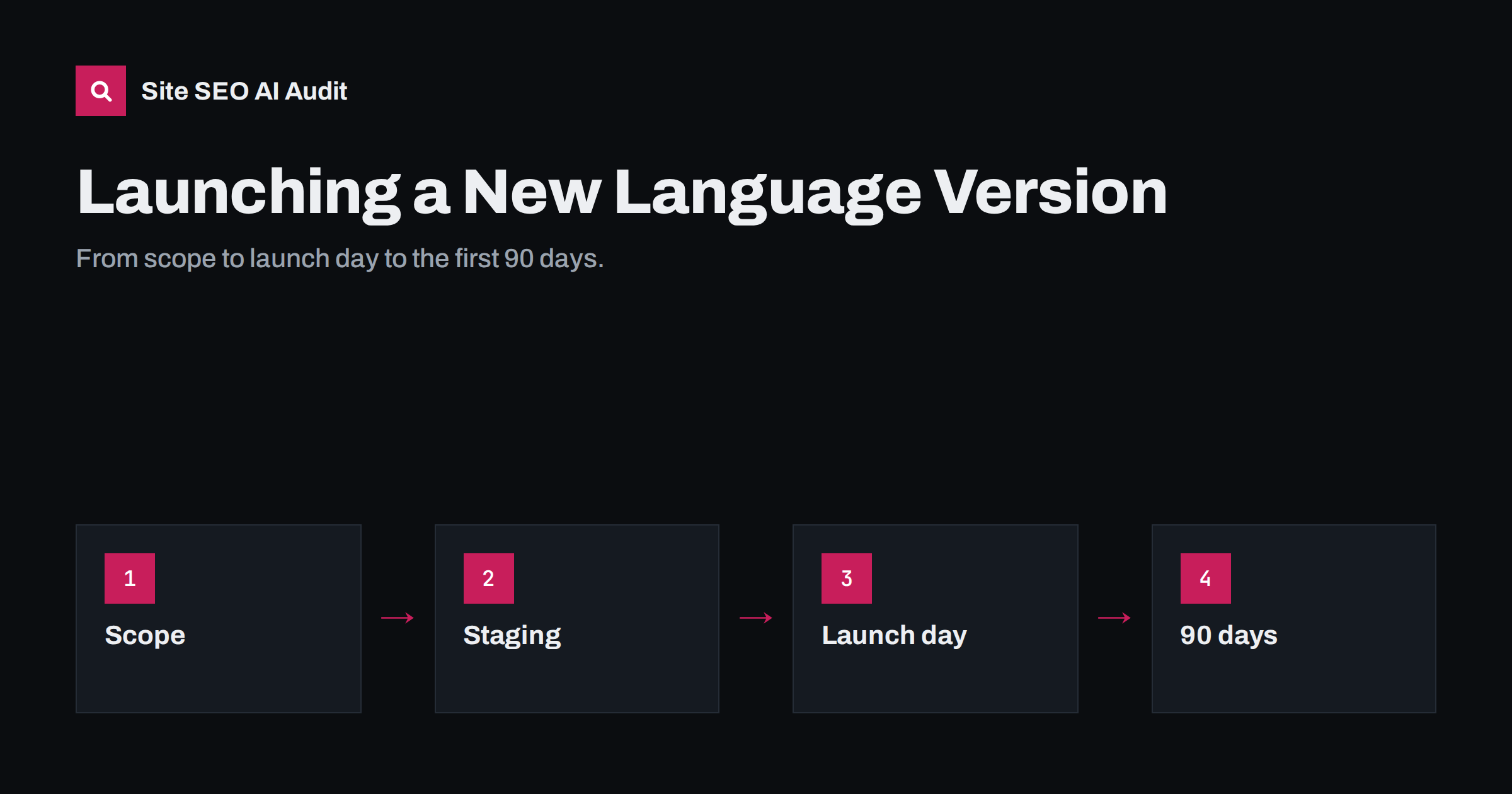
Short answer: Launch a new language version in four phases. First define the scope: which market, which pages and who maintains them. Then build and translate on a staging site that search engines cannot index. On launch day, remove staging blocks, publish hreflang on both old and new versions, update sitemaps and crawl the site. For the next 90 days, monitor indexing, queries and the version shown in the target country, and fix problems while they are small.
Phase 1: define the scope before anything is translated
Most problems with new language versions are decided before a single word is translated. A clear scope prevents half-finished sections, wasted translation budget and confusing URLs.
- Market and language. Is the new version for a language (all Spanish speakers) or for a country (Spain only)? That decides URL pattern and hreflang codes.
- Pages in scope. List the pages to translate at launch: usually the home page, main service or product pages, pricing, contact, legal pages and a selection of the best articles. Not everything needs to be translated.
- Local keyword research. Research terms for each page before translation, so translators can use them from the start.
- Ownership. Name the person who will maintain the language after launch: updating content, answering enquiries and checking quality.
- Success measures. Decide what you will measure after 3, 6 and 12 months, such as indexed pages, impressions in the target country and enquiries in the new language.
Write this down in a short document. It will guide translators, developers and reviewers, and it gives you something to measure the launch against.
Phase 2: technical preparation
Before translation starts, set up the technical frame so that translated content lands in the right place:
- URL pattern: choose the folder, subdomain or domain for the new version, following the pattern your other languages use.
- Locale settings: configure the language and locale in your CMS or multilingual plugin, so the lang attribute and hreflang codes are generated correctly.
- Templates: make sure all template strings, menus, footers, forms, cookie banners, error pages and emails can be translated.
- Formats: date, number and currency formats for the new locale.
- Fonts: for new scripts, such as Cyrillic, Greek, Arabic or Asian scripts, check that your fonts support them.
- Text expansion: translations are often longer or shorter than the original. Check buttons, menus and headings for overflow.
Phase 3: build on staging, not in public
Translate and assemble the new version where search engines cannot index it. Common options are a separate staging site protected by a password, or unpublished drafts in the live CMS. Password protection is safer than relying on noindex alone, because noindex settings on staging have a habit of being copied to production.
Avoid publishing pages one by one on the live site as they are translated. Half-built language versions get crawled and indexed early, with missing pages, untranslated templates and incomplete hreflang, and first impressions in search can take time to correct.
During this phase, review each translated page for:
- Accuracy and natural language, ideally by a native speaker who knows the subject.
- Use of the researched local keywords in title, H1 and body.
- Translated title tag, meta description, slug and image alt texts.
- Internal links pointing to pages in the new language, not the original.
- Localized details: prices, currency, contact information, shipping and legal terms.
Phase 4: the pre-launch checklist
A day or two before launch, check everything that search engines will see:
- Every page in scope is translated, including navigation, footer and legal pages.
- Each page has a self-referencing canonical and the correct lang attribute.
- hreflang on the new pages lists every existing version, including itself, with valid codes.
- hreflang on the existing versions is ready to include the new language; this part is often forgotten.
- The language switcher links to equivalent pages and shows the new language only where a translation exists.
- Structured data uses the new language and local details.
- No staging password, noindex or robots.txt block will remain after launch.
- Analytics and Search Console are ready to report on the new version separately.
Phase 5: launch day
- Publish the new version and remove any staging protection.
- Confirm robots.txt and meta robots allow crawling and indexing of the new URLs.
- Confirm hreflang on both sides. Open a few pages in the original language and check that they now list the new version, and that the new pages list the originals.
- Update XML sitemaps to include the new URLs and, if you use sitemap hreflang, the new alternates. Submit the sitemap in Search Console.
- Crawl the whole site to catch broken links, redirects, missing return links and noindex tags before search engines find them.
- Request indexing of the new home page and a few key pages using URL inspection.
- Announce the launch to local customers and partners, which can bring the first local visits and links.
Phase 6: the first 90 days
A new language version often behaves like a new site for a while. Search engines need to crawl, index and evaluate it, and visibility tends to grow gradually. Monitor it closely in the first three months:
- Week 1: check that the new pages are being crawled and that no errors appear in the page indexing report. Recrawl after any fixes.
- Weeks 2–4: watch the share of indexed pages in the new language, and look for “Duplicate, Google chose different canonical” or “not indexed” statuses.
- Months 2–3: filter performance by the target country and the new folder. Check which queries bring impressions, whether they match the researched terms, and whether the new version or an old one appears in that country.
- Ongoing: keep translations in sync with changes to the original and add new pages to the language as planned.
Handling the pages you did not translate
Almost every launch translates only part of the site. The rest still exists in the original language, and visitors to the new version will run into it: a blog post linked from an old newsletter, a help article, a product that is not part of the first release. How you handle these gaps affects both user experience and search signals.
- Do not create empty or fallback URLs. A
/es/URL that shows English text because no translation exists creates a page whose URL, hreflang and content disagree. It is better that the Spanish URL does not exist until the translation does. - Adjust the language switcher. On untranslated pages, hide the new language or show it as unavailable, rather than linking to the new language’s home page without explanation.
- Keep hreflang honest. Pages without a translation simply do not list the new language as an alternate. That is correct and causes no problems.
- Link carefully from translated pages. When a translated page needs to reference untranslated content, either link to the closest translated page or label the link as leading to another language.
- Keep a backlog. Record which pages visitors in the new language actually look for, from internal search, analytics and support questions, and use it to decide what to translate next.
Handled this way, a partial translation looks deliberate and complete within its scope, which is much better than a full-looking version full of gaps.
Common launch mistakes
| Mistake | Consequence | Prevention |
|---|---|---|
| hreflang added only to new pages | Missing return links; annotations ignored | Update all existing versions in the same release |
| Staging noindex copied to production | New version never indexed | Use password protection on staging; check meta robots on launch |
| Pages published gradually on the live site | Half-translated pages indexed early | Build on staging, launch the scope at once |
| Internal links point to the original language | New pages weakly linked in their own language | Replace links during translation |
| No owner after launch | Translations go out of date | Name a maintainer in the scope document |
Checking the launch with an audit
A crawl right after launch and another a few weeks later give you a before-and-after view of the new version. Site SEO AI Audit crawls the site like a search engine and checks hreflang return links, broken language versions, x-default and lang attributes in its Languages area, along with titles, descriptions, internal links, canonicals and the sitemap. Paid plans add re-audits and comparisons between audits, which suit a launch well; see the plans.
Related reading
- International SEO audit checklist for multilingual sites
- Multilingual keyword research: finding real local search terms
- Search Console for international sites: reports that matter
The bottom line
A new language version succeeds when it launches complete and connected. Define the scope and owner, prepare templates and locale settings, translate on staging, check every page before launch, publish hreflang on both new and existing versions, update sitemaps, crawl on launch day and monitor indexing and country performance for the first 90 days. Most launch problems are avoidable with this order of work.
DUK
How long does a new language version take to rank?
It varies, but new language versions often need several months to build visibility, similar to a new section of a site. Existing domain authority usually helps subfolders more than new country domains.
Should I launch all pages at once or gradually?
Launch a complete, well-linked core set of pages at once, then add more over time. Publishing single pages gradually on the live site tends to expose half-finished work to search engines.
Do I need to change existing pages when adding a language?
Yes. Existing versions must add hreflang links to the new language, and their language switchers must include it. Otherwise return links are missing.
Is noindex enough to hide a staging site?
Password protection is safer. Noindex can be forgotten or copied to production, and blocked staging sites can still leak into search if linked.
What should I measure after launch?
Indexed pages in the new language, impressions and clicks in the target country for the new folder, the queries it ranks for and enquiries or sales from that market.


