 ENEnglish
 LTLietuviškai
 DEDeutsch
 FRFrançais
 RUРусский
 ESEspañol
 PLPolski
 ITItaliano
 UKУкраїнська
 CSČeština
 PTPortuguês
 JA日本語
JA日本語 LVLatviešu valoda
 ETEesti
 HUMagyar
 IDBahasa Indonesia
 TRTürkçe
 HIहिन्दी
 ELΕλληνικά
 ARالعربية
 THไทย
THไทย VITiếng Việt
 RORomână
 MSBahasa Melayu
 BNবাংলা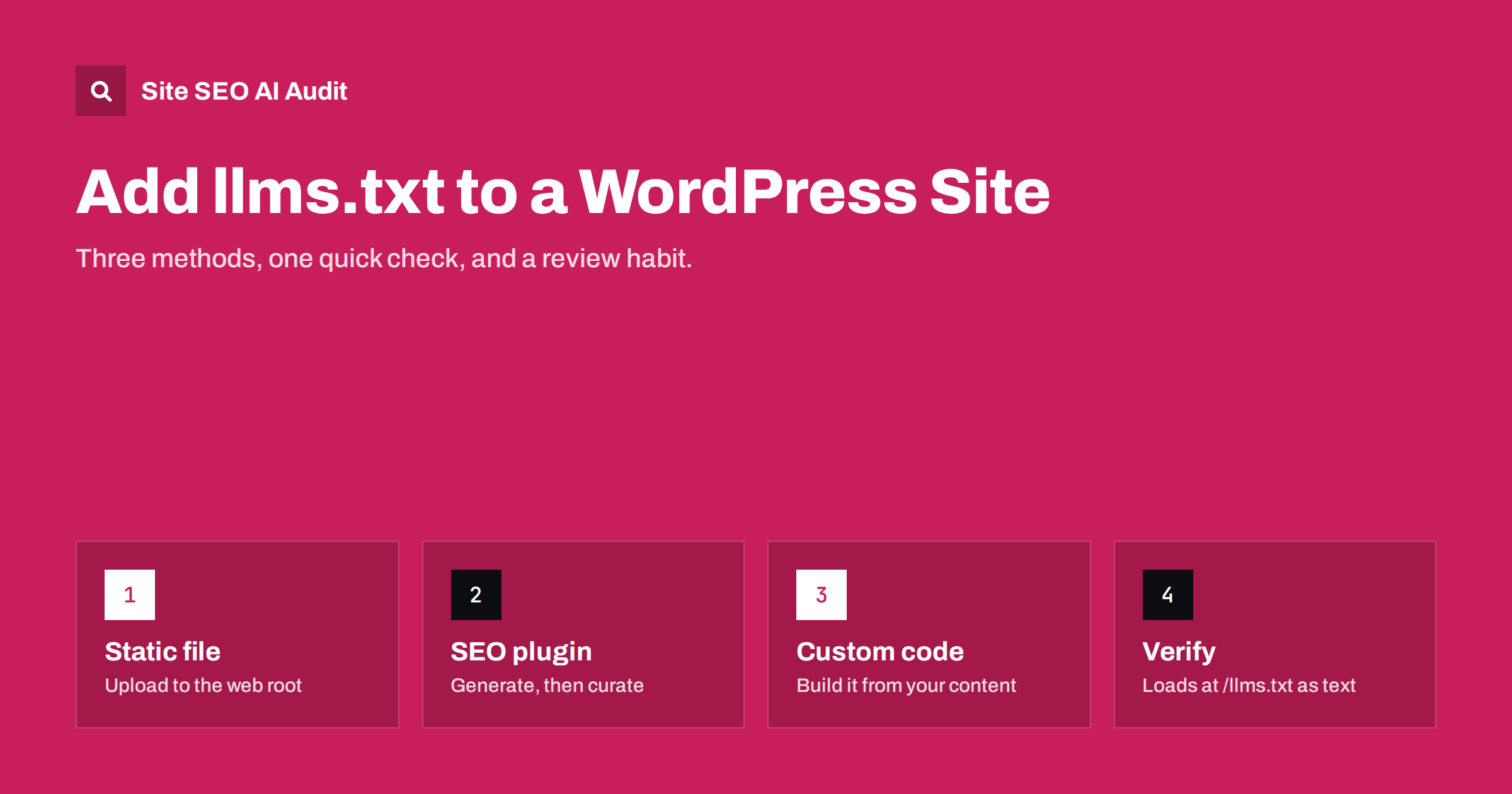
Short answer: You can add llms.txt to WordPress in three ways: write the file yourself and upload it to the site’s root folder, turn on the llms.txt option that some SEO plugins now provide, or generate it with a small piece of custom code. Whichever method you choose, check that the file loads at yourdomain.com/llms.txt as plain text, that it lists your most useful pages with short descriptions, and that you review it whenever important pages change.
Before you start: what the file should contain
llms.txt is a proposed convention, not an official standard, for giving language models a short Markdown guide to your site. It starts with an H1 containing the site name, a one or two sentence summary in a blockquote, and then sections of links, each with a short note about what the page covers. It is not a sitemap, and it does not control crawler access; robots.txt still does that.
Plan the content before you touch WordPress. Write down:
- A factual one-sentence description of your business or site.
- Ten to thirty key pages: main services or products, pricing, about, contact, key guides and policies.
- A short note for each page saying what question it answers.
- Optional secondary pages, such as the blog index or archives, to place in an “Optional” section.
Having this list ready makes every method below faster and gives a better result than accepting whatever a generator produces.
Method 1: upload a static file
This is the simplest and most controllable method, and it works on every host.
- Write the file in a plain text editor, not a word processor, and save it as
llms.txtwith UTF-8 encoding. - Connect to your site files using your host’s file manager, SFTP or FTP.
- Find the web root, which is the folder containing
wp-config.php,wp-contentandwp-admin. It is often calledpublic_html,wwworhtdocs. - Upload llms.txt to that folder.
- Open yourdomain.com/llms.txt in a browser and check that the text appears.
A physical file in the web root is served directly by the web server before WordPress runs, so it is fast and unaffected by plugins. The downside is that it does not update itself. When you add or remove important pages, you must edit the file.
If WordPress is installed in a subfolder, for example /blog/, the file still needs to be at the domain root, not inside the WordPress folder, because the convention expects /llms.txt at the top level of the domain.
Method 2: use an SEO plugin
During 2025 several popular WordPress SEO plugins, including Yoast SEO and Rank Math, added options to generate an llms.txt file automatically. The exact menu names change between versions, so check your plugin’s documentation, but the process is usually:
- Update the plugin to a recent version.
- Find the llms.txt option in the plugin settings, often among site features or general settings.
- Enable it and choose which content types or specific pages to include, if the plugin offers that choice.
- Save and open yourdomain.com/llms.txt to see the generated output.
Generated files save time, but read them carefully. Automatic output often lists the most recent posts rather than the most important pages, uses page titles without explanatory notes, or includes content types you would rather leave out. If the plugin lets you pick pages manually, use that. If it does not, consider whether a static file would serve you better.
Also check for conflicts. If you have uploaded a static llms.txt and then enable a plugin option, the static file usually wins because the web server serves it first, and the plugin’s output is never seen. Keep one method only.
Method 3: generate it with code
Developers who want full control with automatic updates can generate the file dynamically. A typical approach is a small custom plugin that:
- Registers a rewrite rule so that requests for
/llms.txtare handled by WordPress. - Builds the Markdown from a curated list, for example pages marked with a custom field or placed in a specific menu.
- Uses each page’s excerpt or a dedicated field as the short description.
- Sends the response with a
text/plain; charset=utf-8content type. - Caches the output, so it is not rebuilt on every request.
Using a WordPress menu as the source is a neat trick: editors already know how to manage menus, and adding a page to the “llms.txt” menu is all it takes to include it. After adding a rewrite rule, remember to flush permalinks by visiting Settings, then Permalinks, and saving.
An example for a small WordPress business site
Here is what a curated file might look like for a small web design studio running WordPress. Notice that every link has a note, the summary is factual, and secondary pages sit under “Optional”:
# Example Studio

> Web design and WordPress maintenance studio in Vilnius, serving small businesses in Lithuania and the Baltics since 2015.

We build WordPress sites, run monthly maintenance plans and fix hacked or slow sites. Prices are listed on the pricing page and exclude VAT.

## Services
- [WordPress website design](https://example.com/web-design/): process, timeline and what is included
- [Maintenance plans](https://example.com/maintenance/): updates, backups, security monitoring
- [Malware clean-up](https://example.com/malware-removal/): how we clean and harden hacked sites

## Company
- [Pricing](https://example.com/pricing/): current prices for design and maintenance
- [About us](https://example.com/about/): team, experience and location
- [Contact](https://example.com/contact/): email, phone and office hours

## Optional
- [Blog](https://example.com/blog/): WordPress guides and case notes
A file like this takes less than an hour to write and gives any tool that reads it an accurate picture of the business in a few hundred words.
Comparing the three methods
| Method | Effort | Control | Stays up to date | Best for |
|---|---|---|---|---|
| Static file | Low | Full | No, manual edits | Small sites with stable key pages |
| SEO plugin | Very low | Limited to plugin options | Yes, automatically | Sites already using that plugin |
| Custom code | Medium to high | Full | Yes, from your chosen source | Larger sites with developers |
Checking that it works
After setup, run through a short checklist:
- The URL returns status 200, not a redirect or a 404 page styled like your theme.
- The content type is plain text or Markdown, not HTML. Your browser should show raw text rather than a formatted page.
- Characters such as accented letters display correctly, which confirms UTF-8 encoding.
- Every link uses your canonical domain, with the right protocol and www setting, and resolves directly without redirects.
- No linked page is noindexed, password-protected or blocked in robots.txt.
- Security plugins or firewalls do not block requests for the file from bots.
- Caching plugins serve the current version after you make changes.
Keeping it accurate
An outdated llms.txt can mislead the tools that read it. Build a small habit around it:
- Review the file whenever you launch, rename or remove a key page.
- Add a quarterly reminder to reread it, even if nothing obvious changed.
- Keep descriptions factual and consistent with the pages themselves, including service areas, product names and policies.
- If you change domains or move to HTTPS, update every link.
Also keep expectations realistic. Major AI search products have not documented relying on llms.txt, so the file is a low-cost addition rather than a visibility switch. Crawler access, server-rendered content and clear pages remain far more important.
If several people edit your site, agree who owns the file. On many teams the SEO plugin setting is switched on by one person, a static file is uploaded by another, and nobody knows which version is live. A one-line note in your internal documentation, naming the method and the owner, prevents that confusion.
How Site SEO AI Audit helps
Site SEO AI Audit checks whether your site has an llms.txt file as part of its AI visibility area, together with the checks that matter more: whether AI crawlers are allowed in robots.txt, whether page content depends on JavaScript, and whether pages have the structure and dates that AI answers quote. On WordPress sites, every issue comes with the exact steps in wp-admin and your SEO plugin. Paid plans, described on the pricing page, let you re-audit after each change.
Related reading
- llms.txt Explained: What It Is and Whether You Need One
- How to Allow or Block AI Crawlers in robots.txt
- Multilingual WordPress SEO: A Checklist for Translated Sites
The bottom line
Adding llms.txt to WordPress takes minutes with a static file or a plugin and a little longer with custom code. Choose one method, curate the pages rather than listing everything, check that the file loads as plain text with working links, and review it when your key pages change. Then return to the fundamentals that decide AI visibility.
DUK
Where does llms.txt go on a WordPress site?
In the web root of the domain, the same folder that contains wp-config.php, so that it loads at yourdomain.com/llms.txt. If WordPress runs in a subfolder, the file still belongs at the domain root.
Do I need a plugin to create llms.txt?
No. A plain text file uploaded to the web root works perfectly. Plugins are convenient because they update the file automatically, but they offer less control over what is included.
Should I also create llms-full.txt?
It is optional. The full version contains the complete text of key pages and is most useful for documentation sites. For most business sites, a well-curated llms.txt is enough.
Why does my llms.txt show a 404 page?
Usually the file is in the wrong folder, a plugin rewrite rule needs permalinks flushed, or a cache serves an old response. Check the file location, save the permalink settings and clear caches.
Will llms.txt improve my Google rankings?
No. Google has indicated it does not use llms.txt for Search or its AI features. The file may help other tools that read it, but it is not a ranking factor.


