 ENEnglish
 LTLietuviškai
 DEDeutsch
 FRFrançais
 RUРусский
 ESEspañol
 PLPolski
 ITItaliano
 UKУкраїнська
 CSČeština
 PTPortuguês
 JA日本語
JA日本語 LVLatviešu valoda
 ETEesti
 HUMagyar
 IDBahasa Indonesia
 TRTürkçe
 HIहिन्दी
 ELΕλληνικά
 ARالعربية
 THไทย
THไทย VITiếng Việt
 RORomână
 MSBahasa Melayu
 BNবাংলা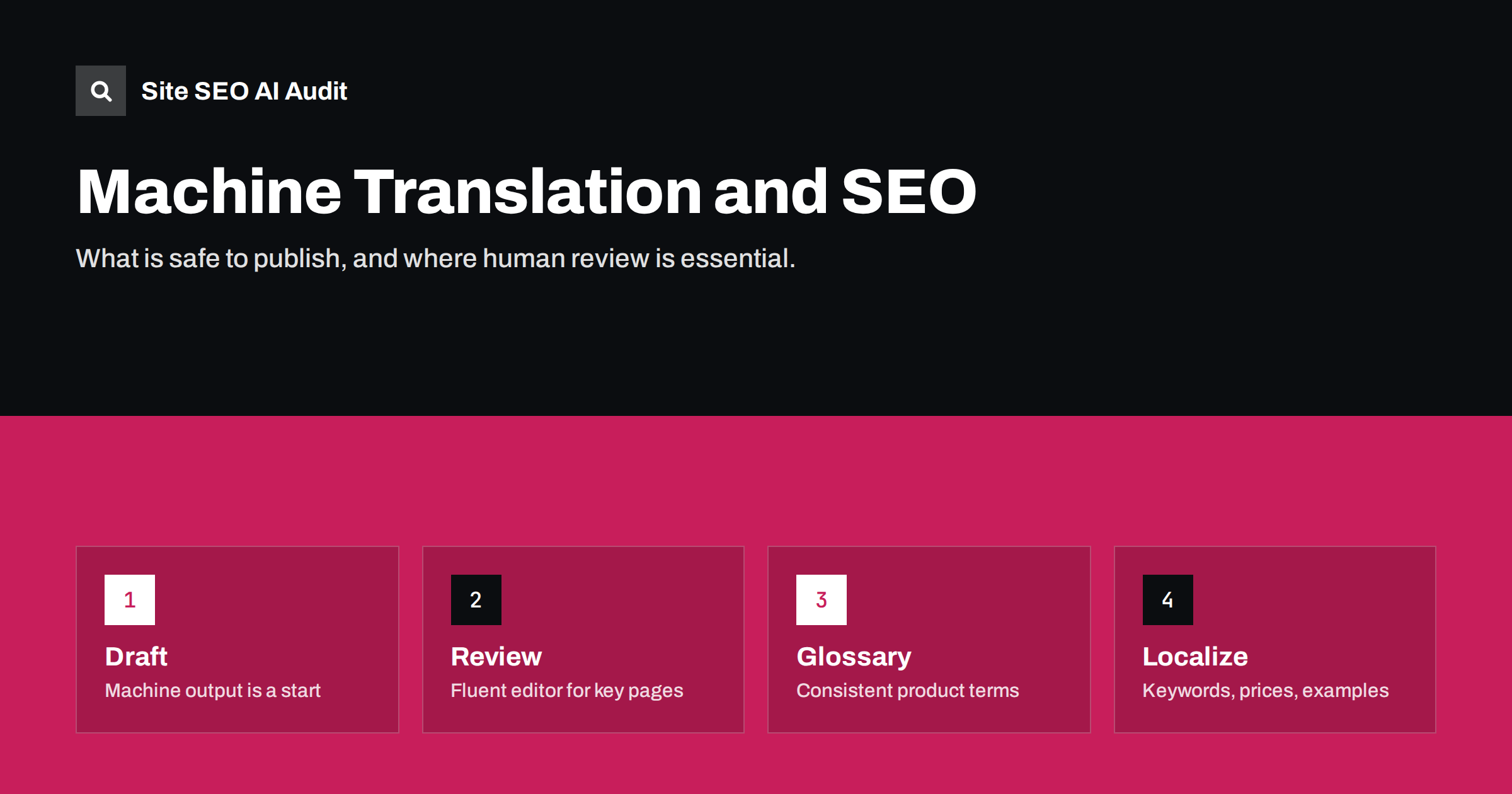
Short answer: Machine translation is not banned by search engines, but publishing it without review is risky. Google’s spam policies target content produced at scale mainly to rank rather than to help people, and its older guidelines named machine-translated text without human review as an example of automatically generated content. Use machine translation as a first draft, have fluent reviewers edit the pages that matter most, localize keywords and details, and only publish translations that are genuinely useful to local readers.
Why machine translation is tempting
Translating a site by hand is expensive and slow. A site with a few hundred pages in five languages means thousands of pages to translate, and every update to the original creates more work. Machine translation tools promise to turn that into minutes.
The quality of machine translation has improved enormously, especially between widely used language pairs. For many pages, the output is readable and mostly accurate. That makes it very attractive to small businesses, shops with large catalogs and publishers with big archives.
Costs are only part of the attraction. Machine translation also removes waiting time: new products, articles and updates can appear in every language on the same day, instead of weeks later when a translator is available. For fast-moving catalogs and news-driven content, that speed can matter as much as the price.
The question is not whether machine translation can produce readable text. It often can. The question is whether the published result is good enough that local readers find it useful, trust it and act on it, and whether search engines will see it as valuable content or as scaled filler.
What search engine policies say
Google does not prohibit machine translation as such. What it targets is content created at scale with little value for users. Its spam policies describe scaled content abuse as generating many pages primarily to manipulate rankings rather than to help people, regardless of how the content is created.
Earlier versions of Google’s guidelines on automatically generated content explicitly listed text translated by an automated tool without human review or curation. The current wording is broader, but the direction is the same: automation is acceptable when the result serves users, and a problem when it produces large volumes of low-value pages.
For site owners, the practical interpretation is simple. A translated page should be one you would be comfortable showing to a native speaker who is a potential customer. If it would embarrass you, it is a liability, not an asset.
Where machine translation goes wrong
The errors that matter most for SEO and conversions are not usually grammar mistakes. They are:
- Wrong terminology. Industry terms, product names and UI labels translated literally or inconsistently across pages.
- Wrong keywords. The machine chooses a correct word that local people do not use when searching.
- Wrong tone. Formal versus informal address, overly literal marketing phrases, idioms that make no sense in the target language.
- Unlocalized details. Prices, units, dates, phone numbers and legal terms from the original market carried over unchanged.
- Broken markup and metadata. Titles cut off, placeholders translated, links altered, or structured data left in the original language.
- Silent meaning errors. A negation lost, a number changed or an instruction reversed. These are rare but damaging, especially in legal, medical, financial or safety content.
A workflow that keeps quality up
A practical workflow combines machine speed with human judgment:
- Prepare a glossary of product names, technical terms and phrases that must always be translated the same way, and feed it to the translation tool if it supports glossaries.
- Research local keywords first, so reviewers know which terms each page should target.
- Machine-translate the draft, including titles, descriptions, alt texts and structured data.
- Have a fluent reviewer edit for accuracy, terminology, tone and keywords. For important pages, this should be a native speaker who knows the subject.
- Localize the details: currency, units, examples, contact information and legal content.
- Check the rendered page in the browser: layout, line breaks, buttons and forms often behave differently with longer or shorter text.
- Publish and connect the page to its other language versions with hreflang.
Prioritise: not every page needs the same care
Reviewing everything thoroughly may not be affordable. Prioritise by impact:
| Page type | Suggested approach |
|---|---|
| Home, product, service and pricing pages | Full professional translation or thorough native review |
| Legal, safety, medical or financial content | Professional translation; do not rely on unreviewed machine output |
| Top-performing articles | Machine draft plus careful native review and keyword localization |
| Help and support articles | Machine draft plus review of terminology and steps |
| Long-tail archive content | Consider not translating, or translate selectively based on local demand |
A useful rule of thumb is to ask what a mistake on the page would cost. A slightly awkward sentence in an old blog post costs little. A wrong dosage, a wrong price, a misleading warranty term or a confusing checkout step can cost customers, money or trust. Put human review where the cost of an error is highest, and accept lighter review where it is low.
The last row matters. Translating every old blog post into every language is often the wrong goal. A smaller set of well-localized pages usually serves readers and search engines better than a large set of mediocre translations.
Machine-translated user content and on-the-fly translation
Two special cases deserve a note:
- Reviews and comments. Automatically translating user reviews can help visitors, but label them as translated, keep the original accessible, and do not present them as if customers wrote them in that language.
- Browser-side or widget translation. Tools that translate a page in the visitor’s browser do not create indexable translated pages. That is fine for convenience, but it is not international SEO. To appear in local search results, a language version needs its own URL with the translated content in the HTML.
Keeping translations in sync
Machine translation makes it tempting to retranslate pages automatically whenever the original changes. That can overwrite human edits and reintroduce errors. Better options include translation memory, which reuses approved translations for unchanged sentences, and change tracking, which flags only the modified parts of a page for review.
Whatever system you use, someone should be responsible for each language. Without an owner, translated content drifts out of date: old prices, discontinued features and outdated instructions remain online in some languages long after they were fixed in the original.
How to tell whether translated pages are working
Once translated pages are live, data shows whether they help or hurt. Look at each language version separately, and compare reviewed pages with pages that were published with lighter review.
- Indexing. In Search Console, check how many pages in each language folder are indexed. A large share of translated pages reported as “crawled, currently not indexed” can indicate that Google does not consider them valuable enough.
- Impressions and clicks per country. Filter by country and page folder. Translated pages that get impressions but almost no clicks may have poor titles or descriptions in that language.
- Engagement. In analytics, compare time on page, scroll depth or conversion rates between languages. A sharp drop in one language often points to quality problems.
- Feedback. Support tickets, chat messages and sales calls in a language often reveal confusing or incorrect translations faster than any metric.
If a group of machine-translated pages performs poorly, improving the best candidates and removing or consolidating the rest is usually better than leaving them online unchanged. Fewer, better pages send a clearer quality signal for the whole language version.
Checking translated pages at scale
Human review decides quality, but a crawl helps find the pages that were missed. Signs of rushed translation that a crawler can detect include titles or descriptions identical to the original language, missing alt texts, a lang attribute that does not match the language version, broken hreflang between versions, and empty or very thin translated pages.
Site SEO AI Audit crawls a site like a search engine and reports these issues across its on-page and Languages areas, weighted by how many pages they affect. That makes it easier to see whether a problem affects a few pages or an entire language. You can start with a free audit and use the fix list to direct reviewers to the right pages.
Related reading
- Translation vs localization for SEO: what actually changes
- Multilingual keyword research: finding real local search terms
- Thin content: how to find and fix low-value pages
The bottom line
Machine translation is a useful tool, not a finished product. Search engines object to scaled, low-value content, not to the technology itself. Use machine output as a draft, give key pages a fluent human review, localize keywords and details, translate selectively rather than everything, keep translations in sync with the original, and publish only what a local reader would find genuinely useful.
DUK
Does Google penalise machine-translated content?
Google does not penalise machine translation as such. Large volumes of unreviewed, low-value translated pages can fall under its spam policies on scaled content, so quality and usefulness are what matter.
Can Google tell that a page was machine-translated?
It may or may not detect it, but that is the wrong question. What matters is whether the page is accurate, natural and useful for local readers, because that affects how people and search engines respond to it.
Is a browser translation widget enough for international SEO?
No. Widgets translate pages in the visitor’s browser and do not create indexable language versions. Each language needs its own URL with translated content in the HTML.
Which pages should always be translated by a human?
Legal texts, safety instructions, medical or financial information and your most important commercial pages. Errors there have the highest cost.
Should I translate my whole blog archive?
Usually not. Translate the articles that match local demand and perform well, and consider writing new content for topics specific to each market.


