ENEnglish
 LTLietuviškai
 DEDeutsch
 FRFrançais
 RUРусский
 ESEspañol
 PLPolski
 ITItaliano
 UKУкраїнська
 CSČeština
 PTPortuguês
 JA日本語
JA日本語 LVLatviešu valoda
 ETEesti
 HUMagyar
 IDBahasa Indonesia
 TRTürkçe
 HIहिन्दी
 ELΕλληνικά
 ARالعربية
 THไทย
THไทย VITiếng Việt
 RORomână
 MSBahasa Melayu
 BNবাংলা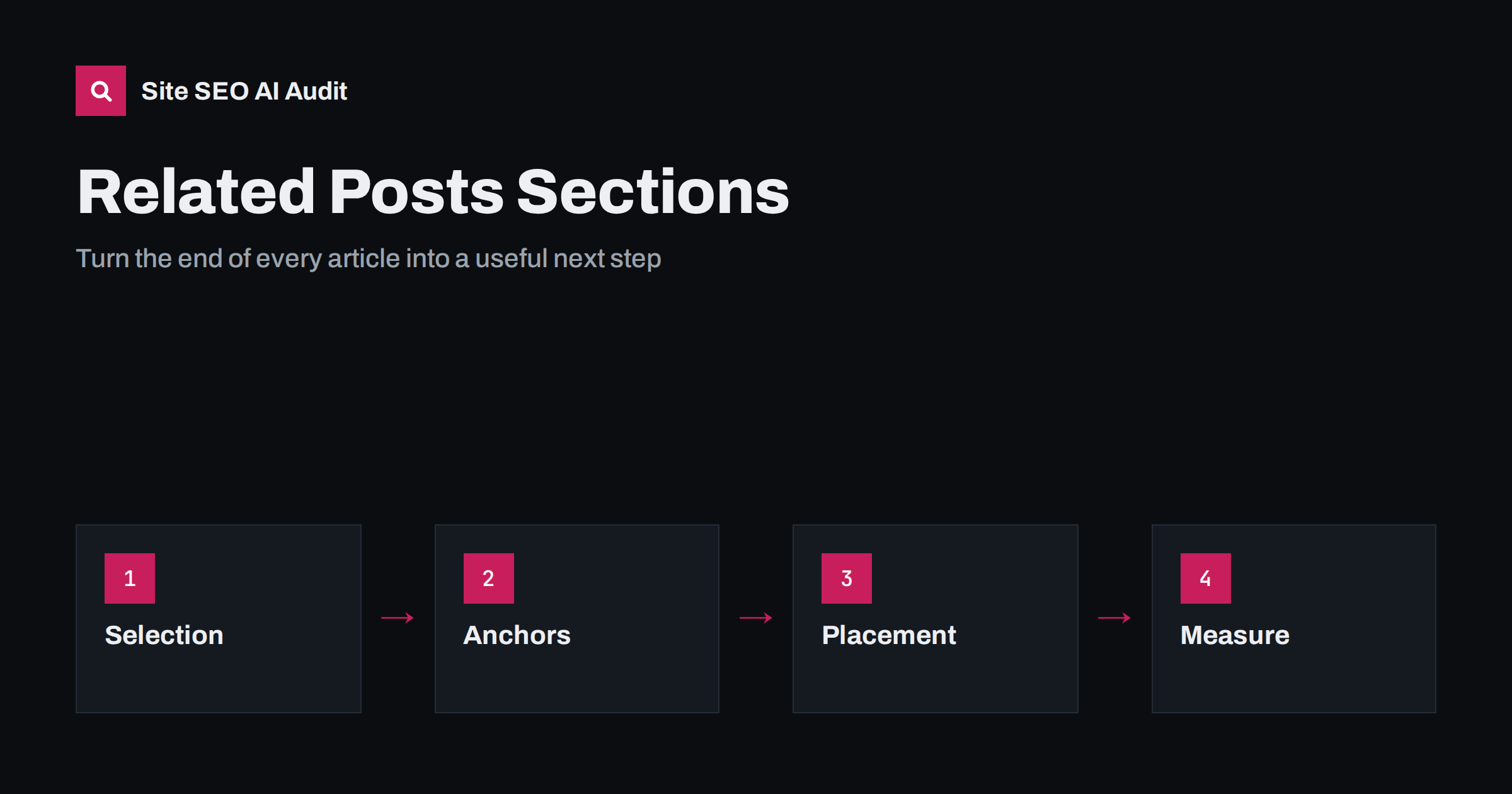
Short answer: A related-posts or read-next block helps SEO when it links to a few pages that truly continue the reader’s task, uses descriptive anchor text, appears after the main answer and is built from topics rather than only dates or random tags. It hurts when it repeats the same links everywhere, loads slowly or pushes in unrelated posts. Choose three or four links, check them regularly and measure clicks.
Almost every blog template ends with a block of other articles. Plugins add it automatically, and most site owners never look at it again. Yet this small section can do three jobs: it helps readers continue, it gives crawlers more paths to your pages, and it tells search engines which pages belong together. Done carelessly, it creates thin links such as “Read more” and sends the same popular posts to everyone. This guide explains how to design the block, choose the links, write the anchors and test whether it works.
What the block is for
Start with the reader. Someone who reached the end of an article either got what they needed or has a follow-up question. The block should serve the second group without distracting the first. For SEO, it supports your internal links in several ways:
- It reduces click depth for older pages by linking to them from newer and more visible ones.
- It helps pages with few inbound links, sometimes called orphan pages, get found. See orphan pages: how to find and fix them.
- It reinforces topic groups, because related pages link to each other with relevant anchors. See topic clusters and pillar pages.
- It keeps visitors on your site longer when the suggestions are good, although time on site is not a ranking promise.
It does not replace links inside the text. Links placed within a sentence that explains a point are the strongest signal. Treat the block as a second layer. For the basics of both, read internal linking strategy.
Choose the links by relevance
Default plugins often pick the latest posts, posts from the same category or posts with the same tags. These methods are easy but weak. A category can be broad, and tags are often inconsistent. Better methods are:
- Manual selection for important pages. A human picks two or three links that answer the next question.
- Topic groups where every article in a cluster links to the main guide and to one or two siblings.
- Funnel logic: from an explainer, link to a how-to; from a how-to, link to a checklist or a tool page.
- Freshness and quality filters that exclude outdated, thin or noindexed pages.
Ask a simple question for every link: would a reader who just finished this article want to click it? If not, remove it. Avoid linking to pages that compete for the same query, which can blur your signals; see keyword cannibalization. Do not link to redirected, broken or noindexed URLs. Broken links in a template multiply across hundreds of pages; see how to find and fix broken links.
Write descriptive anchors and titles
Anchor text tells people and search engines what is on the other side. Use the page’s real title or a clear description of it. Compare these two:
- Weak: “Read more”, “Click here”, “You may also like”.
- Better: “How to fix redirect chains”, “Checklist for launching a new language version”.
Avoid stuffing the same keyword phrase into every anchor. Natural variation is fine. Make sure the visible heading of the block is plain, such as “Related reading” or “Read next”, and that the links are real anchor elements with an href, not script-driven cards without a URL. More advice is in anchor text best practices. If you show thumbnails or short descriptions, give images alt text or leave the alt empty when the link text already says it, as explained in the image alt text guide.
Decide how many links and where to place them
Three or four links usually work better than ten. More options create decisions, and the block starts to resemble a sitemap. Place it after the conclusion and before the comments or newsletter form, so it does not interrupt reading. Longer guides can also have a small “next step” link inside the text, near the point where the topic changes. For a very long article, a table of contents helps people move around; see table of contents and jump links.
On mobile, keep cards compact and avoid large images that push the block far down. Check that the block does not shift the layout while loading; see how to fix Cumulative Layout Shift. If the plugin loads its suggestions with a script after the page appears, search engines may not see the links on the first pass. Prefer server-rendered output, or test the page with JavaScript off. See JavaScript SEO basics.
Avoid common mistakes
- Same links on every page. A fixed “popular posts” widget concentrates links on a few pages and ignores the rest.
- Auto-generated by date. Latest posts are rarely the most relevant ones.
- Too many links. A block with twelve cards dilutes each link and slows the page.
- Links to thin pages. Do not promote tag archives or empty pages. See tag and category pages.
- No review. Posts are updated, merged and deleted. A block that points to removed content creates redirects or errors.
- Using the block to hide poor content. If the article does not answer the question, links will not fix it.
When you merge or remove posts, update the blocks and the links inside the text that point to them. See content pruning for a safe process.
Handle special cases
For a multilingual site, link to related pages in the same language and avoid mixing languages in one block. For an online shop, related products and related guides are different blocks with different goals; keep the guides for research and the products for buying. For news or time-sensitive content, show recent posts but also link to a stable background guide. For very large archives, rely on topic groups and curated hubs instead of random suggestions. If you use a plugin, check its output in the page source and make sure it does not add nofollow to ordinary internal links. See nofollow, sponsored and UGC links.
Measure the result
Look at the block with data, not just by eye. Track these signals:
- Click-through rate of the block, using events or a click report in your analytics tool.
- Pages per visit and depth of the journey, split by pages that have curated blocks and pages that do not.
- The number of inbound internal links to each important page, from a crawl.
- Indexing and ranking changes for pages that were previously orphaned or deep.
- Errors: broken, redirected or noindexed targets in the blocks.
A crawl is the quickest way to check the last two items. Site SEO AI Audit reports broken internal links, links to redirects, weakly linked pages, orphan pages and click depth among its checks on links and crawl structure. The first audit of up to 200 pages is free. You can then fix the blocks that point to weak targets and add links to pages that have too few.
A quick setup checklist
Use this short list when you add or redesign a related-posts block, and repeat it every few months:
- Decide the goal of the block: continue the topic, move readers toward a product page, or help older posts get found.
- Pick a selection method for each type of page, and prefer manual or topic-based choices for your most important articles.
- Limit the block to three or four links, with descriptive anchors and no duplicate targets.
- Check the HTML output and confirm that the links are plain anchors that work without a script.
- Exclude noindexed, redirected, outdated and thin pages from the suggestions.
- Test the block on a phone for size, spacing and layout shift.
- Add click tracking, and review the numbers after a month.
When you publish a new article, take two minutes to add links to it from the older posts it supports, and link from the new post to its pillar page. This habit keeps your clusters connected as the site grows, and it is far cheaper than repairing a tangled structure after hundreds of posts.
Related reading
- Internal linking strategy
- Click depth and site architecture
- Orphan pages: find and fix them
- Multilingual internal linking
The bottom line
A related-posts block is a small template that shapes thousands of links. Choose three or four relevant pages, use clear anchors, place the block after the answer, review it when content changes and measure real clicks. Used with care, it makes the site easier to read and easier to crawl.
DUK
How many related posts should I show?
Three or four is a good range for most articles. More links dilute the block and make the choice harder for the reader.
Do related-post plugins help SEO?
They can, if they pick relevant targets and output normal links in the page source. Default settings based only on date or loose tags are often not enough.
Should related links be nofollow?
No. Links to your own pages should normally be ordinary followed links, unless you have a specific reason to treat a destination differently.
Is a read-next block better than links inside the text?
No, they work together. Links inside sentences carry more context, and the block gives readers a clear next step at the end.
How often should I review the block?
Review it whenever you merge, move or delete content, and run a crawl regularly to find broken or redirected targets.