 ENEnglish
 LTLietuviškai
 DEDeutsch
 FRFrançais
 RUРусский
 ESEspañol
 PLPolski
 ITItaliano
 UKУкраїнська
 CSČeština
 PTPortuguês
 JA日本語
JA日本語 LVLatviešu valoda
 ETEesti
 HUMagyar
 IDBahasa Indonesia
 TRTürkçe
 HIहिन्दी
 ELΕλληνικά
 ARالعربية
 THไทย
THไทย VITiếng Việt
 RORomână
 MSBahasa Melayu
 BNবাংলা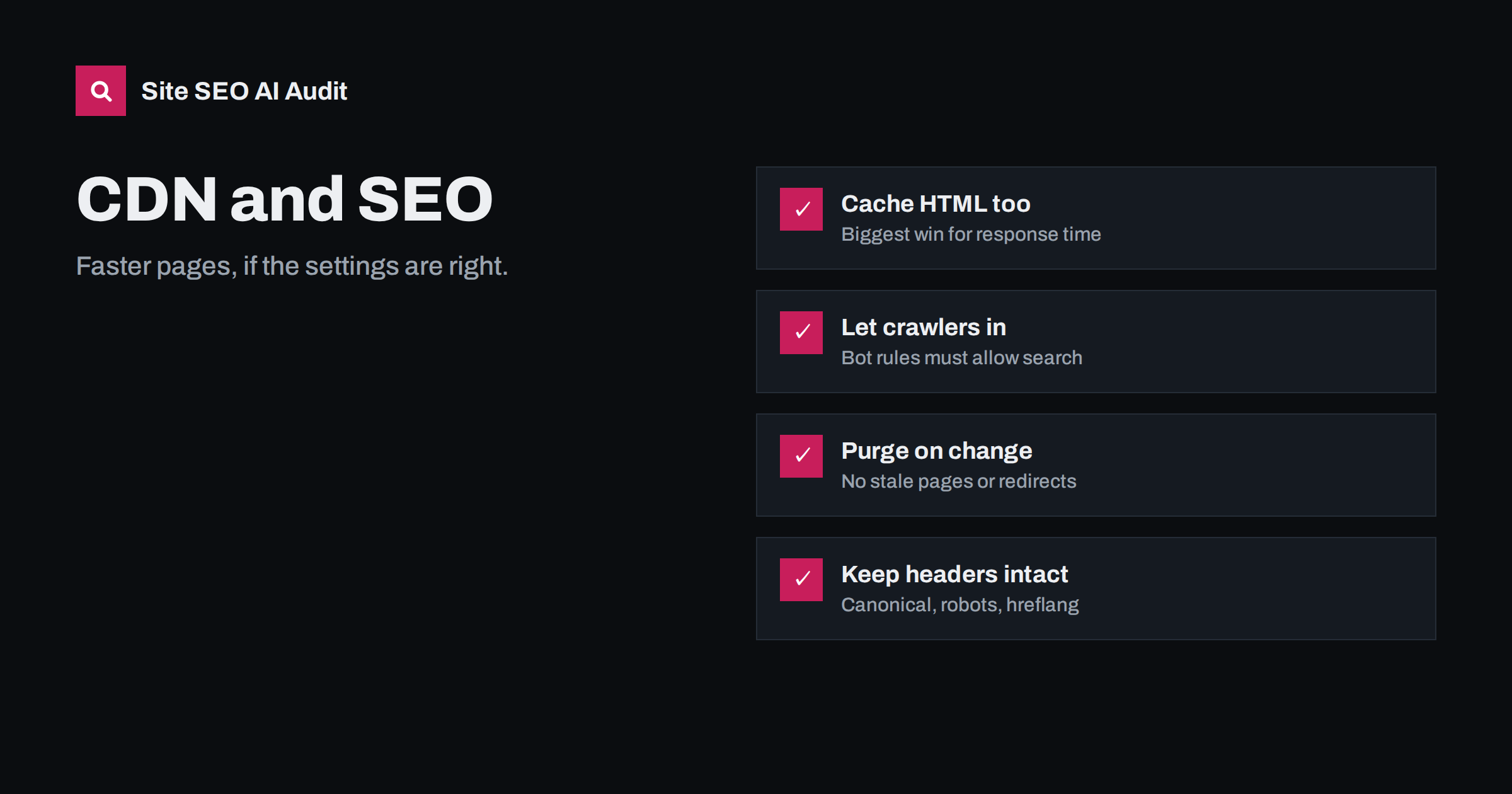
Short answer: a content delivery network (CDN) helps SEO indirectly by making pages load faster and keeping the site available under load. It can also hurt when bot protection blocks search engine crawlers, cached pages go stale, redirects are cached wrongly, or headers such as X-Robots-Tag are added or stripped. Cache static assets and, where possible, HTML; allow verified search engine crawlers; purge caches on changes; and test headers and status codes through the CDN, not only on the origin server.
What a CDN does
A CDN is a network of servers in many locations that sits between visitors and your origin server. When a visitor requests a page or file, the nearest CDN location answers from its cache if it can, and fetches from your server only when needed. Most CDNs also provide TLS termination, compression, image optimisation, firewall rules and bot management.
For search, the relevant effects are:
- Speed: shorter distances and cached responses lower time to first byte and load time, which helps Core Web Vitals.
- Availability: cached pages keep working during traffic spikes and some origin outages.
- Crawl capacity: faster, more reliable responses allow search engines to crawl more without straining your server.
- Control points: the CDN can change responses, which is powerful and risky.
That last point is the one people underestimate. Once a CDN is in front of the site, what visitors and crawlers receive is no longer decided only by your server and CMS. Firewall rules, cache settings, page rules, workers and optimisation features can all alter the response. Changes there are often made by someone other than the person responsible for SEO, and they rarely show up in the CMS, so it is important that everyone knows the CDN is part of the site’s technical SEO.
Caching: assets, HTML and what to exclude
By default, many CDNs cache only static files such as images, CSS and JavaScript. That helps page weight, but the HTML still comes from your origin every time, so time to first byte barely improves. Caching HTML at the edge is where the biggest response-time gains come from for content sites and many shops.
- Cache HTML for anonymous visitors on public pages: articles, categories, product pages, landing pages.
- Exclude personal pages: cart, checkout, account, admin and any page with personalised content. Bypass the cache when login or cart cookies are present.
- Set sensible lifetimes, and purge automatically when content changes. Many CMS integrations purge the affected URLs on publish.
- Cache static assets for a long time with versioned file names, so updates use new URLs.
Bot protection and search engine crawlers
Modern CDNs offer bot management that challenges or blocks suspicious traffic. Misconfigured, it can challenge or block Googlebot, Bingbot and other legitimate crawlers. The symptoms are subtle: the site works normally in a browser, but crawlers receive 403 responses, challenge pages or CAPTCHAs.
- Make sure verified search engine crawlers are allowed. Most CDNs maintain a list of verified bots and let you allow them explicitly.
- Do not rate-limit verified crawlers too aggressively; persistent 429 responses reduce crawling.
- Avoid country blocks that include the regions crawlers come from, unless blocking is truly required.
- Remember that challenge pages returned with a 200 status can be indexed as your content.
Search Console’s crawl stats show response codes Googlebot received, and URL Inspection’s live test shows what it actually gets. A spike in 403 or 5xx responses after enabling a CDN feature is a strong clue.
Redirects and status codes at the edge
CDNs often handle HTTP-to-HTTPS and host redirects. That is efficient, but it must match what the origin does:
- Make the edge redirect go straight to the final URL, so the origin does not add another hop.
- Avoid loops where the CDN talks to the origin over HTTP and the origin redirects back to HTTPS; configure full HTTPS to the origin or make the application trust the forwarded protocol header.
- Be careful with caching redirects and errors. A 404 or 5xx cached at the edge keeps being served after the origin is fixed; a cached 301 is hard to undo.
- Check that error pages keep their real status codes through the CDN, not a 200.
Headers the CDN must not break
Several SEO-relevant signals travel in HTTP headers. A CDN can add, remove or change them:
| Header | Risk | Check |
|---|---|---|
X-Robots-Tag |
A rule adds noindex to more paths than intended | Headers on HTML pages through the CDN |
Link: rel=canonical |
Header canonicals stripped or duplicated | PDFs and files that use header canonicals |
Link: rel=alternate hreflang |
Header hreflang removed | Sites that use header hreflang |
Cache-Control |
Personal pages cached, or public pages never cached | Logged-in and anonymous responses |
Content-Encoding |
Compression missing or doubled | HTML, CSS and JS responses |
Vary |
Wrong version served to mobile or other languages | Sites with dynamic serving |
Performance features: helpful, with testing
CDNs offer automatic optimisations such as image resizing and format conversion, minification, script deferral, early hints and HTTP/3. Many of them help Core Web Vitals. Some can backfire:
- script deferral or “rocket” style loaders that delay JavaScript can break interactive elements or delay content rendered by scripts;
- automatic lazy loading can apply to the main image and slow LCP;
- HTML rewriting can interfere with structured data or inline scripts.
Enable features one at a time, test key templates and interactions, and compare lab and field data before and after.
Server location, IP addresses and geotargeting
A common worry is that a CDN changes where search engines think a site is located, because its IP addresses belong to the CDN and may be in other countries. In practice this is not a concern. Search engines rely on signals such as the country-code domain, hreflang annotations, language, local addresses and links to understand which audience a site serves, not on the IP address of the server. CDNs are used by a large share of the web, including many local businesses.
Similarly, sharing IP addresses with other sites on the same CDN does not harm rankings. What matters is what your pages contain and how they behave, not who else uses the same network.
Rolling out a CDN safely
Moving a live site behind a CDN is usually smooth, but a few steps prevent surprises:
- Record a baseline: response times from several regions, Core Web Vitals, and a crawl of the site with status codes and headers.
- Start with conservative settings: static asset caching, compression and TLS. Leave bot management in a monitoring or log-only mode at first.
- Switch DNS and test immediately: the four protocol and host combinations, a few deep pages, a missing URL for a real 404, robots.txt and the sitemap.
- Test logged-in and cart behaviour to make sure no personal page is cached.
- Enable HTML caching once the basics work, with automatic purging.
- Tighten bot rules gradually, confirming verified crawlers still get 200 responses.
- Watch crawl stats in Search Console for two to four weeks for changes in response time and response codes.
A CDN setup checklist
- HTML cached for anonymous visitors on public pages; personal pages bypassed.
- Automatic purge on publish and update.
- Verified search engine crawlers allowed; no challenges for them.
- One-hop redirects at the edge, matching origin settings.
- Errors and redirects not cached for long.
- No unexpected
X-Robots-Tag; header canonicals and hreflang preserved. - Compression enabled for text responses.
- Performance features tested individually.
- Crawl stats and response codes watched for two weeks after changes.
How Site SEO AI Audit helps
SEOAuditBot requests your pages through whatever sits in front of your server, just like a search engine, and follows robots.txt at about three requests per second. The audit measures server response time and compression on every page and reports status code problems, redirect chains and noindex directives from both meta tags and headers. If a CDN rule changes what crawlers receive, it shows up in the report. The AI visibility area also flags whether AI crawlers are blocked in robots.txt. You can run a free audit.
Related reading
- Server response time and TTFB: how to speed up your server
- Is your CDN or firewall blocking AI crawlers? How to check
- X-Robots-Tag: how to control indexing with HTTP headers
- Redirect chains and loops: how to find and fix them
The bottom line
A CDN is one of the most effective speed improvements available, but it also becomes a layer that can change what search engines receive. Cache HTML and assets wisely, let verified crawlers through, keep redirects and error handling clean, preserve SEO headers, and test through the CDN after every configuration change.
BUJ
Does a CDN improve SEO?
Indirectly. It makes pages faster and more reliable, which helps users, Core Web Vitals and crawling. It does not boost rankings by itself, and a misconfigured CDN can hurt.
Can a CDN block Googlebot?
Yes. Bot protection, firewall rules, rate limits or country blocks can challenge or block search engine crawlers. Allow verified crawlers and check Search Console crawl stats for 403 or 429 responses.
Should I cache HTML on the CDN?
For public pages seen by anonymous visitors, usually yes; it gives the biggest response-time improvement. Exclude personal pages such as cart, checkout and account, and purge the cache when content changes.
Does a CDN create duplicate content?
Not if it serves your site on your own domain. Duplicate issues arise only if the CDN also exposes content on its own hostname; in that case, redirect or block that hostname and use canonicals.
Why does my site show old content after an update?
The CDN is serving a cached copy. Purge the affected URLs or the whole cache, and set up automatic purging when content is published or updated.


