ENEnglish
 LTLietuviškai
 DEDeutsch
 FRFrançais
 RUРусский
 ESEspañol
 PLPolski
 ITItaliano
 UKУкраїнська
 CSČeština
 PTPortuguês
 JA日本語
JA日本語 LVLatviešu valoda
 ETEesti
 HUMagyar
 IDBahasa Indonesia
 TRTürkçe
 HIहिन्दी
 ELΕλληνικά
 ARالعربية
 THไทย
THไทย VITiếng Việt
 RORomână
 MSBahasa Melayu
 BNবাংলা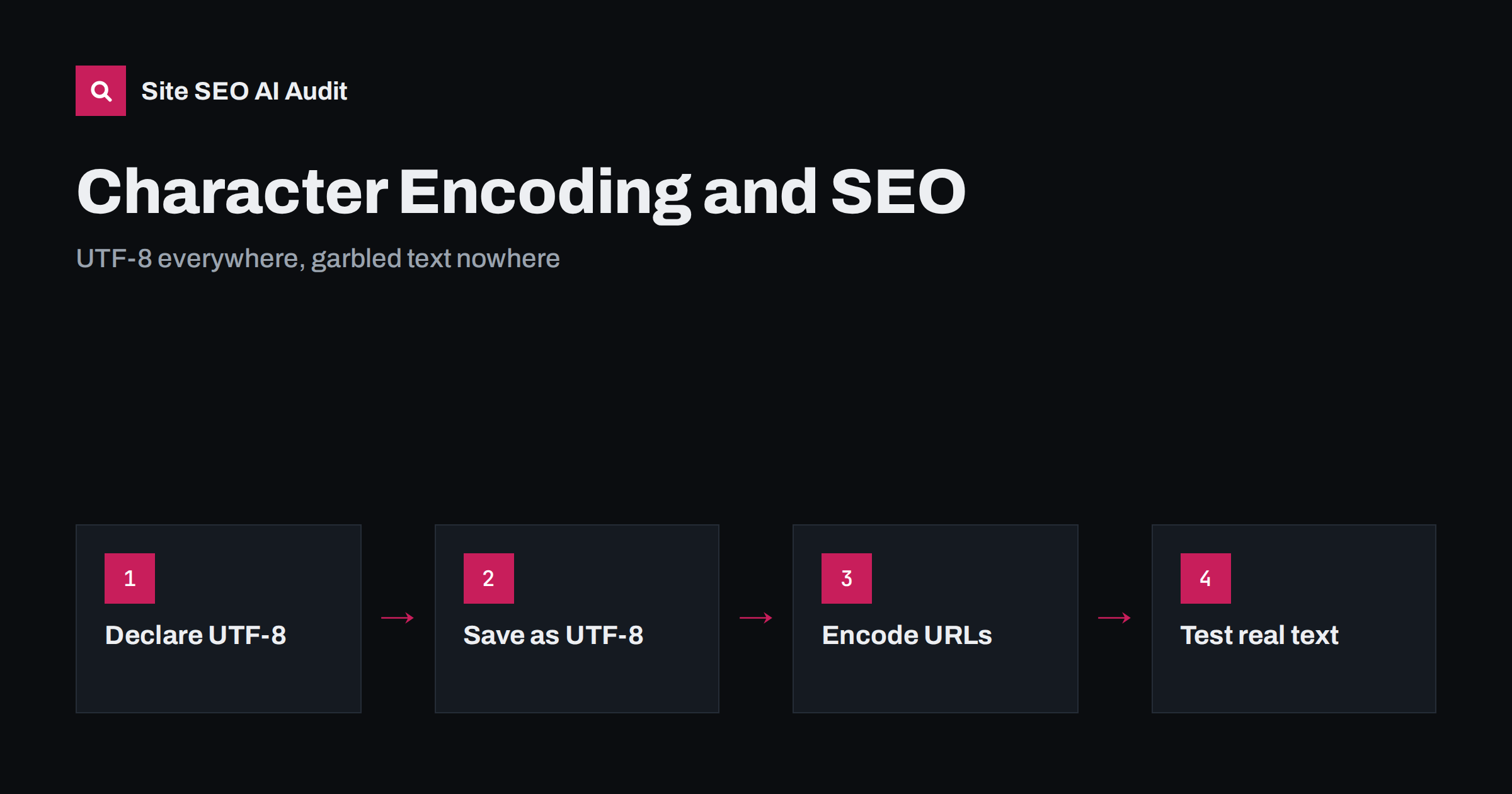
Short answer: Character encoding tells browsers and crawlers how to turn the bytes of a page into letters. If the declared encoding does not match the real one, accented letters, non-Latin scripts and symbols turn into garbled text such as “é” or question marks, in your pages and in search snippets. Use UTF-8 everywhere: in the HTTP Content-Type header, in a <meta charset="utf-8"> tag at the top of the head, in your files, your database and your exports. Then test pages with real text in every language you publish.
Encoding problems look like a small cosmetic issue until they appear in a title tag in search results, a product name in a shopping feed or a translated page that no one can read. They are most common on multilingual sites, after migrations and wherever content passes between systems. The good news is that they have a clear cause and a standard fix.
What character encoding is
Computers store text as bytes. An encoding is the rule that maps bytes to characters. Older encodings, such as ISO-8859-1 for Western European languages or Windows-1251 for Cyrillic, each covered a limited set of characters. UTF-8 is an encoding of Unicode, which covers practically every writing system in use, along with symbols and emoji.
Today UTF-8 is used by the vast majority of websites, and the HTML standard expects it for new documents. The W3C guide to declaring character encodings in HTML recommends UTF-8 for all pages. The practical reason is simple: one encoding for all languages means you never have to switch, guess or convert.
How encoding problems show up in search
When a crawler reads your page with the wrong encoding, it stores the wrong characters. The effects reach beyond the page itself:
- Garbled titles and snippets. “Café” becomes “Café”, “Zürich” becomes “Zürich”, and Cyrillic or Greek text turns into strings of symbols. Fewer people click such results.
- Mismatched queries. A page whose words are stored incorrectly may not match searches for those words properly.
- Wrong language detection. Garbled text can confuse the systems that detect a page’s language, which our guide on how Google detects page language explains.
- Broken structured data. JSON-LD with invalid characters can fail to parse, so rich results disappear.
- Broken previews. Social networks and messaging apps show the same garbled text in link previews.
Users who see question marks or random symbols on a page often assume the site is broken or untrustworthy, which hurts conversions even when rankings hold.
Where to declare UTF-8
Browsers and crawlers decide the encoding from several signals, in roughly this order: a byte order mark at the start of the file, the charset in the HTTP Content-Type header, and the meta charset tag in the HTML. Make them all agree:
- HTTP header: the server should send
Content-Type: text/html; charset=utf-8for HTML pages. Check it with the network tab in your browser’s developer tools or a command-line request. - Meta tag: put
<meta charset="utf-8">as the first element inside<head>, before the title. It must appear within the first 1,024 bytes of the document. - Other text files: XML sitemaps, RSS feeds, robots.txt and CSV exports should also be UTF-8. An XML file declares it in its first line, for example
<?xml version="1.0" encoding="UTF-8"?>.
If the header says one encoding and the meta tag another, the header usually wins. A common bug after a server move is a default header that sends ISO-8859-1 while the pages say UTF-8.
Where garbled text actually comes from
Declaring UTF-8 is not enough if the text was stored in another encoding or converted twice. The usual sources are:
- Database connection settings. The tables are UTF-8 but the connection uses a different character set, so text is converted on the way in or out. In MySQL and MariaDB, use the
utf8mb4character set, which covers all Unicode characters including emoji; the olderutf8setting does not. - Double encoding. Text that was already UTF-8 is treated as Latin-1 and converted again. This produces the classic “é” pattern.
- Copy and paste from office documents, which can bring curly quotes, non-breaking spaces and invisible control characters.
- Imports and feeds from suppliers, translation tools or old systems that export in a regional encoding.
- Old static files saved in a legacy encoding by an editor years ago.
- Templates and plugins that hard-code an old charset in a header or meta tag.
Fixing the declaration on a page with double-encoded text will not help; the stored text must be repaired. Take a database backup before any bulk conversion and test on a copy first.
A careful repair usually follows the same sequence. First, find out how far the damage goes by searching the database for typical garbled sequences. Second, fix the cause, such as the connection character set or the import script, so that no new broken text arrives. Third, convert the affected fields with a tested script, starting with a small sample and comparing the result with the original text by eye. Finally, clear any caches and ask search engines to recrawl the most important pages, for example by updating the XML sitemap’s last-modified dates for pages that really changed. Skipping the second step is the most common mistake: the old pages get fixed while new ones keep breaking.
Characters in URLs
URLs can contain non-ASCII characters, such as accented letters or entire slugs in another script. In the actual request they are percent-encoded: “café” in a path becomes caf%C3%A9, which is the UTF-8 bytes written in hexadecimal. This is normal and search engines handle it well. Problems arise when:
- the same page is linked in both encoded and unencoded forms with different byte sequences, creating duplicate URLs;
- a legacy system percent-encodes with a non-UTF-8 encoding, so the URL does not match the page;
- redirect rules or canonical tags contain garbled versions of the slug.
Pick one form, use it consistently in links, canonicals, hreflang and sitemaps, and test that it resolves. Whether to use native-script slugs at all is a separate decision, covered in our guide on translating URL slugs. Domain names with non-ASCII characters use a different system, Punycode, explained in internationalized domain names.
HTML entities: when they help and when not
Before UTF-8 was common, sites wrote special characters as entities, such as é for “é”. On a UTF-8 page you can write the character itself. Entities are still needed for a few characters that have special meaning in HTML, mainly <, > and &. Too many entities make content harder to edit and can end up double-escaped, showing “&eacute;” in titles and descriptions. Check what your SEO plugin or CMS outputs in the title and meta description, not only in the page body.
How to test your site
A quick, practical test takes less than an hour:
- Pick one page per language and template: home, category, article, product.
- Check the response header and the meta charset on each.
- Look at titles, descriptions and headings in the page source for garbled sequences such as “Ô, “—, “” or the replacement character “�”.
- Paste a few URLs into the URL Inspection tool and check the rendered HTML and the detected title.
- Search for your pages in Google and look at the snippets in each language.
- Open your XML sitemap and RSS feed in a browser and check names with special characters.
- Share a page in a messaging app to see the link preview.
Include text from every writing system you use. A site that only tests in English will not notice that its Polish, Greek or Vietnamese pages are broken. Right-to-left scripts have additional needs covered in our guide to SEO for right-to-left languages.
Check the technical basics of every language version
Encoding errors rarely come alone: the same migration that broke characters often breaks lang attributes, hreflang return links or titles. Site SEO AI Audit crawls your site like a search engine and checks every page for hreflang return links, broken language versions, x-default and lang attributes, together with titles, descriptions and structured data, so problems in one language version stand out. The first audit of up to 200 pages is free; paid plans cover larger multilingual sites and re-audits after a fix.
Related reading
- The HTML lang attribute: what it does for SEO
- Transliteration and SEO: searches in two scripts
- International SEO audit checklist
The bottom line
Use UTF-8 for everything: server headers, meta charset, files, databases, feeds and exports. When text looks garbled, find where it was stored or converted incorrectly and repair the data, not only the declaration. Keep URL encoding consistent, avoid unnecessary entities and test real pages in every language and script you publish.
BUJ
Does character encoding affect rankings?
Not as a ranking factor on its own. But wrong encoding can garble titles, content and structured data, which affects how well pages match searches, how snippets look and how many people click. Fixing it removes a real obstacle.
Should I use UTF-8 or a regional encoding?
Use UTF-8. It covers every language, it is what the HTML standard expects and it avoids conversion errors when content moves between systems. Regional encodings only add risk on a modern website.
Why does my site show “é” instead of “é”?
That pattern usually means UTF-8 text was read as Latin-1 and possibly saved again. Check the server header, the database connection character set and any import step that converts text, then repair the affected data from a backup or with a careful conversion.
Are non-ASCII characters in URLs bad for SEO?
No. Search engines handle percent-encoded UTF-8 URLs well, and native-language slugs can be clearer for users. The important part is to use one consistent form in all links, canonicals, hreflang tags and sitemaps.
Where should the meta charset tag go?
As the first element inside the head, before the title and any other content, so that it appears within the first 1,024 bytes of the page. The server’s Content-Type header should declare the same encoding.