 ENEnglish
 LTLietuviškai
 DEDeutsch
 FRFrançais
 RUРусский
 ESEspañol
 PLPolski
 ITItaliano
 UKУкраїнська
 CSČeština
 PTPortuguês
 JA日本語
JA日本語 LVLatviešu valoda
 ETEesti
 HUMagyar
 IDBahasa Indonesia
 TRTürkçe
 HIहिन्दी
 ELΕλληνικά
 ARالعربية
 THไทย
THไทย VITiếng Việt
 RORomână
 MSBahasa Melayu
 BNবাংলা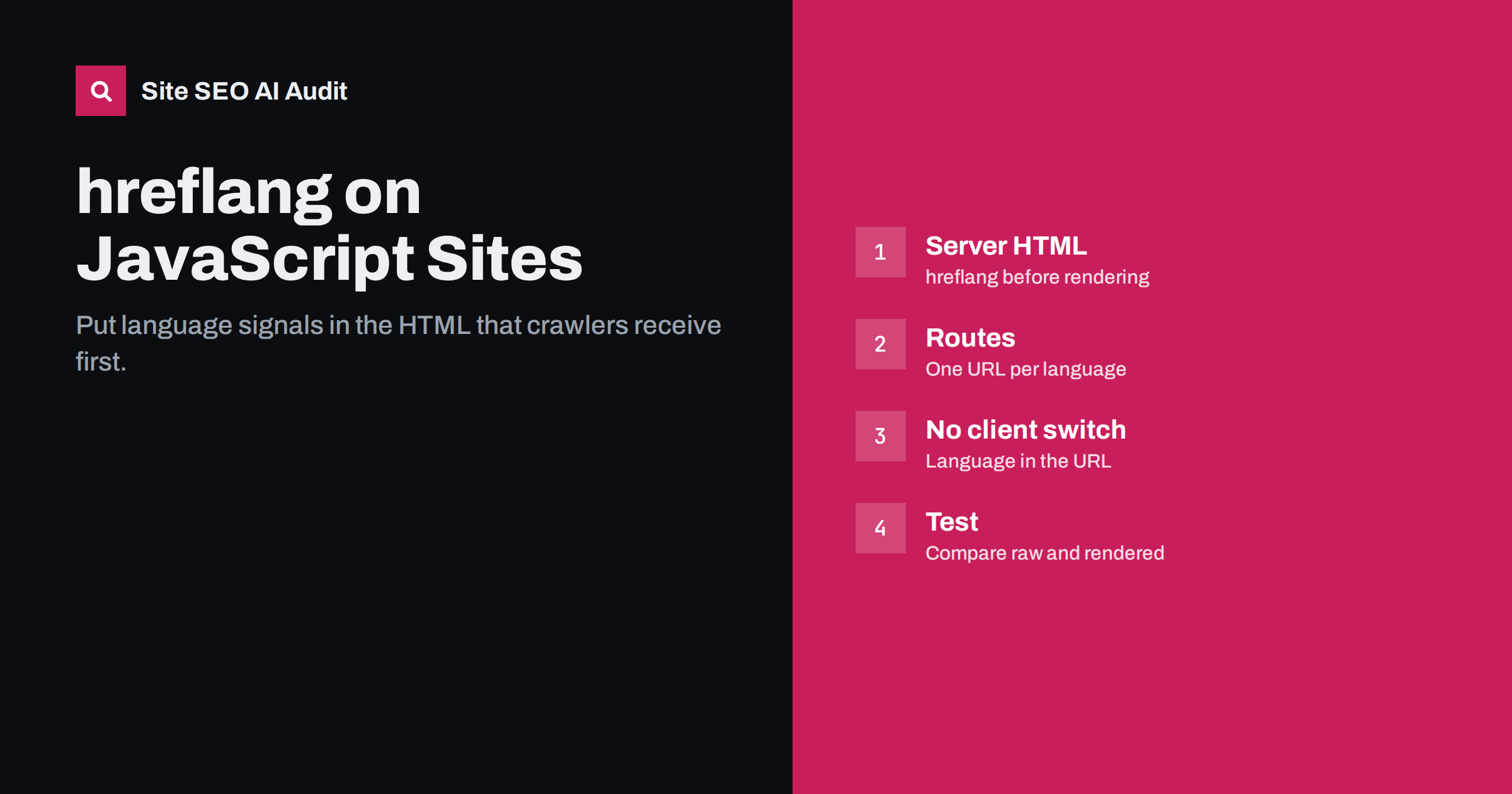
Short answer: On JavaScript-heavy and headless sites, hreflang, canonical tags, the lang attribute and even translated content are often added in the browser after the page loads. Search engines may render JavaScript, but not always immediately, and some crawlers do not render it at all. Put hreflang, canonicals and lang in the initial server-rendered HTML, give every language its own URL, avoid switching languages on the client without changing the URL, and test both the raw and the rendered HTML.
Why JavaScript complicates international SEO
Traditional websites send a complete HTML document for each URL: head tags, content and links are all there when the crawler receives the page. Many modern sites work differently. A single-page application may send an almost empty HTML shell, and JavaScript then fetches data, renders the content and updates the head. Headless set-ups combine a content system with a separate front end, and how much HTML is prepared on the server depends on how the front end is configured.
For international sites, this matters because the key language signals all live in the head or in the URL: hreflang links, canonical tags, the lang attribute and, of course, the translated text. If those signals exist only after JavaScript runs, their visibility depends on whether and when a crawler renders the page.
Google can render JavaScript and generally processes rendered content, as described in its JavaScript SEO basics. But rendering can happen later than the initial crawl, and other search engines and many AI crawlers render little or no JavaScript. Relying on client-side rendering for language signals is therefore a risk you do not need to take.
Problem 1: hreflang injected by JavaScript
Some front-end frameworks manage head tags through a component that updates the document after the app starts. If hreflang is added this way and the server sends no hreflang in the initial HTML, crawlers that do not render JavaScript see no alternates at all, and Google sees them only after rendering.
A subtler version of this problem is a mismatch: the server sends one set of hreflang tags, and JavaScript replaces or adds others. Search engines may then see two different clusters for the same page, depending on whether they look at the raw or the rendered HTML.
The fix is to render head tags on the server. Most frameworks support server-side rendering or static generation, where the head, including hreflang and canonicals, is part of the HTML sent for each URL. Alternatively, move hreflang into XML sitemaps, which do not depend on page rendering at all.
Problem 2: language switching without URL changes
Single-page applications sometimes switch languages entirely on the client: the visitor clicks “Deutsch”, the app loads German strings and re-renders the page, and the URL stays the same, or changes only in a hash fragment such as #de.
For search engines, this means there is only one URL, and it contains whichever language the server or the app shows by default, usually English. The German version has no URL of its own, cannot be indexed separately and cannot be listed in hreflang. Hash fragments do not help, because search engines generally ignore everything after the # when identifying a page.
Every language version needs a real URL, such as /de/produkte/, that returns German content when requested directly, without any prior clicks, cookies or stored preferences.
Problem 3: the wrong lang attribute and content on first load
Many JavaScript apps render a default language on the server and then switch to the visitor’s language in the browser, based on a cookie, stored preference or browser setting. Crawlers usually have no cookies and send no language preference, so they receive the default. If the app also sets the lang attribute only on the client, the raw HTML for a German URL might say lang="en" and contain English text.
Check that the server renders the right language, content and lang attribute purely from the URL. Preferences and detection can suggest a different version to human visitors, but they should never change what a language URL returns.
Problem 4: links that crawlers cannot follow
Language switchers and internal links in JavaScript apps are sometimes implemented as buttons or elements with click handlers instead of real links. Crawlers discover pages by following a elements with href attributes; they do not click buttons.
- Use real anchor elements with href values for navigation and the language switcher, even if the app intercepts clicks for smooth transitions.
- Make sure every language URL is reachable through links and listed in the XML sitemap.
- Avoid generating URLs only after user interaction, such as after choosing a filter or a language.
Client-side routers also make it easy to create URLs that work when you navigate within the app but fail when requested directly. If /de/preise/ loads correctly after clicking through from the home page but returns a 404 or the English home page when opened in a new tab, crawlers will see the broken version. Test every language route by requesting it directly from the server, with no prior navigation.
Problem 5: rendering errors and timeouts
Even when a crawler renders JavaScript, rendering can fail: an API that returns an error for crawlers, a script blocked in robots.txt, a translation file that loads slowly or an app that waits for a consent click before showing content. When rendering fails, the crawler sees an empty or partial page, possibly without any language signals.
Make sure translation files, API endpoints and scripts needed for rendering are not blocked by robots.txt, respond quickly and do not depend on cookies or consent to return content.
Rate limits and bot protection deserve special attention. Some sites protect their APIs from automated traffic, and in doing so they also block the requests a search engine’s renderer makes while building the page. The visible symptom is often nothing at all in a browser, because human visitors are allowed through, while crawlers receive error responses from the API and render an empty template. Check your API and firewall logs for blocked requests from search engine crawlers, and verify crawler identity properly rather than blocking all automated traffic.
How to test what crawlers see
Testing a JavaScript site means comparing two versions of each page:
- Raw HTML: request a language URL with a command-line tool or view the page source (not the inspector). Check that hreflang, canonical, lang and main content are present and correct.
- Rendered HTML: use URL inspection in Search Console and look at the rendered HTML and screenshot. Check that nothing changed for the worse, such as a different language or missing hreflang.
- Without cookies and language headers: request each language URL in a clean session and with no Accept-Language header, as crawlers do.
- At scale: crawl the site and compare results for templates, since JavaScript issues usually affect whole page types.
Keep a short test list of URLs for each template and language, for example a home page, a category, a product or article and a contact page per language. Run the same raw-versus-rendered comparison on that list after every front-end release. Framework upgrades and changes to head management are the most common moments for server-rendered hreflang to disappear without anyone noticing.
A safe architecture for multilingual JavaScript sites
| Element | Safe approach | Risky approach |
|---|---|---|
| Language URLs | Path per language, such as /de/ | Same URL, language in state or hash |
| Rendering | Server-side rendering or static generation | Client-only rendering of content |
| hreflang and canonical | In server HTML or in sitemaps | Injected by JavaScript after load |
| lang attribute | Set on the server from the URL | Changed in the browser |
| Links and switcher | Anchor elements with href | Buttons with click handlers |
| Language detection | Banner suggestion only | Automatic switch or redirect |
Checking your site
Site SEO AI Audit crawls a site the way a search engine does and checks whether content needs JavaScript to be read, as part of its AI visibility checks, alongside hreflang return links, broken language versions, x-default and lang attributes in its Languages area. On JavaScript sites, that combination quickly shows whether language signals exist in the HTML crawlers receive. The first audit is free.
Related reading
- Why AI crawlers miss JavaScript content and how to fix it
- hreflang in XML sitemaps vs HTML head vs HTTP headers
- Language switcher best practices for SEO and usability
The bottom line
On JavaScript and headless sites, the question is not whether hreflang exists, but whether it exists in the HTML crawlers receive first. Give every language its own URL, render content, hreflang, canonical and lang on the server or put hreflang in sitemaps, use real links, never switch languages without changing the URL, and test raw and rendered HTML side by side.
BUJ
Does Google read hreflang added by JavaScript?
Google can process rendered HTML, so it may see JavaScript-added hreflang, but only after rendering, which can be delayed. Other search engines and many AI crawlers may not see it at all, so server-rendered hreflang is safer.
Can I use hash URLs like #de for languages?
No. Search engines generally ignore the part after the hash when identifying a page, so all languages would share one URL. Use paths such as /de/ instead.
Is hreflang in a sitemap better for single-page apps?
It is often easier, because sitemaps do not depend on page rendering. The pages still need their own URLs and server-rendered content in the right language.
How do I see what Googlebot rendered?
Use the URL inspection tool in Search Console, which shows the rendered HTML and a screenshot of the page as Google saw it.
Should my app detect the visitor’s language automatically?
Detection can power a suggestion banner, but it should not change the content or language of a URL. Each language URL should always return the same language.


