 ENEnglish
 LTLietuviškai
 DEDeutsch
 FRFrançais
 RUРусский
 ESEspañol
 PLPolski
 ITItaliano
 UKУкраїнська
 CSČeština
 PTPortuguês
 JA日本語
JA日本語 LVLatviešu valoda
 ETEesti
 HUMagyar
 IDBahasa Indonesia
 TRTürkçe
 HIहिन्दी
 ELΕλληνικά
 ARالعربية
 THไทย
THไทย VITiếng Việt
 RORomână
 MSBahasa Melayu
 BNবাংলা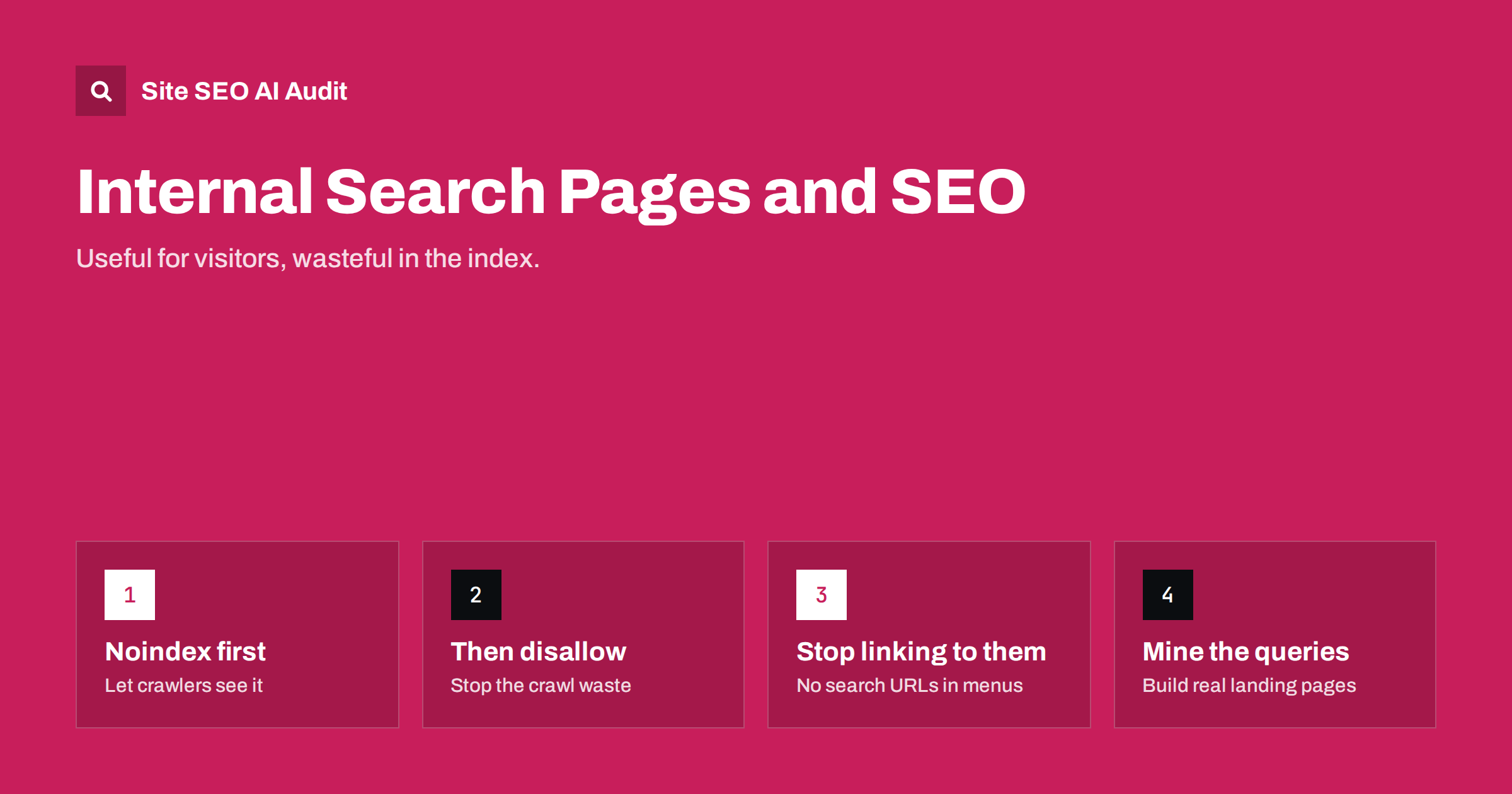
Short answer: the result pages of your site’s own search box, such as /?s=shoes or /search?q=red+dress, should usually be kept out of search engine indexes. They create an unlimited number of thin, overlapping URLs, waste crawling and can be abused to get spam text indexed on your domain. Add noindex to search result pages, stop linking to them internally, and, once they have dropped out of the index, consider blocking them in robots.txt. Use the search queries themselves as research for building proper category and landing pages.
Why internal search pages cause SEO problems
A site search box is valuable for visitors. The pages it generates are a different matter for search engines:
- Infinite URL space: every possible query, spelling, sort order and page number creates a new URL. Crawlers that find these URLs can spend a lot of time on them.
- Thin and duplicate content: result pages are lists of snippets that repeat content found elsewhere on your site. Many show few or no results.
- Poor search experience: a searcher who clicks a Google result and lands on another list of search results has to search again. Google’s guidance has long advised preventing crawling of search result pages that add little value for users coming from search engines.
- Index bloat: thousands of low-value indexed URLs can dilute how search engines see the quality of your site. Our guide on finding and cleaning up index bloat covers the wider problem.
The spam risk many sites overlook
There is also a security-flavoured problem. Most search pages print the query back on the page: “Results for cheap watches buy now“. Spammers exploit this by linking to your search URL with a query containing their spam message, a phone number or a brand name. If the page is indexable and returns 200, search engines may index a page on your domain that shows the spammer’s text.
These pages can appear in search results for unpleasant queries and make your site look compromised. The fix is the same as for the SEO problems: keep search result pages out of the index, and make sure queries are properly escaped when printed, so no one can inject links or HTML. If you find such pages already indexed, apply noindex and let them drop out, rather than blocking them immediately in robots.txt.
Noindex or robots.txt: which to use and when
Both tools can keep search pages out of results, but they work differently, and the order matters:
| Method | What it does | Best for | Watch out for |
|---|---|---|---|
noindex meta tag or X-Robots-Tag |
Allows crawling but tells search engines not to index the page | Removing search pages that are already indexed | Crawlers must be able to fetch the page to see the tag |
robots.txt Disallow |
Stops crawling of matching URLs | Preventing crawl waste once pages are out of the index | Blocked URLs can still be indexed without content if linked; the noindex can no longer be seen |
A practical sequence for most sites:
- Add
noindexto all search result pages. - Wait until search engines have recrawled them and they have dropped out of the index. Check with a
site:search or the Page Indexing report. - If crawling of search URLs is still heavy, add a robots.txt rule such as
Disallow: /searchorDisallow: /*?s=, matching your URL pattern.
For a new site with no indexed search pages, you can use both from the start. Our guide to noindex vs disallow explains the interaction in more detail.
Stop linking to search result pages
Search engines mostly find search URLs because something links to them. Common sources:
- “Popular searches” or “trending searches” widgets that link to result pages.
- Tag clouds or filters built on the search function instead of real category pages.
- Navigation menus that use search URLs as shortcuts, such as a “Sale” link pointing to
/search?q=sale. - Internal links in content written by editors who copied a search URL.
- XML sitemaps generated from visited URLs, which may include search pages.
Replace these with links to real, curated pages. If “sale” deserves a menu link, it deserves a proper sale category with its own content. The same applies to filtered listings, which our article on faceted navigation SEO covers.
Platform notes: WordPress, shops and custom sites
Search URLs look different on each platform, so identify your pattern before writing rules:
- WordPress uses
/?s=queryby default and sometimes/search/query/. Since version 5.7, WordPress core adds anoindexrobots meta tag to search results by default, and SEO plugins usually do the same. Still check the page source: themes, caching layers or custom search templates sometimes change the output, and the robots meta tag does not stop crawling of the URLs. Our guide to WordPress crawl waste lists other URL types worth checking. - Online shop platforms often use
/search?q=or/catalogsearch/result/?q=. Check whether the platform addsnoindexand whether its default robots.txt already disallows the path. - Custom sites and headless setups may render search results client-side on a URL that changes only in the hash or query. Make sure the server response for those URLs carries the right directives.
- Third-party search services sometimes host results on a subdomain. Apply the same rules there.
Also check what a search with no results returns. It should show a helpful page with suggestions, but it should not be indexable.
When a search-style page should be indexed
Not every page that lists products or articles matching a term is a search page. There is a legitimate version of the idea: curated landing pages built around popular queries.
- A shop sees many searches for “waterproof hiking boots” and creates a proper category page for them, with a clean URL, a unique introduction, useful filters and internal links.
- A publisher sees repeated searches for a topic and builds a hub page that organises its best articles on that subject.
These pages are deliberately created, have stable URLs and unique content, and are linked from navigation. They are indexable pages that happen to be inspired by search data, not raw search results. Our guide to category page SEO explains how to make them rank.
Use your site search data as research
The queries visitors type into your search box are some of the most honest keyword research available. They show what people expected to find and could not see in the navigation. Review them regularly in your analytics tool:
- List the most frequent queries and check whether a clear page exists for each.
- Look at queries with no results; they reveal missing products, content or synonyms.
- Note the words visitors use, which may differ from your internal terminology, and use them in headings and navigation labels.
- Watch for spikes that signal new demand, seasonal interest or confusion after a site change.
Turning these findings into real pages captures the value of search without indexing the result pages themselves.
How to check whether your search pages are indexed
Before changing anything, find out how big the problem is. A few quick checks:
- Search Google for
site:yourdomain.com inurl:searchorsite:yourdomain.com inurl:?s=, adjusted to your URL pattern. The result count is only an estimate, but any results at all mean some search pages are indexed. - In Search Console, open the Page Indexing report and look at indexed URL examples and the “Indexed, though blocked by robots.txt” status, which often contains search URLs.
- Use URL Inspection on one search URL to see whether Google knows it and which robots directives it found.
- Look at your server logs or the Crawl Stats report for requests to search URLs. A large share of crawler requests going to search pages is a sign of crawl waste.
- Open a search results page, view the source, and confirm the robots meta tag or X-Robots-Tag header.
Repeat the checks a few weeks after any fix to confirm that indexed search pages are declining.
How an audit helps
Search pages are easy to miss because nobody visits them on purpose. Site SEO AI Audit crawls your site like a search engine, following links the way a crawler would, and reports noindex and robots.txt settings, thin and duplicate pages, and click depth, so indexable search URLs and the links that lead to them stand out. Start with a free audit to see whether your search pages are exposed.
Related reading
- Crawl Budget Explained: When It Matters and How to Save It
- Thin Content: How to Find and Fix Low-Value Pages
- URL Parameters and Duplicate Content: A Practical Fix Guide
The bottom line
Internal search is for visitors already on your site, not for search engines. Add noindex to result pages, stop linking to them, block them in robots.txt once they are out of the index, and escape queries to prevent spam injection. Then use the search data to build proper category and landing pages that deserve to rank.
BUJ
Should internal search result pages be indexed?
Usually not. They create endless thin and duplicate URLs, waste crawling and can be abused for spam. Curated landing pages built around popular queries are the better way to target those searches.
Should I use noindex or robots.txt for search pages?
Use noindex first if any search pages are already indexed, because crawlers must fetch the page to see it. Once they have dropped out, a robots.txt disallow can prevent further crawling.
Why do spam search pages from my site appear in Google?
Spammers link to your search URL with spam text as the query, and the page prints it. If the page is indexable, search engines may index it. Add noindex and make sure queries are safely escaped.
Does WordPress noindex search pages automatically?
Yes, since WordPress 5.7 core adds a noindex robots meta tag to search result pages, and most SEO plugins do too. Check the source of a search results page to confirm that your theme or plugins have not changed it.
Can site search data help SEO?
Yes. It shows what visitors look for in their own words and which queries return nothing. Use it to create missing pages, improve navigation labels and choose topics for new content.


