 ENEnglish
 LTLietuviškai
 DEDeutsch
 FRFrançais
 RUРусский
 ESEspañol
 PLPolski
 ITItaliano
 UKУкраїнська
 CSČeština
 PTPortuguês
 JA日本語
JA日本語 LVLatviešu valoda
 ETEesti
 HUMagyar
 IDBahasa Indonesia
 TRTürkçe
 HIहिन्दी
 ELΕλληνικά
 ARالعربية
 THไทย
THไทย VITiếng Việt
 RORomână
 MSBahasa Melayu
 BNবাংলা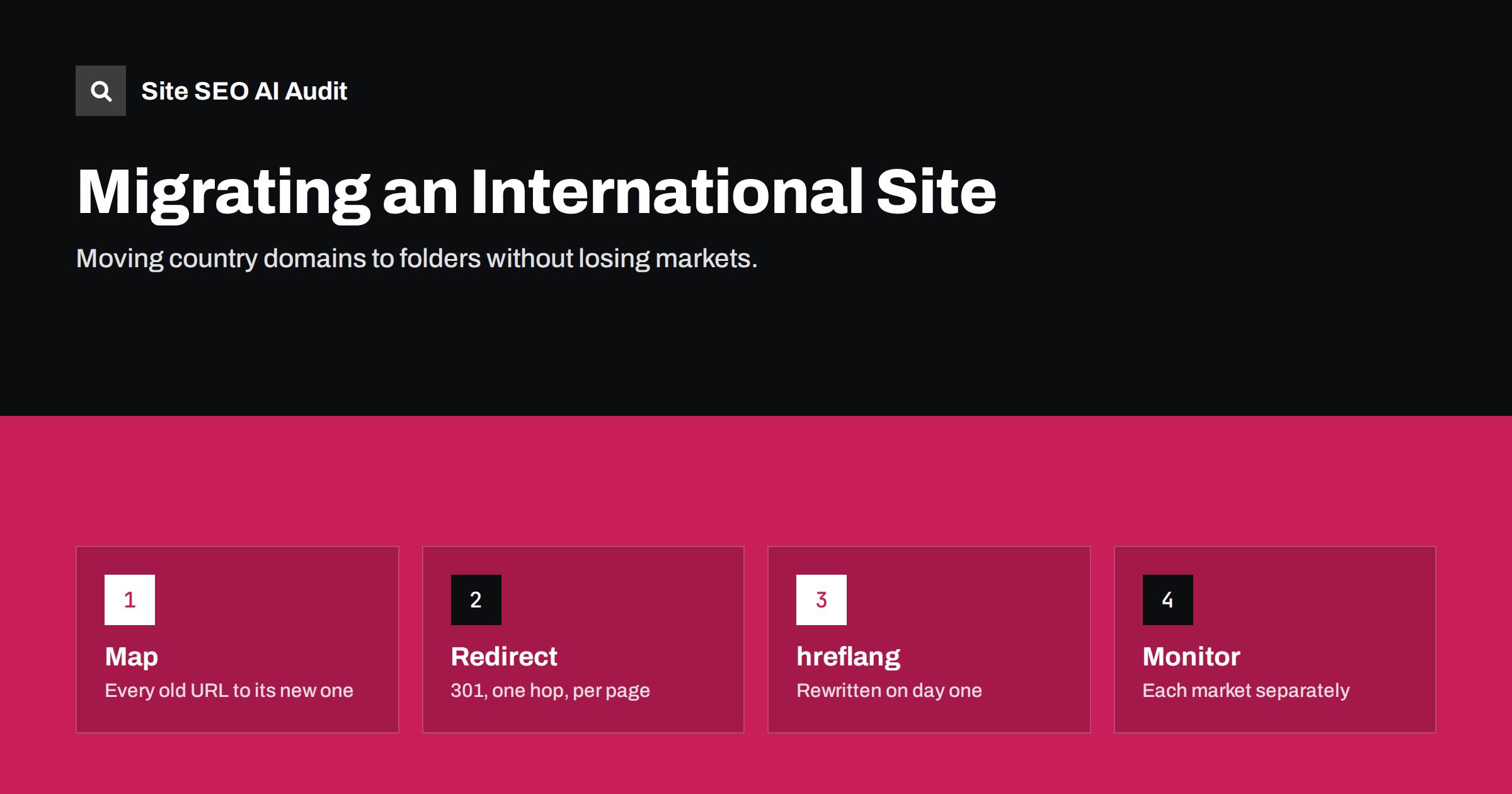
Short answer: An international migration, such as moving example.de and example.fr into example.com/de/ and example.com/fr/, is a full site migration for every market at once. Map every old URL to its exact new equivalent, redirect with single-hop 301s, rewrite hreflang, canonicals, internal links and sitemaps to the new URLs on launch day, use Search Console’s change of address tool for domain moves, and monitor each market separately for months. Most traffic losses come from incomplete redirect maps and hreflang that still points to old URLs.
Why businesses restructure international sites
International URL structures are usually chosen early and changed later, when the business looks different. Common reasons include:
- Consolidation: many separate country domains are expensive to maintain, and each builds authority on its own. Moving them into one domain simplifies operations and concentrates links.
- Replatforming: a new CMS or shop platform handles one structure better than another.
- Rebranding: a new brand name means new domains for every market.
- Expansion in the other direction: a business that started with folders decides a market needs its own country domain for trust or legal reasons.
- Cleaning up history: a mix of subdomains, folders and parameters built up over the years is unified into one pattern.
Each of these can be the right decision. But every international migration multiplies the usual migration risk by the number of markets, and it adds international-specific signals that must be moved correctly.
Decide whether the move is worth it
Before committing, weigh the expected benefits against the risk. A migration typically causes a period of fluctuation while search engines process redirects and re-evaluate the new URLs. For well-established country domains with strong local links and brand recognition, that period can be uncomfortable.
Questions worth answering honestly:
- What will the new structure make easier or cheaper, concretely?
- Which markets bring the most organic traffic and revenue today, and how would a temporary drop there affect the business?
- Do local customers strongly associate the brand with the country domain?
- Can the migration be staged, one market at a time, to limit risk and learn from the first move?
Staging by market is often wise. Moving a smaller market first reveals problems in the process before the largest markets are affected.
It also helps to separate the migration from other changes. A new design, new content, a new platform and a new URL structure launched on the same day make it almost impossible to tell which change caused a later drop. Where you can, move URLs first with the content and templates unchanged, let things settle, and then improve design and content in later releases.
Build a complete redirect map
The redirect map is the heart of the migration. It lists every old URL and the new URL that replaces it:
- Collect all old URLs from several sources: a full crawl of each old domain, XML sitemaps, analytics landing pages, Search Console pages with impressions, and backlink data. Crawls alone miss orphan pages that still get traffic or links.
- Map each URL to its closest equivalent in the same language and country.
example.de/produkte/schuhe/should go toexample.com/de/produkte/schuhe/, not to the German home page or the English equivalent. - Handle removed content deliberately. If a page has no equivalent, redirect to the closest relevant page in the same language or let it return 404 or 410. Mass-redirecting to home pages is treated much like a 404 by search engines and frustrates visitors.
- Keep the language and country. Never redirect a French URL to an English page because the French one was not ready; that breaks the market for French searchers.
Implement redirects correctly
- Use permanent 301 (or 308) redirects from every old URL to its new URL.
- Redirect in one hop. Avoid chains such as http to https to www to the new domain to the new path; combine them into a single rule where possible.
- Preserve query parameters that matter, such as product variants, and drop tracking parameters.
- Keep the old domains registered and the redirects active for a long time, ideally permanently, since links and bookmarks to them will persist for years.
- Test the redirect map before launch by requesting a sample of old URLs from every market and checking the status code and destination.
Move the international signals on launch day
This is where international migrations most often go wrong. Redirects alone are not enough; every signal that references URLs must point to the new ones immediately:
- hreflang: every page on the new structure must list the new URLs of all its alternates. If a version still lists an old domain URL, it points to a redirect, and the return link fails for the whole cluster.
- Canonical tags: self-referencing canonicals on the new URLs, not on old ones.
- Internal links, menus and the language switcher: point directly to new URLs, not through redirects.
- XML sitemaps: list only new URLs, and include hreflang there if that is your method.
- Structured data, Open Graph and other absolute URLs in templates.
If markets are migrated one at a time, the remaining markets’ pages must also be updated to reference the moved market’s new URLs on the day it moves. That coordination is easy to overlook.
Search Console steps
- Verify the new properties before launch: the new domain and, if useful, the new language folders as URL-prefix properties.
- Use the change of address tool when moving from one domain to another, for example from example.de to example.com. It is available for domain-level moves, not for path changes within a domain.
- Submit new sitemaps for the new properties. Some teams also keep the old sitemaps listing old URLs submitted briefly, so search engines recrawl them and see the redirects sooner.
- Inspect key URLs in each market after launch to confirm the new URLs are crawled and the selected canonical is correct.
Monitoring each market after the move
Monitor each market separately, because a problem in one can hide inside overall numbers:
- Filter Search Console performance by country and by the new folder, and compare with the old property’s data for the same country.
- Watch the page indexing report for the new folders and look for pages stuck as duplicates or not indexed.
- Check the old domains’ properties: impressions should decline as the new URLs take over.
- Track 404 errors on the new domain and on the redirect layer; they reveal gaps in the redirect map.
- Crawl the new site after launch and again a few weeks later, focusing on hreflang return links, redirected links and canonicals.
Keep an eye on external factors too. Local partners, directories and marketplaces that link to the old country domains will keep sending visitors through redirects for a long time. Contact the most important of them and ask them to update their links to the new URLs. Updated links avoid an extra hop and make the new structure clearer to search engines, and many partners are happy to do it when asked.
Fluctuations in the first weeks are normal. Persistent drops in one market usually trace back to a specific cause: missing redirects, hreflang pointing to old URLs or a template that did not migrate correctly.
Common international migration mistakes
| Mistake | Effect |
|---|---|
| Redirecting all old pages to the new home page | Rankings of individual pages lost; treated like 404s |
| hreflang still listing old domain URLs | Return links fail; wrong versions shown by country |
| Redirects to a different language | Market loses its localized pages |
| Letting old domains expire | Redirects and link value disappear; domains can be taken by others |
| Migrating all markets and changing design at once | Hard to isolate the cause of any drop |
Checking the migration with a crawl
Site SEO AI Audit crawls a site the way a search engine does and reports redirect chains, links to redirects, broken links, canonical problems and sitemap issues, together with hreflang return links and broken language versions in its Languages area. Running it before the move, right after launch and a few weeks later gives a clear view of what changed. Paid plans include re-audits and comparisons over time; see the plans.
Related reading
- ccTLD vs subdomain vs subfolder for international sites
- Redirect chains and loops: how to find and fix them
- HTTP to HTTPS migration: an SEO checklist that works
The bottom line
Moving an international site between domains and folders is a migration for every market at once. Decide whether the benefits justify the risk, stage the move if you can, map every old URL to its exact equivalent in the same language, redirect in one hop, rewrite hreflang, canonicals, internal links and sitemaps on launch day, use the change of address tool for domain moves and monitor each market on its own until traffic settles.
BUJ
Will moving country domains to subfolders lose traffic?
A temporary fluctuation is common while search engines process the change. With a complete redirect map and correct hreflang, most sites recover, but results vary and cannot be guaranteed.
Can I use the change of address tool for moving to a subfolder?
The tool is for moving a whole domain to another domain. When example.de moves to example.com/de/, you use it on the old domain property pointing to the new domain, along with page-level redirects.
Should I migrate all markets at once?
Not necessarily. Moving one smaller market first lets you test the process and fix problems before moving the largest markets.
How long should old domains keep redirecting?
As long as possible, ideally permanently. Links and bookmarks to old domains continue to exist for years, and expired domains can be registered by others.
What is the most common international migration error?
hreflang that still points to old URLs after the move. Every alternate then points to a redirect, and return links fail across the affected clusters.


