 ENEnglish
 LTLietuviškai
 DEDeutsch
 FRFrançais
 RUРусский
 ESEspañol
 PLPolski
 ITItaliano
 UKУкраїнська
 CSČeština
 PTPortuguês
 JA日本語
JA日本語 LVLatviešu valoda
 ETEesti
 HUMagyar
 IDBahasa Indonesia
 TRTürkçe
 HIहिन्दी
 ELΕλληνικά
 ARالعربية
 THไทย
THไทย VITiếng Việt
 RORomână
 MSBahasa Melayu
 BNবাংলা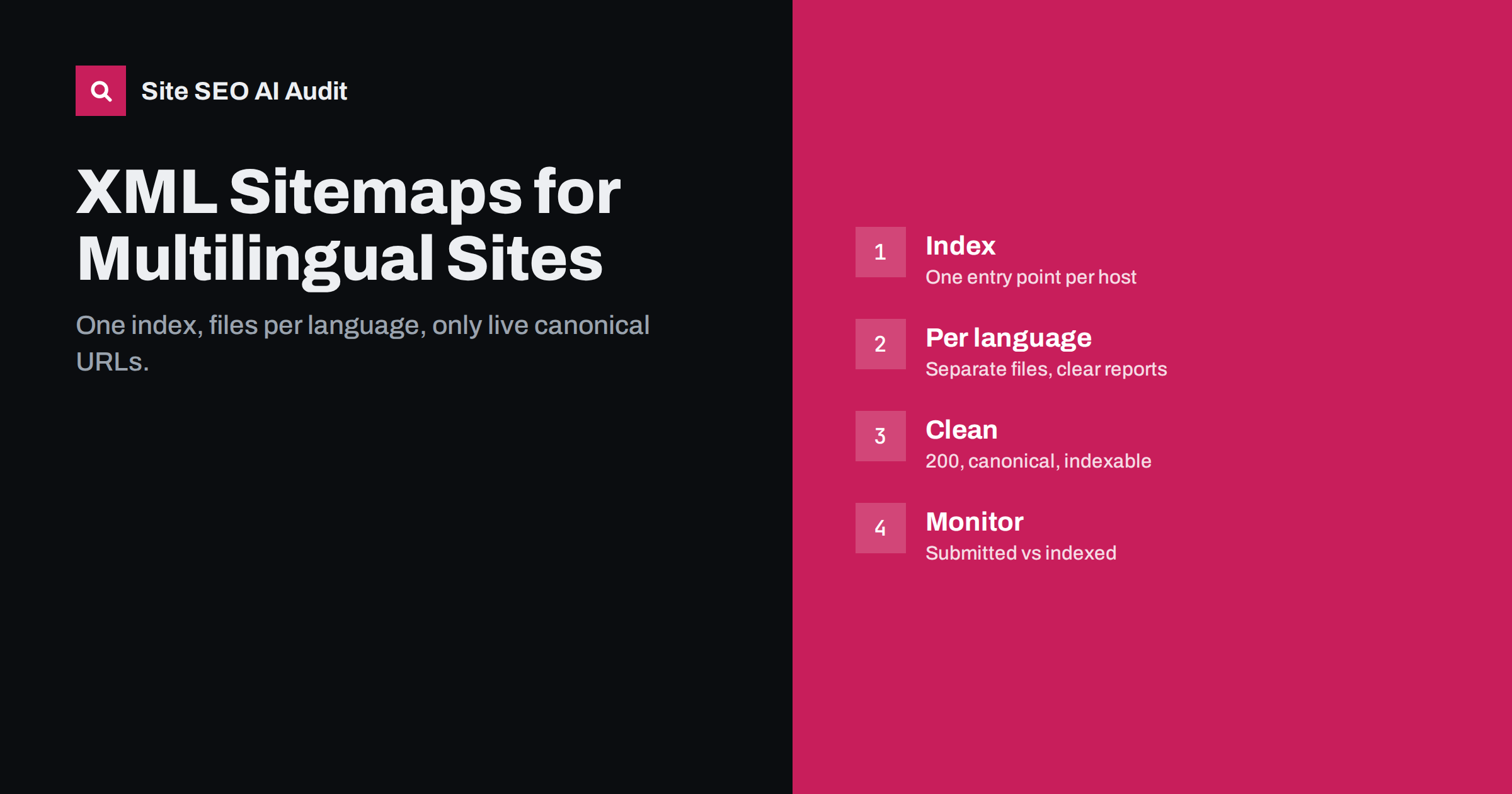
Short answer: On a multilingual site, list every indexable URL of every language version in XML sitemaps, organised as one sitemap index per host with separate sitemap files per language (and per content type on larger sites). Include only URLs that return 200, are canonical and are not noindex. Submit the index in Search Console for each property, and compare submitted with indexed URLs per language to spot versions that are not being picked up. If you deliver hreflang in sitemaps, every alternate needs its own entry with the full cluster.
Why sitemaps matter more on multilingual sites
XML sitemaps help search engines discover URLs and understand which ones you consider important. On a single-language site with good internal linking, they are a useful safety net. On multilingual sites, they carry more weight for several reasons:
- Translated sections are often weakly linked. New language versions have fewer internal links than the original, so discovery through links is slower.
- Partial translations create gaps. Pages that exist only in some languages may be reachable only through a few paths.
- Per-language reporting. Separate sitemap files let you see indexing per language in Search Console.
- hreflang delivery. Sitemaps are one of the three ways to deliver hreflang, and the most practical on large sites.
A clean structure: index plus files per language
The sitemaps protocol allows a sitemap index file that lists other sitemap files. A clear structure for multilingual sites uses one index per host and separate files per language:
/sitemap_index.xmllisting all sitemap files for that host./sitemaps/en-pages.xml,/sitemaps/de-pages.xml,/sitemaps/fr-pages.xmlfor pages./sitemaps/en-posts.xml,/sitemaps/de-posts.xmland so on for articles or products.
File names are up to you; what matters is that each file covers a clear slice of the site, so reports per file are meaningful. Keep each file within the protocol limits of 50,000 URLs and 50 MB uncompressed, as defined on sitemaps.org, and split further if needed.
For sites that use subdomains or country domains, each host has its own sitemaps and index, submitted in its own Search Console property. Sitemaps can reference other hosts only under specific conditions, so keeping each host’s sitemaps on that host is the simplest approach.
What to include and what to leave out
Include, for every language version:
- Every indexable page that you want in search results: home, categories, products or services, articles, important landing pages.
- Only the canonical URL of each page, exactly as the canonical tag declares it.
- A lastmod date that reflects real content changes, if your system can provide it reliably.
Leave out:
- URLs that redirect, return errors or are soft 404s.
- Pages with noindex, or pages blocked in robots.txt.
- Non-canonical variants: parameters, filters, sort orders, print versions.
- Untranslated fallback pages that show the original language on a translated URL.
- Staging, test or internal URLs.
A sitemap that contains only clean, indexable, canonical URLs is a clear statement of what each language version should show in search. A sitemap full of redirects and noindex pages sends mixed signals and makes reports harder to read.
The simplest way to keep sitemaps clean is to generate them from the same rules that decide indexability. If a page is set to noindex, redirected or canonicalised elsewhere, the generator should drop it automatically. Hand-maintained sitemaps, or sitemaps built from a database table that ignores these settings, drift away from reality within weeks on an active multilingual site.
hreflang in sitemaps: the rules
If you deliver hreflang through sitemaps instead of the HTML head:
- Declare the xhtml namespace at the top of each sitemap file.
- For each url entry, list one
xhtml:linkelement per version, including the URL itself, with the correct hreflang code. - Make sure every alternate also has its own url entry, in the same or another sitemap file, with the same list of alternates. This is how return links are expressed.
- Include x-default the same way, if you use it.
- Regenerate whenever URLs are added, changed or removed.
hreflang makes sitemap files much larger, so size limits are reached sooner. Splitting by language and content type keeps files manageable.
If you deliver hreflang in the HTML head, your sitemaps do not need to contain it. Do not add a second, possibly inconsistent, set of annotations to the sitemaps “for safety”.
Submitting and monitoring
- Reference the sitemap index in robots.txt with a Sitemap line, on each host.
- Submit the index in Search Console for each property, including URL-prefix properties for language folders if you use them.
- Check the sitemap report: were all files read successfully, and how many URLs were discovered?
- In the page indexing report, filter by sitemap to see how many submitted URLs in each language are indexed and why others are not.
A language whose sitemap shows many submitted but few indexed URLs is worth investigating: thin or low-quality translations, weak internal linking, duplicate country versions or technical conflicts such as cross-language canonicals are common reasons.
Track these numbers over time rather than looking at them once. A new language version typically starts with a low share of indexed URLs that rises over the first months. A share that falls, or stays flat while you publish more pages, is an early warning worth acting on.
Common mistakes on multilingual sites
| Mistake | Effect |
|---|---|
| Only the default language in the sitemap | Translated pages discovered slowly; no per-language reports |
| Old URLs after slug changes | Sitemap lists redirects; hreflang in sitemaps points to redirects |
| Fallback pages included | Pages in the wrong language submitted as translations |
| One huge file with hreflang | Size limits exceeded; file rejected or partly processed |
| Cached, stale sitemaps | New pages missing, removed pages still listed |
| Sitemaps for one host listing another host’s URLs | URLs may be ignored without proper cross-host set-up |
lastmod, images and other optional fields
Beyond the URL itself, sitemaps can carry optional information. On multilingual sites, a few of these fields deserve attention:
- lastmod. Search engines may use the last modification date to decide what to recrawl, but only if it is reliable. Set it per language version, based on when that version’s content actually changed. A translation updated last week should not inherit the date of the original, and a template change that touched every page should not reset every date unless the content really changed.
- Image entries. Image sitemap extensions can list images on each page. If you use them, list the images that appear on each language version, including localized images such as translated infographics or screenshots.
- changefreq and priority. These fields are widely considered to have little or no effect on how major search engines crawl. There is no need to tune them per language.
Accurate lastmod values are particularly useful when translations are updated on a different schedule from the original. They help search engines notice that the German version of a page changed, even though the English version did not, and recrawl it sooner.
If your system cannot produce reliable dates per language, it is better to omit lastmod than to publish values that change on every sitemap generation. Dates that are always “today” teach search engines to ignore the field.
WordPress and plugin-generated sitemaps
On WordPress, sitemaps usually come from WordPress core or from an SEO plugin, and multilingual plugins integrate with them in different ways. Depending on the combination, you may get one sitemap per language, one sitemap with all languages, or, if the integration is missing, only the default language. After installing or updating plugins, open the sitemap index and confirm that every language is represented and that translated URLs appear with their translated slugs.
Also check that sitemap caching refreshes after content changes. Some set-ups cache sitemaps for a long time, so newly translated pages appear days later than expected.
Checking sitemaps with a crawl
A crawl that starts from the sitemaps and compares them with the live site shows stale entries, redirects and noindex pages in sitemaps, as well as indexable pages missing from them. Site SEO AI Audit reads your sitemap as part of its crawl, starting from the home page and the sitemap, and reports sitemap, redirect, canonical and orphan-page issues alongside hreflang return links and broken language versions. The first audit is free.
Related reading
- XML sitemap best practices: what to include and leave out
- hreflang in XML sitemaps vs HTML head vs HTTP headers
- Sitemap errors in Search Console: what they mean and fixes
The bottom line
On multilingual sites, sitemaps help discovery and give you per-language indexing data. Use one index per host with files per language, include only live, canonical, indexable URLs, follow the return-link rules if you deliver hreflang there, keep files within size limits, submit them per property and compare submitted with indexed URLs for each language to catch problems early.
BUJ
Should each language have its own sitemap file?
It is not required, but it is useful. Separate files per language make indexing reports per language easy to read in Search Console.
Do sitemaps need hreflang if the HTML head already has it?
No. Use one method. If both are used, they must match exactly, which adds maintenance and risk.
Can one sitemap list URLs from several domains?
Only under specific conditions. The simplest approach is to keep each host’s sitemaps on that host and submit them in that host’s Search Console property.
Should untranslated fallback pages be in the sitemap?
No. Pages that show the original language on a translated URL should not be submitted. Keep them out of sitemaps and out of hreflang.
How often should multilingual sitemaps update?
Whenever pages are added, removed or renamed. Most CMS and plugins regenerate them automatically; check that caching does not delay updates.


