ENEnglish
 LTLietuviškai
 DEDeutsch
 FRFrançais
 RUРусский
 ESEspañol
 PLPolski
 ITItaliano
 UKУкраїнська
 CSČeština
 PTPortuguês
 JA日本語
JA日本語 LVLatviešu valoda
 ETEesti
 HUMagyar
 IDBahasa Indonesia
 TRTürkçe
 HIहिन्दी
 ELΕλληνικά
 ARالعربية
 THไทย
THไทย VITiếng Việt
 RORomână
 MSBahasa Melayu
 BNবাংলা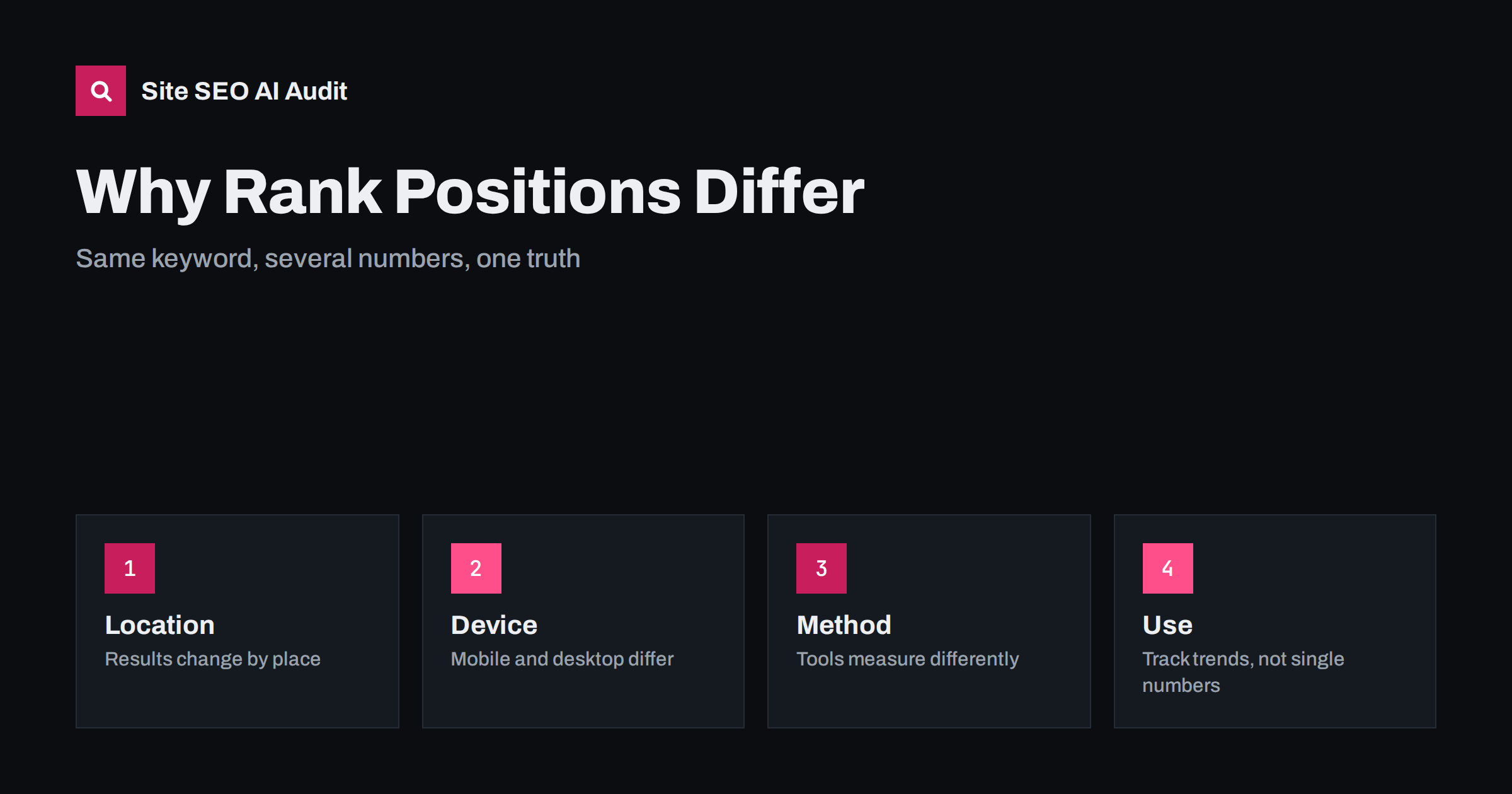
Short answer: Positions differ between tools because search results are not one list. They vary with the searcher’s location, device, language, search history and the exact time, and every tool measures in its own way: a fixed place and device, a different counting of features such as maps and videos, or an average over many real searches, as Search Console does. No single number is the true position. Choose one method, define the location and device you care about, track the same keywords on a schedule and judge trends and clicks, not a single rank.
It is a familiar moment: the rank tracker shows a page at position 3, Search Console reports an average of 7.4, a colleague searches and sees the page lower, and a client in another city does not see it at all. Someone concludes that one of the tools is wrong. Usually none of them is. They answer slightly different questions under different conditions. Understanding the differences stops pointless arguments, helps you pick the right measure for a decision and keeps reports honest. This guide explains the causes and offers a simple way to use positions without being misled. For the data behind real searches, see the Search Console performance report guide.
Search results vary by location
Search engines adapt results to the place of the searcher, especially for queries with local intent, such as services, shops and restaurants, but also for many general queries. A search from one district can show different businesses than one from the next town. Even for informational queries, the country and language can change the order. A rank tracker usually checks from one chosen place, such as a country or a city, while real visitors search from everywhere. This is why a tool can show a great position for one city and a poor one for another. When you track local keywords, choose the locations that match your service area and track each separately, and see AI search for local businesses for the wider local picture. For international sites, track every country version in its own market, using Search Console for international sites.
Device and interface change the list
Results differ between phones and computers, because layouts, features and sometimes the ranking itself differ. A page can sit high on mobile and lower on desktop, or the reverse. Most searches now happen on phones, so tracking only a desktop view can mislead. Choose the device that fits your audience, and ideally track both. Interface elements also matter: in some results the first organic link appears far down the screen because of ads, maps, videos, shopping boxes, answer boxes and questions. A position of 1 for a blue link may be below the visible part of the page, while position 4 may be seen right away. Because of this, ask whether your measure counts organic position, visible position on the screen or presence in a feature. The effect of features is explained in zero-click search and featured snippets.
Personalization and context are real, but often overstated
Search engines may use signals such as language, recent activity on the device or the situation of the query. Personalization of ordinary organic results is usually less dramatic than people expect, but differences do occur, especially for repeated searches, local intent and queries where freshness matters. When you check a ranking by hand, use a private window and note the location, but remember that this only reduces the variation and does not remove it. A manual check shows one result for one moment, so it is useful as a quick look, not as a measurement. For recording and comparing, use a method that repeats under the same conditions every time.
Results change from hour to hour
Search results are not static. Engines test changes constantly, update their data in stages and may show slightly different lists to different users at the same moment. News and shopping queries can change several times a day, and a new competitor page can push yours down temporarily. Rank trackers usually check at set intervals, so each check is one sample. A small movement of one or two places from day to day is normal noise. For this reason, look at a trend over weeks and use an average over several checks when you evaluate a change, as described in how to test SEO changes. A sudden fall across many pages and keywords is a different matter, and deserves the checks in the guide to responding to a ranking drop.
Tools count positions in different ways
Tools differ in what a position means. Some count only the organic blue links, others include every feature as a position or measure the pixel distance from the top. Some record the highest position of any page from your site for a keyword, and others track one chosen URL. Some use a simulated search from a data centre, others use panels or data from real users. They also differ in how often they check, how many results they check and how they treat results where your site appears several times. When you compare two tools, ask what exactly each measures. If you change the tool, expect a break in the series, and note it in your reports so that no one mistakes it for a change in performance.
Search Console reports an average, not a rank
The Search Console figure is the average position of your pages for a query across all impressions in the chosen period. If a page appeared at position 2 for some searches and at position 12 for others, the average is somewhere in the middle, and it is not the position that any one person saw. Averages change when impressions come from new queries, new countries or new devices, even if nothing on the page changed. The tool reports real searches, so it reflects the audience that actually sees you, but it does not show the position for a specific location unless you filter by country or device. Use it to find patterns and to see which queries bring clicks, and read it together with clicks and impressions, as explained in low CTR and impressions without clicks. For understanding what an average hides, filter by page, query, country and device.
Choose the keywords and tracking set with care
Tracking too many keywords wastes time and creates noise. Choose a set that represents the business: a few core terms, some important long-tail phrases, the brand name and a sample of terms for each topic or product line. Group them by topic and intent, and record the page that is expected to rank for each one, using keyword mapping. Separate branded from non-branded terms, because they move for different reasons, as explained in branded vs non-branded search. Review the list every quarter, remove phrases that no longer matter and add new ones from real queries in Search Console. A good set of fifty well-chosen terms is more useful than five thousand random ones. Add a note to each keyword about its purpose, such as brand protection, a product launch or a seasonal topic, so that anyone reading the report knows why it is tracked and when it can be dropped.
Report positions in a way that helps decisions
Decide on one primary method and describe it in every report: the tool, the location, the device, the language, the frequency and whether the number is a rank or an average. Present trends over time, distribution bands such as the share of tracked terms in the top three, top ten and beyond, and the change since the last period, and combine them with clicks and conversions. Do not promise positions to clients or managers, and avoid treating a rank as the goal in itself, since a high position for a phrase that brings no business is not a success. Explain differences in plain words when someone shows a different number, and offer to check under the same conditions. For report structure, see SEO reporting for clients.
Site SEO AI Audit does not track keyword rankings. It crawls your site, scores about 50 checks per page and ranks fixes by the points they add, so you can fix the technical and on-page problems that hold results back. The first audit of up to 200 pages is free; larger sites can see the pricing page.
Related reading
- Keyword Difficulty and Search Volume
- International SEO Reporting KPIs
- Crawl Stats Report in Search Console
- Search Console Data Export
The bottom line
Position numbers differ because search results differ by place, device and time, and because tools measure in their own ways. Pick one method, define its conditions, track a sensible set of keywords and judge trends together with clicks, not any single number.
BUJ
Which ranking number should I trust?
Trust none as the only truth. Use Search Console for real averages and clicks, and a rank tracker with fixed conditions for trends on chosen keywords.
Why does my page rank differently when I search myself?
Your location, device, language and recent activity influence what you see. A manual search is one sample, so use it as a quick look only.
How often should I track rankings?
Weekly is enough for most sites, and daily checks are useful for key terms during a change. Judge trends over weeks, not single days.
Is a position of 1 always the top of the page?
No. Ads, maps, videos and answer boxes can appear above the first organic link, so its visible place on the screen may be lower than the number suggests.
Does Search Console show my exact rank?
No. It shows the average position across all impressions in the period, which is useful for patterns but not the position any single person saw.