 ENEnglish
 LTLietuviškai
 DEDeutsch
 FRFrançais
 RUРусский
 ESEspañol
 PLPolski
 ITItaliano
 UKУкраїнська
 CSČeština
 PTPortuguês
 JA日本語
 LVLatviešu valoda
 ETEesti
 HUMagyar
 IDBahasa Indonesia
 TRTürkçe
 HIहिन्दी
 ELΕλληνικά
 ARالعربية
 THไทย
 VITiếng Việt
 RORomână
 MSBahasa Melayu
 BNবাংলা
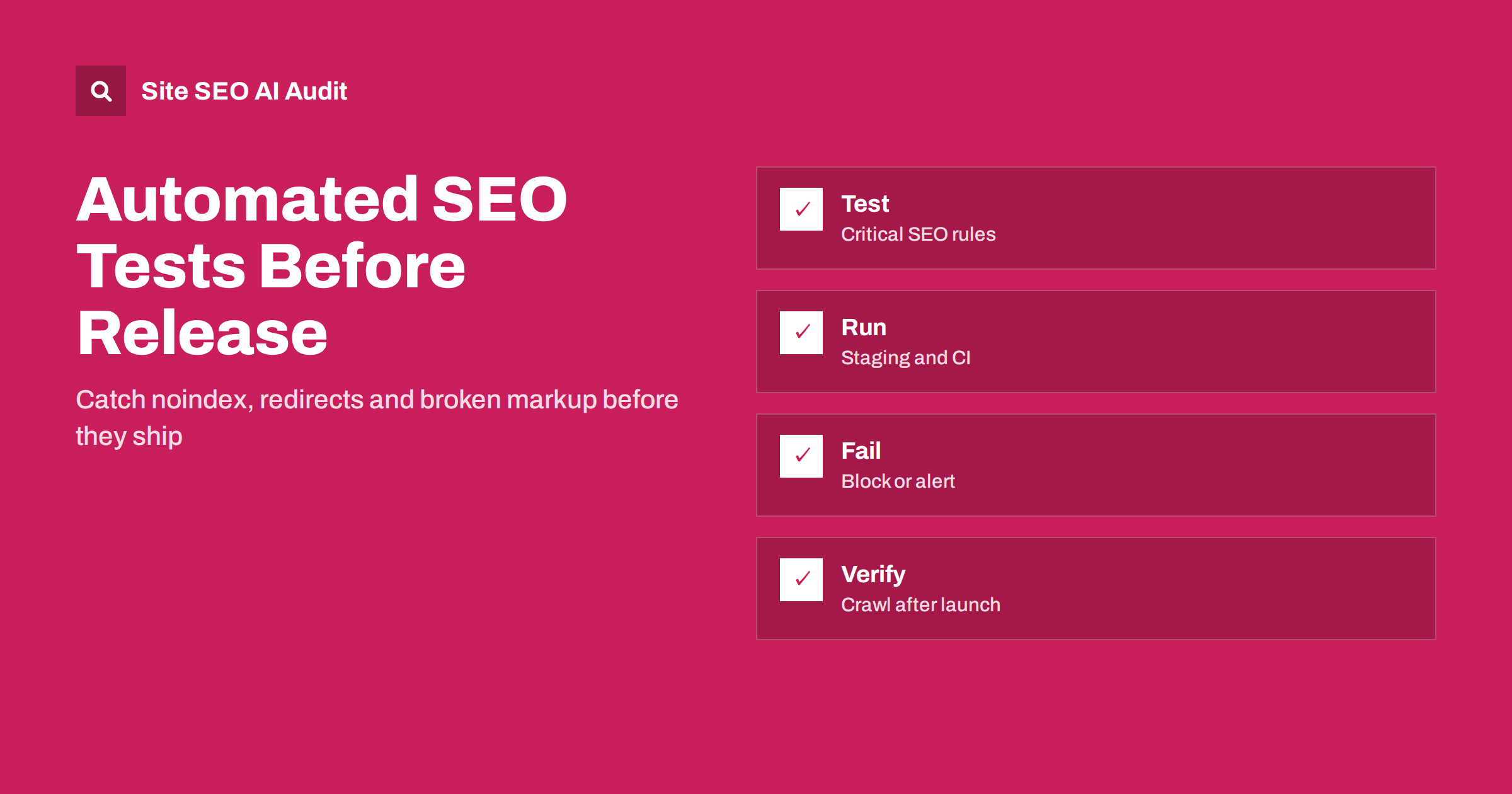
Short answer: SEO regression tests are small automated checks that run before or right after a release and fail when something important breaks: a noindex tag on a live template, a changed canonical, a missing title, a blocked robots.txt, a broken redirect or invalid structured data. Start with a short list of critical rules on key templates, run it in staging or continuous integration, decide which failures block a release and add a crawl after launch to catch what tests miss.
Many of the worst SEO disasters are not strategic mistakes but accidents. A developer copies staging settings to production and leaves noindex in place. A redesign drops the canonical tag. A new plugin rewrites titles. A redirect rule is lost during a server move. These problems are cheap to prevent and costly to repair, because search engines may have dropped pages before anyone notices. Software teams already use automated tests to protect checkout and login; the same discipline can protect search visibility. This guide explains what to test, how to run tests and how to keep the system small enough to be maintained. For the requirements developers should know, see the guide to SEO requirements for developers.
Why regressions happen
Understanding the causes helps you decide where tests will pay off first.
Websites change constantly, and the people who change them often do not think about search. A designer replaces a template, a marketer installs a script, a developer upgrades a framework, an administrator edits the server configuration. Each change is reasonable on its own, yet the combination breaks something that was working.
The effect is often delayed. Pages may stay in search results for days after a noindex tag appears, and the traffic drop is noticed only when a report arrives. By then, recovery takes weeks. Automated tests shorten the time between a mistake and its detection from weeks to minutes, which is why they are among the most valuable SEO investments for sites that change often.
What to test first
Do not try to test everything. Choose rules whose failure would be serious and which are easy to express as a yes or no. A practical starting list contains the following checks, applied to a small set of representative URLs.
| Check | Failure it catches |
|---|---|
| Status code is 200 for key pages | Errors, redirects or access walls |
| No noindex in the meta robots tag or X-Robots-Tag header | Pages removed from the index by accident |
| robots.txt does not block the whole site | Staging rules copied to production |
| Exactly one canonical pointing to the expected URL | Missing, duplicated or wrong canonical |
| Title, description and one H1 are present | Template changes that empty or duplicate them |
| Structured data parses without errors | Broken JSON-LD after a template change |
| Important redirects still return 301 | Lost redirect rules after a migration |
Seven checks on ten pages already protect against most disasters. You can extend the list later with hreflang return links, sitemap contents, link counts and performance budgets.
Choose representative pages
The list of pages is the foundation of the suite, so it deserves a little thought before any code is written.
Pick one or two URLs for each template: home, category, product, article, landing page, search page and a page in each language. Templates matter more than individual pages because a template fault affects thousands of URLs. Include a few URLs that should not be indexed, such as login or internal search pages, and check that they still carry the right directive.
Keep the list in a file that lives next to the code, so developers can add a URL when they add a template. A test list that nobody updates becomes false comfort. Review it whenever you launch a new section.
Write simple checks
Simplicity is a feature. A check that a new team member can read in a minute is a check that will still be running in two years.
Most checks need only an HTTP request and an HTML parser. A script can fetch each URL, read the status code, headers and HTML, and compare them with expectations. Libraries for browser automation can be used when the page depends on JavaScript, to check what appears after rendering. Open-source SEO crawlers and linters also offer command-line modes that fit into a pipeline.
Write the expectations as data rather than as code: URL, expected status, expected canonical, whether indexing is allowed. When a check fails, the message should say what was found and what was expected, for example “canonical points to staging.example.com; expected www.example.com”. A clear message turns a failed test into a quick fix.
Run tests in the right places
Run the fast checks in continuous integration whenever code is merged, against a preview or staging environment. Run the same tests again against production right after deployment, because configuration, caching and redirects can differ between environments. Schedule a daily run as well, to catch changes made outside the deployment process, such as an edit in the content system or a change by the hosting provider.
Remember that staging should be blocked from search engines, and that the block must not travel to production. Add a test for exactly this: on staging, the environment should be protected; on production, it should be open. The guide on staging sites that get indexed explains how it goes wrong in both directions.
Decide what blocks a release
Not every failure deserves to stop a launch. Give each rule a severity. A noindex on a revenue template, a robots.txt that blocks everything or a canonical pointing to the wrong domain should block the release. A missing meta description on a low-traffic page can create a ticket instead. Agree on these levels with the developers in advance, so that a failure leads to a decision rather than an argument.
Also define who responds. Alerts that go to a shared inbox are ignored; alerts that name an owner and a deadline are acted upon. Keep a record of failures and fixes, as part of a habit similar to the one described in the article on SEO changelogs.
A sample failure and how it is handled
Imagine a shop that moves its theme to a new framework. On Friday afternoon the pipeline runs the suite against the preview site. The product template check fails: the page returns 200, but the meta robots tag says noindex, nofollow, a setting inherited from the development configuration. The message names the URL, the found value and the expected one. The release is blocked, a developer removes the setting within minutes and the pipeline passes.
Without the test, the site would have gone live with every product page excluded from the index. The first sign would have been a slow decline in impressions the following week, then a hunt through settings, a fix, a request for recrawling and weeks of recovery. The cost of the test was a script of a few dozen lines. This asymmetry is the reason the practice is worth the setup effort even for small teams.
Notice also what the process left behind: a record of the failure, the cause and the fix. Over a year, such records show which parts of the system break most often, and they guide where to add further checks or where a deeper fix in the platform is needed.
Add a crawl after launch
Tests on a short list of URLs cannot see everything. After a major release, run a crawl of the whole site, or of the first few hundred pages, and compare the result with the previous one. Look for new errors, changed titles, missing canonicals, broken links and redirect chains. A crawl finds problems on pages you did not think to list.
Site SEO AI Audit crawls your site and ranks the issues it finds by impact, across crawl and index, on-page, links, speed, structured data, languages and AI visibility. The first audit of up to 200 pages is free, and paid plans add re-checks, scheduled audits and comparison, which suit this kind of before-and-after work.
Keep the system maintainable
A test suite that nobody trusts is worse than none. Remove checks that fail for harmless reasons, fix flaky ones and keep the list short enough that every item is understood. Document what each check protects, and review the suite after each incident: if a problem slipped through, add a test for it. After a migration, include redirect tests from your redirect map, as in the guide to redirect maps.
Finally, remember that tests protect against known failures. They do not replace judgment, content quality or regular audits. Treat them as a seat belt, not as a driver. Review the suite twice a year, with a developer and an editor in the room, and ask what recent change would have slipped through it.
Related reading
The bottom line
A short suite of automated checks on key templates, run in staging, after deployment and daily, catches the accidents that cost the most traffic.
BUJ
What is an SEO regression test?
It is an automated check that confirms important SEO elements, such as indexability, canonicals and titles, still work after a change.
Do I need developers to set this up?
Basic checks can be scripted by a technically minded SEO, but running them in a pipeline is easier with a developer’s help.
Which failures should stop a release?
Accidental noindex, a blocking robots.txt, wrong canonicals on key templates and broken critical redirects.
How many pages should the tests cover?
One or two per template is a good start. A full crawl after launch covers the rest.
Are tests enough without a crawl?
No. Tests check known rules on chosen pages, while a crawl finds unexpected problems across the site.


