 ENEnglish
 LTLietuviškai
 DEDeutsch
 FRFrançais
 RUРусский
 ESEspañol
 PLPolski
 ITItaliano
 UKУкраїнська
 CSČeština
 PTPortuguês
 JA日本語
JA日本語 LVLatviešu valoda
 ETEesti
 HUMagyar
 IDBahasa Indonesia
 TRTürkçe
 HIहिन्दी
 ELΕλληνικά
 ARالعربية
 THไทย
THไทย VITiếng Việt
 RORomână
 MSBahasa Melayu
 BNবাংলা
#Search Console
Google Search Console is the free tool that shows how Google crawls, indexes and displays your website. Articles tagged here explain its reports, including page indexing, sitemaps, Core Web Vitals and URL inspection. They show what each status means and which ones need action. Each guide explains how to confirm a problem on the live site before fixing it. You will also learn the limits of the data and how to combine it with a full crawl. Used well, it is an early warning system for technical problems.
 2026. gada 31. aug. · Lasīšanas laiks: 8 min
Search Console for International Sites: Reports That Matter
How to use Search Console on a multilingual or multi-country site: properties per version, country and folder filters, indexing checks and wrong versions.
 2026. gada 29. aug. · Lasīšanas laiks: 8 min
Structured Data Errors: How to Find and Fix Invalid Schema
The structured data errors audits find most often, from invalid JSON-LD to missing fields and markup that does not match the page, and how…
 2026. gada 18. aug. · Lasīšanas laiks: 8 min
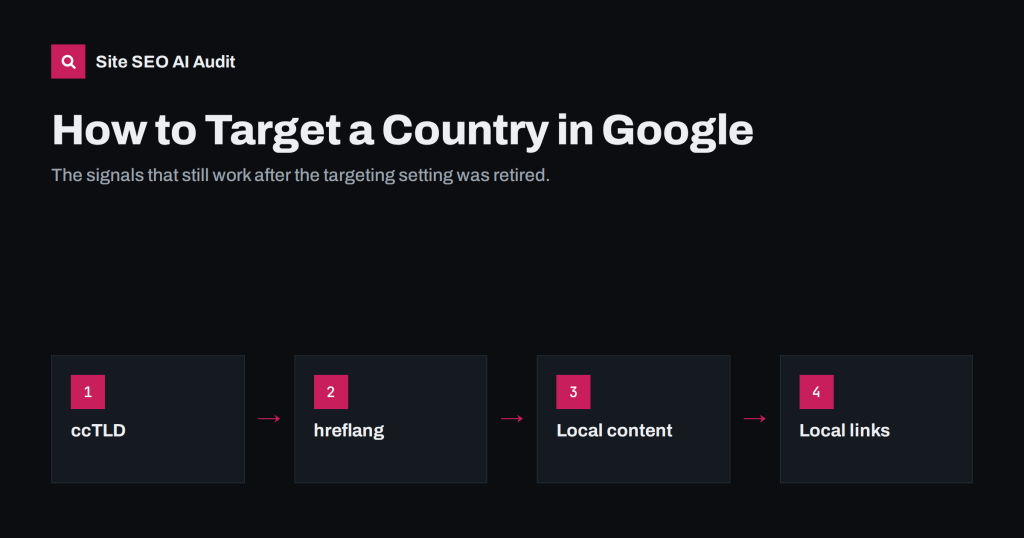
How to Target a Specific Country in Google Search Today
Google retired its country targeting setting, so how do you target a country now? The signals that still work: domains, hreflang, local content and…
 2026. gada 15. aug. · Lasīšanas laiks: 8 min
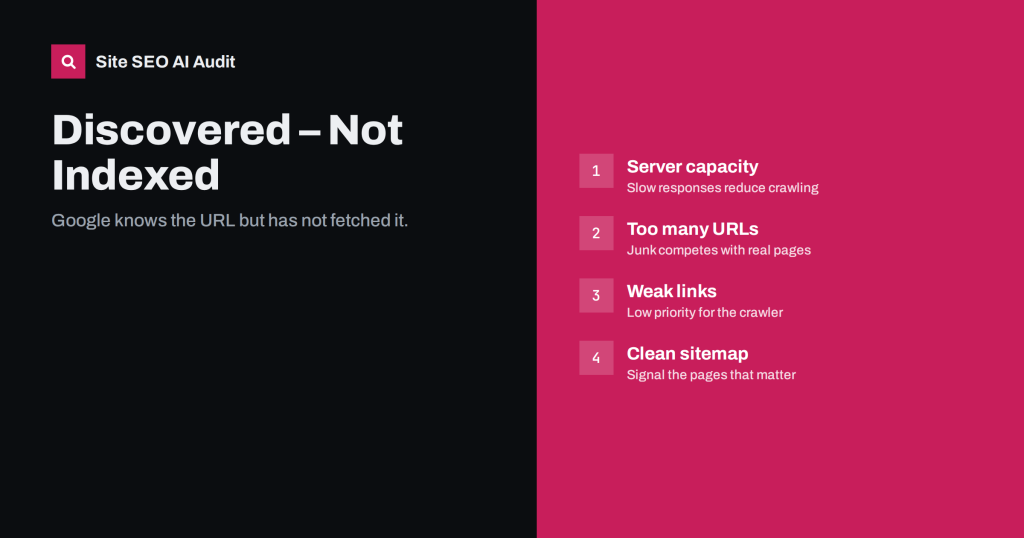
Discovered – Currently Not Indexed: Why and How to Fix It
Google knows these URLs but has not crawled them. Learn what the status says about crawl priority and server capacity, and how to get…
 2026. gada 14. aug. · Lasīšanas laiks: 8 min
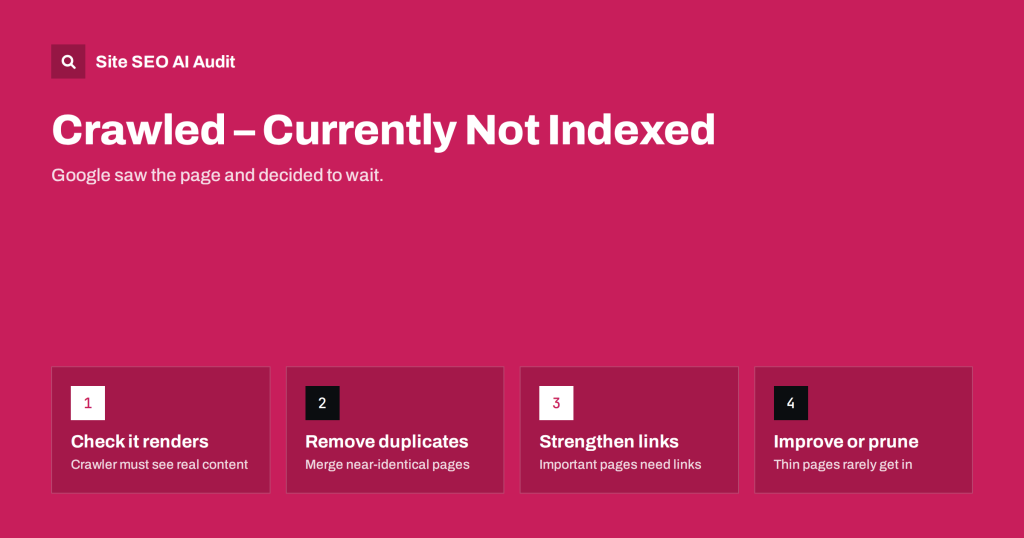
Crawled – Currently Not Indexed: Causes and Real Fixes
Why Google crawls a page but leaves it out of the index, how to tell a quality problem from a technical one, and the…
 2026. gada 11. aug. · Lasīšanas laiks: 7 min
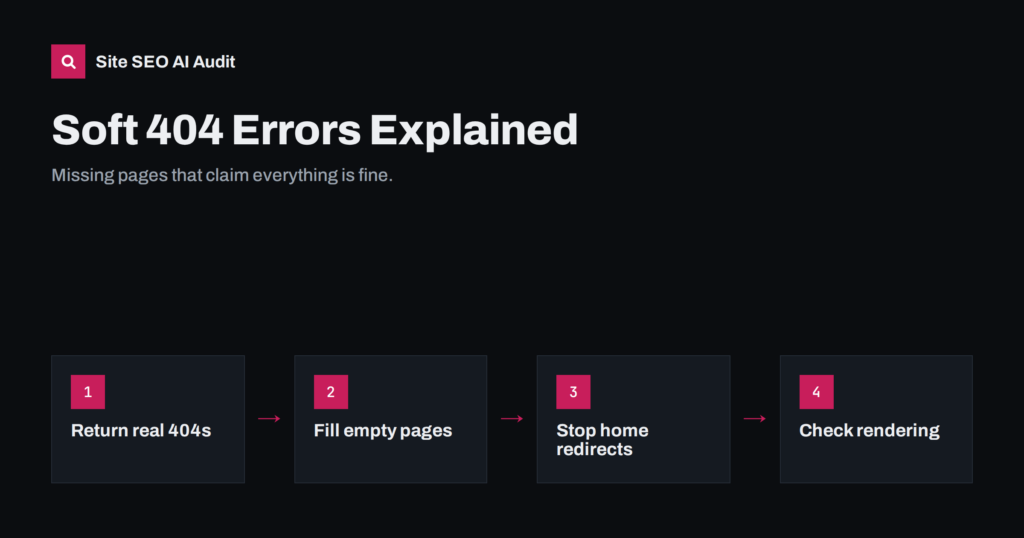
Soft 404 Errors: What They Are and How to Fix Them
A soft 404 is a page that looks missing or empty but returns 200 OK. Learn the common causes, how to confirm them and…