 ENEnglish
 LTLietuviškai
 DEDeutsch
 FRFrançais
 RUРусский
 ESEspañol
 PLPolski
 ITItaliano
 UKУкраїнська
 CSČeština
 PTPortuguês
 JA日本語
JA日本語 LVLatviešu valoda
 ETEesti
 HUMagyar
 IDBahasa Indonesia
 TRTürkçe
 HIहिन्दी
 ELΕλληνικά
 ARالعربية
 THไทย
THไทย VITiếng Việt
 RORomână
 MSBahasa Melayu
 BNবাংলা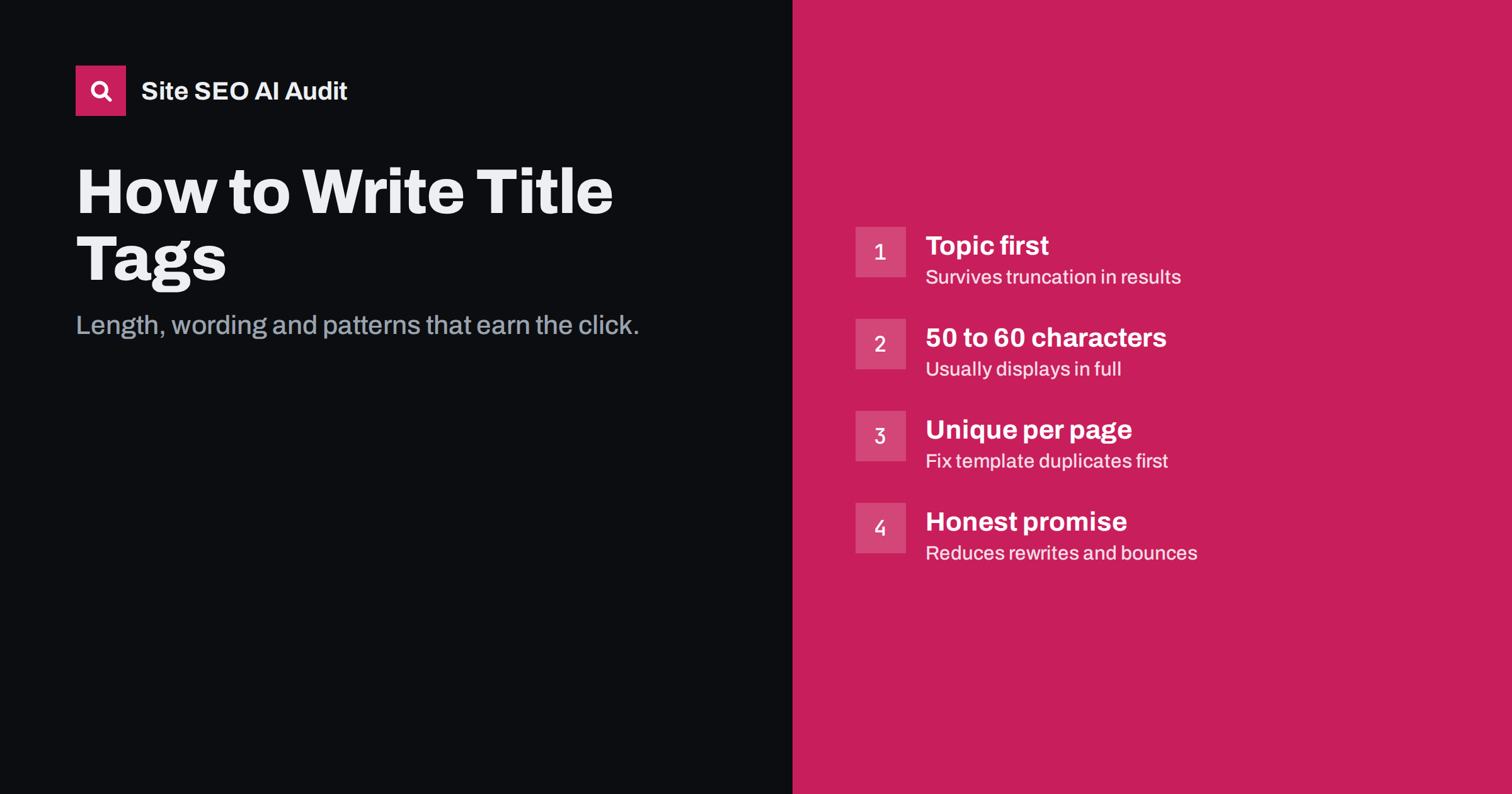
Short answer: A good title tag names the page’s main topic in the words people search for, puts that phrase near the start, and stays around 50 to 60 characters so it is not cut off in search results. Every page needs its own unique title. Write it for the person scanning the results first: specific, honest about what the page delivers, and free of keyword repetition.
What a title tag is and where it appears
The title tag is an HTML element in the <head> of a page: <title>Your page title</title>. Visitors rarely see it on the page itself. It appears in the browser tab, in bookmarks, as the default text when someone shares a link, and, most importantly, as the clickable headline in search results.
That last point is why title tags matter so much. The title does two jobs at the same time. It tells search engines what the page is about, which makes it one of the strongest on-page relevance signals. And it is the first thing a searcher reads when deciding which result to open. A title that ranks but does not earn the click wastes the ranking.
The title tag is not the same thing as the H1 heading on the page, although the two often say something similar. The H1 greets people who have already arrived; the title has to win them over from a list of alternatives.
How long should a title tag be?
Search engines do not use a strict character limit. They truncate titles by the width in pixels that fits the results layout, which is why a title full of wide letters gets cut off sooner than one with narrow letters. In practice, titles of roughly 50 to 60 characters usually display in full on desktop. Longer titles are not penalized, but the end will be replaced by an ellipsis.
So the useful rule is not “never exceed 60 characters” but “make sure the important part comes first”. If the title is cut, the reader should still understand what the page is about.
- Too short (under about 30 characters): often too vague to stand out, such as “Services” or “Blog”.
- About right (roughly 45 to 60 characters): room for the topic, a qualifier and sometimes the brand.
- Too long (over about 65 characters): the end is likely truncated, and search engines are more likely to rewrite it.
The anatomy of a strong title
Most effective titles combine three parts, in this order of importance:
- The main topic or phrase. What the page is about, in the words your audience uses. “Meta descriptions”, “emergency plumber in Leeds”, “waterproof hiking boots”.
- A qualifier that shows the angle. What kind of page it is or what makes it useful: “how to write them”, “24/7 call-out”, “for wide feet”, “step-by-step guide”, “price list”.
- The brand, if there is room. Useful for recognition, especially on commercial pages. Usually placed at the end after a separator such as a dash or vertical bar.
For example, compare these titles for the same guide:
- Weak: “Home | Blog | Article 42”
- Weak: “Meta Description, Meta Descriptions, Best Meta Description Tips”
- Better: “How to Write Meta Descriptions That Earn the Click”
The better version names the topic, promises a specific outcome and reads like something a person wrote.
Title tag rules that hold up
Make every title unique
Two pages with the same title are hard for search engines to tell apart, and hard for searchers to choose between. Duplicate titles are one of the most common findings in site-wide audits, usually because a template gives every page in a section the same title, or because pages were cloned and never updated.
Lead with the topic
Put the main phrase near the start. It helps readers scan, and it survives truncation. Starting every title with your company name pushes the useful part to the end, where it may be cut off.
Match the intent of the search
If people searching the phrase want a comparison, say so in the title. If they want a price, and your page shows prices, mention it. A title that promises the type of page the searcher expects is more likely to be clicked.
Be honest
Clickbait may lift clicks briefly, but visitors who do not find what the title promised leave quickly. Titles that overpromise also tend to be rewritten by search engines.
Avoid keyword stuffing
Listing variations of the same phrase does not help relevance and makes the result look like spam. One clear phrase, used naturally, is enough.
Use numbers and years only when they are true
“7 steps” is useful if there really are seven steps. A year belongs in the title only when the content is genuinely time-bound and you will keep it updated.
Check how it reads on a phone
Many searches happen on mobile, where titles can wrap onto two lines and look different from the desktop preview. Read your title on a small screen before publishing. If the first few words do not tell the reader what the page is, move the topic forward. A quick test: cover everything after the first 35 characters and ask whether the remaining words still make sense on their own.
Title examples by page type
| Page type | Pattern | Example |
|---|---|---|
| Home page | What you do + for whom + brand | Accounting Software for Freelancers | Brandname |
| Service page | Service + location or angle + brand | Boiler Repair in Bristol, Same-Day Visits | Brandname |
| Product page | Product name + key attribute + brand | Trail Runner 3 Waterproof Shoes | Brandname |
| Category page | Category + scope | Women’s Running Shoes: Road, Trail and Racing |
| Guide or article | Topic + outcome | How to Choose Running Shoes for Flat Feet |
| Comparison | X vs Y + decision angle | Shared Hosting vs VPS: Which One Does Your Site Need? |
Patterns help large sites stay consistent, but check that templates produce readable results. A product title template that outputs “Product | Category | Subcategory | Brand” wastes most of its space.
Why search engines rewrite titles
You write the title tag, but search engines decide what to show. They may replace your title with the H1, a heading from the page, anchor text from links, or a combination. This happens most often when the title is missing, too long, stuffed with keywords, identical across many pages, or does not describe the page well.
You cannot stop rewrites completely, but you can make them rare. Keep the title close in meaning to the H1, keep it a sensible length, make it unique, and describe the page accurately. Google explains how it generates title links in its title link documentation, which is worth reading once.
Finding and fixing title problems across a site
On a ten-page site you can check titles by hand. On anything larger, you need a crawl. The typical issues to look for are:
- Missing titles, often on pages generated by plugins or scripts.
- Duplicate titles, usually from templates, pagination or filtered pages.
- Titles that are too long or too short.
- Titles that do not mention the page’s topic at all, such as “Untitled” or just the brand name.
- Titles that differ completely from the H1, which confuses both readers and search engines.
Fix in order of reach. A template that gives 300 pages the same title is one fix with a large effect. After that, rewrite titles on your most important pages by hand, starting with those that already receive impressions in search but few clicks.
Site SEO AI Audit checks titles on every page it crawls and weights each issue by how many pages it affects, so template problems rise to the top of the fix list. On WordPress sites it also shows where to change the title in wp-admin and in your SEO plugin. The first audit of a website is free; plans with re-checks are on the pricing page.
Related reading
- What Is On-Page SEO? The Elements That Actually Matter
- What Is Generative Engine Optimization? A Plain Guide
The bottom line
Treat each title tag as a one-line advert for its page. Name the topic first, add an honest angle, keep it around 50 to 60 characters, and make it unique across the site. Fix template-level duplicates before polishing individual pages, and recheck after changes. Good titles will not guarantee a ranking, but they make sure the ranking you earn turns into visits.
BUJ
Is there a maximum length for title tags?
There is no hard limit, but search engines truncate titles that are wider than the results layout. Titles of about 50 to 60 characters usually show in full. Longer titles are not penalized, but the end may be hidden.
Should I include my brand name in every title?
It is common and useful on commercial pages, usually at the end after a separator. On long article titles you can drop it when space is tight. Search engines sometimes add the site name themselves.
Should the title tag and H1 be the same?
They should describe the same topic, but they do not have to be identical. The title is written to win the click in search results, while the H1 greets visitors on the page. Keeping them close in meaning reduces the chance of the title being rewritten.
How often should I change my title tags?
Only when there is a reason, such as a page that gets many impressions but few clicks, a change in the page’s content, or a title that is outdated. Constant changes make it hard to measure what works. After changing a title, give search engines time to recrawl the page.
Why does Google show a different title from the one I wrote?
Search engines rewrite titles they consider missing, too long, repetitive or not descriptive of the page. They may use the H1 or another heading instead. A unique, accurate title of sensible length is usually shown as written.


