ENEnglish
 LTLietuviškai
 DEDeutsch
 FRFrançais
 RUРусский
 ESEspañol
 PLPolski
 ITItaliano
 UKУкраїнська
 CSČeština
 PTPortuguês
 JA日本語
JA日本語 LVLatviešu valoda
 ETEesti
 HUMagyar
 IDBahasa Indonesia
 TRTürkçe
 HIहिन्दी
 ELΕλληνικά
 ARالعربية
 THไทย
THไทย VITiếng Việt
 RORomână
 MSBahasa Melayu
 BNবাংলা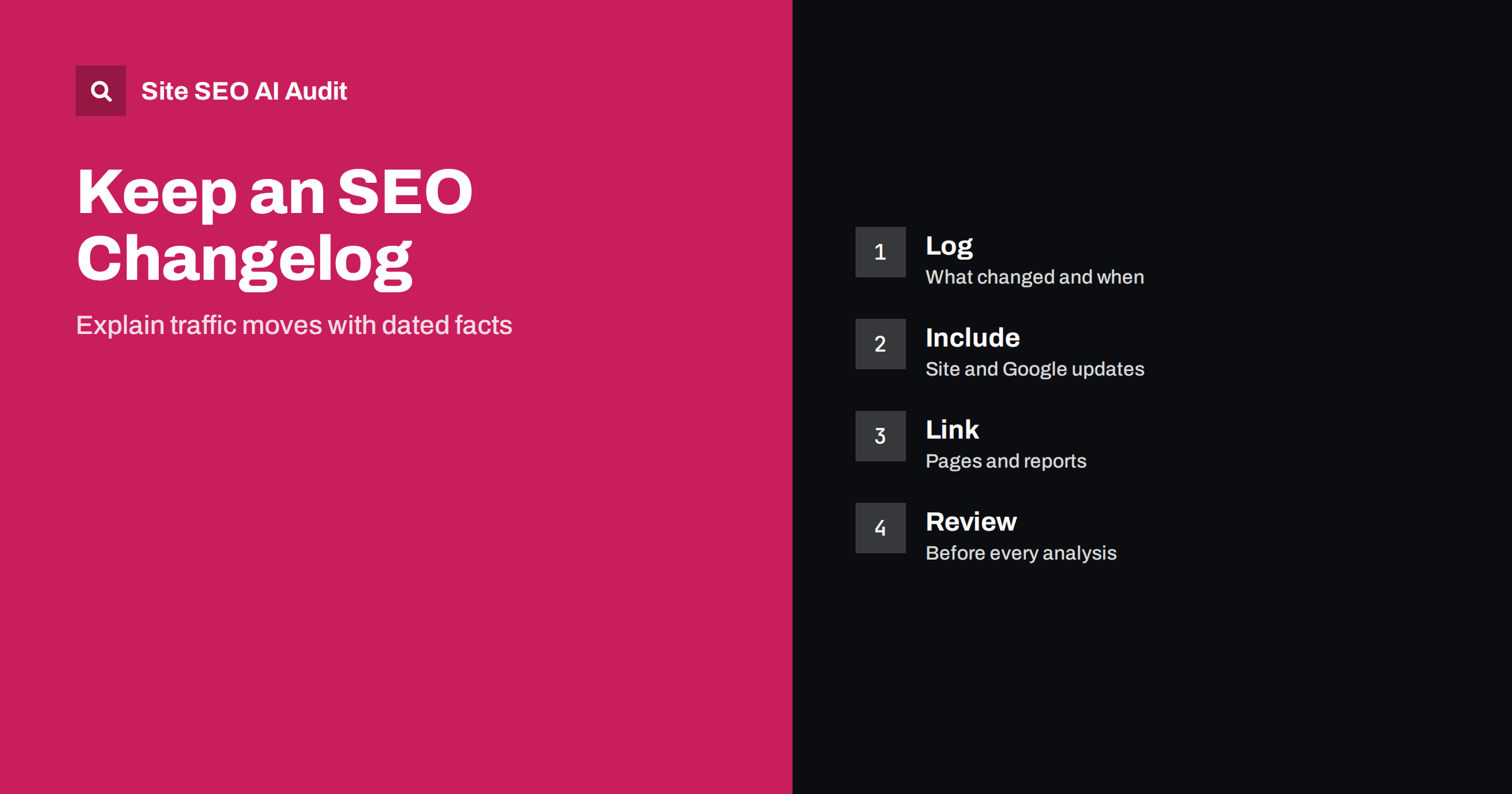
Short answer: An SEO changelog is a dated list of everything that might affect search visibility: releases, content edits, redirects, template changes, robots.txt edits, migrations and outside events such as algorithm updates. When traffic moves, the log lets you check what happened just before, instead of guessing. A simple shared spreadsheet is enough, as long as every change is recorded with a date, a place, a short description and an owner.
Most traffic drops are mysteries for a few days and then become obvious: a developer changed a template, a plugin updated and added a noindex tag, a migration moved a section. The difficulty is finding the cause among many small changes by several people. A changelog turns the investigation from a hunt into a lookup. This guide explains what to record, where to keep it, who should update it and how to use it when numbers change. It pairs well with the guide to SEO testing and measuring changes.
Why a log beats memory
People forget, teams change and releases happen on days that nobody notes. A site with a content team, a development team, a marketing team and an agency produces dozens of changes per month. Search results also move for reasons outside your control. Without a record, you cannot separate your own actions from outside events. With a record, you can see that a drop began the day after a release or that a gain followed a content update by three weeks.
A log also helps with learning. After a year, you can see which kinds of change were followed by gains, which had no effect and which caused trouble. That evidence guides future priorities better than opinion does.
What to record
Keep each entry short and consistent. The fields that matter are:
- Date, and time if the change was a release or an emergency fix.
- Scope: the page, the group of pages, the template or the whole site.
- Type: content, template, technical, redirect, robots, structured data, migration, link, tracking or other.
- Description: what changed, in plain words, with a link to the ticket or pull request.
- Reason: what the change was meant to achieve.
- Owner: the person or team who made it.
- Expected effect and the date by which you will check it.
Do not try to log every typo fix. Record anything that changes titles, headings, main text, internal links, canonical tags, indexing directives, redirects, sitemaps, structured data, speed, navigation or the way the page is rendered. When unsure, log it. A line costs a minute and may save a day.
Record outside events too
Add events that you did not cause but that can move traffic. These include announced core updates and spam updates from search engines, outages, hosting changes, certificate expiry, changes in a competitor’s site, seasonal peaks, public holidays, press coverage, advertising campaigns and changes in the data you use, such as a new version of an analytics property. An explanation based on a dated outside event is much more convincing than one based on a hunch. Search Console and the status pages of search engines show announced updates. The process after a ranking update is covered in the guide to core update recovery.
Where to keep it
Use the simplest tool that everyone will update. A shared spreadsheet with one row per change works well for small teams. Larger teams can use a page in their knowledge base or a tag in their ticket system, so that deployments with SEO impact are labelled automatically. Some analytics tools allow annotations on charts, which are useful as a visual aid, but annotations are tied to one tool and are easy to lose. Keep the master list in a place that does not depend on a single account.
Make updating the log part of the process instead of a separate chore. A release checklist can include a line asking whether the release affects titles, links, markup or crawling, and if so, who will add the entry. A line in an agency’s weekly report can list changes made. The log works only when people use it, so remove friction.
Link entries to evidence
An entry is more useful if it points to proof. Include the address of an example page, a screenshot of the before state, the ticket number, the commit or the date of the sitemap submission. For large changes, save a copy of the old title or a crawl export before and after. When you later wonder what a page looked like in March, you can answer in seconds. Save a crawl of the site every month or before major releases, so that you can compare states, using an audit as in the guide to technical SEO monitoring.
Use the log when numbers move
When traffic changes, begin with the log. Mark the date when the change began, using daily data in Search Console and analytics. Then read the entries from the preceding days and weeks, including outside events. Ask which changes touched the affected pages, whether the timing fits how fast search engines react and whether the pattern matches the type of change. For example, a noindex tag shows its effect as pages leave the index over days, while a content improvement may take weeks. The page indexing report in the guide to the page indexing report helps confirm indexing changes.
Be careful with causal claims. Two events near each other in time are not always related. Look for supporting evidence: do only the pages touched by the change show the movement, do similar untouched pages remain stable, does the direction fit what you would expect? If several explanations are plausible, say so, and test the most likely one first.
Review it on a schedule
Once a month, read the last month’s entries and compare them with the performance trend. Note changes that had no visible effect, since they are as informative as the ones that did. At the end of each quarter, summarise the biggest changes and their results in a few lines. This summary becomes a valuable document for new team members, for clients and for planning. It also protects you in discussions: when someone asks why traffic changed, you have a dated list instead of a feeling.
For agencies, a changelog is a form of transparency. A client who sees what was changed, when and why is more likely to trust the work, and a shared log reduces disputes about who did what. For in-house teams, the log is a bridge between marketing, content and engineering, who often work in separate tools. Give everyone read access and as many people as sensible write access.
Here is a short example. A site notices that traffic to its blog fell by a fifth on a Tuesday. The team opens the log and finds two entries on the previous Friday: a plugin update and a new cookie banner. A crawl shows that the plugin update added a noindex tag to blog category pages, and the cookie banner delays the main content for crawlers that do not click. They fix the plugin setting and move the banner to a lighter implementation. Because the log pointed to the two suspects, the diagnosis took an hour, not a week, and the log records the fix for future reference.
A second example is positive. A shop records that it rewrote titles on forty category pages on one date, and that it added internal links on another. A month later, clicks to those pages rose, while untouched categories stayed flat. The log shows which change preceded the rise and gives the team confidence to apply the approach elsewhere. Without the dates, the same data would be just a curve.
A few habits make the log more reliable. Write entries in plain language and avoid jargon that only one person understands. Use the same names for sections of the site every time, so that a search for products or blog finds all related entries. Record failed or reverted changes as well, because a rollback is a change too and often explains a short dip. Keep the log read-only for history: correct mistakes by adding a new line instead of rewriting an old one. Finally, back up the file regularly and keep a copy outside any single person’s account, so that the history survives when people change roles or leave the company.
Site SEO AI Audit crawls your website and scores it across seven areas, so repeating an audit before and after releases gives you a dated snapshot of issues such as redirects, canonicals, noindex tags, titles and broken links. It does not record your team’s changes for you, so keep the log yourself. The first audit of up to 200 pages is free, and the pricing page shows plans for repeated audits.
Related reading
The bottom line
Log every change that could affect search, with date, scope, owner and reason, add outside events, and read the log first whenever traffic moves.
FAQ
What tool should I use for an SEO changelog?
A shared spreadsheet or knowledge base page works well. Choose what your team will actually update.
Should I log small content edits?
Log anything that changes titles, headings, main text, links or markup. Skip trivial fixes such as a single typo.
Do I need to record search engine updates?
Yes. Dated outside events help you separate your own changes from changes in the ranking systems.
Who should update the log?
Whoever makes the change. Add a release checklist line so the entry is not forgotten.
Can a log prove what caused a drop?
It narrows the suspects. Confirm with evidence from crawls, indexing reports and comparison with untouched pages.