ENEnglish
 LTLietuviškai
 DEDeutsch
 FRFrançais
 RUРусский
 ESEspañol
 PLPolski
 ITItaliano
 UKУкраїнська
 CSČeština
 PTPortuguês
 JA日本語
JA日本語 LVLatviešu valoda
 ETEesti
 HUMagyar
 IDBahasa Indonesia
 TRTürkçe
 HIहिन्दी
 ELΕλληνικά
 ARالعربية
 THไทย
THไทย VITiếng Việt
 RORomână
 MSBahasa Melayu
 BNবাংলা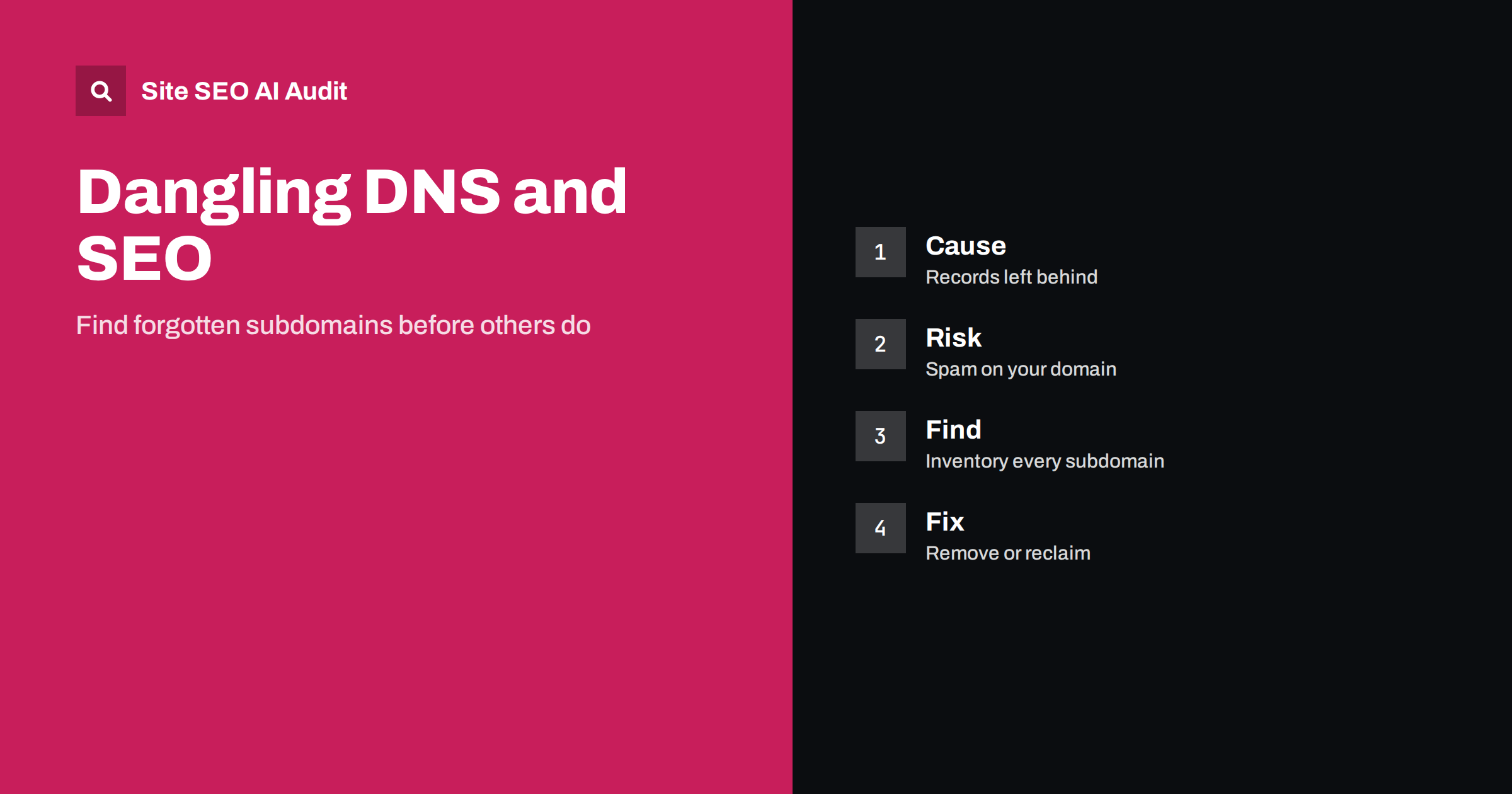
Short answer: A dangling DNS record is an entry that still points to a service you no longer use, such as an old hosting account, a retired campaign tool or a deleted cloud resource. If someone else can claim that service, they can publish content on your subdomain, which is called a subdomain takeover. The result can be spam, phishing or unwanted pages under your brand, with damage to trust, indexing and rankings. Prevent it by keeping an inventory of subdomains, removing records when a service ends and checking regularly for records that point nowhere.
Websites rarely stay simple. Over the years a company launches a blog on one platform, a help centre on another, a landing page tool for a campaign, a test environment for a developer and a shop for a season. Each often gets its own subdomain, with a DNS record that points to the outside service. When a project ends, people cancel the subscription and forget the record. The address still resolves, but the service behind it is gone, and in some cases anyone can register the same name at the provider and take over the subdomain. This is a security issue first, but it has real consequences for search visibility. This guide explains how it happens, what the risks are and how to find and fix the problem. For the changes that create these records, see the DNS changes guide.
How dangling records appear
A dangling record usually arises after a project is closed. The team deletes the account at a hosting, website builder, documentation or marketing platform, but the alias that pointed the subdomain to that platform remains in DNS. Other common sources are old content delivery network settings, staging servers that were turned off, cloud storage buckets that were deleted, domains of acquired companies, and records created by contractors who have left. The records are small and invisible to visitors, which is why nobody remembers them. Sooner or later they are found by automated scanners that look for exactly this pattern.
What a takeover means for your site
In a takeover, a third party signs up at the same provider, claims the unused name and starts to serve their own content from your subdomain. Visitors see your brand in the address bar, so they trust the page. The content may be adult or gambling spam, counterfeit goods, fake login forms or malware. Because the subdomain belongs to your domain, it may inherit cookies, trust and sometimes access to features that depend on the parent domain. Even without a takeover, a record pointing to a missing service shows an error page to anyone who visits, which looks careless. Treat each dangling record as a small open door.
How it harms search visibility
Search engines see a new, spammy site on your domain. Pages from the taken-over subdomain can be indexed, appear for unrelated queries under your name and attract complaints. Large amounts of spam on a domain can lead to automated demotion or to a manual action for hosting spam, and the effects can reach the whole domain, not only the subdomain. Brand searches may show unwanted results, and users who land on them may associate the content with you. Cleaning up takes time: the pages must be removed, the records fixed, and search engines need to recrawl and drop the old results. Compare the clean-up steps in the hacked site SEO spam guide.
Create an inventory of all subdomains
You cannot protect what you do not know. Build a list of every subdomain by combining sources: the DNS zone itself, your hosting and content delivery dashboards, certificate transparency logs, search results for your domain, analytics and server logs, Search Console properties and the knowledge of teams in marketing, support and development. Record for each subdomain what it is for, who owns it, which service it points to, when it was created and when it should be reviewed. Keep the inventory in a shared document and update it whenever a new service is added. An inventory that names an owner for each record turns forgotten records into assigned tasks.
Detect and fix records that point to missing services
Check each record to see whether the target still exists and belongs to you. Aliases that point to external provider names deserve the closest attention, along with records that point to addresses you no longer control. Visit each subdomain and look for error messages from the provider such as a missing site, an unclaimed project or a deleted bucket; these messages often confirm that the name can be claimed. Automated tools can run these checks regularly and report suspicious records. Add the check to your regular technical review, using technical SEO monitoring as a model, and repeat it after every migration or contract change.
When you find a dangling record, act at once. If the service is no longer needed, delete the record from DNS. If it is still needed, reclaim the resource at the provider first and then verify that it serves the correct content. If you suspect that a takeover already happened, remove the record, check which pages are served and take steps to remove them from search results, using the removal guide. Review cookies and security settings for the parent domain, and ask your security team whether credentials or sessions could have been exposed. Write down what happened and what changed, so that the same mistake does not repeat.
Build prevention into your process
The best protection is a rule that no service is cancelled before its DNS record is removed, and no record is created without an owner and an end date. Add this step to the checklist for closing projects, ending campaigns, changing hosting and offboarding contractors. For moves between providers, use the order recommended in the guide to switching web hosts: set up the new service, point the record, verify and only then close the old account. Where providers offer domain verification, use it, so that nobody else can claim your name. Limit who can edit DNS and log all changes.
Keep staging and test subdomains under control
Test and staging environments are a frequent source of both leaks and dangling records. Protect them with a login or access restrictions, mark them as not to be indexed and delete the records when the project ends. Do not leave a public test copy of your site, because it creates duplicate content, as discussed in the staging site guide. For campaign subdomains, set an end date and a reminder to remove the record and redirect useful addresses to a permanent page.
A short example of how it unfolds
Imagine a company that ran a seasonal campaign two years ago. The marketing team created a subdomain for a landing page tool, pointed a DNS alias to the tool and cancelled the subscription when the campaign ended. Nobody removed the alias. A scanner finds the unclaimed name, a stranger registers it at the tool provider and publishes pages selling counterfeit goods under the company’s subdomain. Search engines discover links to those pages, index them and show them for brand-related searches. Customers complain, the security team investigates and the SEO team has to remove hundreds of pages. A five-minute step at the end of the campaign, deleting one record, would have prevented all of it.
Signals that something is wrong
Watch for early warnings. Unexpected subdomains appear in Search Console reports or in search results for your domain. Pages in another language or on unrelated topics are indexed under your name. Your server or security monitoring shows requests to a subdomain you do not recognise. Users or partners report strange content under one of your addresses. A site search for your domain followed by a subdomain filter can reveal indexed pages quickly. Treat each of these as urgent, and check the DNS record first, since the fix is usually fast once the cause is known.
Site SEO AI Audit crawls the pages and links of your site like a search engine and reports status codes, redirects, broken links and canonical problems, which can reveal a subdomain that links to missing content. It does not scan your DNS zone or test for takeover risk, so use a DNS inventory and a dedicated security check for that. The first audit of up to 200 pages is free; larger sites can see the pricing page.
Related reading
The bottom line
Forgotten DNS records can hand your subdomains to strangers. Keep an inventory with owners, delete records when services end, check for records that point nowhere and make DNS cleanup part of every project closure.
FAQ
What is a subdomain takeover?
It happens when a DNS record points to an external service that no longer exists, and someone else registers that service name and serves content on your subdomain.
Can a takeover affect my main site’s rankings?
Yes, if large amounts of spam appear on your domain. Automated systems or manual actions can reduce visibility beyond the affected subdomain.
How often should I check my DNS records?
At least quarterly, and after every migration, campaign end or change of provider. Automated checks make frequent testing easy.
Is it safe to simply delete an old DNS record?
If the service is no longer needed, yes. First check that nothing depends on it, and redirect useful addresses elsewhere before you remove the record.
Who should own DNS changes?
Assign a clear owner, limit who can edit records and keep a log. Every record should have a purpose, an owner and a review date.