 ENEnglish
 LTLietuviškai
 DEDeutsch
 FRFrançais
 RUРусский
 ESEspañol
 PLPolski
 ITItaliano
 UKУкраїнська
 CSČeština
 PTPortuguês
 JA日本語
JA日本語 LVLatviešu valoda
 ETEesti
 HUMagyar
 IDBahasa Indonesia
 TRTürkçe
 HIहिन्दी
 ELΕλληνικά
 ARالعربية
 THไทย
THไทย VITiếng Việt
 RORomână
 MSBahasa Melayu
 BNবাংলা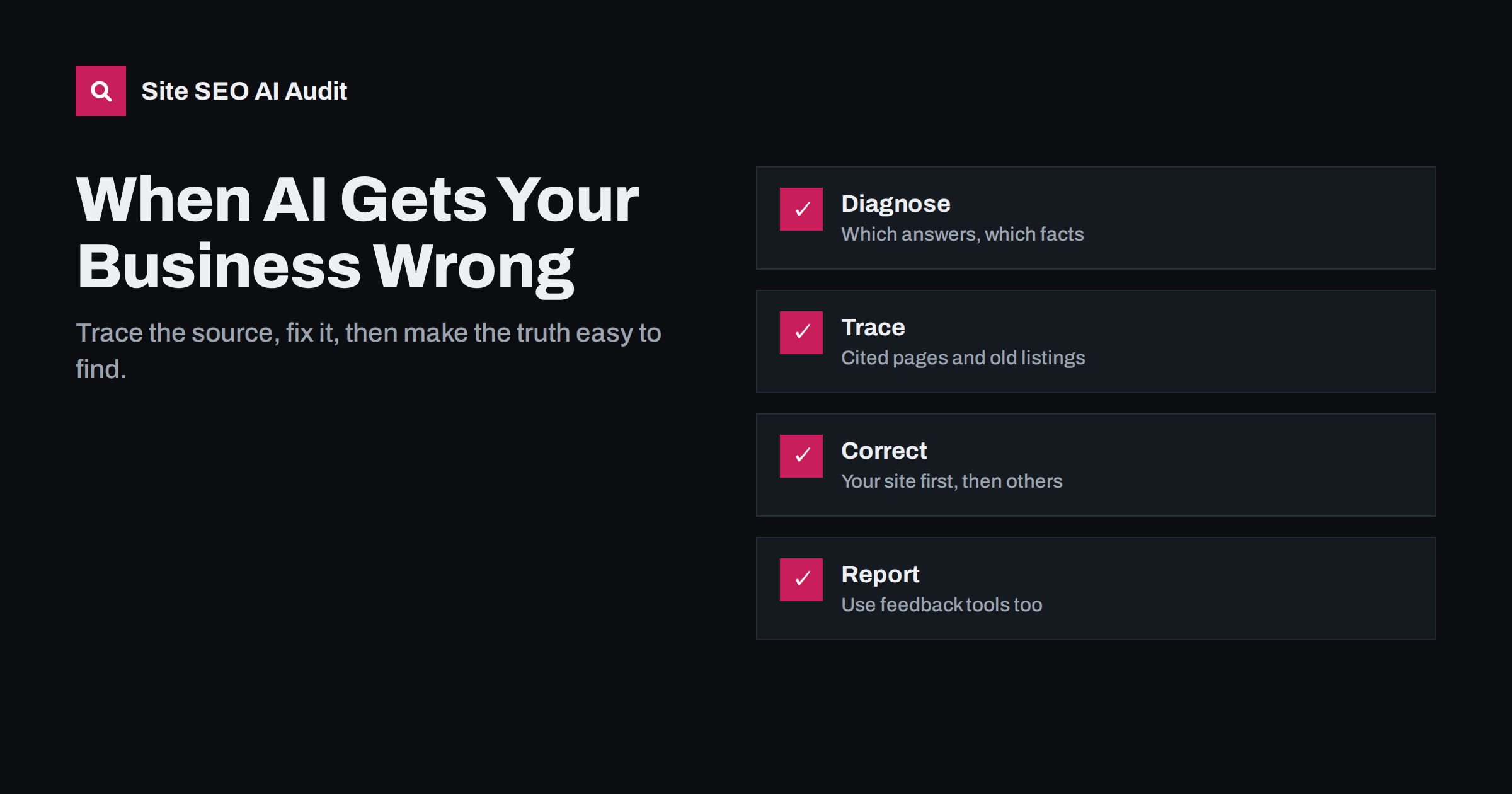
Short answer: When an AI assistant states something wrong about your business, first record the exact error and check which sources the answer cites. Most errors come from outdated or conflicting information somewhere on the web: an old page on your own site, a stale directory listing, a confused review or a similarly named company. Correct the source, make the right facts prominent and consistent on your own site, report the error through the assistant’s feedback tools, and allow time for recrawling. Errors that come from model training may take longer to disappear.
Common types of errors
Wrong information about businesses in AI answers falls into a few recognisable patterns. Identifying the type helps you choose the fix:
- Outdated facts: old prices, former addresses, previous opening hours, discontinued products or services, a former company name.
- Confusion with another entity: details from a company with a similar name, a different branch or a previous business at the same address.
- Invented details: features, awards, founders or policies that never existed, generated when the model fills gaps.
- Distorted summaries: a single negative review presented as a general pattern, or a limitation described as broader than it is.
- Omissions: the assistant says it has no information about you, or leaves you out of a category you clearly belong to.
Not every error has the same cost. A wrong phone number or address sends customers away immediately. A wrong price sets false expectations before the first conversation. An invented feature creates disappointed customers. A distorted summary of reviews shapes reputation. Prioritise the errors that affect decisions and contact first.
Why AI assistants get businesses wrong
Assistants build answers from two sources: what the model learned during training and what the system retrieves from the web at answer time. Each can introduce errors.
Training data is a snapshot. If your business changed its name, prices or services after that snapshot, the model may still “remember” the old version. Retrieved sources are current but not necessarily correct. If a directory lists your old phone number, or an old blog post on your own site mentions last year’s prices, the assistant may use it. When sources conflict, the system has to choose, and it does not always choose the one you would.
Small businesses are particularly exposed because there are fewer sources about them. When only three pages mention you and one is wrong, that one has a large influence.
Errors also spread. A wrong fact repeated by one assistant may be copied into articles and posts, which then become sources for other systems. Fixing errors early limits that spread.
Step 1: document the error
Before fixing anything, record exactly what happened. You will need it for tracing, reporting and checking later whether the fix worked.
- Note the assistant, the date, the exact question and the full answer, with a screenshot.
- Ask the same question in different wordings and in a fresh conversation, to see whether the error is consistent.
- Try other assistants. An error that appears everywhere probably comes from a widely used source; an error in one assistant may come from its specific data.
- Note any sources the answer cites or links to.
Keep this record in the same place as your regular AI visibility checks. Over time you will see which kinds of errors recur and which sources cause them most often, which makes the next correction much faster.
Step 2: trace the source
Most errors can be traced to something published somewhere. Check in this order:
| Where to look | What to search for |
|---|---|
| Sources cited in the answer | The exact wrong fact on those pages |
| Your own website | Old blog posts, landing pages, PDFs, footers and structured data with outdated details |
| Business profiles | Google Business Profile, Bing Places, Apple Business Connect, social profiles |
| Directories and review sites | Old addresses, phone numbers, categories, descriptions |
| Web search for the wrong fact | The wrong price, address or claim in quotes |
| Similarly named businesses | Companies whose details are being mixed with yours |
Your own site is the most common surprise. A three-year-old announcement, a forgotten landing page or a PDF brochure often still states old facts, and search engines still index it.
Step 3: correct what you control
Start with your own properties, because you can change them immediately:
- Update or retire outdated pages. Correct the facts, add a note that the information has changed, or redirect the page to its current equivalent.
- State the correct facts clearly on your about, contact, pricing and service pages, in plain text near the top.
- Update structured data such as Organization or LocalBusiness markup so it matches.
- Address confusion directly where relevant: “Example Studio in Vilnius is not related to Example Studios Ltd in London.”
- Update all business profiles you manage, with identical details.
- Request recrawling of the corrected pages in Search Console and Bing Webmaster Tools, or notify changes with IndexNow.
Make the correct facts easy to quote. A sentence such as “Example Studio is located at Gedimino pr. 1, Vilnius, and is open Monday to Friday from 9:00 to 18:00” is far more useful to a retrieval system than the same details scattered across a footer, a map widget and an image.
Step 4: correct third-party sources
Next, fix what others publish. Most directories and review platforms let business owners claim and edit their listings. For articles and blogs, contact the author or editor politely with the correct information and a source. Many publishers correct factual errors when asked, especially about contact details and prices. Keep a list of what you requested and when, and check back.
If the source is a similarly named company’s listing that has absorbed your details, contact the platform to separate the records.
Step 5: use feedback and correction tools
Most AI products let users rate answers or report problems, usually with a thumbs-down or feedback option next to the answer. Google offers feedback links on AI Overviews, and verified business owners can suggest edits to knowledge panels about their business. Use these tools, describe the error precisely and include the correct fact. Feedback does not guarantee a quick change, but it is the direct channel to the operator.
If an answer makes seriously damaging false statements, such as accusing your business of illegal activity, document everything and seek legal advice. Several AI providers have processes for reporting harmful or false information about people and businesses.
How long corrections take
Errors based on retrieved sources can change once the corrected pages are recrawled and reindexed, which often takes days to weeks. Errors rooted in training data may persist until the model is updated or until retrieval gives the system strong enough current evidence to override its memory. Recheck your documented questions monthly and note when each error disappears. If an error persists after the sources are fixed, look for another source you missed.
Be patient but persistent. It is common for an error to disappear from one assistant quickly and linger in another, because each product refreshes its sources on its own schedule.
Preventing future errors
- Keep a single document of official business facts and update every property from it.
- Review key pages and listings every quarter, and immediately after any change of address, prices, name or services.
- Retire outdated content instead of leaving it online.
- Show published and updated dates on pages with facts that change.
- Include your brand’s questions in a regular AI visibility check.
How Site SEO AI Audit helps
Finding outdated pages on your own site is easier with a full crawl. Site SEO AI Audit lists every page it can reach, flags thin and duplicate content, checks structured data, and reports whether pages carry the dates AI answers tend to quote. The AI visibility area also confirms that AI crawlers can read your corrected pages. You can run a free audit to find pages that may still state old facts.
Related reading
- Entity SEO: Helping AI Systems Understand Your Brand
- How to Measure Your Brand’s Visibility in AI Answers
- Content Dates and Freshness: Why AI Answers Care
- AI Search for Local Businesses: What to Fix First
The bottom line
AI errors about your business usually have a source you can find. Document the error, trace it through cited pages, your own site, profiles and directories, fix what you control first, ask third parties to correct the rest and report the answer through feedback tools. Then prevent repeats with one set of official facts, kept consistent everywhere.
FAQ
Can I contact an AI company to correct information about my business?
Most AI products offer feedback options on answers, and some have processes for reporting false or harmful information. Use them, but also fix the underlying sources, which usually has a more lasting effect.
Why does the assistant show my old address?
Usually because an outdated page, directory listing or profile still shows it, or because the model learned it before you moved. Update every source and request recrawling of corrected pages.
How long until the wrong information disappears?
Answers based on live search can change within days or weeks after sources are fixed and recrawled. Facts learned during model training may persist longer, until models are updated.
What if the error comes from a similarly named company?
Make the distinction explicit on your own site, keep your details consistent everywhere, and ask platforms that merged records to separate them. Structured data with your exact name and profiles also helps.
Should I delete old blog posts with outdated facts?
Update them if they are still useful, or redirect them to a current page if they are not. Deleting without a redirect can leave broken links, while leaving them unchanged keeps the wrong facts available.


