ENEnglish
 LTLietuviškai
 DEDeutsch
 FRFrançais
 RUРусский
 ESEspañol
 PLPolski
 ITItaliano
 UKУкраїнська
 CSČeština
 PTPortuguês
 JA日本語
JA日本語 LVLatviešu valoda
 ETEesti
 HUMagyar
 IDBahasa Indonesia
 TRTürkçe
 HIहिन्दी
 ELΕλληνικά
 ARالعربية
 THไทย
THไทย VITiếng Việt
 RORomână
 MSBahasa Melayu
 BNবাংলা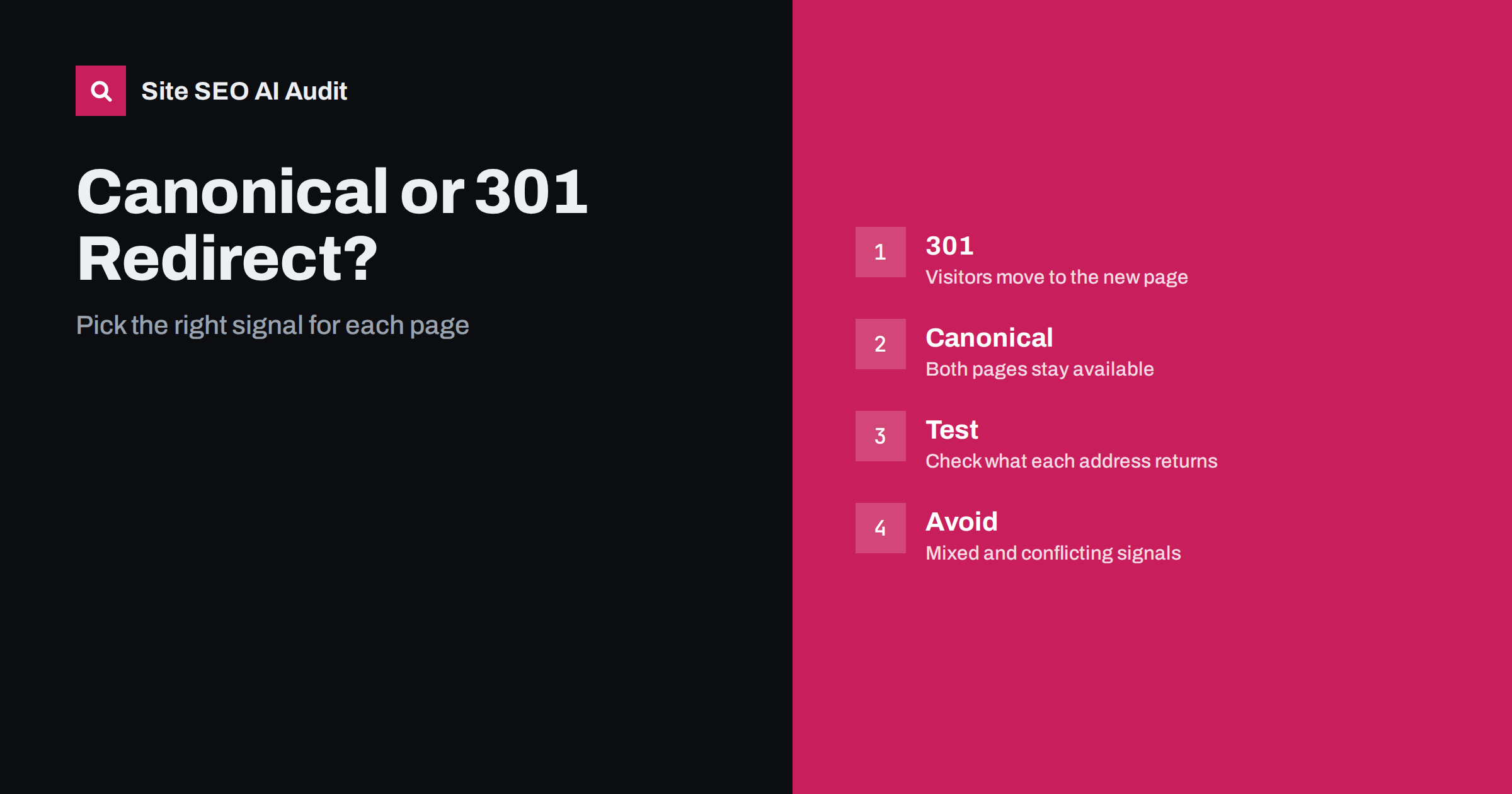
Short answer: Use a 301 redirect when the old address should no longer be used and visitors should go to a new one. Use a canonical tag when both addresses must stay available to visitors but you want search engines to treat one as the main version. A redirect changes where people land; a canonical tag only suggests which version to index.
Both tools deal with the same problem, which is several addresses showing the same or very similar content. They work in different ways, and choosing the wrong one causes lost traffic, wasted crawling or pages that are indexed in the wrong form. This guide gives a simple decision method and explains what goes wrong when the two are mixed. If you need background first, read the canonical tags guide and the comparison of 301 and 302 redirects.
What a 301 redirect does
A 301 redirect is a server response that says a page has moved permanently. Browsers and crawlers follow it automatically, so a visitor who requests the old address arrives at the new one. Search engines learn that the new address replaces the old, and they usually transfer most of the ranking signals over time. The old address disappears from the experience of users. This is the right tool for moved pages, merged pages, changed addresses and protocol or domain changes, where you do not want anyone to keep using the old address.
What a canonical tag does
A canonical tag is a hint placed in the page head, or in an HTTP header, that names the preferred address for a set of similar pages. The visitor still sees the page they asked for. Search engines are free to follow the hint or ignore it, and they weigh it with other signals such as redirects, internal links and sitemaps. The tag fits cases where several addresses must work, for example a product reachable through filters or tracking parameters, a printable version, or the same article published in two sections of one site.
A simple decision rule
Ask one question: should a visitor ever need to stay on the duplicate address? If the answer is no, redirect. If yes, because the address serves a real purpose such as a filtered view, a campaign link or a syndicated copy, use a canonical tag. A second question helps: is the content really the same? If the pages differ in a meaningful way, a canonical tag may be ignored, and a redirect may remove content people want. In that case keep both pages and make them clearly different, or merge them properly.
Examples that show the difference
Moving a blog post to a new address: redirect, because the old one is retired. Showing the same product under two category paths: canonical to the main path, since both paths are useful for navigation. Switching from http to https: redirect, because every visitor should get the secure version. A page with tracking parameters in the address: canonical to the clean address, because the parameter links still need to work. Combining two thin articles into one stronger article: redirect the weaker one to the merged page. Publishing a guest article on a partner site as well as your own: a canonical tag on the copy can point to the original, if the partner agrees to add it.
What goes wrong when you mix them
Several mistakes appear again and again. A canonical tag that points to an address that redirects elsewhere creates a chain of conflicting signals. A redirected page that still contains a canonical tag to itself is ignored, but confuses people who read the code. A page that redirects to another and also names a third page as canonical sends contradictory messages. Canonicals pointing to the home page for every page tell search engines that the whole site is a duplicate of one page. Keep the signals consistent: the redirect target, the canonical address, internal links and the sitemap should all name the same final address. The article on redirect chains and loops shows how to find broken paths.
Think about crawling and indexing
Redirects save crawling, because crawlers learn that the old address is gone and can eventually stop requesting it. Canonical pages are still crawled, since the search engine must read them to see the tag, and large numbers of duplicate addresses can waste crawl capacity. If a duplicate set is huge, for example thousands of parameter combinations, prevent the creation of the extra addresses where you can, or reduce internal links to them, instead of relying on the tag alone. The guide to URL parameters and duplicate content explains the options.
Special cases to handle with care
Pagination should not canonicalise every page to the first page, because later pages hold different items. Language versions should reference each other with hreflang and keep a self-referencing canonical each, not point to one language. Cross-domain duplicates can use a cross-domain canonical, but a redirect is stronger when one site should disappear, as discussed in the guide to same site on two domains. Mobile and desktop addresses, where they still exist, need matching annotations. Temporary situations such as a short maintenance window call for a temporary redirect, not a permanent one.
How to test what each address returns
Do not trust the page in the browser alone. Request each address and read the status code, the final address, the canonical tag and any headers. Check a sample of old addresses, a sample of parameter addresses and the alternate versions of the home page, with and without www and with a trailing slash. Compare what Search Console reports as the user declared canonical and the Google selected canonical. If Google chooses a different address than you declared, look for stronger signals that contradict your tag. A crawl that lists status codes and canonical targets for every page makes this review much faster.
Plan a cleanup in the right order
If a site already has many conflicts, work in a fixed order so that each step builds on the last. First decide the preferred form of every address: protocol, host name, trailing slash and letter case. Second, redirect every other form to it with one permanent step. Third, list the page types that create legitimate duplicates, such as filtered lists and tracking links, and add canonical tags that point to the clean version. Fourth, update internal links, sitemaps and hreflang annotations so that they use the final addresses only. Fifth, crawl the site again and compare the result with your rules. Doing the steps out of order, for example adding canonical tags before the host name is fixed, creates new mismatches that must be repaired later.
Editors often ask whether they can fix a duplicate themselves. In most content systems they can set a canonical address in an SEO field, but redirects usually need a plugin, a rules file or a request to the developers. Developers often ask whether a redirect is slower for visitors. Each extra hop adds a small delay, which is why redirects should be a single step and why internal links should point to the final address. Both groups benefit from a shared document that lists the rules and the people responsible, so that no one has to guess during a busy release.
Record your decisions in a short rule set that developers can follow: which kinds of duplicate get redirects, which get canonical tags and which are prevented from existing. Without a written rule, each new feature adds a different pattern, and the site slowly accumulates conflicts that are hard to untangle. Review the rules when you change the site structure, add languages or switch platforms.
Remember that neither tool is a penalty fix or a ranking boost. They are ways of telling search engines which address you stand behind. The better your content, links and structure, the less you depend on cleaning up duplicates afterwards. Where you can, design addresses so that each page has one natural address from the start, and add the tools above only for cases that cannot be avoided.
When in doubt, prefer the redirect for retired addresses and the canonical tag for useful variants. If you find yourself adding both to the same page, stop and check which of the two jobs the page really does. Most conflicts disappear once the purpose of the address is clear, and a page that serves no purpose can often simply be removed with a redirect to the best alternative.
Site SEO AI Audit crawls your site and checks status codes, redirect chains, canonical tags, duplicate titles, noindex tags and sitemaps, so you can spot conflicting signals across many pages at once. It does not decide for you which address should be canonical. The first audit of up to 200 pages is free; larger sites can see the pricing page.
Related reading
The bottom line
Redirect when an address should no longer be used, use a canonical tag when duplicates must stay available, and keep redirects, canonicals, links and sitemaps pointing to the same final address.
FAQ
Can I use a canonical tag instead of a redirect for a moved page?
It is weaker. Visitors stay on the old address and search engines may ignore the hint, so redirect moved pages.
Do redirects pass ranking signals?
Search engines usually transfer most signals through permanent redirects, but the page content and links should still match the old page.
Can a page have both a redirect and a canonical tag?
The tag on a redirecting page is not read by visitors, and conflicting targets cause confusion. Keep the signals consistent.
Will Google always obey my canonical tag?
No. It treats the tag as a hint and may choose another address when other signals disagree.
Should every page have a self-referencing canonical?
It is a common and safe practice, because it protects against parameter variants and scrapers copying your page.