 ENEnglish
 LTLietuviškai
 DEDeutsch
 FRFrançais
 RUРусский
 ESEspañol
 PLPolski
 ITItaliano
 UKУкраїнська
 CSČeština
 PTPortuguês
 JA日本語
JA日本語 LVLatviešu valoda
 ETEesti
 HUMagyar
 IDBahasa Indonesia
 TRTürkçe
 HIहिन्दी
 ELΕλληνικά
 ARالعربية
 THไทย
THไทย VITiếng Việt
 RORomână
 MSBahasa Melayu
 BNবাংলা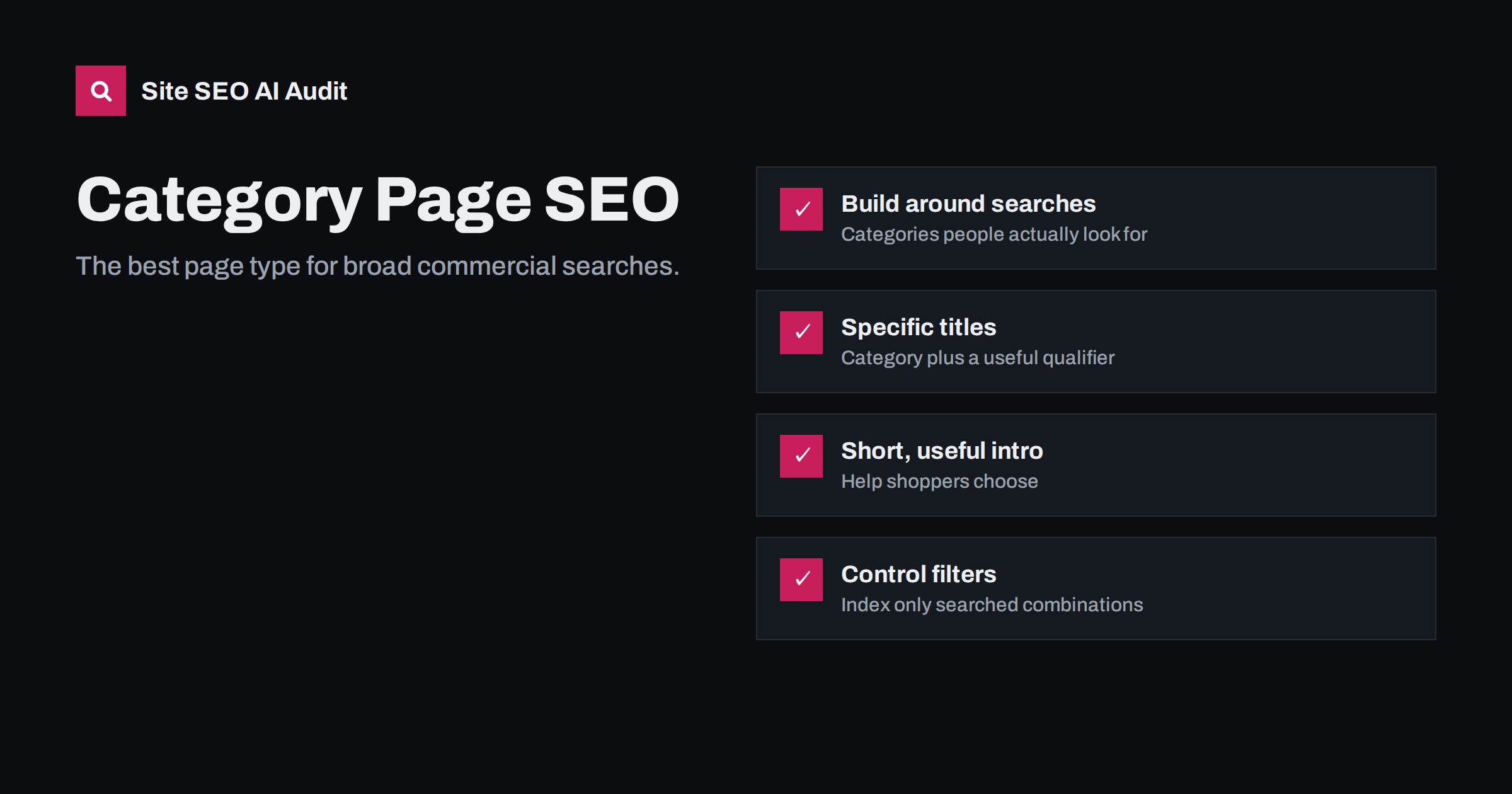
Short answer: Category pages are often the best pages on a store to rank for broad commercial searches such as “women’s trail running shoes”, because they match what shoppers want: a choice of products. Optimize them with a specific title and H1, a short, genuinely useful introduction, well-organized products, helpful filters that do not create endless duplicate URLs, and strong internal links from navigation, guides and product pages.
Why category pages matter so much
When someone searches for a type of product rather than a specific model, they usually want to compare options. A single product page is too narrow for that search, and a blog post does not let them buy. A category page, showing a range of relevant products with ways to narrow them down, is exactly the right type of page.
That makes category pages some of the most valuable pages on a store. They target searches with commercial intent and, typically, more volume than individual product names. They also sit at the centre of the store’s structure: they link to many products, and they receive links from the main navigation and from other categories. When they are well optimized, they pass that strength down to the products they list.
Yet category pages are often neglected. Many are just a heading and a grid of products, with a title generated by the platform and no text at all. On large stores, filters and sorting create hundreds of variants of each category, most of them near-duplicates. Fixing these two problems is usually a strong on-page opportunity for any shop.
Choosing which categories to build
Good category structure starts with how people search and shop, not with how products are organized in the warehouse. Useful questions:
- What product types do people search for? “Trail running shoes”, “espresso machines”, “standing desks”. These are natural categories.
- Which qualifiers do people add? Gender, use, size, material, price level, brand. Popular combinations such as “waterproof trail running shoes” may deserve their own subcategory.
- How many products fit? A category with one or two products is thin. Either wait until there are more products or merge it into a broader category.
- Does the category help shoppers? Categories that only exist for internal reasons, such as “Autumn import batch”, confuse customers and search engines.
Keep the hierarchy shallow enough that every important category is reachable within a couple of clicks from the home page.
Titles, H1s and URLs
Category titles are often left as the bare category name, sometimes with the store name. That is a missed opportunity. A good category title names the category in the words people search and adds a short qualifier:
- Weak: “Shoes | Storename”
- Better: “Women’s Trail Running Shoes: Waterproof and Lightweight | Storename”
- Also good: “Espresso Machines for Home: Manual and Automatic | Storename”
The H1 can be simpler, usually the category name itself: “Women’s Trail Running Shoes”. The URL should be short and stable, such as /womens-trail-running-shoes/. Avoid category URLs that include internal IDs or parameters, and think carefully before renaming categories on an established store, because the URL changes with them.
Paginated pages of a category (page 2, 3 and so on) should keep a sensible H1 and ideally add the page number to the title so they are not exact duplicates.
The category introduction: short and useful
A category page does not need a long essay, and walls of text above the products push the products down and annoy shoppers. But a short, useful introduction helps both people and search engines understand what the category covers. A good introduction:
- States what the category includes, in one or two sentences.
- Helps the shopper choose: the main types, what to consider, which options suit which needs.
- Links to relevant subcategories and buying guides.
- Uses the category’s name and the related terms people search, naturally.
Many stores put a short introduction above the product grid and a longer buying guide or FAQ below it. That keeps products visible while giving the page more substance. Whatever you add must be genuinely helpful; generic text that could apply to any store, stuffed with the category name, adds nothing and can make the page look spammy.
Product listing and sorting
The product grid is the heart of the page. A few details make it better for both shoppers and search engines:
- Show enough products. A reasonable number per page, with links to further pages or a “load more” button that uses real links underneath, so crawlers can reach every product.
- Use readable product names as links. The product name is the anchor text for each product page. Names like “SKU 4821-GR” say nothing.
- Put the best products first. Default sorting by popularity or relevance is usually better than by date added.
- Show key details on each card. Price, availability and one distinguishing attribute help shoppers decide without opening every page.
- Handle out-of-stock products sensibly. Move them lower in the list rather than removing them abruptly if they will return.
Filters and faceted navigation
Filters for size, colour, brand, price and features are essential for shoppers, but they are also the biggest source of duplicate content on most stores. Every combination of filters can create a new URL, and each of those pages shows almost the same content as the main category.
| Filter combination | Search demand | Recommended handling |
|---|---|---|
| Single popular attribute, e.g. “waterproof” | Often real | Consider an indexable subcategory with its own title and introduction |
| Brand within category | Often real | Indexable if the brand has enough products |
| Size, colour, price range | Usually low | Keep out of the index, canonical to the main category |
| Sorting (price, newest) | None | Canonical to the default version; never indexable |
| Multiple filters combined | Very low | Keep out of the index; avoid linking to endless combinations |
Two technical details make filters much easier to manage. Keep the order of parameters consistent, so that choosing “brand” then “colour” produces the same URL as choosing “colour” then “brand”. And avoid plain crawlable links for every possible combination; on large stores, crawlers can otherwise spend their time on millions of filter pages instead of your products.
The principle is simple: give an indexable page only to filter combinations that people actually search for and that you can make genuinely useful. Everything else should point search engines back to the main category.
Internal linking for categories
Categories receive links from the main menu on every page, which is a good start. Strengthen them further:
- Link from buying guides and blog posts to the relevant category with descriptive anchor text.
- Link between sibling categories where shoppers often move between them, such as “road running shoes” and “trail running shoes”.
- Use breadcrumbs on product pages so each product links back to its category.
- Link from the home page to the most important categories, not only through a dropdown menu.
Common category page problems
- Empty or near-empty categories, often left over from seasonal ranges or discontinued lines.
- Duplicate categories, such as “Trainers” and “Sneakers” containing the same products.
- Tag pages duplicating categories with the same product lists.
- Generic titles such as “Products” or just the category name without context.
- No text at all, leaving search engines to infer the topic from product names alone.
- Filtered URLs in the index, sometimes thousands of them.
- Images without alt text in product grids, which also leaves image links with empty anchors.
Most of these are template or structure problems, so they appear on many pages at once and are best found with a full crawl. Site SEO AI Audit checks titles, H1s, thin and duplicate content and image alt texts on every page, reports canonical and crawl issues, and weights each problem by how many pages it affects, so the category template that causes the most damage comes first. WordPress and WooCommerce sites get the exact steps in wp-admin. You can run a free first audit of your store.
Related reading
- Product Page SEO: How to Optimize E-commerce Product Pages
- URL Parameters and Duplicate Content: A Practical Fix Guide
- Internal Linking Strategy: A Step-by-Step Guide for SEO
- Thin Content: How to Find and Fix Low-Value Pages
The bottom line
Category pages match broad commercial searches better than any other page type on a store. Build categories around how people search, give each a specific title and H1, add a short introduction that helps shoppers choose, list products with readable names, and control filters so only useful combinations are indexable. Link to categories from guides and related categories, and fix empty and duplicate categories at the structure level.
FAQ
Should category pages have text?
Yes, but it should be short and useful: what the category includes and how to choose. Put a brief introduction above the products and, if helpful, a longer guide or FAQ below. Generic text stuffed with keywords does not help.
Should filtered category pages be indexed?
Only when people actually search for that combination and the page can be made genuinely useful, such as a popular brand or feature within a category. Most filter and sort combinations should point back to the main category with a canonical tag or be kept out of the index.
How many products should a category have?
Enough to offer a real choice. A category with one or two products is usually thin; merge it into a broader category or wait until there are more products. There is no fixed minimum, but shoppers expect options.
Are category pages better than product pages for SEO?
They serve different searches. Category pages suit broad searches where people want to compare options, while product pages suit searches for a specific model. A healthy store needs both, linked to each other.
What should I do with empty categories?
If products will return soon, keep the page and explain when. If the category is gone for good, redirect it to the closest relevant category. Do not leave empty categories in navigation or in the index.


